ViewsMax is an AI-powered YouTube growth tool that gives creators everything they need to level up. Generate unlimited AI scripts, get viral title and thumbnail suggestions, discover advanced trend predictions, and track performance analytics — all from a single dashboard. Whether you’re a new creator or managing multiple channels, ViewsMax helps you create smarter, faster, and more strategically.

Product screenshot
Overview
What is ViewsMax?
In this guide, you'll learn how every Viewsmax feature works and how to use them to improve your channel's performance.
Viewsmax Introduction
Viewsmax Core Feature
Viewsmax Usage
Viewsmax Price
Viewsmax FAQs
Viewsmax Contact
Getting Started with Viewsmax
Viewsmax is built for creators who want to:
- Create thumbnails that get clicks
- Write compelling titles
- Generate full scripts
- Optimize their videos
- Track channel analytics
Getting started:
- Sign up for a free account
- Select your plan
- Open your dashboard
- Connect your YouTube channel for extra features
AI Thumbnail Generator: Create Click-Worthy Thumbnails in Seconds
Why Thumbnails Matter
Your thumbnail is often the first thing viewers see. A high-quality thumbnail can significantly boost your click-through rate.
How to Generate AI Thumbnails
Step 1: Describe Your Thumbnail
Go to the Thumbnails section and enter a description.
Examples:
- "Shocked person holding a smartphone with money flying out"
- "Before/after transformation split screen"
- "Tech desk setup with monitors and LED lights"
Step 2: Enhance the Description (Optional)
Use the Enhance button for better composition and lighting suggestions.
Step 3: Choose Quantity
Select 1, 3, 6, or 9 variations.
Step 4: Select an AI Model
Use pre-trained models or your own custom AI model.
Step 5: Generate Thumbnails
After generating, you can preview, edit, download, duplicate, or delete.
Thumbnail Pro Tips
✅ Use emotional expressions
✅ Choose bright, contrasting colors
✅ Use faces when possible
✅ Keep text minimal
✅ Make the subject stand out
Custom AI Model Creator: Put Yourself in Your Thumbnails
One of Viewsmax's most powerful features is the ability to create custom AI models trained on your own images — perfect for consistent branding and unlimited variations.
How to Create Your Model
Step 1: Prepare 10–25 images
Do:
- Use clear, well-lit photos
- Include multiple angles and expressions
- Use varied backgrounds
- Minimum resolution 512×512
Don't:
- Use blurry or filtered images
- Include multiple people
- Upload identical poses
Step 2: Upload Your Photos
Go to Thumbnails → Create New AI Model, name the model, upload images, and fill optional details.
Step 3: Train Your Model
Training takes 5–10 minutes.
Step 4: Use Your Model
Your model will appear in the AI model selection menu.
Video Title Generator: Craft Titles That Rank and Get Clicks
A good title should rank well, attract your audience, and spark curiosity.
How to Generate Titles
- Go to Titles
- Create a new project describing your video
- Review AI-generated variations
- Select the best one
Effective Title Formulas
How-To:
"How to Get Your First 1000 Subscribers (2025 Method)"
Number-Based:
"7 Thumbnail Mistakes Hurting Your Views"
Curiosity:
"I Tried Every AI Tool — Only One Worked"
Result-Driven:
"I Uploaded Daily for 90 Days — The Truth"
AI Script Writer: From Idea to Full Script in Minutes
Viewsmax generates complete scripts that keep viewers engaged.
Steps to Create a Script
- Open Scripts
- Click Create Script
- Fill out details: title, prompt, inspirations
- Generate your script
Scripts include:
- Hook
- Introduction
- Main content
- CTA
- Outro
Script Writing Tips
💡 Promise value within the first 10 seconds
💡 Change pace every 20–30 seconds
💡 Use stats and stories
💡 Engage viewers with questions
Video Review & Optimization: Understand What Works
Get AI-powered insights to improve your existing videos.
Steps
- Connect your YouTube channel
- View your Videos or Shorts
- Filter by newest, oldest, or most popular
- Click Review to get AI analysis
You'll receive:
- A score
- Thumbnail & title feedback
Score Guide:
| Score | Assessment |
|---|---|
| 8–10 | Great |
| 6–7.9 | Needs mild improvements |
| 4–5.9 | Needs optimization |
| Below 4 | Requires major fixes |
Best Practices & Pro Tips
Workflow for Maximum Results
1. Research
- Check trending videos
- Summarize competitors
- Find content gaps
- Review your analytics
2. Planning
- Generate title options
- Create a script
- Design thumbnails
- Organize topics
3. Creation
- Film content
- Edit
- A/B test thumbnails
- Optimize title
4. Optimization
- Upload
- Run AI Review
- Apply improvements
- Monitor analytics
Common Mistakes to Avoid
❌ Clickbait without substance
❌ Ignoring analytics
❌ Inconsistent branding
❌ Not updating old videos
❌ Copying content directly
❌ Waiting for perfection
Start Growing Your Channel Today
Here are three quick actions:
- Generate 10 thumbnails for your next video
- Create 5 title variations
- Review your last 5 uploads and apply recommendations
Success on YouTube comes from consistent, data-driven execution. Viewsmax gives you the tools — the rest is taking action.
FAQ
Q: How much does Viewsmax cost?
A: Free and Pro plans are available.
Q: Do I need technical skills?
A: No — Viewsmax is beginner-friendly.
Q: How long does AI model training take?
A: Typically 5–10 minutes.
Q: Can I use generated thumbnails commercially?
A: Yes, they're fully yours.
Q: How often should I use the tools?
A: For every video, for maximum results.
Q: Is my data secure?
A: Yes, Viewsmax uses secure Google OAuth and never stores your password.
What's your biggest challenge with growing your YouTube channel? Let me know in the comments! 👇
Platforms and languages
ViewsMax Availability
Platforms
Languages
Compare similar tools
ViewsMax Alternatives
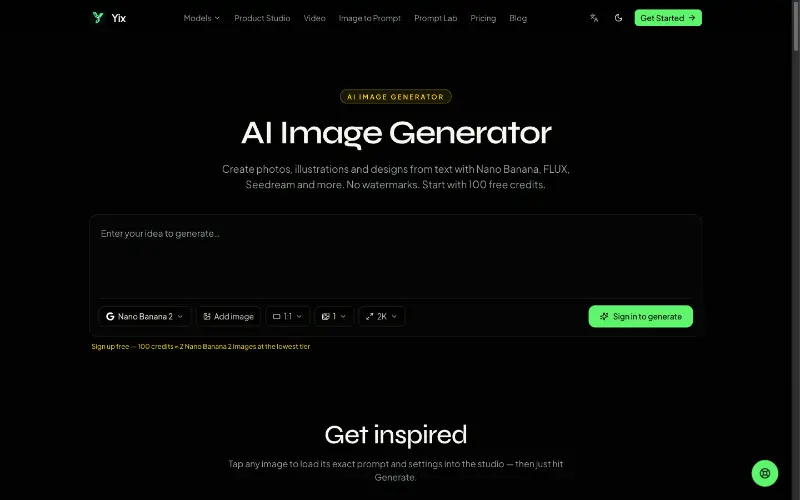 YixYix is a browser-based AI image and video studio with multiple models, reference-image workflows, free prompt tools, and credit-based pricing.AI Image Generation
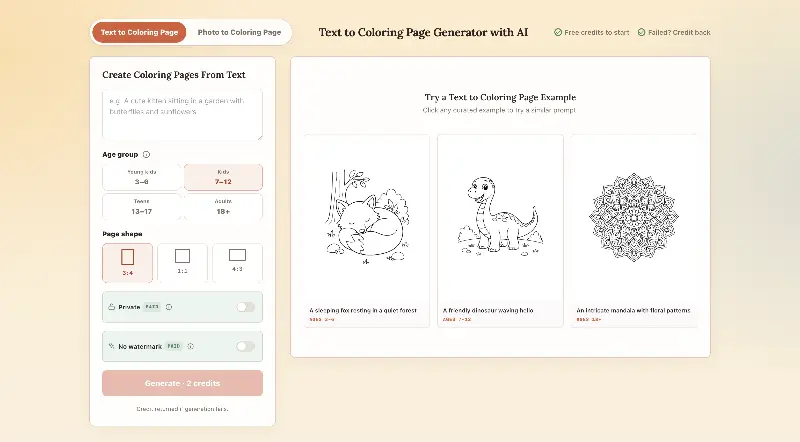 CPagesCPages turns text prompts or photos into printable coloring pages.AI Image GenerationAI Illustration ToolsAI Design Toolscoloring pagesprintable arttext to image
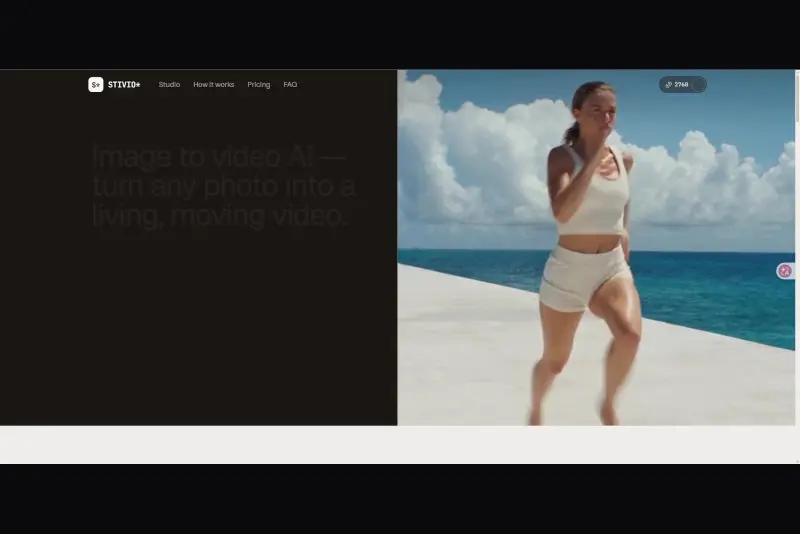 StivioStivio turns a single photo into a moving HD video. Upload an image, describe the motion in plain English, and six leading AI video models render an HD MP4 in one to five minutes.AI Video CreationAI Image GenerationAI Creation Generationimage to videoai video generatorphoto animation
 UGCfy AICreate AI-generated UGC-style video ads from product links, with scripts, hooks, AI actors, captions, and export-ready formats.5.0(1 reviews)AI Video CreationAI Marketing ToolsAI Content Generationugc adsai video adsecommerce marketing
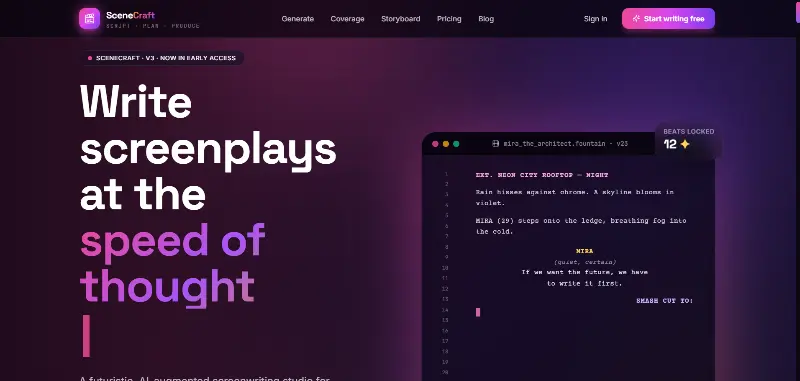 SceneCraft - AISceneCraft is an AI screenwriting studio. Generate full screenplays from an idea, get instant AI script coverage, and turn scenes into storyboards or full comic pages — all in industry-standard format, in 100+ languages. Built for screenwriters, showrunners, and indie filmmakers who want to move from idea to pre-production without switching tools.5.0(1 reviews)AI Image GenerationAI Text WritingAI StorytellingTurn any scene into a comic pagepanel by panel.
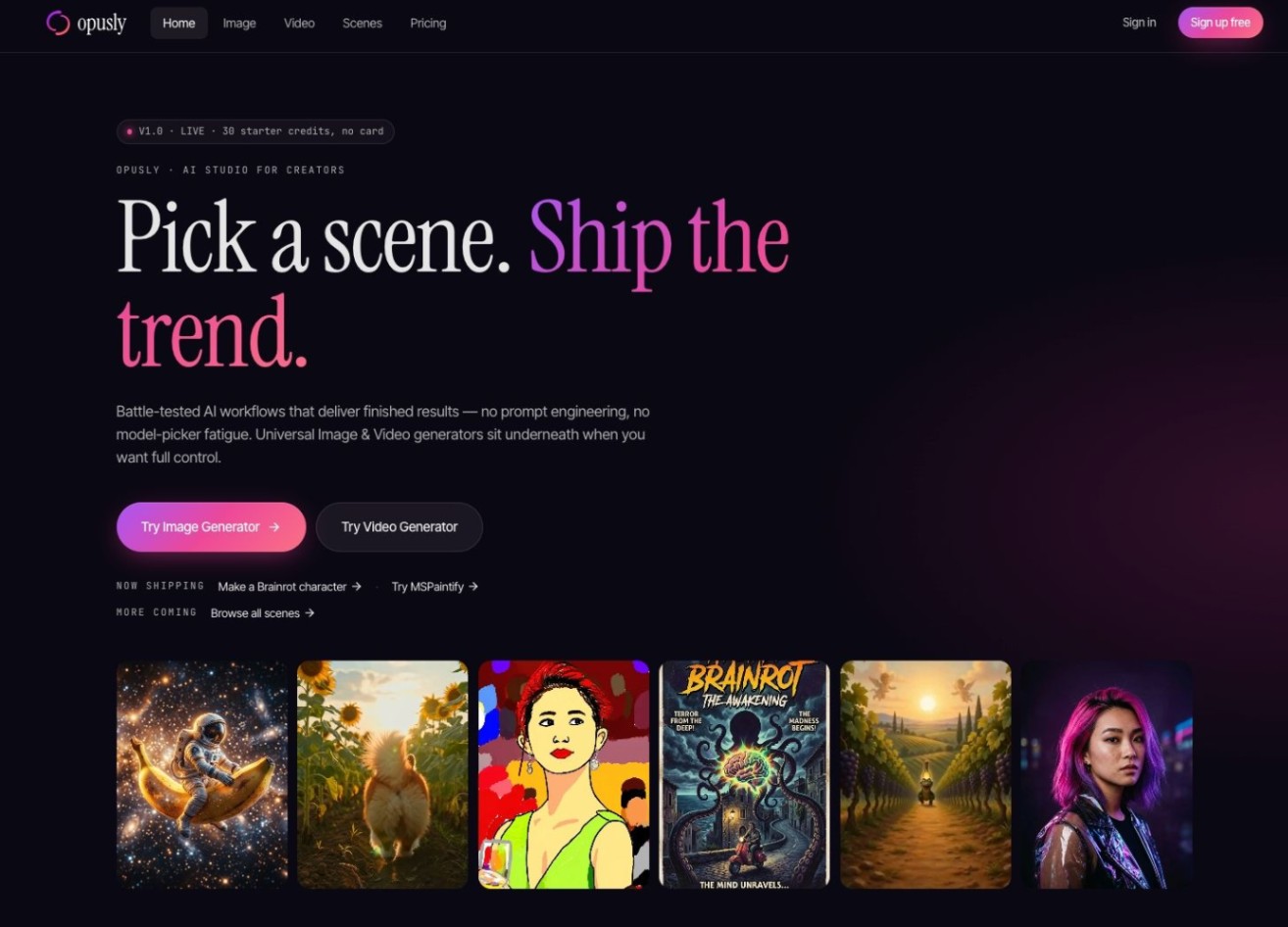 OpuslyOpusly is an AI studio for creators — generate images and videos with auto-picked best models (Nano Banana 2, GPT-Image-2, Seedance 2.0), or use one-click scene templates like Italian Brainrot and MSPaintify. Free signup includes 30 credits.AI Image GenerationAI Video CreationAI Design Art
 Unbound AICreate uncensored and unrestricted AI images and videos with optional music, voice, and sound effects.AI Image GenerationAI Video CreationAI Audio Tools
 ytzoloYTZolo is an AI-powered YouTube content generator that helps creators produce engaging scripts, SEO-friendly titles, descriptions, tags, and content ideas quickly to grow their channels more efficiently.AI Text WritingAI Marketing ToolsOther AI Toolsai ytzolo youtube script
 ImgfreeImgfree is a free AI image and video generator that allows users to create stunning visuals from text prompts, offering unlimited access to various AI models without the need for credits.AI Image GenerationAI Video CreationAI Design Art
 Modellix.aiModellix is a MaaS (Model as a Service) platform that provides unified API access to maintream AI models, covering text-to-image, text-to-video, image-to-image, image-to-video, video editing, and more. Supported models include Nano Banana, Kling, Veo, Seedance, Seedream, Minimax, Qwen, Wanx, GPT, and others.
Whether you’re a developer building AI-powered applications or a creator producing visual content, Modellix provides the tools you need through a single API.AI Video CreationAI Marketing ToolsAI Image Generation
Modellix.aiModellix is a MaaS (Model as a Service) platform that provides unified API access to maintream AI models, covering text-to-image, text-to-video, image-to-image, image-to-video, video editing, and more. Supported models include Nano Banana, Kling, Veo, Seedance, Seedream, Minimax, Qwen, Wanx, GPT, and others.
Whether you’re a developer building AI-powered applications or a creator producing visual content, Modellix provides the tools you need through a single API.AI Video CreationAI Marketing ToolsAI Image GenerationReviews
See what the community thinks and share your experience.
—
Based on 0 ratings
Rating distribution
Community reviews
No reviews
No written reviews yet.