Mac app showing every AI coding agent's status as screen-edge dots; answer their questions from one inbox. $19 one-time.
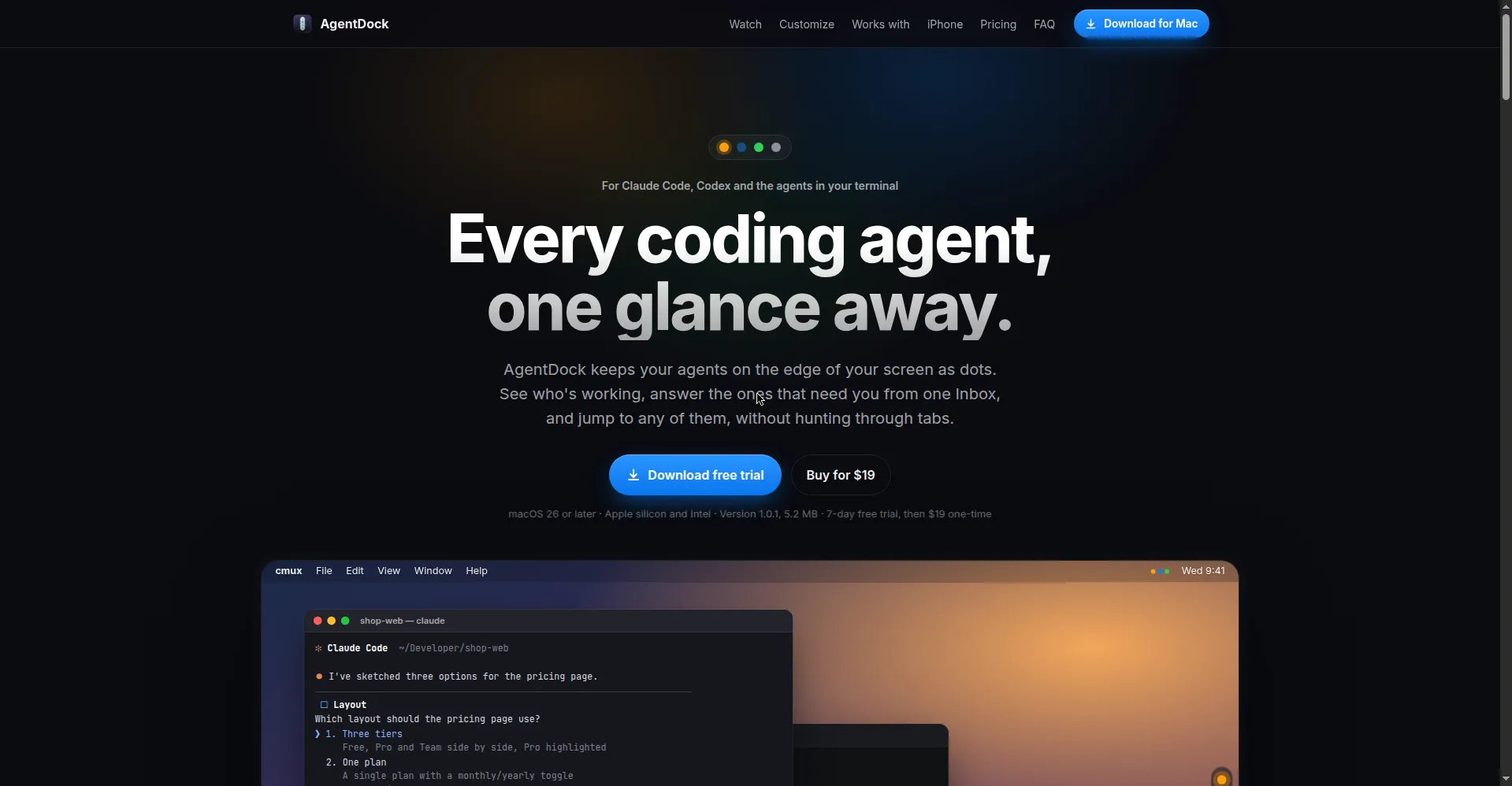
Homepage hero — Every coding agent, one glance away
1 / 2Overview
What is AgentDock?
Every coding agent, one glance away.
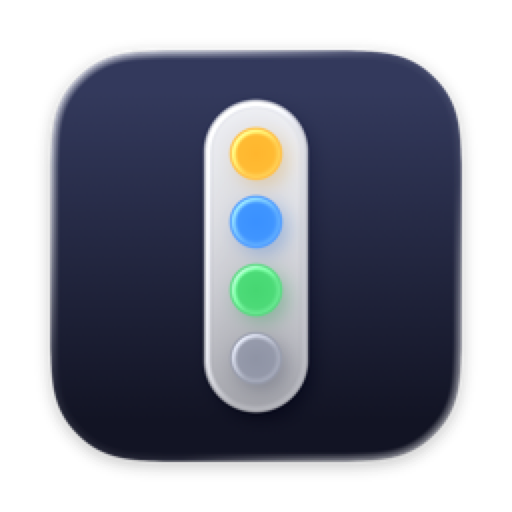
AgentDock is a Mac app for developers running multiple AI coding agents. Every agent you have running — Claude Code, Codex and others — shows up as a status dot on the edge of your screen: blue means working, amber means it needs you, green means done. Click a dot to jump straight to its terminal. When an agent asks a question or needs permission, it lands in one shared Inbox: press 1-9 to answer, with a 2-second undo window before your reply is typed into the agent's terminal. Press Option-Option from any app to message an agent, and hover any dot for the model, turn timer, context usage and token count. Completion summaries are written locally on your Mac by Apple Intelligence. Fully private by design: no account, no telemetry, no servers — the only network connection is to Stripe when you buy a license. Works with cmux, tmux, iTerm, WezTerm, kitty and herdr (plus Ghostty, Terminal, Warp, Alacritty, VS Code, Cursor and Zed via the Claude Code hook). macOS 26 or later, Apple Silicon and Intel. $19 one-time purchase with a 7-day free trial.
Platforms and languages
AgentDock Availability
Platforms
Languages
Capabilities
AgentDock Key Features
One Inbox
Answer every agent's questions and permission requests from one inbox: press 1-9 to pick, with a 2-second undo before the reply is auto-typed into its terminal.
Screen-edge status dots
Each agent shows as a dot on your screen edge — blue for working, amber for needs you, green for done. Click a dot to jump to its terminal.
Hover cards
Hover a dot to see the model, turn timer, context usage and today's token count at a glance.
Global message shortcut
Press Option-Option from any app to send a message to an agent, without switching to the terminal.
On-device recaps
When an agent finishes, Apple Intelligence writes a summary locally on your Mac with three one-key (Cmd-1-3) next-step suggestions.
Private by design
No account, no sign-in, no telemetry, no servers. Status is read from your agents' own session files and stays on your Mac.
Best for
Who uses AgentDock?
Mac developers running multiple AI coding agents
Monitor Claude Code, Codex and other terminal agents from screen-edge dots and answer questions without tab-hunting
Plans and access
AgentDock Pricing
Paid
$19 one-time purchase (plus tax). 7-day free trial, use on up to 3 Macs, free 1.x updates.
Common questions
AgentDock FAQs
How much does AgentDock cost?
A $19 one-time purchase (plus tax where it applies). No subscription, no account. You can use it on up to 3 Macs and get free updates for every 1.x version. A Setapp version is also available.
Is there a free trial?
Yes — a 7-day free trial with nothing locked. After the trial ends, the status dots and hover cards keep working for free; the Inbox, Option-Option messaging and iPhone app need a license.
Which agents and terminals does it work with?
cmux, tmux, iTerm, WezTerm, kitty and herdr are fully supported; Ghostty, Terminal, Warp, Alacritty, VS Code, Cursor and Zed work via the Claude Code hook. It handles Claude Code, Codex and other agents running in your terminal.
Does AgentDock send my code anywhere?
No. It is private by design: no account, no sign-in, no telemetry, no servers. Status is read from your agents' own session files on your Mac; the only network connection is to Stripe when you purchase a license.
What do I need to run it?
macOS 26 or later, on Apple Silicon or Intel. No network connection is required to run it.
Reviews
See what the community thinks and share your experience.
—
Based on 0 ratings
Rating distribution
Community reviews
No reviews
No written reviews yet.