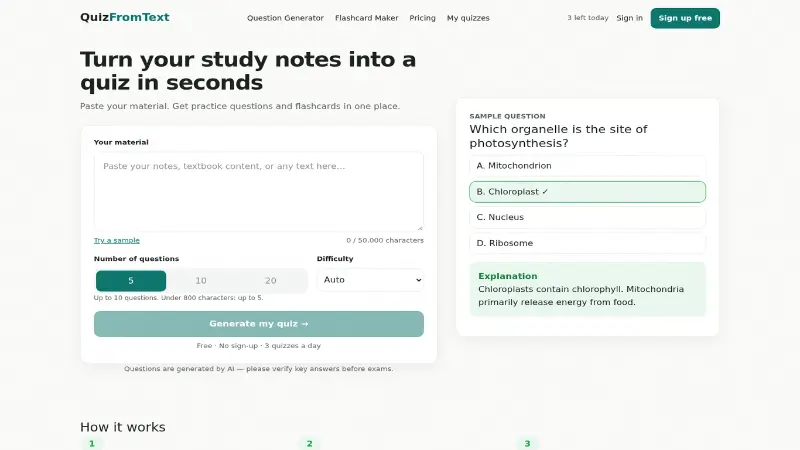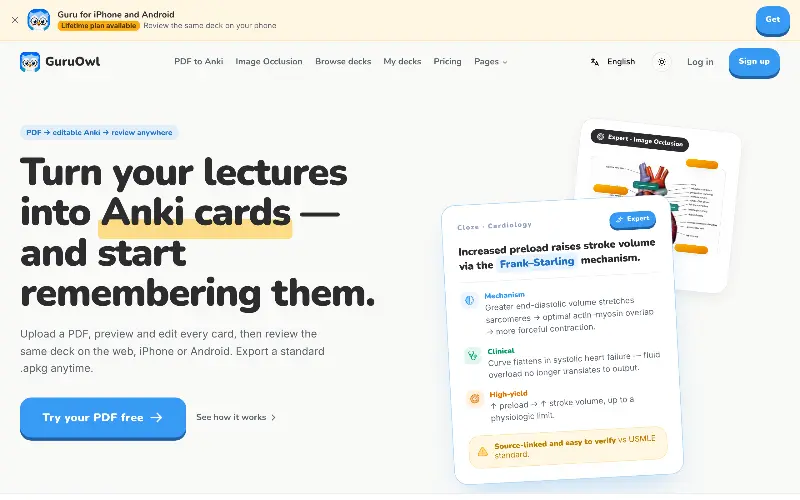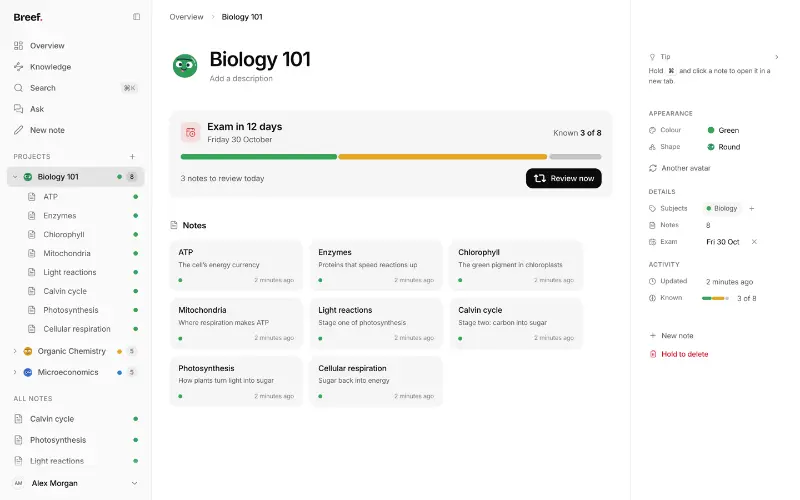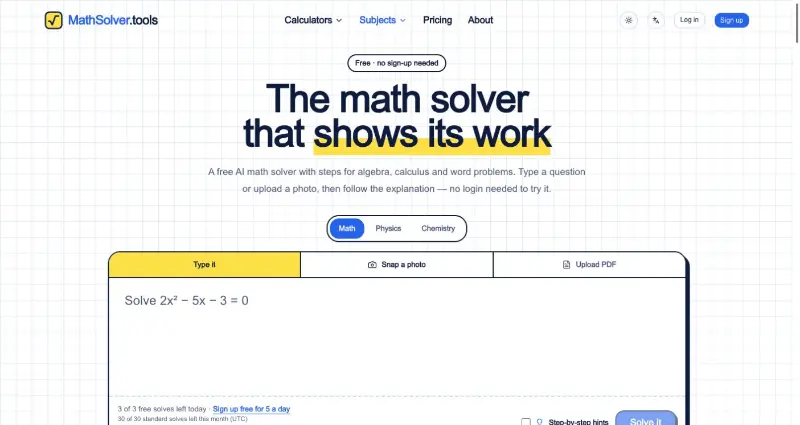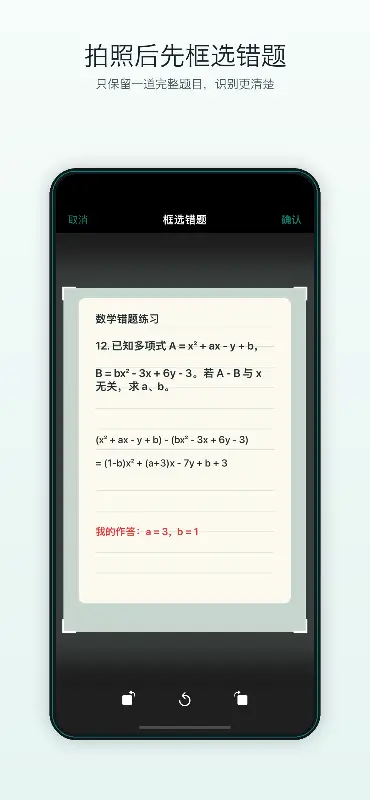
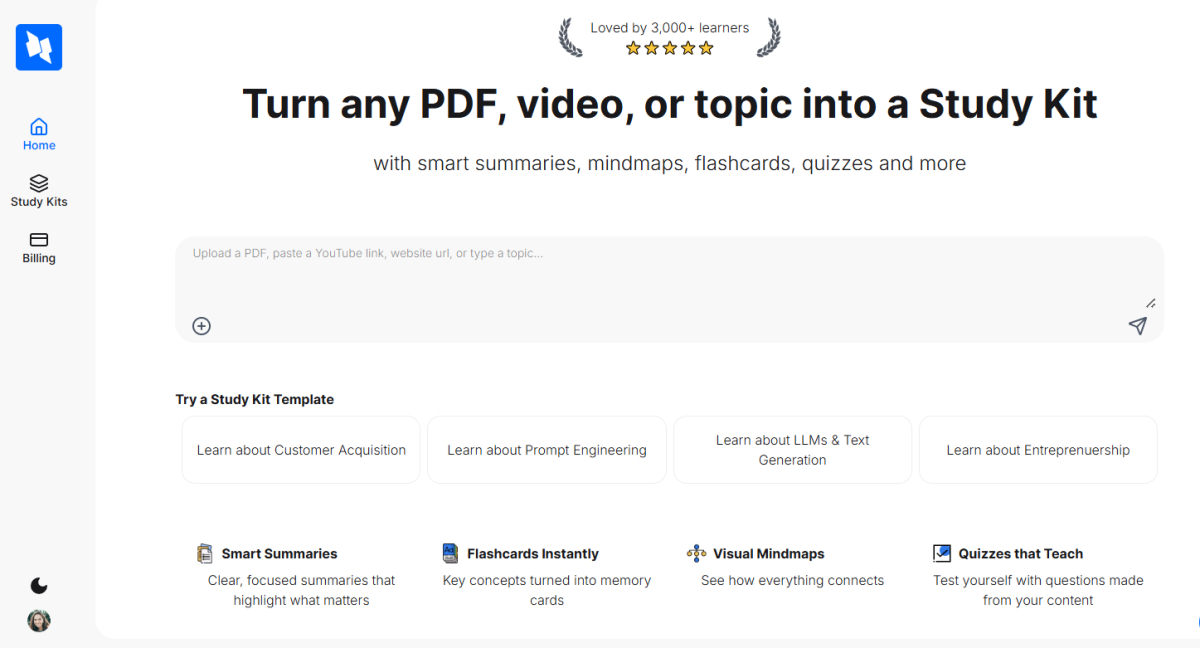
Turn any PDF, slide deck or lecture notes into interactive flashcards in seconds.
Flashcards generated from an uploaded PDF
Overview
What is AI Flashcard Maker?
Turn dense study material into cards you can actually review
What it does
Upload a PDF, a slide deck or paste your notes. AI Flashcard Maker splits the material into short questions and answers, so a 40-page chapter becomes a deck you can review in ten minutes.
How studying works
Cards come in multiple choice, true/false and fill-in-the-blank formats. Review sessions use active recall and spaced repetition, so cards you miss come back sooner.
Export
When a deck is ready you can export it to Anki and keep studying in the app you already use.
Platforms and languages
AI Flashcard Maker Availability
Platforms
Languages
Capabilities
AI Flashcard Maker Key Features
PDF and notes to flashcards
Drop in a PDF, slide deck or a block of pasted notes. The tool pulls out the key facts and writes question-and-answer cards you can start reviewing right away.
Plans and access
AI Flashcard Maker Pricing
Freemium
Free to start, no credit card required
The free tier covers everyday studying with a daily limit on generated cards. Paid plans raise that limit and unlock bigger decks and Anki exports.
AI Flashcard Maker Alternatives
Reviews
See what the community thinks and share your experience.
—
Based on 0 ratings
Rating distribution
Community reviews
No reviews
No written reviews yet.