AI. Image Enlarger
All-in-one AI toolkits help you enhance and upscale images.
Product screenshot
Overview
What is AI. Image Enlarger?
AI Image Enlarger: Enhance Images Without Losing Quality
AI Image Enlarger is a free online tool designed to automatically upscale and enhance small images without compromising their quality. This service allows users to enlarge jpg/png images significantly while maintaining their original clarity and detail.
Key Features
- Automatic Upscaling: Utilizes advanced AI technology to enlarge images without loss of quality.
- Multiple Scaling Options: Offers options to scale images up to 200%, 400%, and 800%.
- Support for Common Formats: Accepts jpg and png formats, catering to a wide range of image types.
- User-Friendly Interface: Easy-to-use platform that supports drag-and-drop functionality for image uploads.
Main Use Cases
- Photographers and Graphic Designers: Ideal for professionals needing to enhance and enlarge images for print or digital display.
- Content Creators: Useful for bloggers, social media managers, and marketers who require high-quality images for their content.
- General Users: Perfect for anyone looking to improve the quality of their personal photos or images.
User Experience
Users praise AI Image Enlarger for its ability to produce high-quality results quickly and efficiently. Reviews highlight the tool's effectiveness in enhancing images, with many noting its simplicity and the absence of quality loss during the upscaling process.
How to Use
- Upload Image: Drag and drop your jpg/png image onto the platform or select it from your device.
- Select Scaling Option: Choose the desired scaling percentage (200%, 400%, or 800%).
- Process Image: Click 'Start' to initiate the upscaling process.
- Download Enhanced Image: Once processed, download your enlarged image with improved quality.
Pricing
AI Image Enlarger offers a free account with a limit of 10 free credits per month. For users needing more credits or additional features, paid subscription options are available.
Potential Limitations
- File Size and Type Restrictions: The tool has a maximum file size limit of 1MB or 1200px, and only supports jpg and png formats.
- Free Account Limits: Free users are limited to 10 credits per month, which may not be sufficient for heavy users.
AI Image Enlarger stands out as a powerful and accessible tool for anyone looking to enhance their images without the loss of quality, making it a valuable resource for both professionals and casual users alike.
Platforms and languages
AI. Image Enlarger Availability
Platforms
Languages
AI. Image Enlarger Alternatives
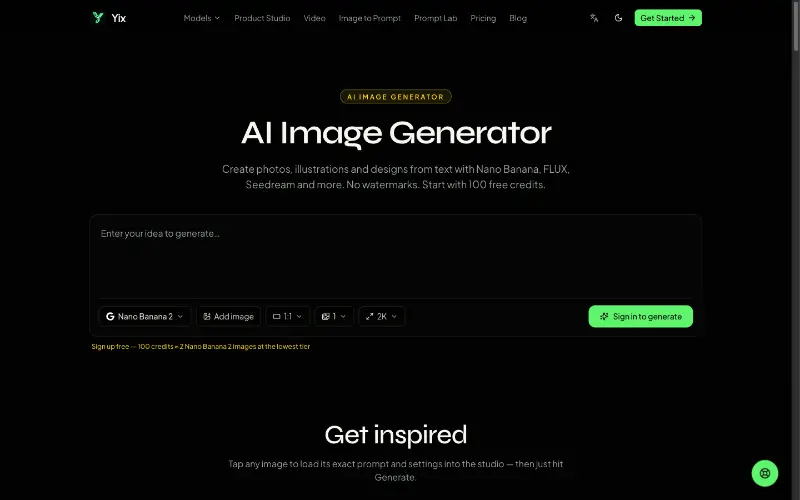 YixYix is a browser-based AI image and video studio with multiple models, reference-image workflows, free prompt tools, and credit-based pricing.
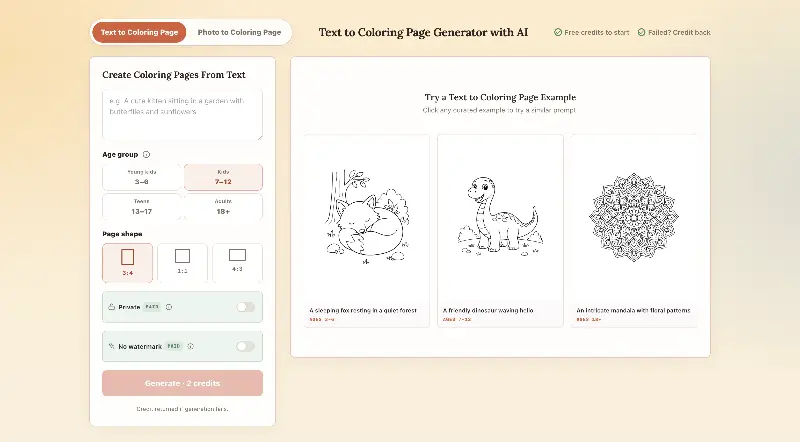 CPagesCPages turns text prompts or photos into printable coloring pages.
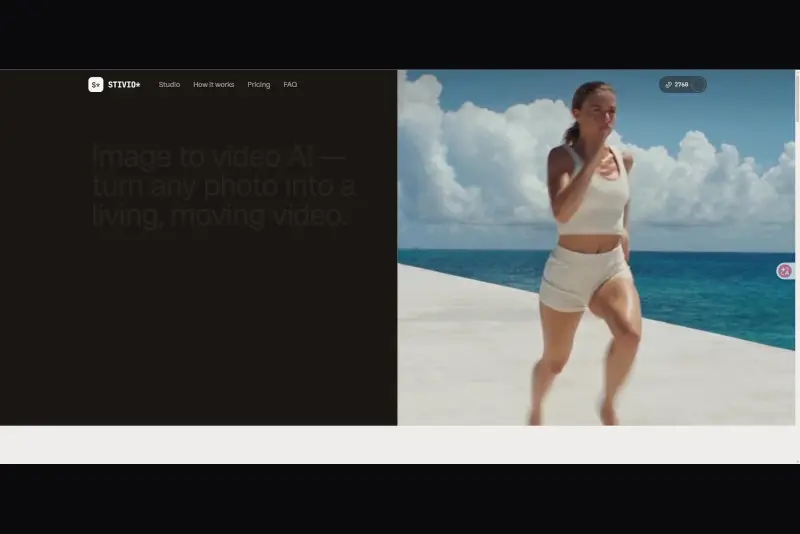 StivioStivio turns a single photo into a moving HD video. Upload an image, describe the motion in plain English, and six leading AI video models render an HD MP4 in one to five minutes.
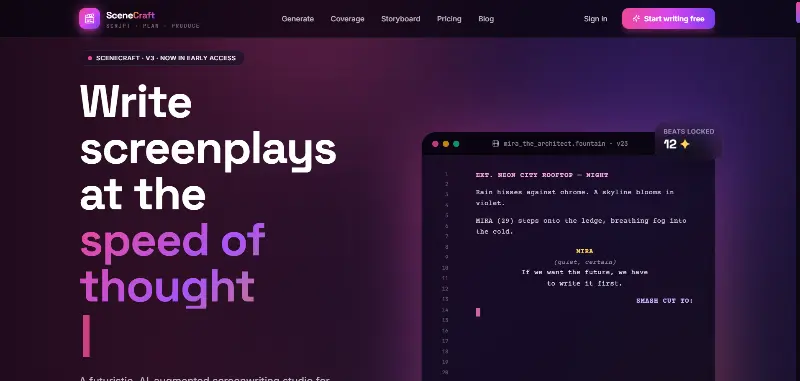 SceneCraft - AISceneCraft is an AI screenwriting studio. Generate full screenplays from an idea, get instant AI script coverage, and turn scenes into storyboards or full comic pages — all in industry-standard format, in 100+ languages. Built for screenwriters, showrunners, and indie filmmakers who want to move from idea to pre-production without switching tools.5.0(1)
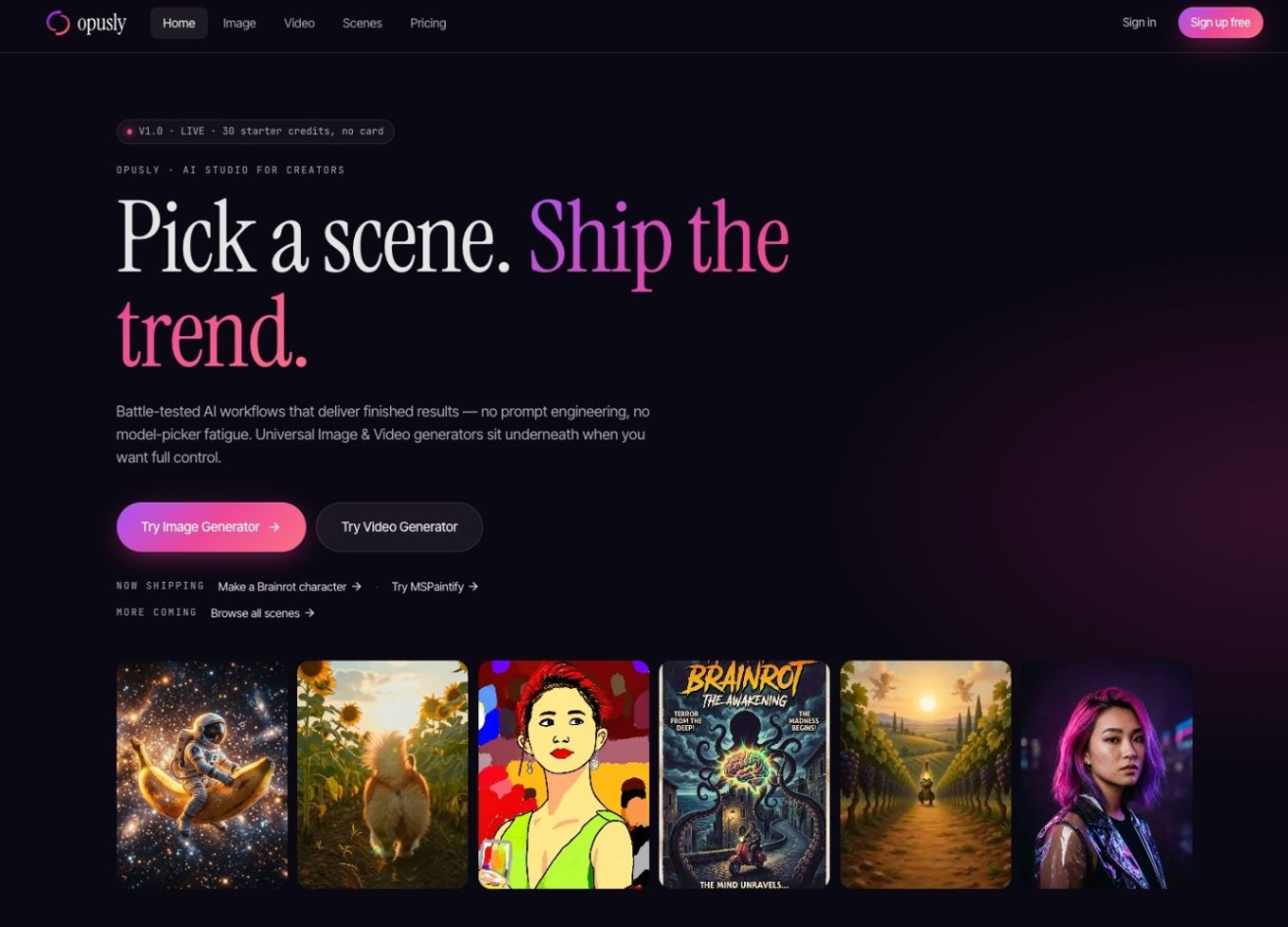 OpuslyOpusly is an AI studio for creators — generate images and videos with auto-picked best models (Nano Banana 2, GPT-Image-2, Seedance 2.0), or use one-click scene templates like Italian Brainrot and MSPaintify. Free signup includes 30 credits.
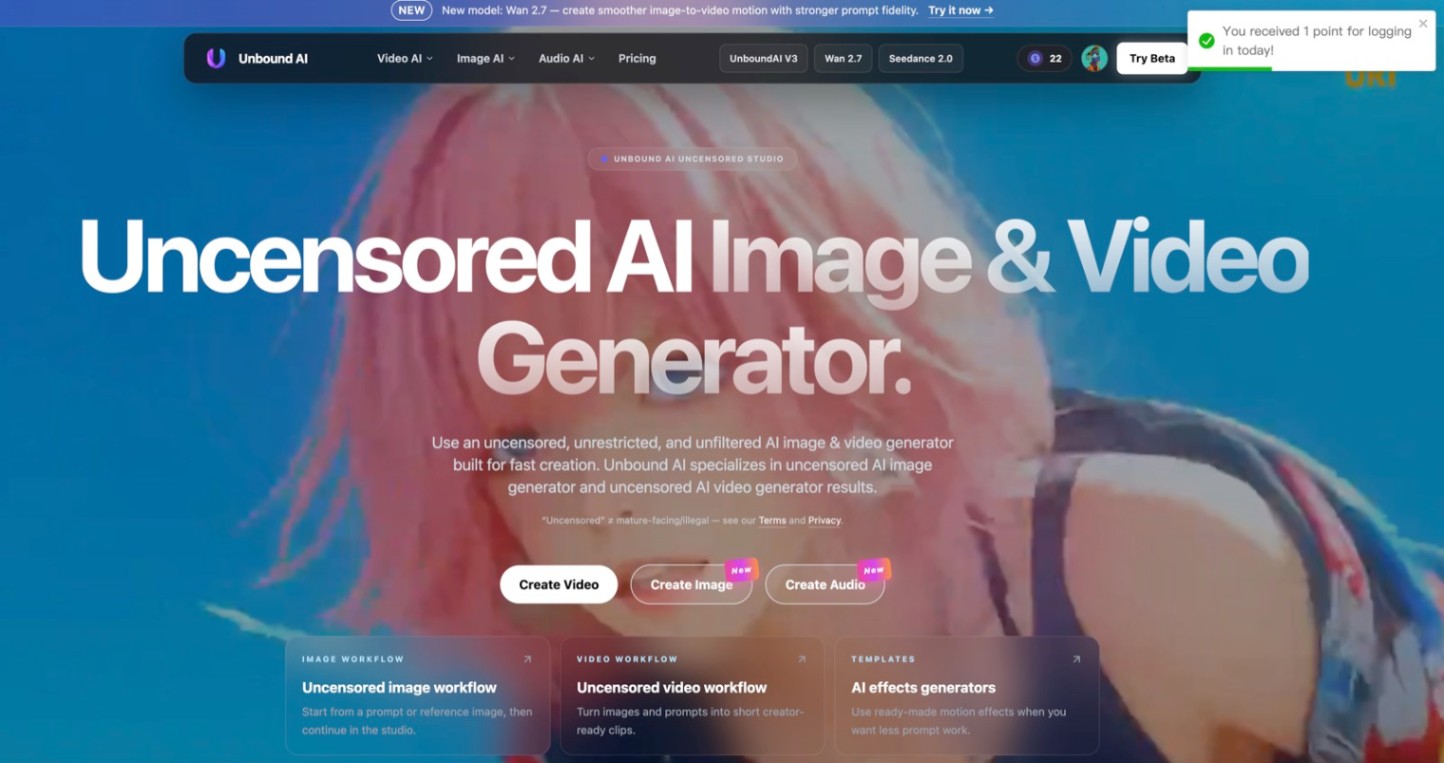 Unbound AICreate uncensored and unrestricted AI images and videos with optional music, voice, and sound effects.
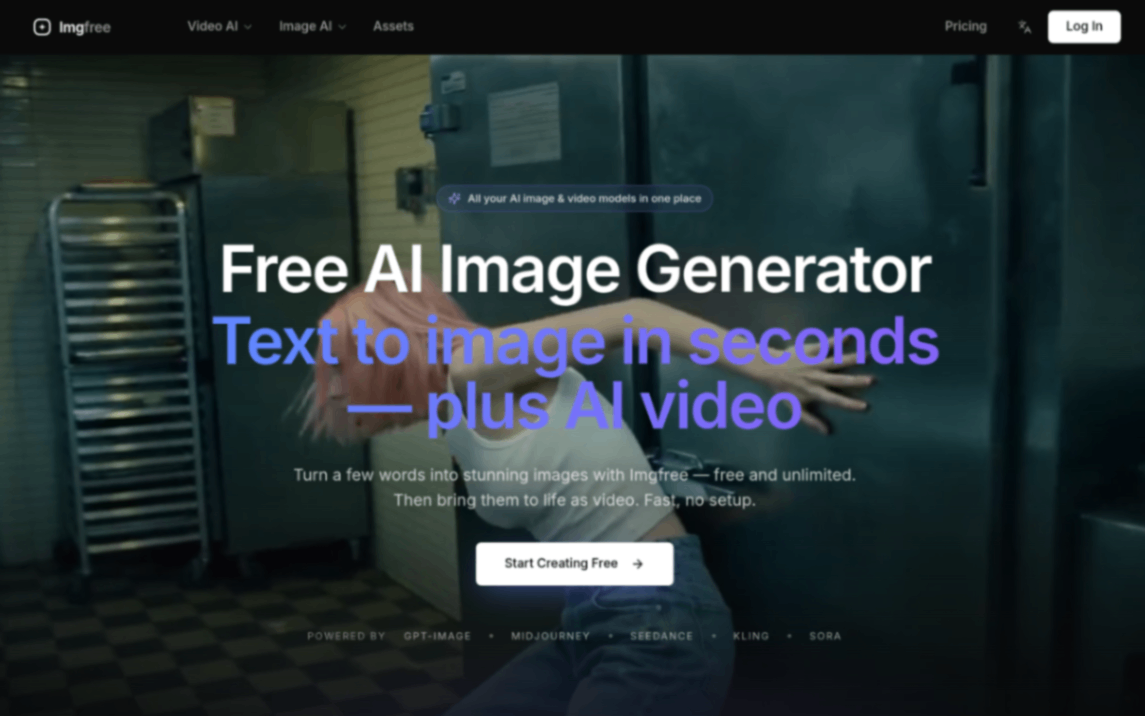 ImgfreeImgfree is a free AI image and video generator that allows users to create stunning visuals from text prompts, offering unlimited access to various AI models without the need for credits.
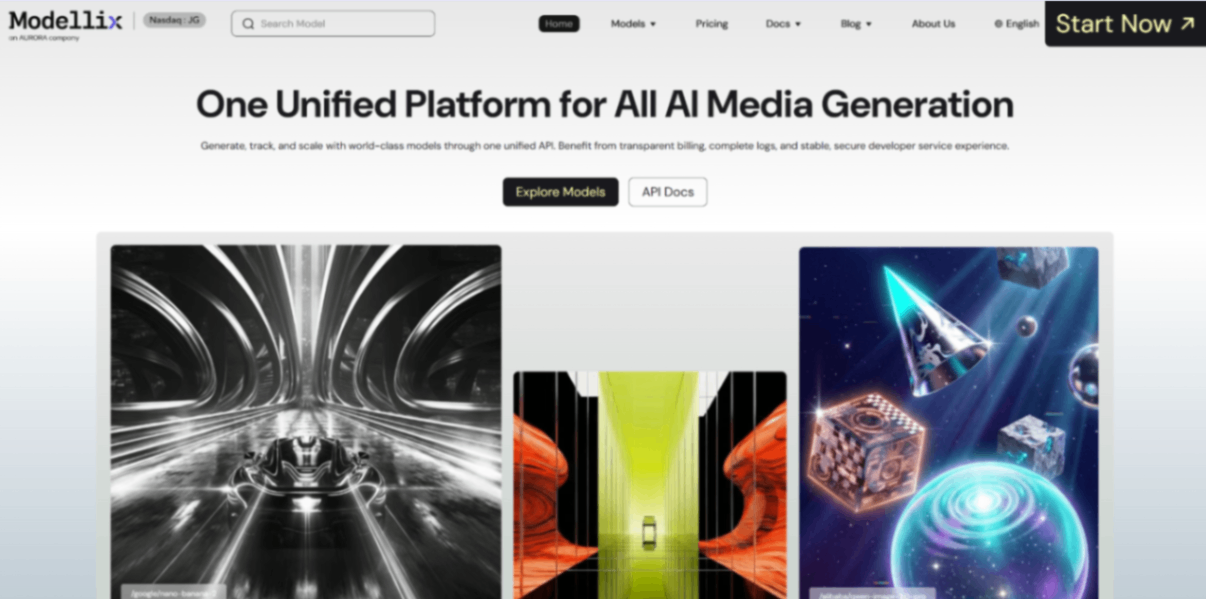 Modellix.aiModellix is a MaaS (Model as a Service) platform that provides unified API access to maintream AI models, covering text-to-image, text-to-video, image-to-image, image-to-video, video editing, and more. Supported models include Nano Banana, Kling, Veo, Seedance, Seedream, Minimax, Qwen, Wanx, GPT, and others.
Whether you’re a developer building AI-powered applications or a creator producing visual content, Modellix provides the tools you need through a single API.
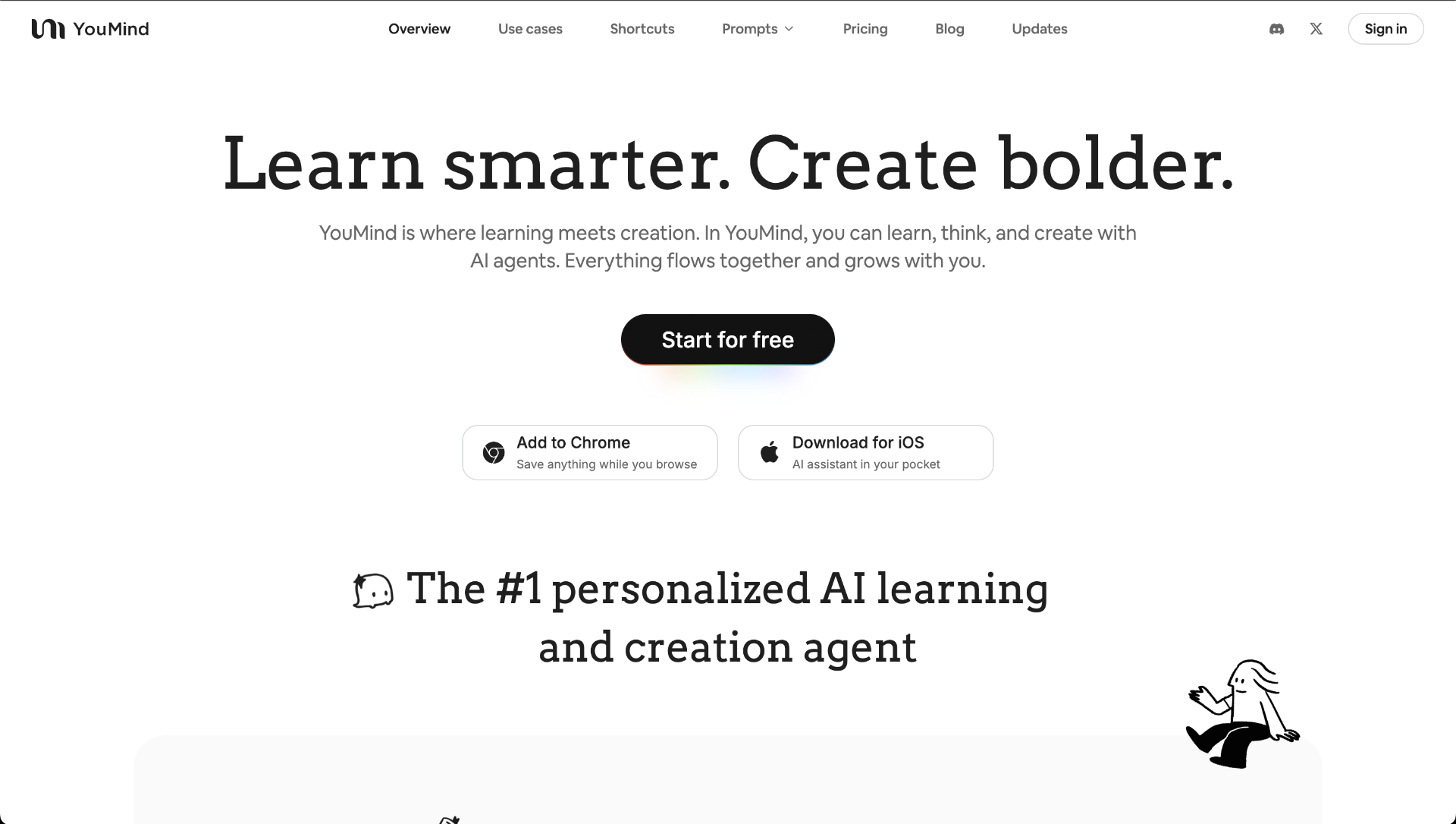 YouMindYouMind is an innovative creation agent that harnesses the power of generative AI to transform diverse materials into inspired creations.5.0(1)
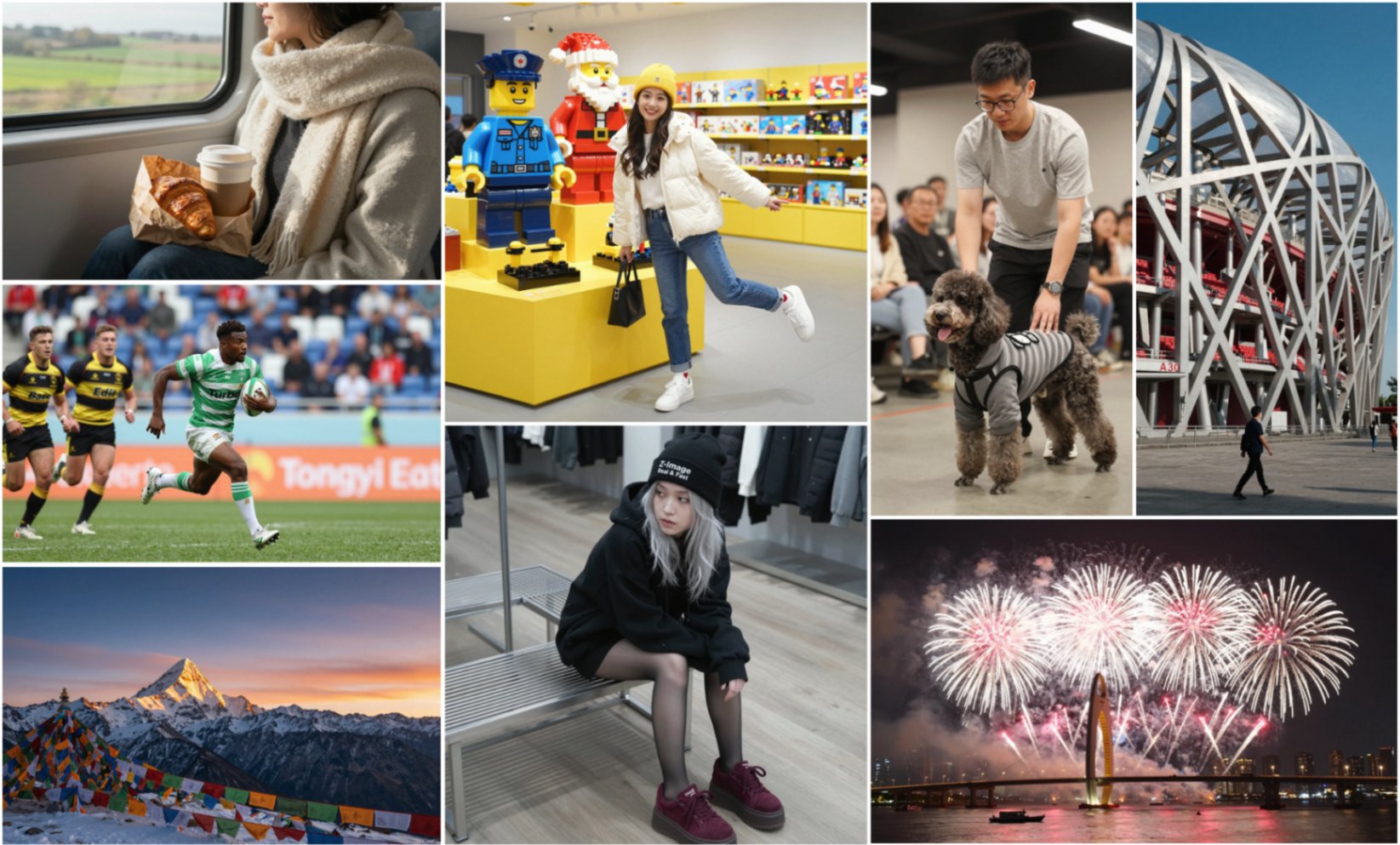 Z-ImageZ-Image is a 6B-parameter Single-Stream Diffusion Transformer for fast, photorealistic image generation and editing. It runs smoothly on 16GB consumer GPUs, follows complex bilingual (Chinese/English) instructions, renders crisp text, and is fully open for developers via public code, weights, and demos.5.0(1)
Reviews
See what the community thinks and share your experience.
—
Based on 0 ratings
Rating distribution
Community reviews
No reviews
No written reviews yet.