Android Studio
The official Android IDE, now with Gemini-powered coding assistance.
Google's official IDE for Android app development, with an intelligent code editor, Gradle builds, emulator, and Gemini AI coding assistant.
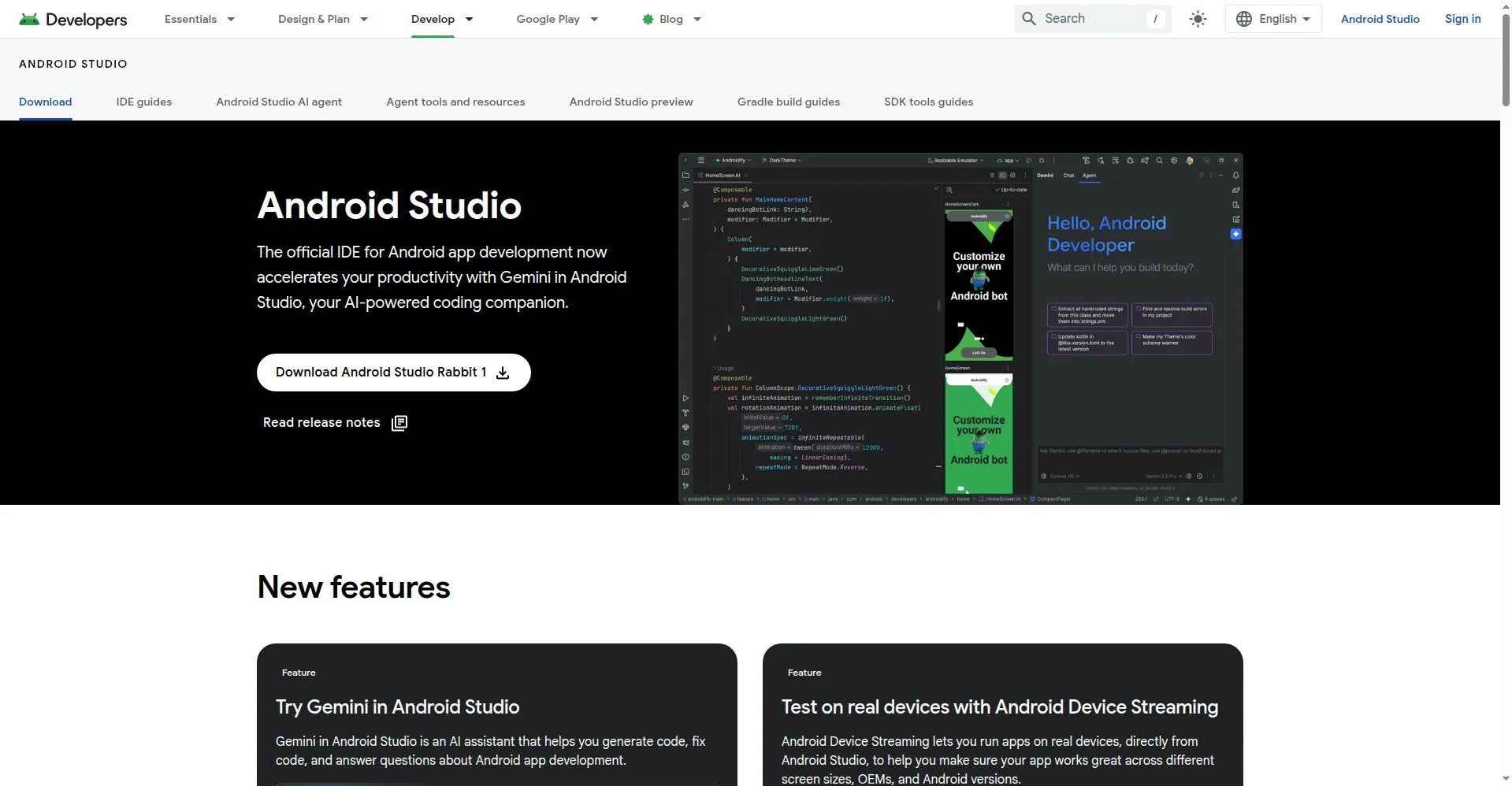
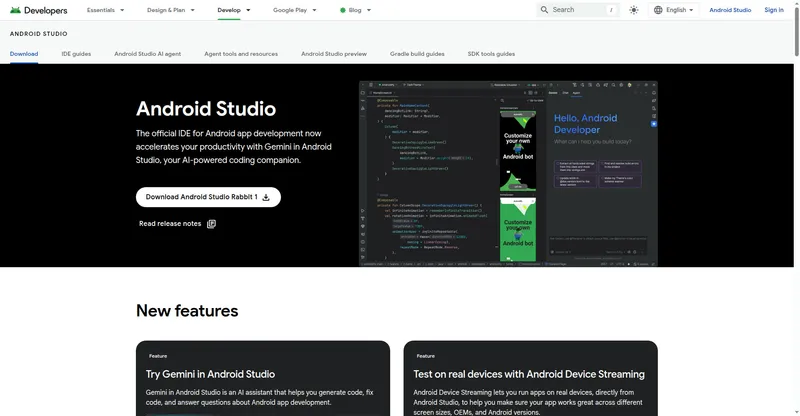
Android Studio homepage
Overview
What is Android Studio?
The official Android IDE, now with Gemini-powered coding assistance.
Android Studio is Google's official integrated development environment for building Android apps. It combines an intelligent code editor, visual design tools for Jetpack Compose, a flexible Gradle-based build system, and the Android Emulator into one free package, available for Windows, macOS, Linux, and ChromeOS.
Recent versions add Gemini in Android Studio, an AI coding companion that generates code, fixes bugs, and answers Android-specific development questions. For teams targeting Google's newest models, the Gemini API's paid tier — including frontier models like Gemini 4 Argon — is accessible for development workflows through Android Studio's Gemini integration.
Android Studio also offers Android Device Streaming, which lets developers run apps on real devices directly from the IDE to verify behavior across screen sizes, OEMs, and Android versions.
Platforms and languages
Android Studio Availability
Platforms
Languages
Capabilities
Android Studio Key Features
Intelligent code editor
Code completion, refactoring, and lint tools tuned for Kotlin, Java, and Jetpack Compose.
Gemini in Android Studio
Built-in AI coding assistant that generates code, fixes bugs, and answers Android development questions.
Compose design tools
Visual layout editor and live previews for Jetpack Compose UI development.
Flexible Gradle build system
Build variants, dependency management, and continuous builds powered by Gradle.
Android Emulator
Test apps on virtual devices of any size, OEM skin, or Android version.
Android Device Streaming
Run and debug apps on real devices directly from Android Studio.
Plans and access
Android Studio Pricing
Free
Common questions
Android Studio FAQs
What is Android Studio?
Android Studio is Google's official IDE for Android app development. It includes a code editor, Compose design tools, a Gradle build system, and an Android Emulator.
Is Android Studio free?
Yes. Android Studio is free to download and use, including the built-in Gemini coding assistant.
Which platforms does Android Studio run on?
It supports 64-bit Windows, macOS (Intel and ARM), 64-bit Linux, and ChromeOS.
What is Gemini in Android Studio?
A built-in AI assistant that helps you generate code, fix bugs, and answer questions about Android app development.
Reviews
See what the community thinks and share your experience.
—
Based on 0 ratings
Rating distribution
Community reviews
No reviews
No written reviews yet.