Open-source push-to-talk voice control that lets you operate your Mac by holding keys and speaking.
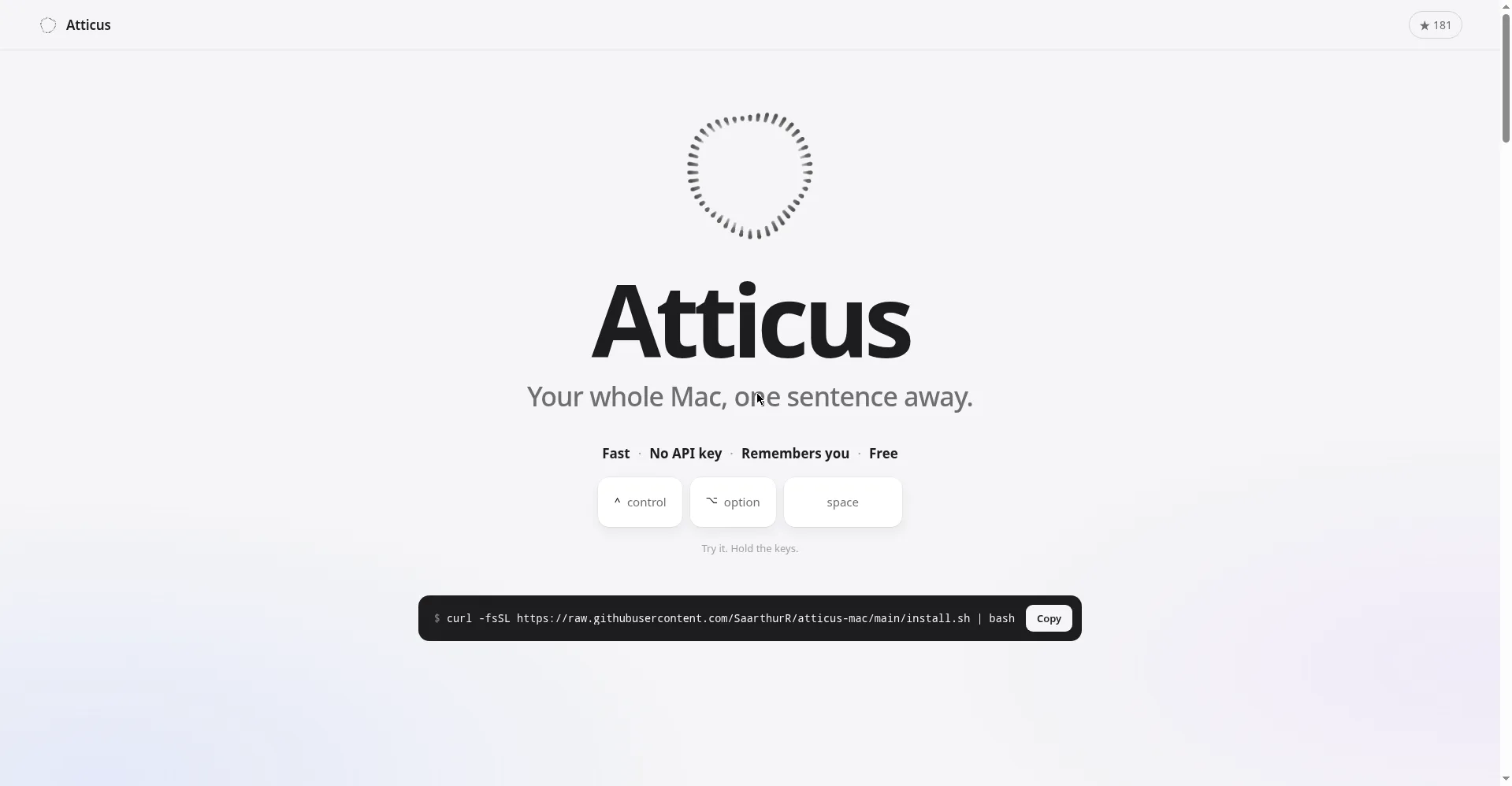
Homepage hero - your whole Mac, one sentence away
1 / 2Overview
What is Atticus?
Hold a key, talk, and your Mac does what you asked
Atticus is an open-source push-to-talk voice control app for Mac. Hold Control-Option-Space and speak, release to execute: open apps, move windows, shop, fill forms or ask questions about what's on screen. Simple requests skip AI entirely — opening an app takes 0.08s — and repeated requests are learned as shortcuts that cost nothing. No API key is needed: it runs through Claude Code on your existing Claude Pro/Max plan (about 0.18c per request on average, roughly 550 requests per dollar), and also supports Devin plans or custom servers such as Ollama. It understands your screen, can point at screen locations, and includes a Meeting Copilot that answers questions during meetings; transcripts and summaries are stored locally by default. It is secure by default: AI commands run sandboxed in safe mode, confirmation is required before deletes, sends, purchases or file changes, and commands like rm, sudo, diskutil and shutdown are always blocked. On-device speech-to-text means your audio never leaves your Mac. Atticus itself is free under the MIT license; you need macOS 26+, a paid Claude plan with Claude Code (or an alternative), Xcode command-line tools and accessibility permissions.
Platforms and languages
Atticus Availability
Platforms
Languages
Capabilities
Atticus Key Features
Push-to-talk voice control for Mac
Hold Control-Option-Space and speak, release to execute: open apps, move windows, shop, fill forms, or ask questions about screen content.
Fast local commands
Simple requests skip AI entirely (open an app in 0.08s); repeated requests are learned as shortcuts that cost nothing.
No API key needed
Runs through Claude Code on your existing Claude Pro/Max plan (about 0.18c per request on average); also supports Devin plans or custom servers like Ollama.
Screen understanding and meeting copilot
Sees your screen and can point at screen locations; Meeting Copilot answers questions during meetings, with transcripts and summaries stored locally by default.
Secure by default
AI commands run sandboxed in safe mode with confirmation required before deletes, sends, purchases or file changes; rm, sudo, diskutil and shutdown are always blocked; on-device speech-to-text keeps audio on your Mac.
Best for
Who uses Atticus?
Mac users who want hands-free computer control
Open apps, move windows and fill forms by holding keys and speaking
Plans and access
Atticus Pricing
Free
Common questions
Atticus FAQs
Is Atticus free?
Yes. Atticus is open source under the MIT license. You use your own Claude Pro/Max plan (via Claude Code), a Devin plan or a custom server such as Ollama, so Atticus itself costs nothing.
What do I need to run it?
macOS 26 or newer, a paid Claude plan with Claude Code (or Devin CLI / a custom server such as Ollama), Xcode command-line tools, and accessibility permissions for the app.
Does my voice data leave my Mac?
No. Speech-to-text runs on-device using Apple, so your audio never leaves your Mac, and meeting transcripts are stored locally by default.
Is it safe to let it control my Mac?
AI commands run sandboxed in safe mode and always ask for confirmation before deletes, sends, purchases or file changes. Dangerous commands like rm, sudo, diskutil and shutdown are blocked outright.
How much does each request cost?
About 0.18c per request on average — roughly 550 requests per dollar. Repeated requests become learned shortcuts that skip AI entirely and cost nothing.
Reviews
See what the community thinks and share your experience.
—
Based on 0 ratings
Rating distribution
Community reviews
No reviews
No written reviews yet.