Desktop assistant that guides you through tasks inside your own apps and automates work with reusable playbooks.
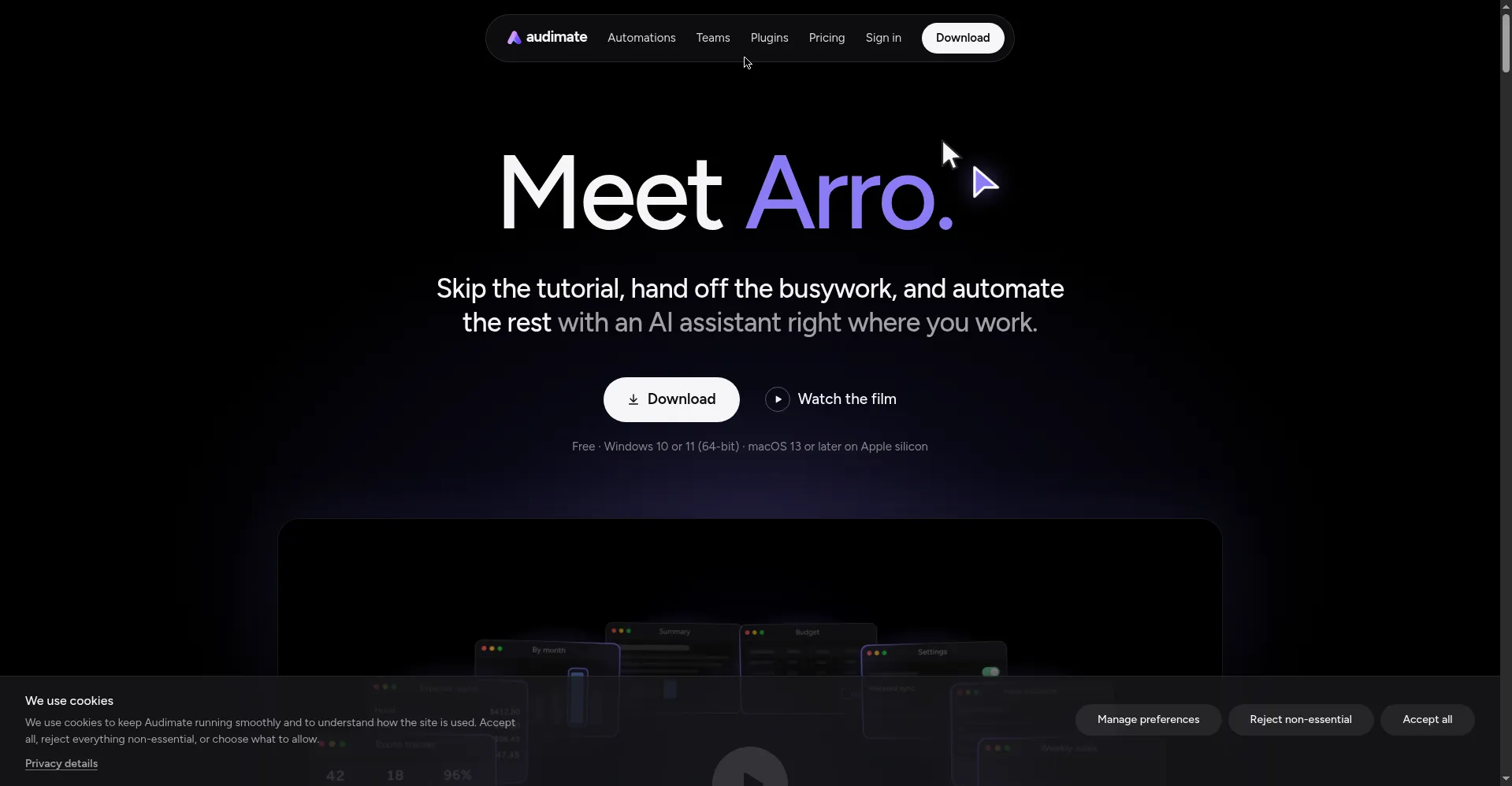
Homepage hero - the assistant inside your apps
1 / 2Overview
What is Audimate?
AI assistant that works right in the apps you already use
Audimate is a desktop AI assistant, Arro, that works right inside the apps you already use. Instead of tutorials, it marks each step's location on screen and waits for you to complete it; you can also hand off whole tasks, such as expenses or meeting bookings, while you keep working. Demonstrate any workflow once and Audimate records a readable, editable playbook that replays on demand or on a schedule, and playbooks can be shared with the whole team. It runs on Windows 10/11 (64-bit) and macOS 13+ with Apple Silicon. The Free plan is permanently free with no credit card; paid plans start at $20 per seat per month.
Platforms and languages
Audimate Availability
Platforms
Languages
Capabilities
Audimate Key Features
Works inside your apps
Desktop assistant Arro works directly inside the apps you already use and follows your cursor.
Guided steps
No tutorials needed: it marks each step's location on screen and waits for you to complete it.
Task handoff
Keep working while Arro handles tasks like expenses or meeting bookings in the background.
Playbooks
Demonstrate a workflow once and it records a readable, editable playbook document that replays on demand or on a schedule.
Team sharing
Share playbooks with the whole team; point-and-ask and one-sentence generation of tables, docs and slide decks.
Best for
Who uses Audimate?
Knowledge workers and teams
Automate repetitive in-app tasks like expenses, bookings and reporting without leaving their apps
Plans and access
Audimate Pricing
Freemium
Free plan $0; Plus $20/seat/mo
Common questions
Audimate FAQs
Does Arro watch my screen all the time?
No. It only accesses your screen and app context when a task needs it, and you can stop or revoke access at any time.
Do I have to approve what it does?
You can require Arro to ask before acting, so automations run only when you want them to.
What is a playbook?
A readable, editable document created from your one demonstration of a workflow; it replays the same steps on demand or on a schedule.
What are the system requirements?
Windows 10/11 64-bit, or macOS 13 or newer on Apple Silicon.
Is the free plan really free?
Yes. The Free plan costs $0 forever and requires no credit card; paid plans are billed per seat per month.
Reviews
See what the community thinks and share your experience.
—
Based on 0 ratings
Rating distribution
Community reviews
No reviews
No written reviews yet.