Turn bank statements into reviewed spreadsheet rows
02-screenshot.png
Overview
What is BankStatementMate?
Turn bank statements into reviewed spreadsheet rows
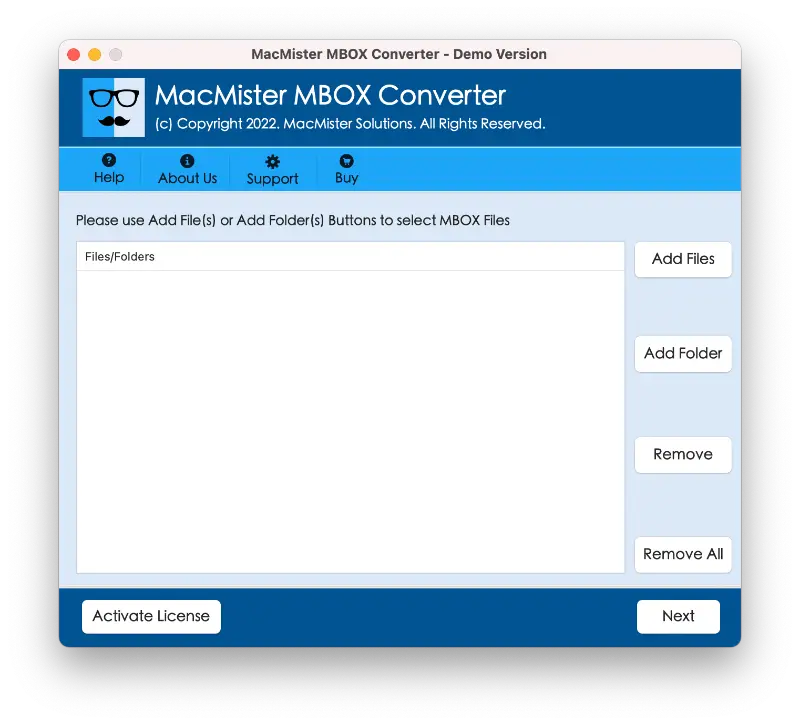
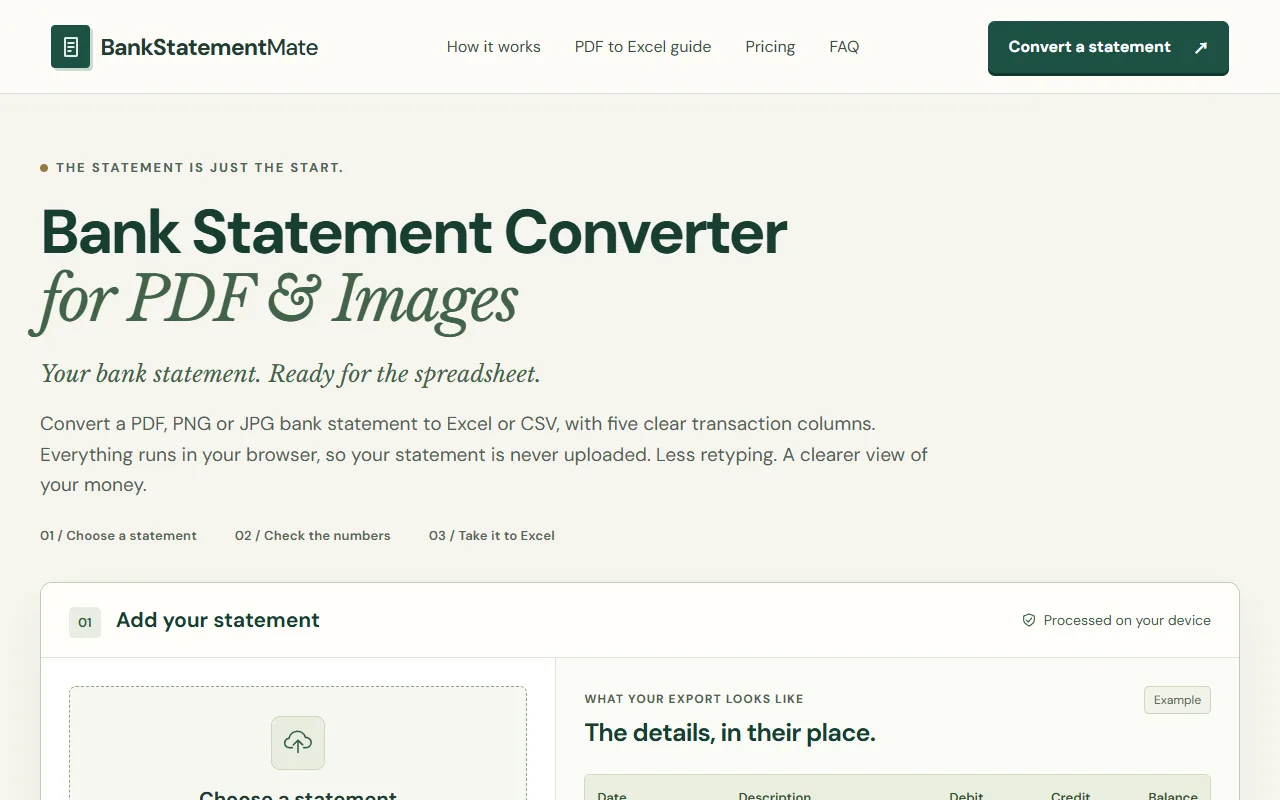
BankStatementMate turns a bank statement into a spreadsheet that can be reviewed in Excel or saved as CSV. It accepts PDF statements and PNG or JPG images. The conversion runs in the browser, so the statement itself stays on the device. The service is aimed at people who have transaction records in a document but need rows and columns for reconciliation, expense review or work in another spreadsheet.
The main workflow has two parts. First, the converter reads the statement and arranges the transactions into columns. Then the user checks the result against the original document before exporting. Reading a clean digital PDF is a different task from reading a photograph or a scan, so the review step matters.
A verified account includes one successful free conversion without a card. Per-file restrictions apply, including a ten-megabyte file limit and a five-page PDF limit.
Platforms and languages
BankStatementMate Availability
Platforms
Languages
Capabilities
BankStatementMate Key Features
PDF and image input
Convert PDF or image bank statements in your browser.
Transaction review
Check the transaction rows before exporting the reviewed result.
Excel and CSV export
Export the reviewed statement data as an Excel or CSV file.
Plans and access
BankStatementMate Pricing
Freemium
One successful conversion after account verification; up to 10 MB per file and five PDF pages per file.
Compare similar tools
BankStatementMate Alternatives


Reviews
See what the community thinks and share your experience.
—
Based on 0 ratings
Rating distribution
Community reviews
No reviews
No written reviews yet.