Cardboard is an AI video editor that turns raw clips into finished stories: prompt a first cut, refine it by chatting, and export up to 4K.
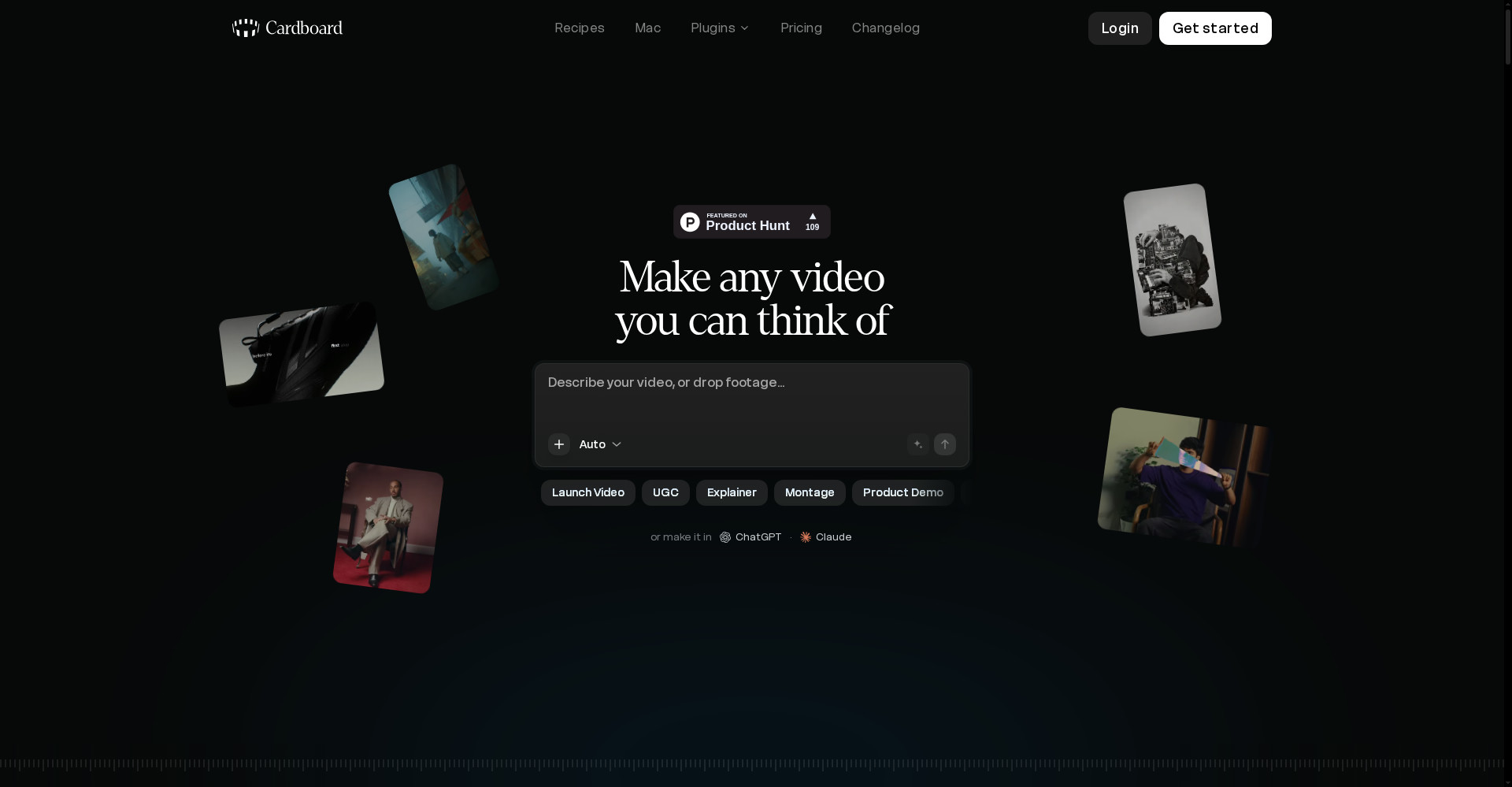
Cardboard homepage
1 / 2Overview
What is Cardboard?
Best way to edit videos with AI
Cardboard is an AI video editor that turns raw clips into stories. Describe the video you want and drop in your footage to get an editable first cut, then refine it by chatting on the timeline — cut pauses, filler words and retakes, add zoom-ins, subtitles and sound, and generate video, images, music and motion graphics. You can also clone a voice for narration, bring your own AI agent via Claude Code or Codex, and export up to 4K or send timelines to Premiere Pro, Final Cut Pro and DaVinci Resolve.
- Prompt-to-first-cut editing from a description and raw footage
- Conversational timeline edits: cut pauses, filler words and retakes
- Generate video, images, music, sound effects and motion graphics
- Voice cloning and narration
- Claude Code and Codex support via the Mac app, with 4K export
Lite is free on Apple Silicon Macs because processing runs locally. Paid plans start at $10 a month (Lite), $40 (Starter), $100 (Creator) and $250 (Pro), with annual billing from $8, $20, $39 and $125 a month and up to 78% off the first month.
Platforms and languages
Cardboard Availability
Platforms
Languages
Capabilities
Cardboard Key Features
Prompt to first cut
Describe your video and drop in footage to get an editable first cut.
Edit by chatting
Refine the edit on the timeline with conversation: cut pauses, filler words and retakes.
Generate media
Generate video, images, music, sound effects and prompt-driven motion graphics.
Voice cloning and narration
Clone a voice and narrate with it.
Your own AI agents
Connect Claude Code or Codex through the Mac app via CLI or MCP, and export to Premiere Pro, Final Cut Pro and DaVinci Resolve.
Best for
Who uses Cardboard?
Creators, marketers and podcasters
Turn raw footage into finished videos fast
Video teams
Collaborate on edits with share links and comments, then export up to 4K
Plans and access
Cardboard Pricing
Freemium
Lite free on Apple Silicon Macs; paid plans from $10/mo, first month discounted up to 78%.
Common questions
Cardboard FAQs
Which devices does Cardboard work on?
Any computer with Chrome, plus a Mac app for Apple Silicon. Phones and tablets are not supported yet.
Where is my footage processed?
The Mac app edits and exports locally on your Mac; the browser version processes in the cloud. AI features such as transcription and generation use the cloud either way.
Can I use my own AI agent?
Yes. The Mac app supports Claude Code and Codex through CLI or an MCP server.
Is my footage private?
Your footage belongs to you and is not shared publicly until you create a share link. Mac app projects stay on your machine.
Reviews
See what the community thinks and share your experience.
—
Based on 0 ratings
Rating distribution
Community reviews
No reviews
No written reviews yet.