ChatGPT Dots
Remarkably capable, always-on agents built to handle everything
OpenAI's always-on agents in ChatGPT: each dot has its own cloud computer, connects to 4,000+ apps, and keeps working.
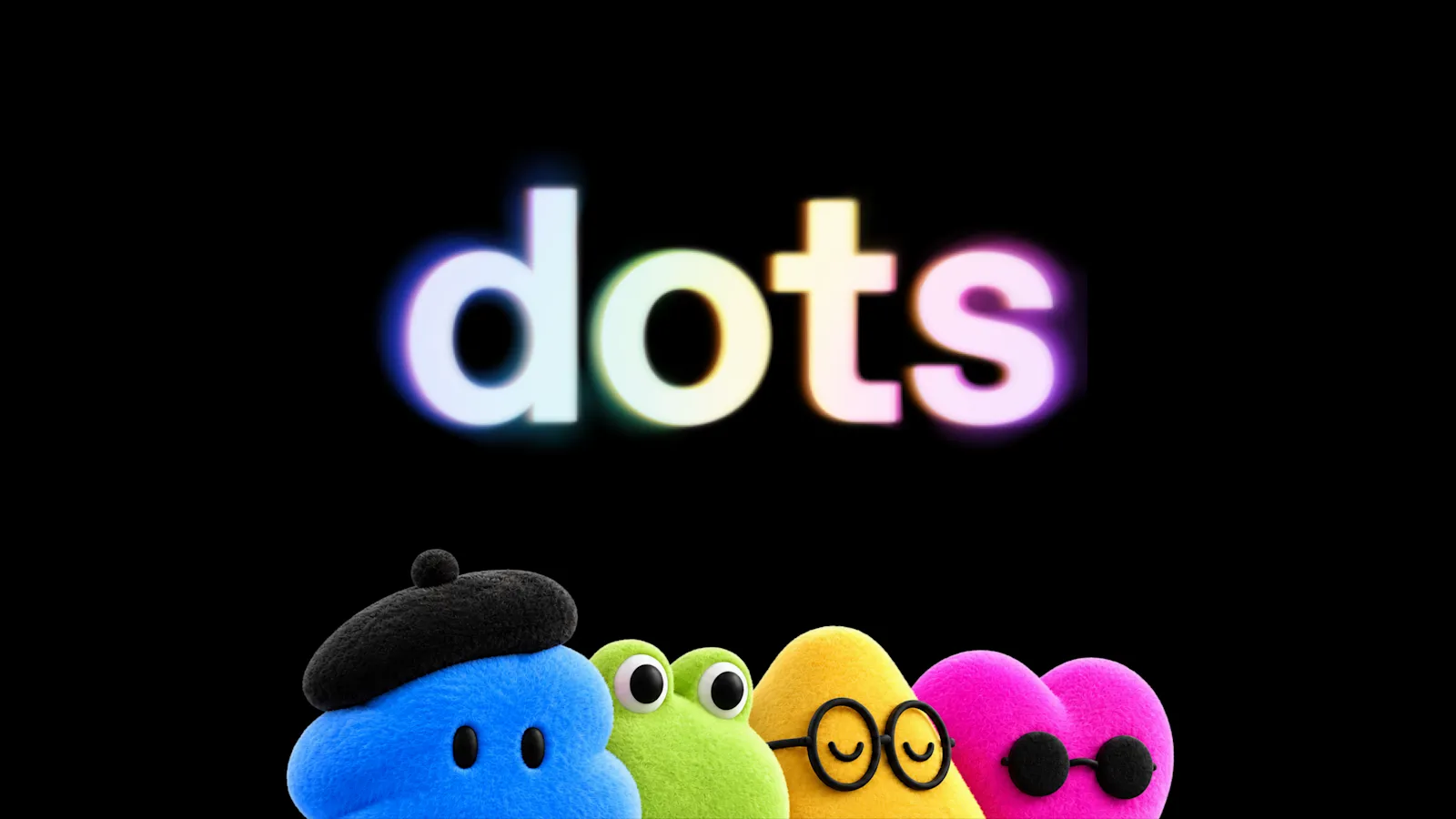
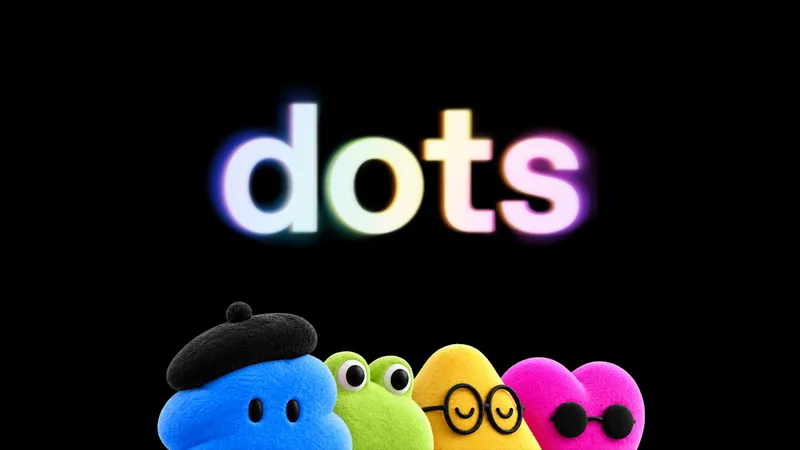
Dots announcement visual (official, OpenAI)
1 / 2Overview
What is ChatGPT Dots?
Remarkably capable, always-on agents built to handle everything
Dots are OpenAI's always-on agents, announced at DevDay on September 29, 2026. A dot is a persistent agent inside ChatGPT with its own cloud computer and browser, powered by GPT-6 Astra. Give it an ongoing responsibility and it keeps working between conversations — connecting to 4,000+ apps through OpenAI's plugin ecosystem, doing background research with read-only tools, and messaging you in ChatGPT, Slack, or Teams when it needs input.
Safety is built around control: Custom Rules decide what a dot may do alone versus what needs approval, auto-review screens consequential actions, and an Activity View shows background work. Rolling out first to ChatGPT Pro and Business Premium users in eligible markets (Enterprise beta via admin), the first dot is included at no extra cost, with teams of dots planned later.
Platforms and languages
ChatGPT Dots Availability
Platforms
Languages
Capabilities
ChatGPT Dots Key Features
Always-on agent with its own cloud computer
Each dot runs on GPT-6 Astra with its own cloud computer and browser, working toward your goals 24/7 — even while your laptop is closed.
Connects to 4,000+ apps
Through OpenAI's plugin ecosystem, dots work inside ChatGPT, Slack, and Microsoft Teams, carrying context across channels.
Proactive, not reactive
Dots keep making progress between conversations, do background 'proactive research' with read-only tools, and message you with updates or decisions that need you.
Custom Rules and auto-review
Set which actions are allowed, need approval, or are blocked; auto-review checks consequential actions, and sensitive tasks like changing a password always stay with you.
Voice and messaging
Message or call your dot in ChatGPT on desktop, web, and mobile; texting support is coming soon.
Included with Pro and Business Premium
Your first dot is included at no extra cost; conversations with your dot don't count toward ChatGPT usage limits.
Best for
Who uses ChatGPT Dots?
ChatGPT Pro / Business users
Hand ongoing responsibilities (follow-ups, research, coordination) to a persistent agent instead of re-prompting
Teams on Slack/Teams
Let a dot carry context across ChatGPT, Slack, and Teams and keep projects moving between meetings
Plans and access
ChatGPT Dots Pricing
Paid
First dot included with ChatGPT Pro / Business Premium at no extra cost. Enterprise beta via workspace admin.
Common questions
ChatGPT Dots FAQs
What is a ChatGPT dot?
A dot is OpenAI's always-on agent in ChatGPT. You give it an ongoing responsibility; it works on its own cloud computer, keeps progress between conversations, and comes back when it needs a decision.
Who can use dots?
As of the September 29, 2026 launch: ChatGPT Pro and Business Premium users in eligible markets, plus Enterprise (including Edu and Healthcare) users when their workspace admin enables the beta. OpenAI says more users are coming soon.
Does talking to my dot use up my ChatGPT limits?
No. OpenAI says conversations with your dot don't count toward your ChatGPT usage limits. Tasks your dot hands off into Codex or ChatGPT Work count toward those products' limits as usual.
Is it safe to give a dot access to my apps?
You choose which apps a dot can access. Custom Rules let you allow, require approval for, or block actions; auto-review screens consequential actions; and certain sensitive tasks, like changing a password, always stay with you.
Can I have more than one dot?
At launch each eligible user gets one primary dot. OpenAI says teams of dots working together are planned for the future.
Reviews
See what the community thinks and share your experience.
—
Based on 0 ratings
Rating distribution
Community reviews
No reviews
No written reviews yet.