OpenAI's shared workspace inside ChatGPT where teams and AI agents co-edit Pages, files, and projects in one place.
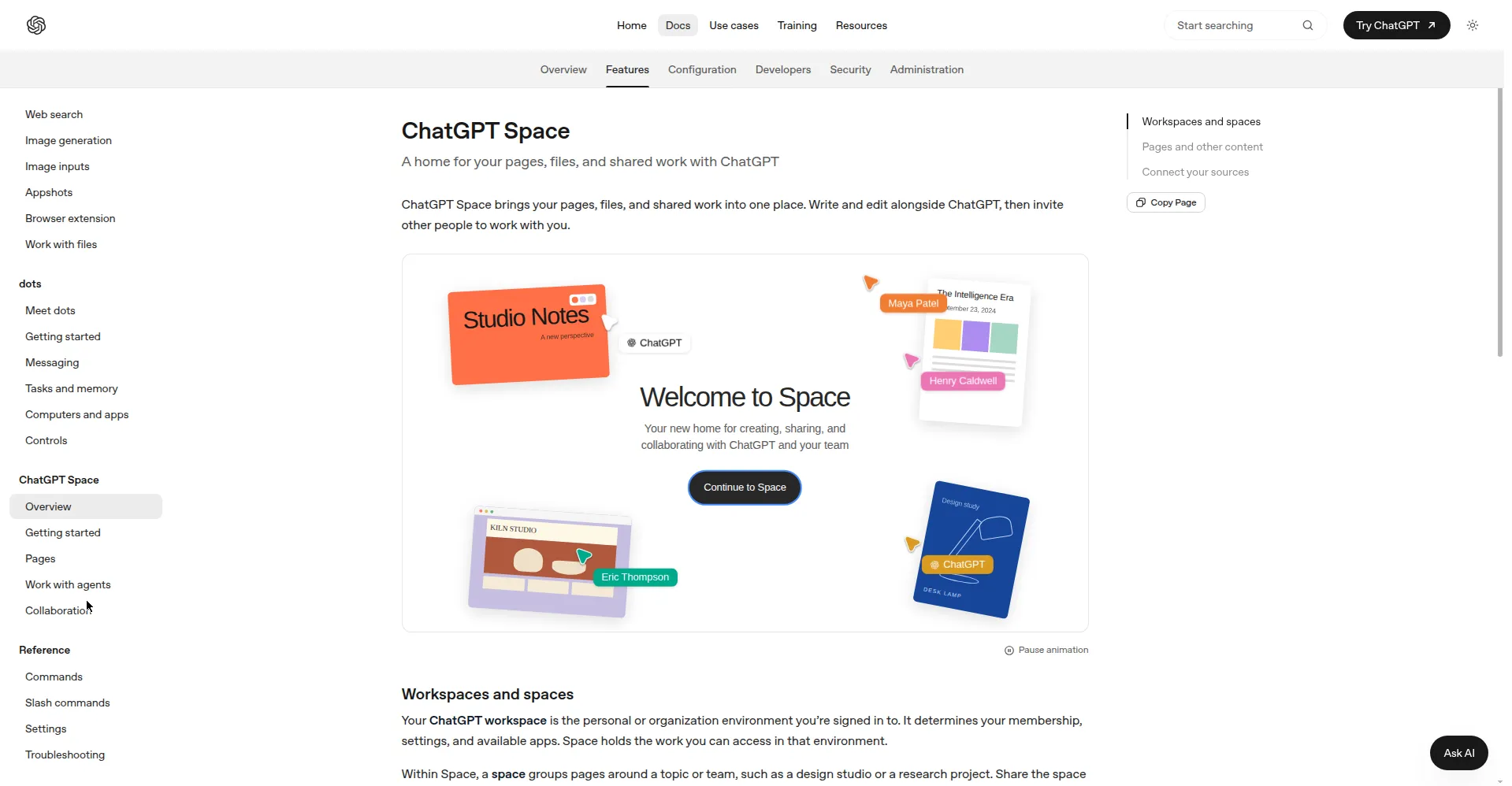
ChatGPT Space docs — a home for pages, files, and shared work
1 / 2Overview
What is ChatGPT Space?
Create, collaborate, and build together with AI in Space
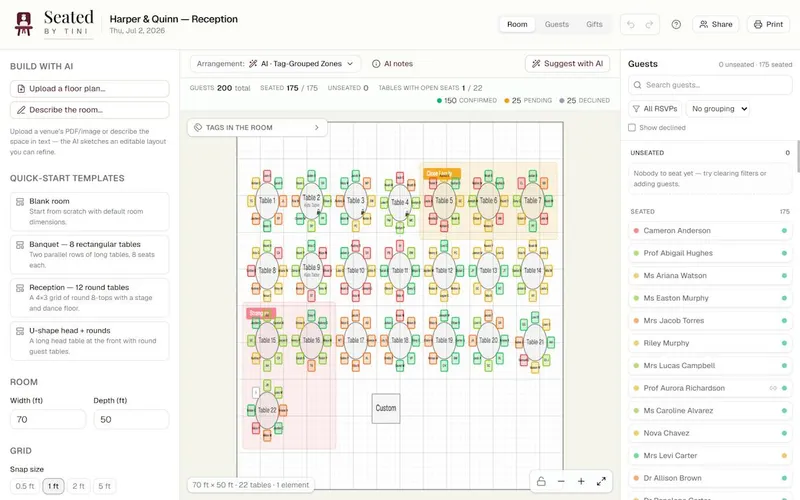
ChatGPT Space is OpenAI's shared workspace inside ChatGPT, launched at DevDay 2026. Instead of copying chatbot answers into separate documents, teams get a central hub where teammates, ChatGPT, and always-on Dots agents build on the same knowledge.
The core unit is Pages — interactive documents that combine text, charts, images, checklists, code blocks, and embedded files on one canvas. Any conversation can be flipped into a Page with one click, and Pages support nested subpages, real-time co-editing, inline comments, and @ChatGPT mentions. ChatGPT can organize a Space from plain instructions, and the All / Your items / Shared with you views make it easy to resume work.
Space is included with ChatGPT Pro, Business, and Enterprise plans (no standalone price) and replaces the old Library section on those accounts. It works on the ChatGPT desktop app and the web; on mobile you can find, read, and share Pages, with creation and editing coming later. OpenAI says its Private Intelligence system keeps uploaded files protected and excludes them from training sets.
Platforms and languages
ChatGPT Space Availability
Platforms
Languages
Capabilities
ChatGPT Space Key Features
Shared Spaces for teams
Create Spaces that group Pages, files, and folders around a topic or team, shared with teammates, ChatGPT, and Dots agents.
Pages: interactive documents
Interactive documents combining text, charts, images, checklists, code blocks, and embedded files on one canvas; flip any chat into a Page with one click.
Real-time co-editing with AI
Teammates and AI agents edit the same Page simultaneously, with inline comments and @ChatGPT mentions.
AI-organized content
ChatGPT organizes the Space from user instructions; All, Your items, and Shared with you views plus search make it easy to find material and resume projects.
Meeting notes plugin (macOS)
The macOS plugin listens during meetings, writes summaries and action items into a Space Page, then deletes the recorded audio right away.
Best for
Who uses ChatGPT Space?
Teams on ChatGPT Pro/Business/Enterprise
Co-create and organize documents, files, and projects with teammates and AI agents in one shared space
Plans and access
ChatGPT Space Pricing
Paid
Included with ChatGPT Pro/Business/Enterprise plans (from $20/mo individual); no standalone price.
Common questions
ChatGPT Space FAQs
Which plans include ChatGPT Space?
Space is fully available to ChatGPT Pro, Business, and Enterprise users, and it replaces the old Library section on those accounts.
Where can I use Space?
On the ChatGPT desktop app and the web. On mobile you can find, read, and share Pages; creating and editing on mobile is coming later.
Can teammates and AI edit the same document at once?
Yes. Pages support real-time co-editing by teammates, ChatGPT, and Dots agents, with inline comments and @ChatGPT mentions for asking the AI to make edits.
Is my team's data used for training?
OpenAI says its Private Intelligence system keeps uploaded files protected and excludes them from AI training sets.
How do I share a Page or a Space?
Open a Page or Space, choose Share, then pick who gets access and whether they can view or edit. Subpages inherit access from their parent.
Reviews
See what the community thinks and share your experience.
—
Based on 0 ratings
Rating distribution
Community reviews
No reviews
No written reviews yet.