Turn one supported still image and a motion prompt into a short AI-generated video with compatible settings, preview, and download.
pc_overview-126c14d0f69a5237.png
Overview
What is Civon?
AI Image to Video with motion prompts and review-ready controls
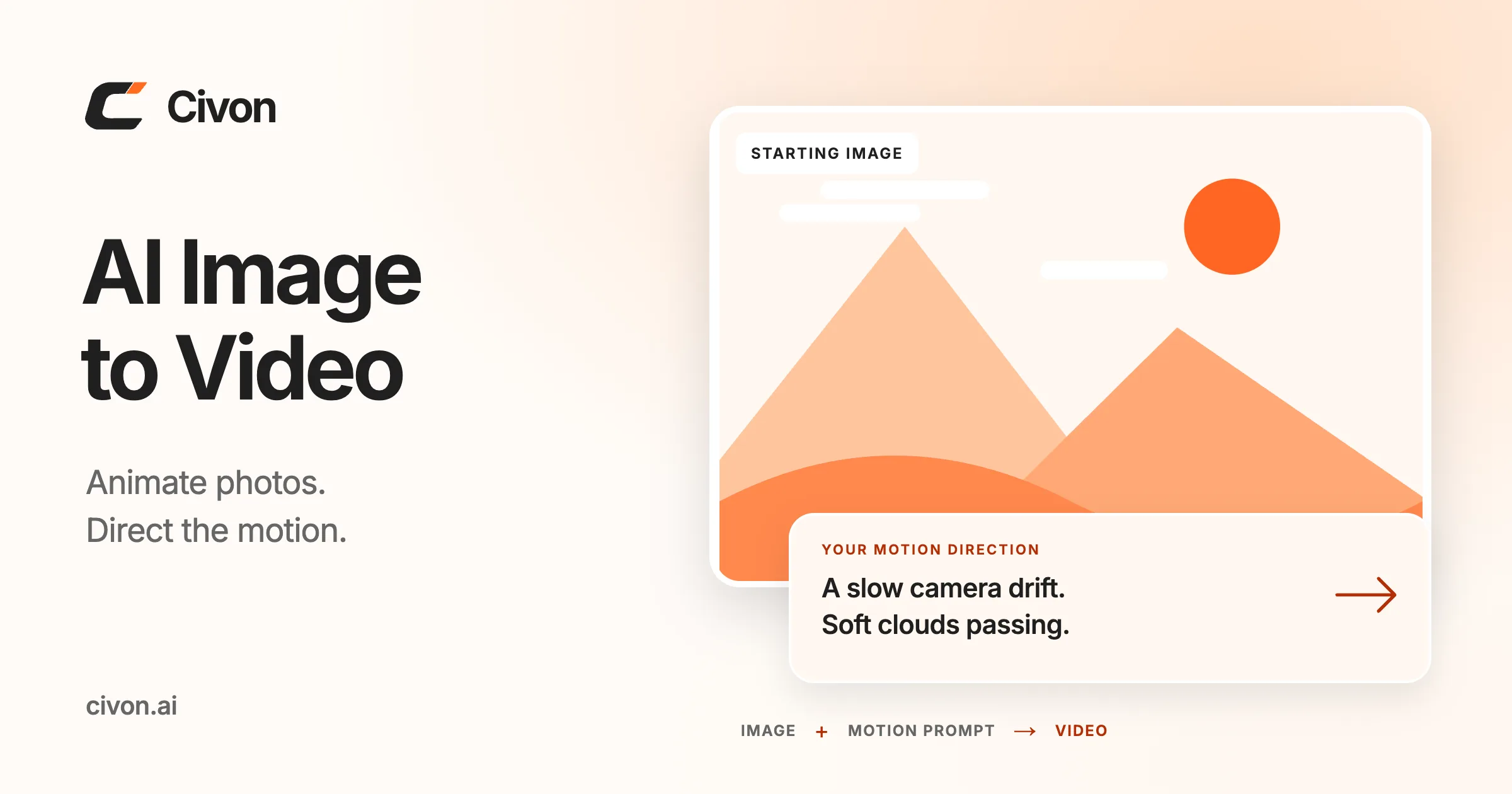
Civon is a browser-based AI image-to-video tool at https://civon.ai/. The reviewed workflow accepts one supported JPG or PNG starting image up to 10 MB plus a motion prompt. Users choose a currently available model and compatible duration, resolution, aspect-ratio, and audio settings, review the quoted credit cost, then generate a short clip, preview it, and download it or revise the input.
Available models, durations, resolutions, aspect ratios, audio modes, provider readiness, sign-in requirements, credit costs, and trial eligibility are dynamic. The public catalog spans 3 to 30 seconds overall and reaches up to 4K only for supported model-and-setting combinations; those catalog maximums do not apply to every selection. Generated motion may change faces, text, products, shapes, geometry, or small details and is not guaranteed to match the prompt exactly. Users must hold the necessary rights and permissions for their source image and intended use. Configured AI and moderation providers may process submitted media, prompts, settings, and review frames, and guest or unsaved results should be treated as temporary.
AI Image Editor
Civon also offers prompt-led still-image editing at https://civon.ai/image-editor. Upload supported references, describe a focused change, choose compatible options and inspect the credit quote before generating a candidate to review and download. Explore backgrounds, distraction removal, lighting, styles, reference combinations or scene extension. Compare faces, text, edges, geometry and product details with the source; preservation requests do not guarantee fidelity.
The reviewed UI accepts JPG, PNG and WebP up to 24 MB per file, with up to five upload slots; task reference limits depend on the model and workflow. Models, settings, access, trials and credits vary. Generation uses credits; trial access is conditional and limited.
Configured AI services process necessary images, prompts and settings. Uploads and results are not automatically public. Guest tasks and unsaved account results expire 24 hours after task creation; saved creations follow plan retention. Download needed results before expiry. Users need source permissions and applicable provider terms; watermark-free downloads do not establish commercial-use rights. English browser application; mobile browser access is not a native app.
Platforms and languages
Civon Availability
Platforms
Languages
Capabilities
Civon Key Features
Structured motion brief
Describe subject, camera, environment, and stability instructions
Plans and access
Civon Pricing
Freemium
Civon Alternatives
 AI Animate ImageAI Animate Image turns any still photo into a cinematic video in 60 seconds. Powered by Kling 3.0, Google VEO 3.1, and Seedance 2.0. Upload a portrait, product shot, or game character, pick a motion style, and get a professional MP4. Free credits on signup, no credit card required.
Reviews
See what the community thinks and share your experience.
—
Based on 0 ratings
Rating distribution
Community reviews
No reviews
No written reviews yet.