ClipsPal is a desktop video editor for Mac and Windows that cuts failed takes and silences, adds zoom-ins and subtitles, and turns videos into shorts.
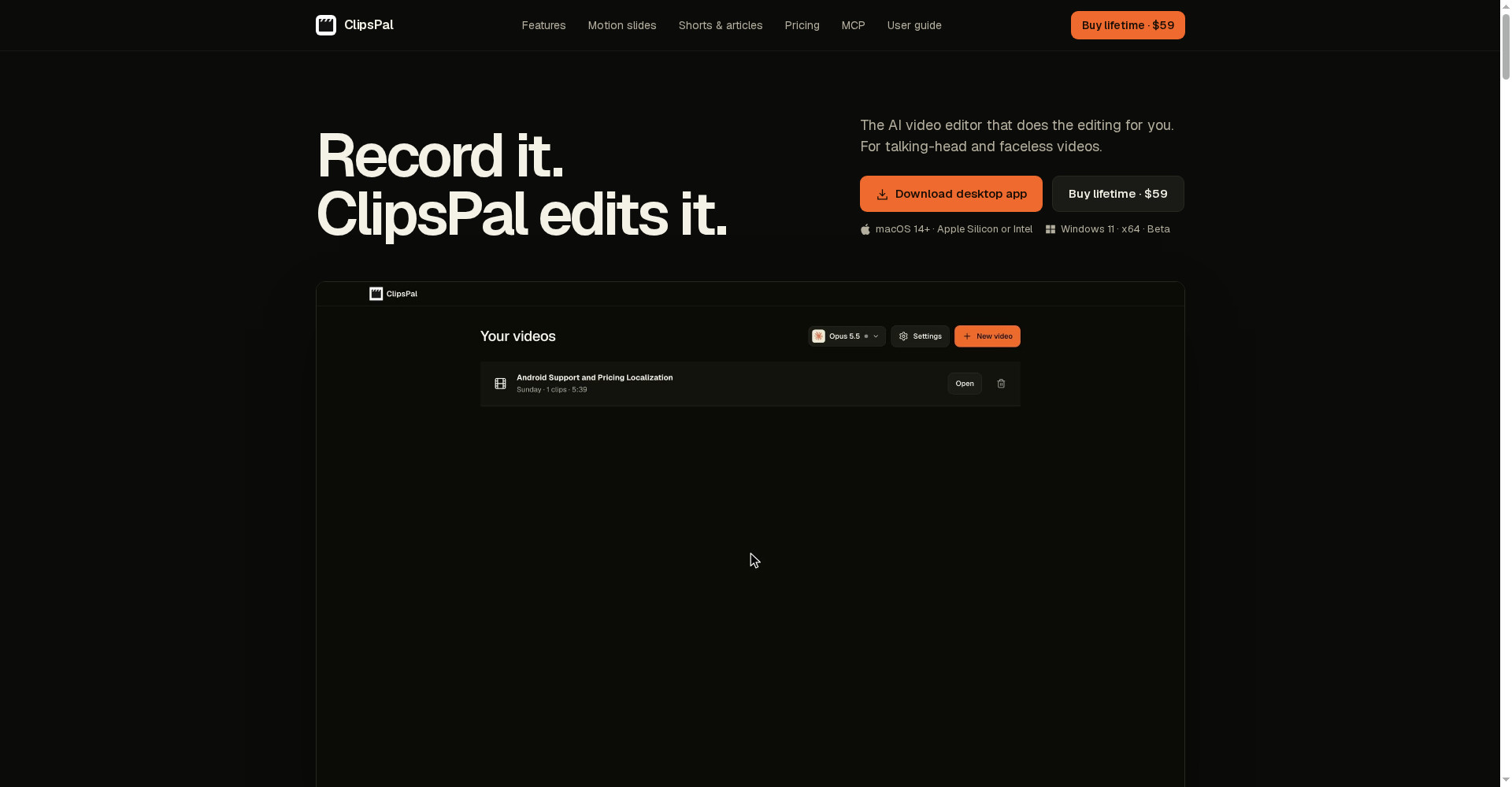
ClipsPal homepage
1 / 2Overview
What is ClipsPal?
AI video editor that edits your talking-head videos
ClipsPal is a desktop video editor for Mac and Windows that does the editing for you. Drop in raw clips: it cuts failed takes and silences, adds zoom-ins, subtitles, visuals and sound, then turns the video into shorts and articles. Director takes editing instructions in plain language and runs on your Claude Code or Codex, and a 23-tool MCP server lets AI agents read video, edit, generate shorts and chapters, and export. Pay once, no subscription.
- One-click auto edit that cuts failed takes and silences
- Zoom-ins, subtitles, visuals, sound and motion slides
- Director: edit by asking, with Claude Code, Codex and other agents
- MCP server with 23 tools for AI agents
- Shorts, articles, YouTube chapters and thumbnails; MP4 and SRT export
ClipsPal is $59 once for lifetime access with updates forever, for 2 computers per license. The price rises $10 for every 20 licenses sold. Subtitles and transcription support 40 spoken languages. Windows is in beta; Director needs your own Claude Code or Codex subscription, or a local model.
Platforms and languages
ClipsPal Availability
Platforms
Languages
Capabilities
ClipsPal Key Features
One-click auto edit
Cuts failed takes and silences automatically — one example cut a 15:35 recording to 5:40, removing 38 failed takes and 111 silences.
Zoom-ins, subtitles and visuals
Adds zoom-ins, subtitles, visuals and sound, plus dynamic motion slides.
Director, edit by asking
Give editing instructions in plain language; Director works with Claude Code, Codex, OpenCode, Gemini, Cursor, Grok and local models.
MCP server for AI agents
A 23-tool MCP server lets AI agents read video, edit, make shorts and chapters, and export.
Shorts, articles and chapters
Turns videos into vertical shorts, articles, YouTube chapters and thumbnails; exports MP4 and SRT or timelines to Premiere Pro and DaVinci Resolve.
Best for
Who uses ClipsPal?
Talking-head and faceless video creators, YouTubers and course creators
Turn raw recordings into edited videos, shorts and articles in minutes
Podcasters
Cut silences and failed takes and publish clips automatically
Plans and access
ClipsPal Pricing
Paid
$59 one-time, lifetime access; price rises $10 per 20 licenses sold.
Common questions
ClipsPal FAQs
Is ClipsPal a subscription?
No. You pay $59 once for lifetime access with updates forever, for 2 computers per license.
Does ClipsPal upload my footage?
No. Footage and transcripts stay local; only the transcript is sent to the AI you choose, and nothing leaves your machine with a local model.
How many languages are supported?
Subtitles and transcription support 40 spoken languages, including English, Spanish, Hindi, Portuguese, French, German, Japanese, Chinese, Korean and Arabic.
Can AI agents use ClipsPal?
Yes. Its MCP server with 23 tools lets AI agents read video, edit, make shorts and chapters, and export.
Reviews
See what the community thinks and share your experience.
—
Based on 0 ratings
Rating distribution
Community reviews
No reviews
No written reviews yet.