Shared memory service that lets AI assistants and team members read, ask about, and add to the same project context.
Context Engine gallery image 1
1 / 2Overview
What is Context Engine?
One memory for your AI agents and human team members.
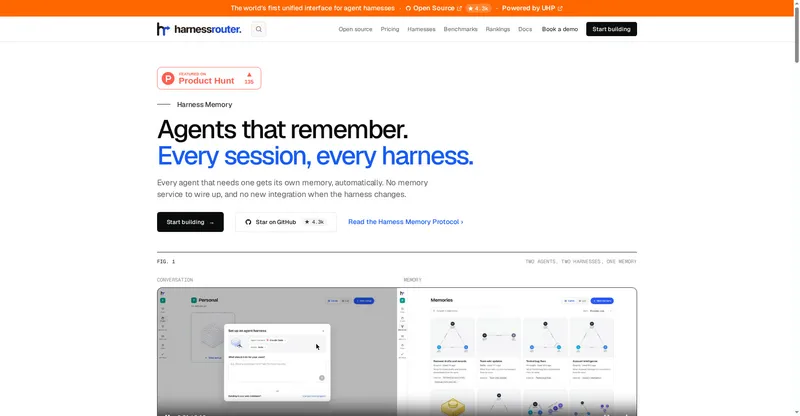
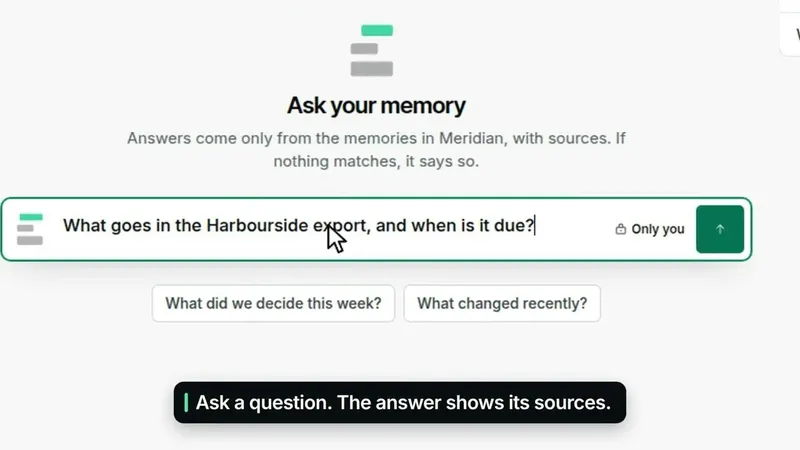
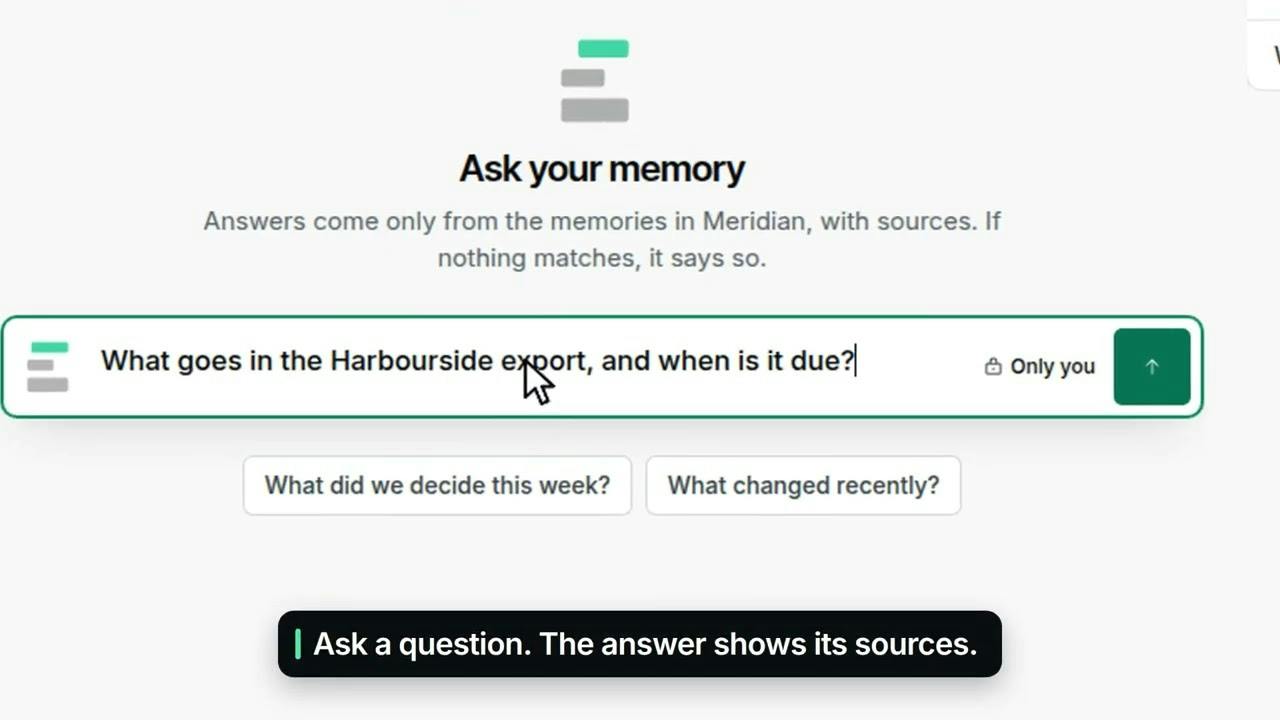
Context Engine is a shared memory for AI agents and the people on a team. Claude, ChatGPT, Cursor and Claude Code save to it as they work, and team members read it, ask it questions and add files.
The point is continuity: instead of every agent starting from zero and every teammate re-explaining the project, everyone works from the same memory. It is listed as free to start, so a team can try the shared-memory workflow before committing to a paid plan.
Platforms and languages
Context Engine Availability
Platforms
Languages
Capabilities
Context Engine Key Features
One shared memory
A single memory that AI agents and human team members both use, instead of each tool keeping its own.
Agents save as they work
Claude, ChatGPT, Cursor and Claude Code save to the shared memory while they work.
People can read and add
Team members read the shared memory, ask it questions, and add files to it.
Continuity across tools
The next agent or teammate picks up existing context instead of starting from zero.
Free to start
The launch listing describes Context Engine as free to start.
Best for
Who uses Context Engine?
Teams whose AI assistants and people work on the same projects
Keep one shared memory so agents and teammates stop re-explaining context and build on each other's work
Plans and access
Context Engine Pricing
Freemium
Common questions
Context Engine FAQs
Which AI tools can save to Context Engine?
According to the launch description, Claude, ChatGPT, Cursor and Claude Code save to it as they work.
Can people on the team use the same memory as the agents?
Yes. Team members can read the shared memory, ask it questions and add files, rather than only viewing agent output.
Is Context Engine free?
The launch listing says it is free to start; check the official site for current paid-plan details.
Reviews
See what the community thinks and share your experience.
—
Based on 0 ratings
Rating distribution
Community reviews
No reviews
No written reviews yet.