An iPhone app that dubs any video or audio playing on your phone into your language in real time, in the speaker's voice.
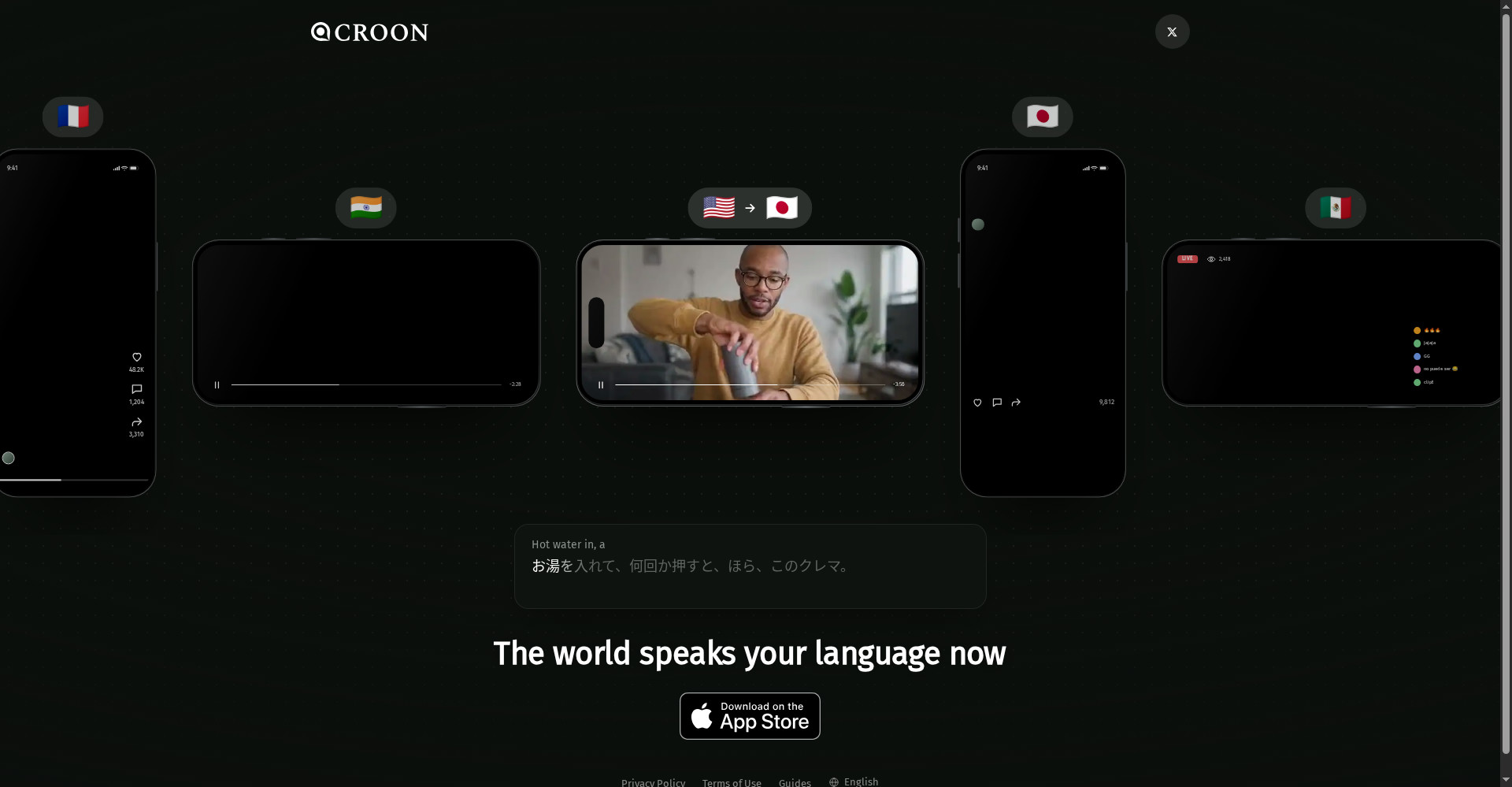
CROON homepage
1 / 2Overview
What is CROON?
Live dubbing for whatever's playing on your iPhone
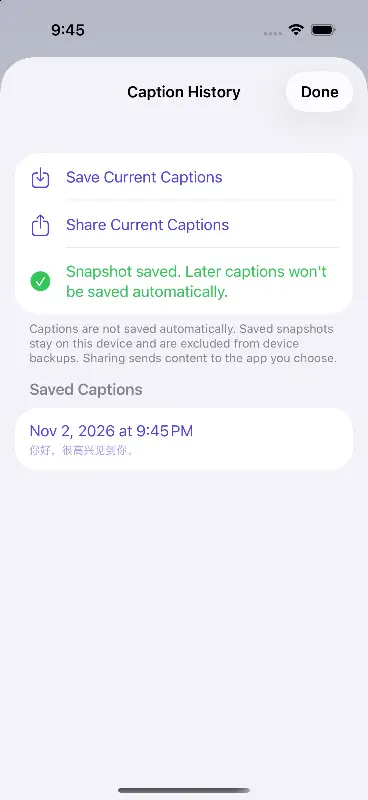
CROON dubs whatever is playing on your iPhone into your language, live. Turn it on once, then go back to your app and keep watching: YouTube, short videos, live streams, and podcasts are dubbed in real time, with voices close to the original speakers and each person in a conversation keeping their own voice. It adds synced subtitles and can answer questions aloud in the other person's voice. It dubs into 85 languages and works through audio-only screen broadcast, so it never sees your screen. You need an iPhone or iPad on iOS or iPadOS 26 or newer and an internet connection. Free to download, with monthly or annual plans inside the app.
Platforms and languages
CROON Availability
Platforms
Languages
Capabilities
CROON Key Features
Cross-app live dubbing
Dubs audio as it plays in YouTube, short video, live streams, podcasts, and other apps.
Speaker-matched voices
Dubbed voices stay close to the original speaker, with each person keeping their own voice.
Synced subtitles
Shows subtitles in your language in sync with the dubbing.
Ask aloud
Ask a question out loud and hear the answer in the other person's voice.
85 dubbing languages
Dubs into 85 languages, with an interface in English and 43 more languages.
Best for
Who uses CROON?
iPhone users watching foreign-language video and audio
Hear any video, stream, or podcast dubbed live into your own language
Plans and access
CROON Pricing
Paid
Common questions
CROON FAQs
What is CROON?
An iPhone and iPad app that dubs the audio you are listening to into your language, live, in any app.
Which devices does it support?
iPhone and iPad on iOS or iPadOS 26 or newer, with an internet connection.
Does CROON see my screen?
No. It receives audio only through screen broadcast and does not receive screen video.
Can I upload a file or link to dub?
No. CROON dubs audio playing on your device; it cannot take uploaded files or links.
How much does it cost?
Free to download, with monthly or annual plans inside the app.
Reviews
See what the community thinks and share your experience.
—
Based on 0 ratings
Rating distribution
Community reviews
No reviews
No written reviews yet.