Connects Claude Code, Codex or Cursor to your open Figma file so your coding agent designs with your components and checks its own work.
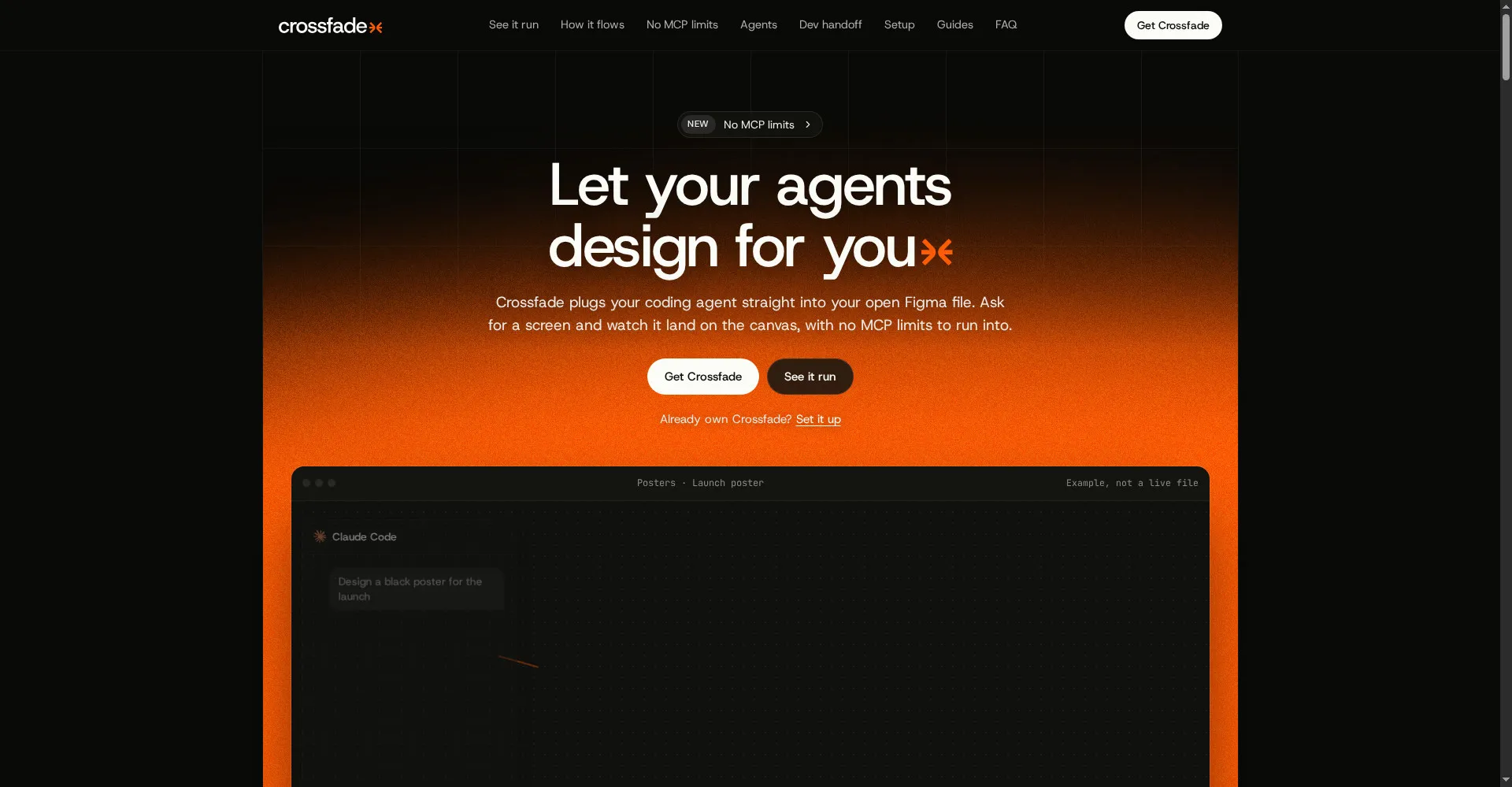
Crossfade homepage
1 / 2Overview
What is Crossfade?
Let your coding agent design in your open Figma file
Crossfade connects your coding agent to the Figma Design, FigJam or Slides file you have open. Select a layer and ask: it builds with your components and design system, checks its own screenshot, and leaves dev handoff notes on the layers.
It works over localhost with no MCP call limits, generates React, SwiftUI and CSS, and supports several agents working at once. A one-time purchase of $19 covers 2 Macs with no usage fees.
Platforms and languages
Crossfade Availability
Platforms
Languages
Capabilities
Crossfade Key Features
Local Figma link
Connects your Figma plugin to Claude Code, Codex or Cursor over localhost, with no MCP call limits.
Design in the open file
Select a layer and ask: the agent builds with your components and design system, then checks its own screenshot.
Code and handoff
Generates React, SwiftUI and CSS code and leaves dev handoff notes on the layers.
Multi-agent
Run several agents at once, with single-step undo.
Local only
Your data stays local; code never passes through Crossfade servers.
Best for
Who uses Crossfade?
Designers and developers who work in Figma with AI coding agents
Let a coding agent design directly in an open Figma file
Plans and access
Crossfade Pricing
Paid
$19 once, includes 2 Macs, no usage fees
Common questions
Crossfade FAQs
Which coding agents work with Crossfade?
Claude Code, Codex and Cursor — connected through a local Figma plugin.
Does my code go through Crossfade servers?
No. Everything runs locally and your code never passes through Crossfade servers.
What can I generate from a design?
React, SwiftUI and CSS code, plus dev handoff notes left on the layers.
Reviews
See what the community thinks and share your experience.
—
Based on 0 ratings
Rating distribution
Community reviews
No reviews
No written reviews yet.