A visual feedback tool that lets clients comment on live sites, designs, and PDFs while your AI agent fixes and verifies each point.
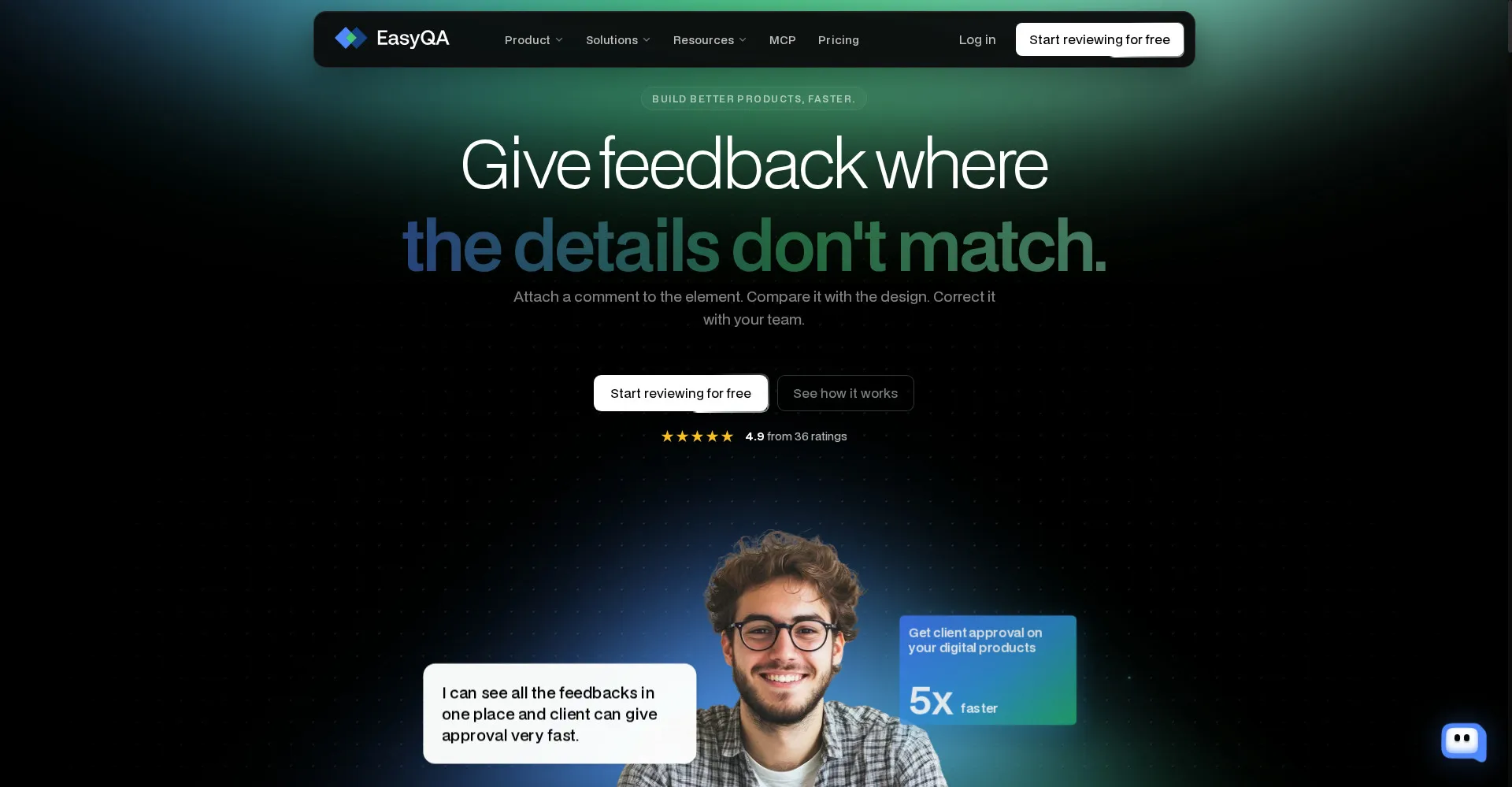
EasyQA homepage
1 / 2Overview
What is EasyQA?
Resolve client feedback with your AI agent
EasyQA turns client feedback into finished work with your AI agent. It is a visual feedback tool: point at anything on a live site, in a design, photo, or PDF, and leave a comment. Connect Claude, ChatGPT, or Codex over MCP, and your agent deploys, fixes, and verifies each point. Everything is saved in your own Google Drive. It also supports voice feedback with transcription, design comparison and overlays, page audits, device previews, and Kanban views. The free plan covers 3 reports; Pro is $9 a month and Team is $29 a month, with a lifetime Pro option at $149.
Platforms and languages
EasyQA Availability
Platforms
Languages
Capabilities
EasyQA Key Features
Point-and-comment feedback
Leave comments directly on a live site, design, photo, or PDF.
AI agent fixes over MCP
Connect Claude, ChatGPT, or Codex and your agent deploys, fixes, and verifies each point.
Saved in your Google Drive
Every report is stored in your own Google Drive.
Voice feedback and audits
Record voice feedback with transcription, compare designs, and run page audits.
Previews and Kanban
Preview on devices, compare views, and track feedback in a Kanban board.
Best for
Who uses EasyQA?
Designers, developers, agencies, and QA teams
Collect visual client feedback and let an AI agent fix and verify each point
Plans and access
EasyQA Pricing
Freemium
Free plan available; Pro $9/month, Team $29/month. Lifetime Pro $149.
Common questions
EasyQA FAQs
How does the free plan work?
The free plan includes 3 reports. Pro and Team add unlimited reports, integrations, and Kanban views.
What is the difference between Pro and Team?
Pro is for individuals; Team adds shared workspaces, integrations, and Kanban boards for the whole team.
What happens if I cancel?
You keep your reports in Google Drive and drop back to the free plan.
Do people I share with need to pay?
No. People you share a report with can view and comment without paying.
Can I sign in with Google or Microsoft?
Yes. EasyQA supports Google and Microsoft single sign-on.
Reviews
See what the community thinks and share your experience.
—
Based on 0 ratings
Rating distribution
Community reviews
No reviews
No written reviews yet.