Swap a face in a photo, check the preview, and download the result in your browser.
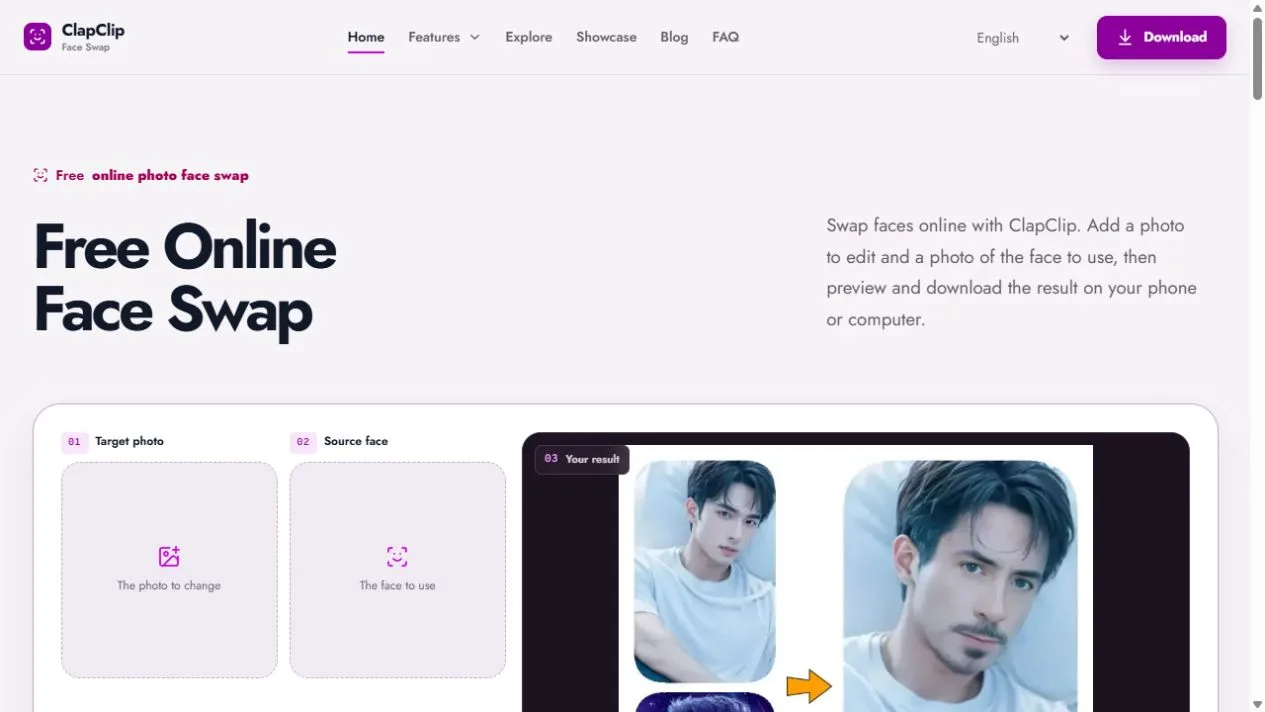
FaceSwap.Free photo upload and preview workspace
Overview
What is FaceSwap.Free?
Give a photo a new face in your browser.
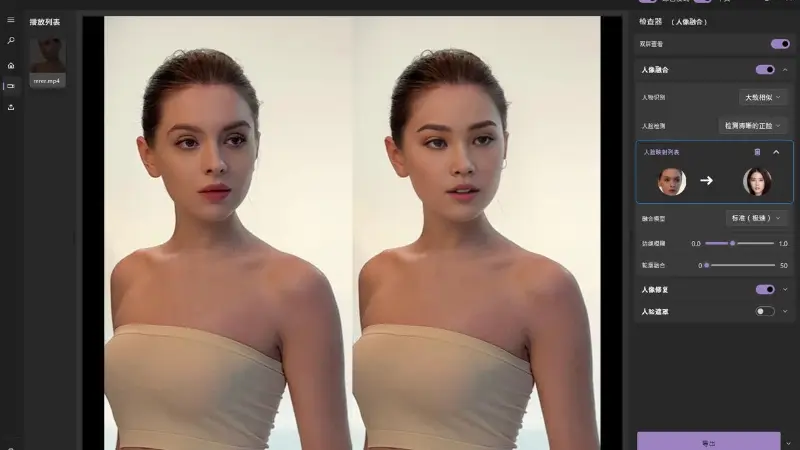
FaceSwap.Free handles a straightforward photo edit: replace a face, look at the result, and save the image.
Open the website in a phone or computer browser, choose the photo to edit, then add a source image containing the face you want to use. Check the preview before downloading the edited photo. There is no desktop editor to install for this workflow.
The site uses accounts and usage limits. Free access and paid credit options are available, so check the current allowance before starting. This listing covers the browser photo tool at faceswap.free.
Platforms and languages
FaceSwap.Free Availability
Platforms
Languages
Capabilities
FaceSwap.Free Key Features
Photo face swaps
Choose the photo to edit and a separate source face image.
Use a browser
Open the tool on a phone or computer without installing a desktop editor.
Preview and download
Review the generated result before downloading your edited photo.
Plans and access
FaceSwap.Free Pricing
Freemium
Free access is available with an account and usage limits. Credit limits and paid options apply; check FaceSwap.Free for current allowances and pricing.
Compare similar tools
FaceSwap.Free Alternatives

Reviews
See what the community thinks and share your experience.
—
Based on 0 ratings
Rating distribution
Community reviews
No reviews
No written reviews yet.