FramePack AI
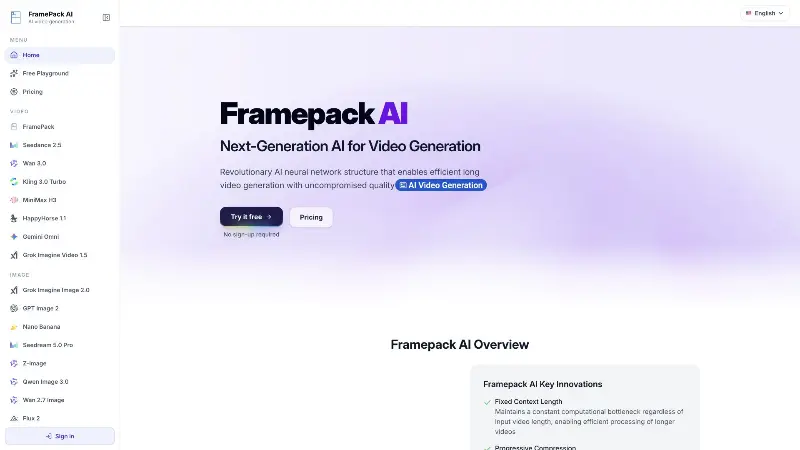
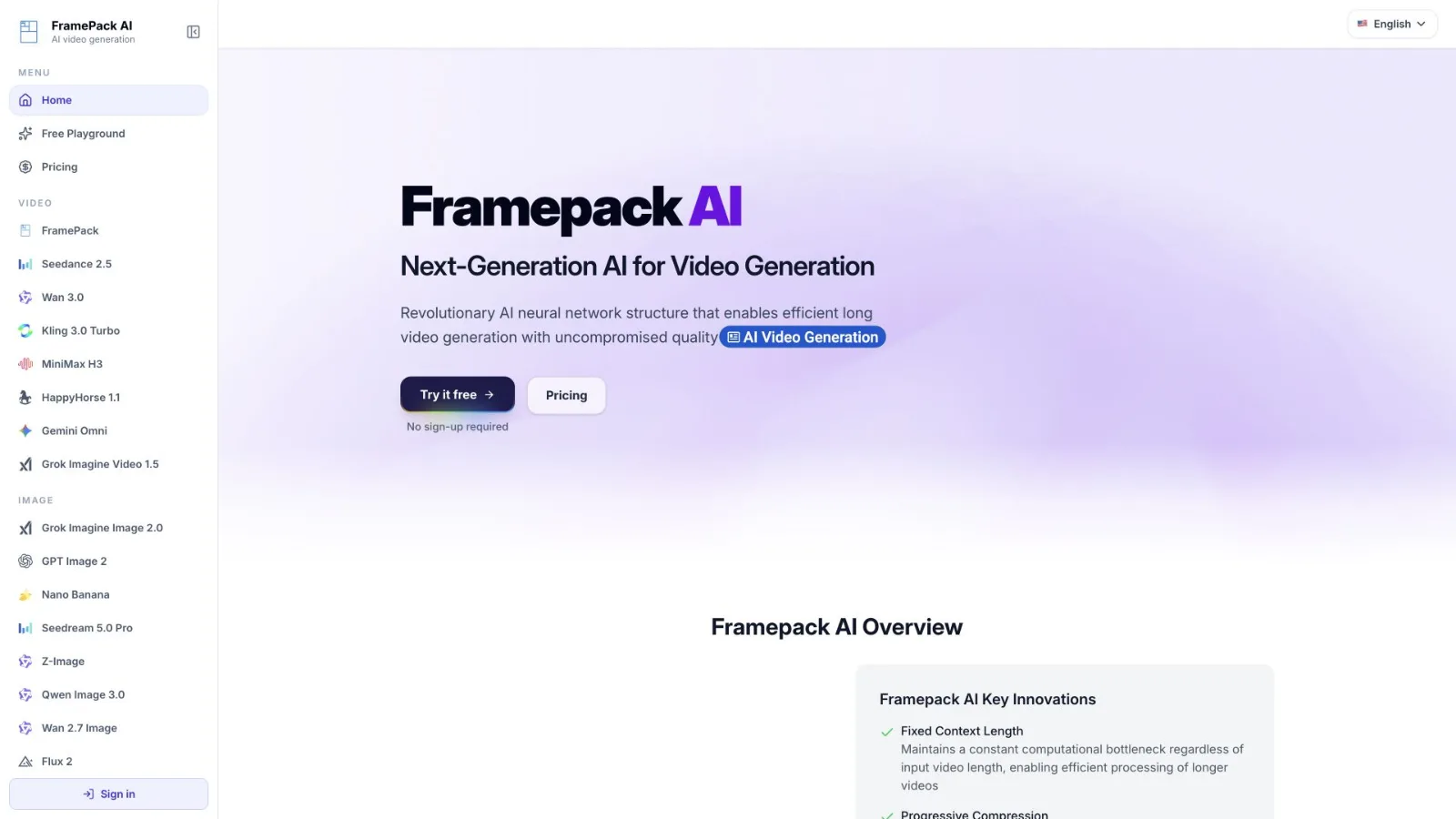
FramePack AI is an online workspace for AI video and image generation, with multiple models
Product screenshot
Overview
What is FramePack AI?
FramePack AI is a browser-based workspace for creating AI-generated videos and images. It brings multiple generation models into one place, helping users explore different approaches without installing models or configuring a local GPU environment.
For video creation, users can start with a text prompt, a still image, or reference media, depending on the selected model. Image tools support prompt-based generation and reference-based editing where available. Model-specific controls let users choose supported options such as aspect ratio, duration, resolution, and output quality.
The workflow is straightforward: choose a generator, describe the intended result, add any required references, review the credit cost, and submit the task. Users can follow generation progress and preview or download completed media from their workspace.
FramePack AI can be used to explore visual concepts, animate images, develop story ideas, and prepare creative assets. Creators and marketing teams should choose a plan that includes the commercial permissions required for their use.
A free playground lets visitors try video generation without signing in, subject to shared capacity and availability. Paid access is offered through monthly or annual subscriptions and one-time credit packs. Monthly plans start at $9.99 USD. Credit-pack balances do not expire; subscription credits refresh monthly and do not roll over.
The interface is available in English, Simplified Chinese, Japanese, Spanish, and Brazilian Portuguese. Supported features and output options vary by model.
Platforms and languages
FramePack AI Availability
Platforms
Languages
Plans and access
FramePack AI Pricing
Paid
FramePack AI Alternatives
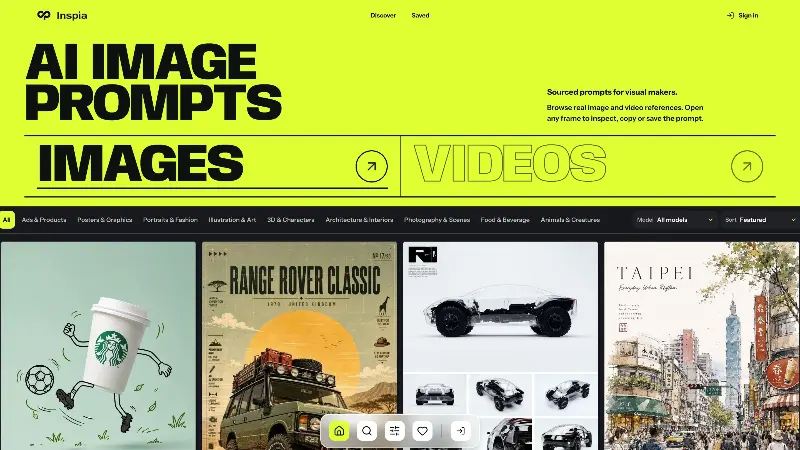 InspiaInspia is a curated AI image and video prompt library where creators can discover real visual references, inspect the prompts behind them, and reuse ideas in their own work.
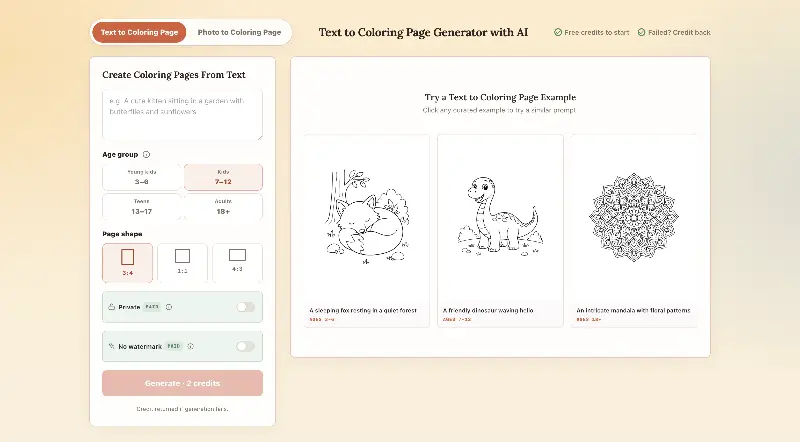 CPagesCPages turns text prompts or photos into printable coloring pages.
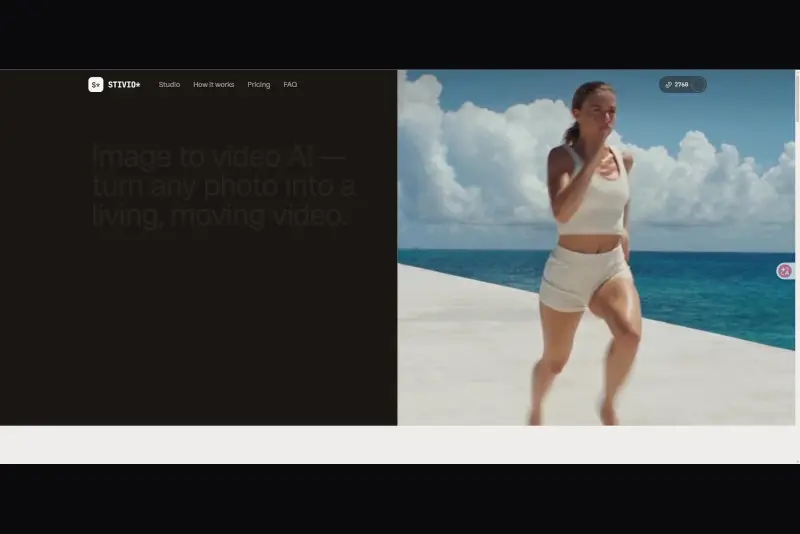 StivioStivio turns a single photo into a moving HD video. Upload an image, describe the motion in plain English, and six leading AI video models render an HD MP4 in one to five minutes.
 UGCfy AICreate AI-generated UGC-style video ads from product links, with scripts, hooks, AI actors, captions, and export-ready formats.5.0(1)
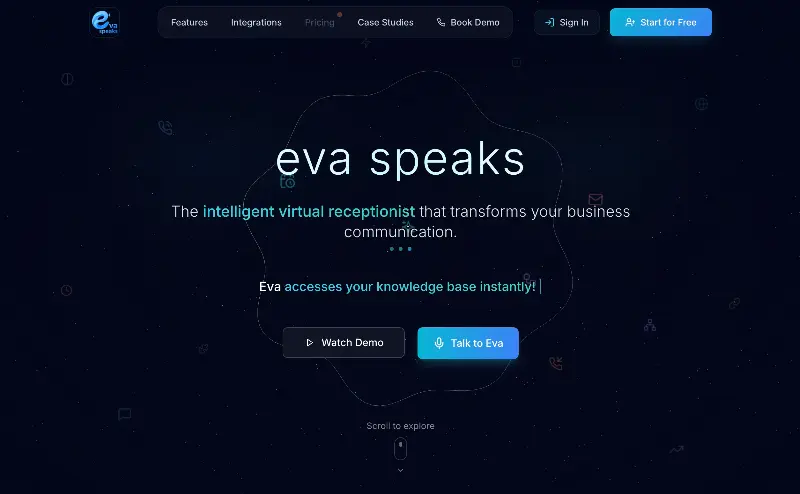 EvaSpeaksEvaSpeaks is an AI-powered virtual receptionist that answers calls 24/7, handles customer inquiries, schedules appointments, captures leads, and routes calls to the right team. It helps businesses improve response times, reduce missed opportunities, automate routine communication, and provide reliable customer support even outside regular business hours.5.0(1)
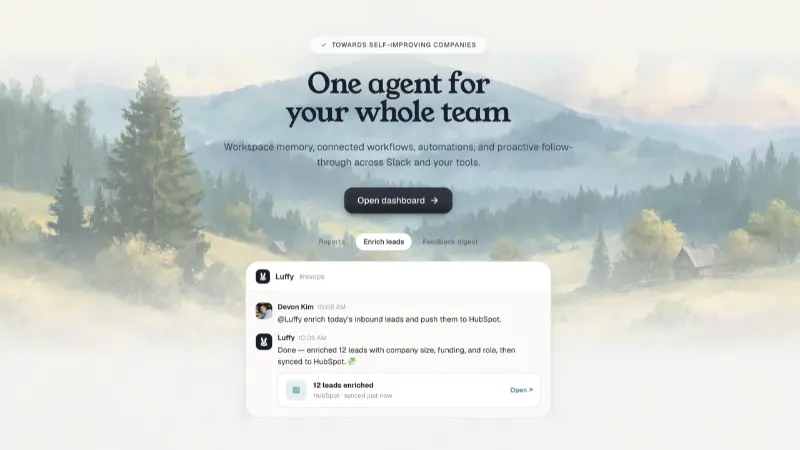 LuffyAI employee that gets work done directly in Slack5.0(1)
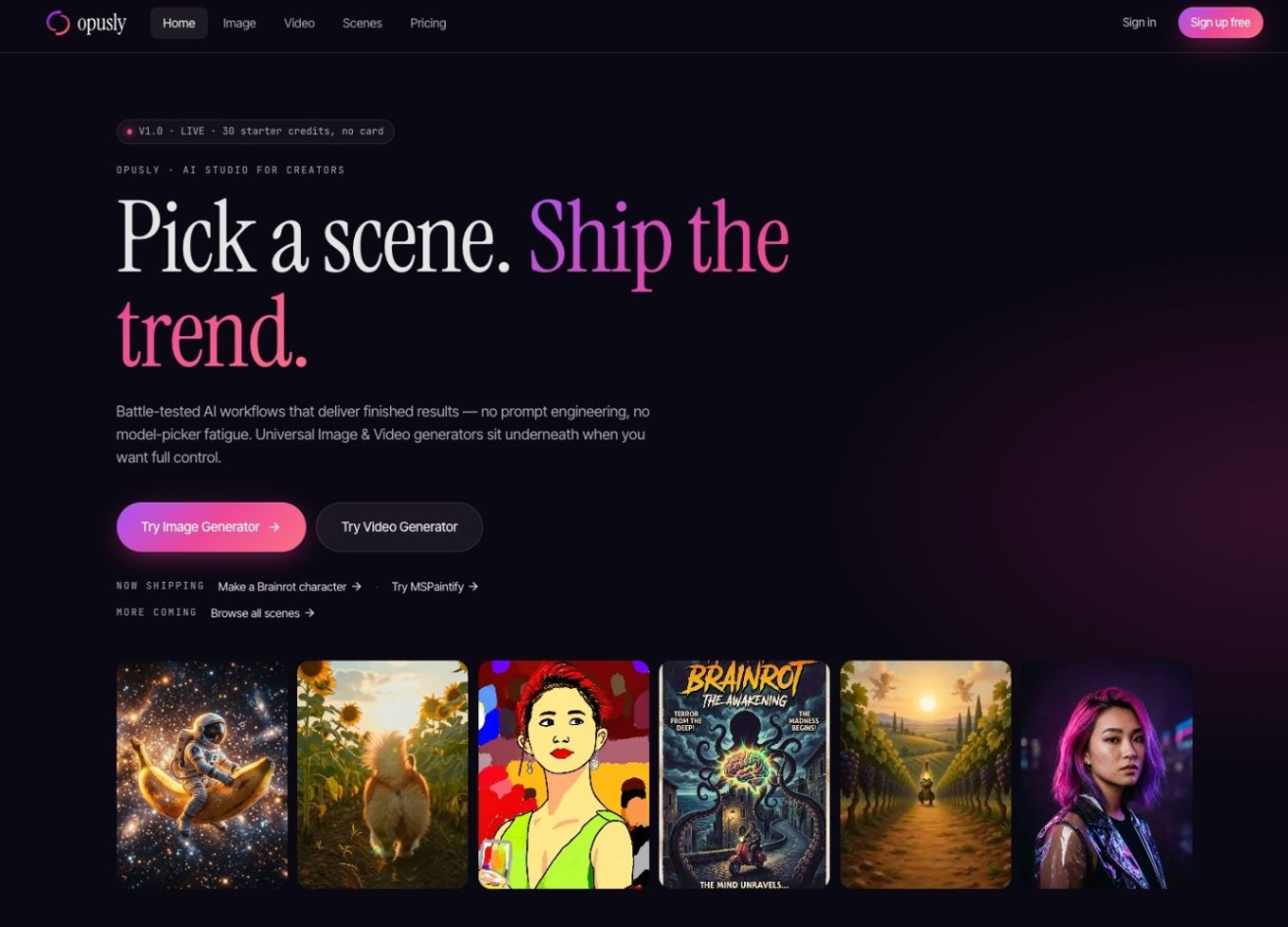 OpuslyOpusly is an AI studio for creators — generate images and videos with auto-picked best models (Nano Banana 2, GPT-Image-2, Seedance 2.0), or use one-click scene templates like Italian Brainrot and MSPaintify. Free signup includes 30 credits.
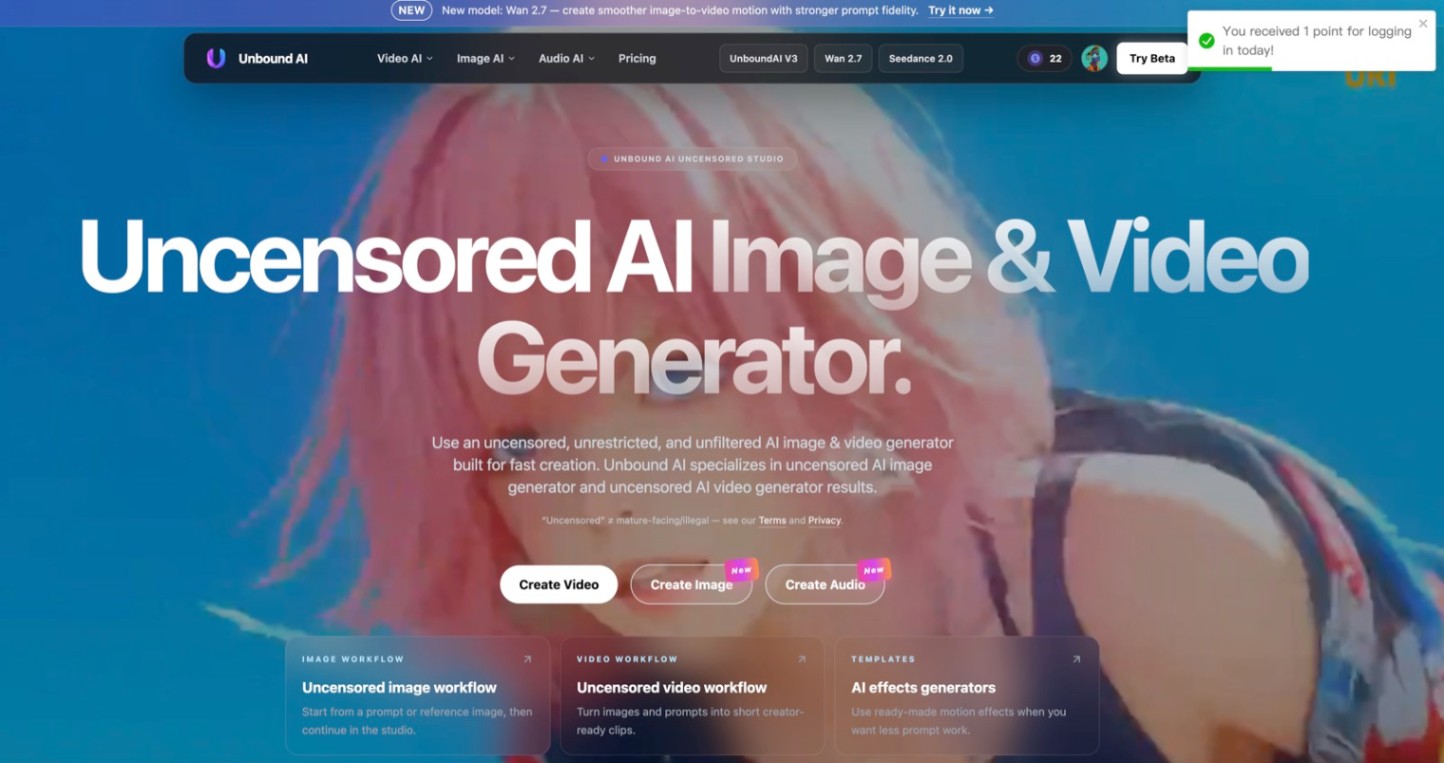 Unbound AICreate uncensored and unrestricted AI images and videos with optional music, voice, and sound effects.
 ImgfreeImgfree is a free AI image and video generator that allows users to create stunning visuals from text prompts, offering unlimited access to various AI models without the need for credits.
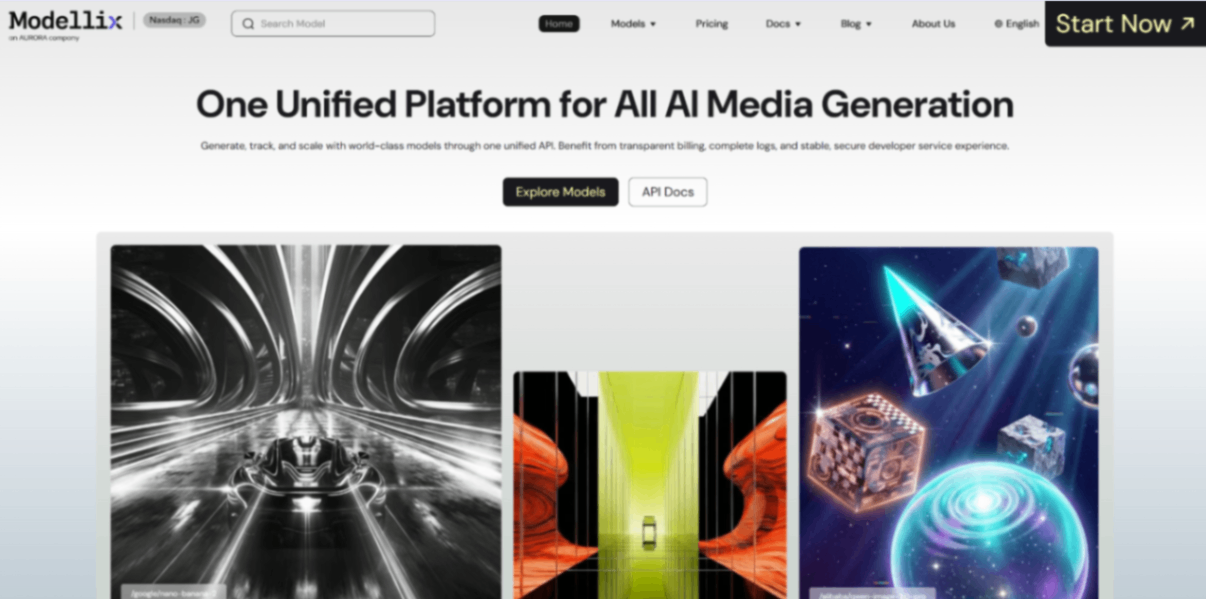 Modellix.aiModellix is a MaaS (Model as a Service) platform that provides unified API access to maintream AI models, covering text-to-image, text-to-video, image-to-image, image-to-video, video editing, and more. Supported models include Nano Banana, Kling, Veo, Seedance, Seedream, Minimax, Qwen, Wanx, GPT, and others.
Whether you’re a developer building AI-powered applications or a creator producing visual content, Modellix provides the tools you need through a single API.
Reviews
See what the community thinks and share your experience.
—
Based on 0 ratings
Rating distribution
Community reviews
No reviews
No written reviews yet.