Glasscribe
Glasscribe is a macOS menu bar app for real-time speech-to-text transcription. 100% on-device, 22+ languages, live translation — your voice never leaves your Mac.
Product screenshot
Overview
What is Glasscribe?
Glasscribe is a lightweight macOS menu bar app that delivers real-time subtitles for anything on your Mac. It captures system audio or mic input and shows a floating subtitle overlay on top of whatever you're doing. No cloud, no API keys — everything runs 100% on-device using Apple's built-in Speech framework and Neural Engine. Your voice data never leaves your Mac.
Unlike other transcription tools, Glasscribe is designed to feel native — it sits quietly in your menu bar, launches instantly, and gets out of your way.
Floating Subtitle Overlay — A compact, always-on-top window displays live captions over any application. Perfect for following along with foreign-language content, accessibility, or keeping up with fast-paced meetings without switching windows.
System Audio Capture — Transcribe audio playing from any app on your Mac — Zoom calls, YouTube videos, podcasts, online lectures — without installing virtual audio drivers or browser extensions. Just click and it works.
22+ Languages with Live Translation — Transcribe in English, Korean, Japanese, Chinese, Cantonese, Spanish, French, German, Italian, Portuguese, Arabic, Russian, and more. Translate between any supported language pair in real-time, all processed locally on your device.
Dictation Mode with Auto-Paste — Speak naturally and Glasscribe automatically types the transcribed text at your cursor in any application. Ideal for writing emails, documents, messages, and notes hands-free.
Complete Privacy — Unlike cloud-based alternatives like Otter.ai or Whisper API services, Glasscribe processes everything locally. No internet connection needed, no data collection, no third-party servers. Your conversations stay yours.
Session History & Export — Every transcription is automatically saved with full-text search. Export sessions as .txt or .srt subtitle files for further editing or archival.
Built for macOS — A native Swift application designed specifically for Mac. Supports macOS Sonoma and later on both Apple Silicon and Intel Macs, using minimal system resources.
Who It's For:
- Remote workers who need meeting transcriptions without cloud services
- Content creators transcribing podcasts, interviews, and videos
- Language learners using live translation for immersion
Platforms and languages
Glasscribe Availability
Platforms
Languages
Compare similar tools
Glasscribe Alternatives
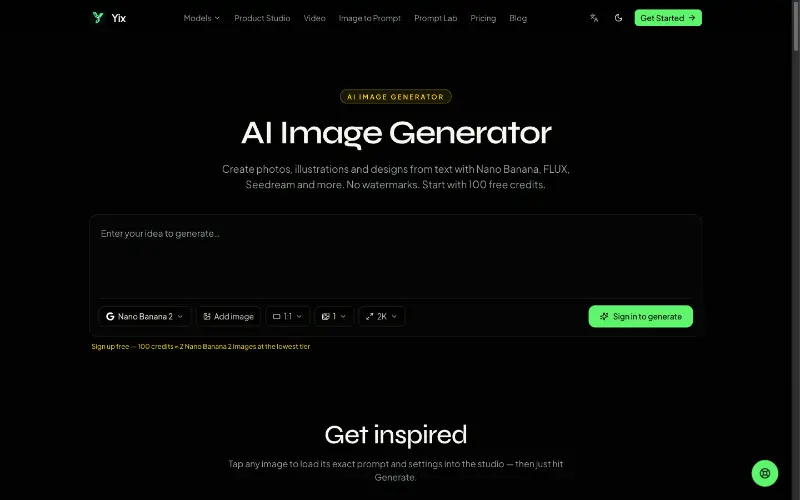 YixYix is a browser-based AI image and video studio with multiple models, reference-image workflows, free prompt tools, and credit-based pricing.AI Image Generation
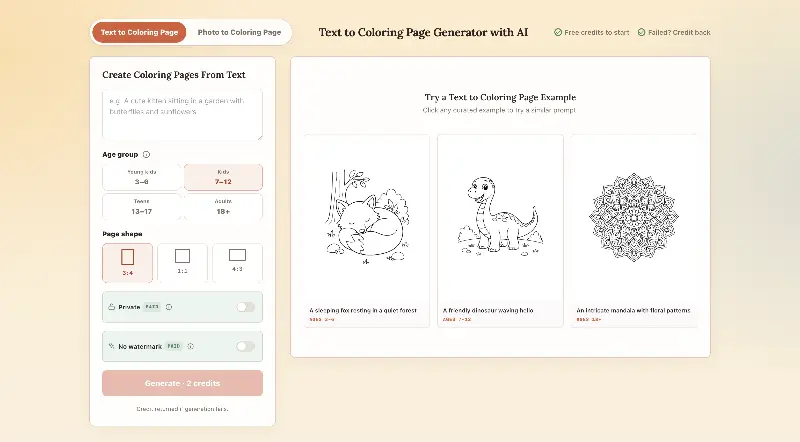 CPagesCPages turns text prompts or photos into printable coloring pages.AI Image GenerationAI Illustration ToolsAI Design Toolscoloring pagesprintable arttext to image
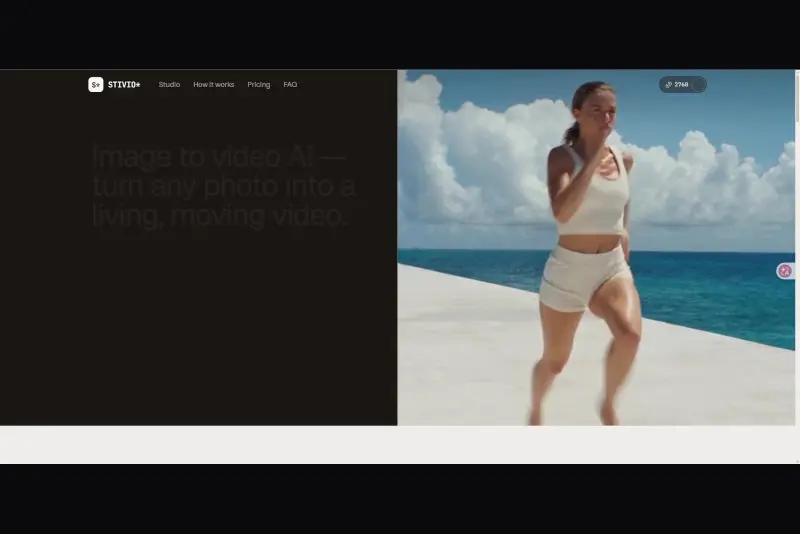 StivioStivio turns a single photo into a moving HD video. Upload an image, describe the motion in plain English, and six leading AI video models render an HD MP4 in one to five minutes.AI Video CreationAI Image GenerationAI Creation Generationimage to videoai video generatorphoto animation
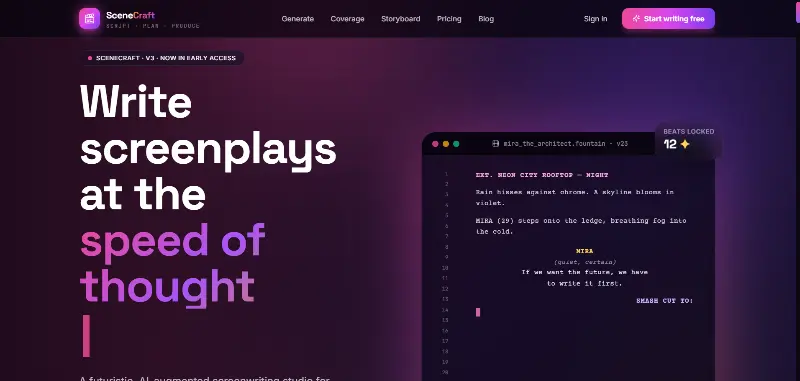 SceneCraft - AISceneCraft is an AI screenwriting studio. Generate full screenplays from an idea, get instant AI script coverage, and turn scenes into storyboards or full comic pages — all in industry-standard format, in 100+ languages. Built for screenwriters, showrunners, and indie filmmakers who want to move from idea to pre-production without switching tools.5.0(1 reviews)AI Image GenerationAI Text WritingAI StorytellingTurn any scene into a comic pagepanel by panel.
 OpuslyOpusly is an AI studio for creators — generate images and videos with auto-picked best models (Nano Banana 2, GPT-Image-2, Seedance 2.0), or use one-click scene templates like Italian Brainrot and MSPaintify. Free signup includes 30 credits.AI Image GenerationAI Video CreationAI Design Art
 Unbound AICreate uncensored and unrestricted AI images and videos with optional music, voice, and sound effects.AI Image GenerationAI Video CreationAI Audio Tools
 ImgfreeImgfree is a free AI image and video generator that allows users to create stunning visuals from text prompts, offering unlimited access to various AI models without the need for credits.AI Image GenerationAI Video CreationAI Design Art
 Modellix.aiModellix is a MaaS (Model as a Service) platform that provides unified API access to maintream AI models, covering text-to-image, text-to-video, image-to-image, image-to-video, video editing, and more. Supported models include Nano Banana, Kling, Veo, Seedance, Seedream, Minimax, Qwen, Wanx, GPT, and others.
Whether you’re a developer building AI-powered applications or a creator producing visual content, Modellix provides the tools you need through a single API.AI Video CreationAI Marketing ToolsAI Image Generation
Modellix.aiModellix is a MaaS (Model as a Service) platform that provides unified API access to maintream AI models, covering text-to-image, text-to-video, image-to-image, image-to-video, video editing, and more. Supported models include Nano Banana, Kling, Veo, Seedance, Seedream, Minimax, Qwen, Wanx, GPT, and others.
Whether you’re a developer building AI-powered applications or a creator producing visual content, Modellix provides the tools you need through a single API.AI Video CreationAI Marketing ToolsAI Image Generation YouMindYouMind is an innovative creation agent that harnesses the power of generative AI to transform diverse materials into inspired creations.5.0(1 reviews)AI Image GenerationAI Text WritingAI Workflow
 Z-ImageZ-Image is a 6B-parameter Single-Stream Diffusion Transformer for fast, photorealistic image generation and editing. It runs smoothly on 16GB consumer GPUs, follows complex bilingual (Chinese/English) instructions, renders crisp text, and is fully open for developers via public code, weights, and demos.5.0(1 reviews)AI Image Generation
Reviews
See what the community thinks and share your experience.
—
Based on 0 ratings
Rating distribution
Community reviews
No reviews
No written reviews yet.