macOS menu-bar app that watches all your coding agents at once and lets you approve their requests without switching windows.
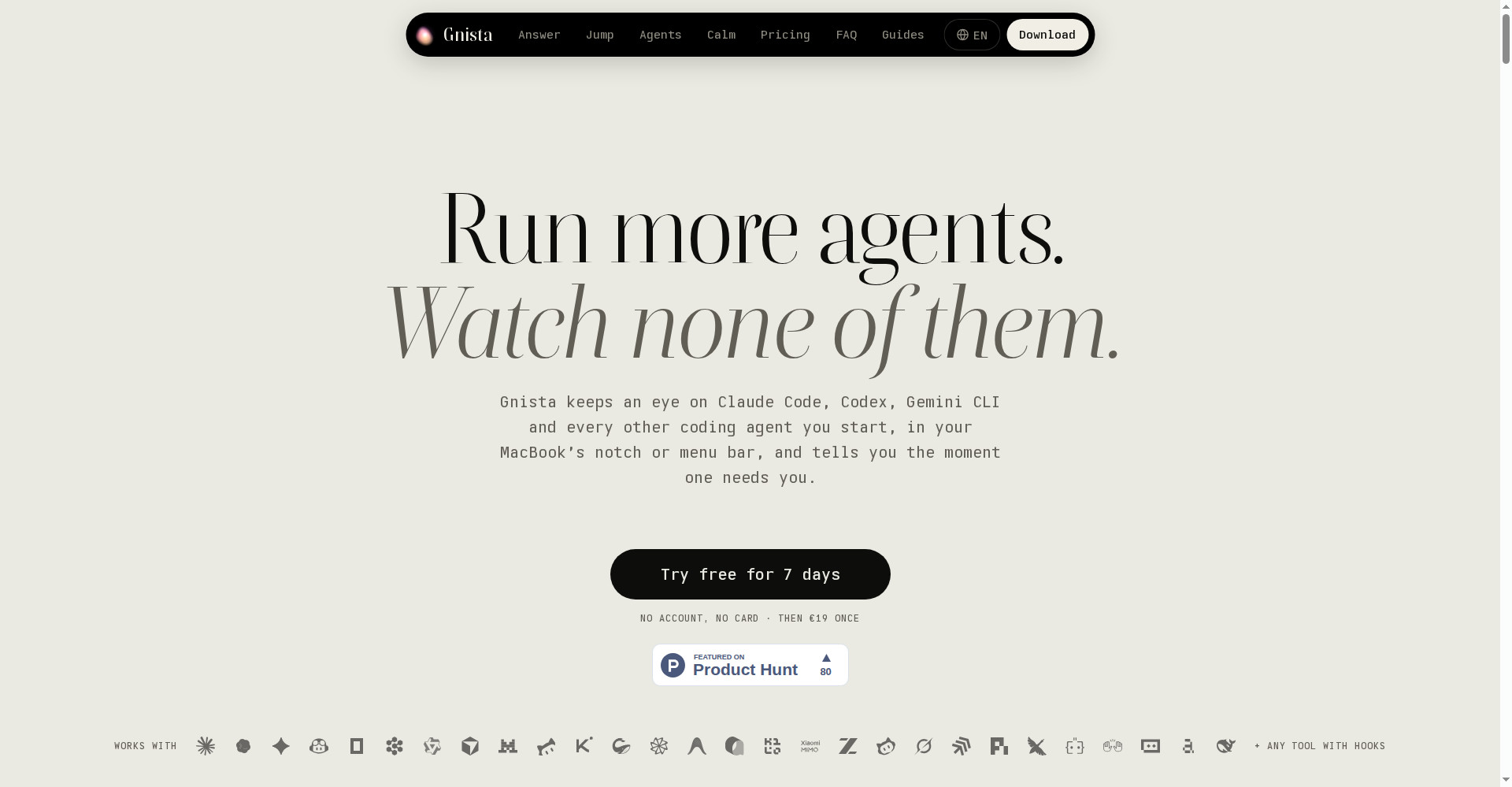
Gnista homepage
1 / 2Overview
What is Gnista?
Run more coding agents, watch none of them
Gnista keeps an eye on Claude Code, Codex, Gemini CLI and every other coding agent you start, in your MacBook's notch or menu bar, and tells you the moment one needs you. Approve or deny permission requests right from the notch, jump straight to the terminal where an agent works, and track costs and usage limits across agents — including agents on Linux servers over SSH.
It runs locally with no telemetry, no analytics and no account. A 7-day free trial needs no account and no credit card; after that it is €19 once, including a year of updates.
Platforms and languages
Gnista Availability
Platforms
Languages
Capabilities
Gnista Key Features
Every agent at a glance
See the status of Claude Code, Codex, Gemini CLI and 28+ other agents in your MacBook's notch or menu bar.
Approve in the notch
Allow, always allow or deny permission requests from Claude Code and Codex without switching windows.
Jump to the agent
One click takes you to the agent's terminal tab, tmux pane or editor window.
Costs and limits
Watch spend and usage limits per agent, including agents on remote servers over SSH.
Quiet by design
No interruptions while you share your screen, take calls or focus. Local-first, no telemetry, no account.
Best for
Who uses Gnista?
Developers running several AI coding agents at once
Watch every agent's status and approve requests from the menu bar
Plans and access
Gnista Pricing
Paid
€19 once, incl. 1 year of updates; teams from €15/Mac/year
Common questions
Gnista FAQs
Which agents does it support?
Claude Code, Codex and any agent with hooks; agents on Linux servers show up over SSH, and other tools can report in with one line of JSON.
Can I answer an agent without switching windows?
Yes. You can approve or deny permission requests right from the notch or menu bar.
Does any data leave my Mac?
No. Session data never leaves your machine — no telemetry, no analytics, no account.
What happens after the 7-day trial?
The trial ends and you can buy a licence for €19 once, including one year of updates.
Reviews
See what the community thinks and share your experience.
—
Based on 0 ratings
Rating distribution
Community reviews
No reviews
No written reviews yet.