Free AI NVR software that records your cameras and finds people or vehicles by appearance, face, text or plate.
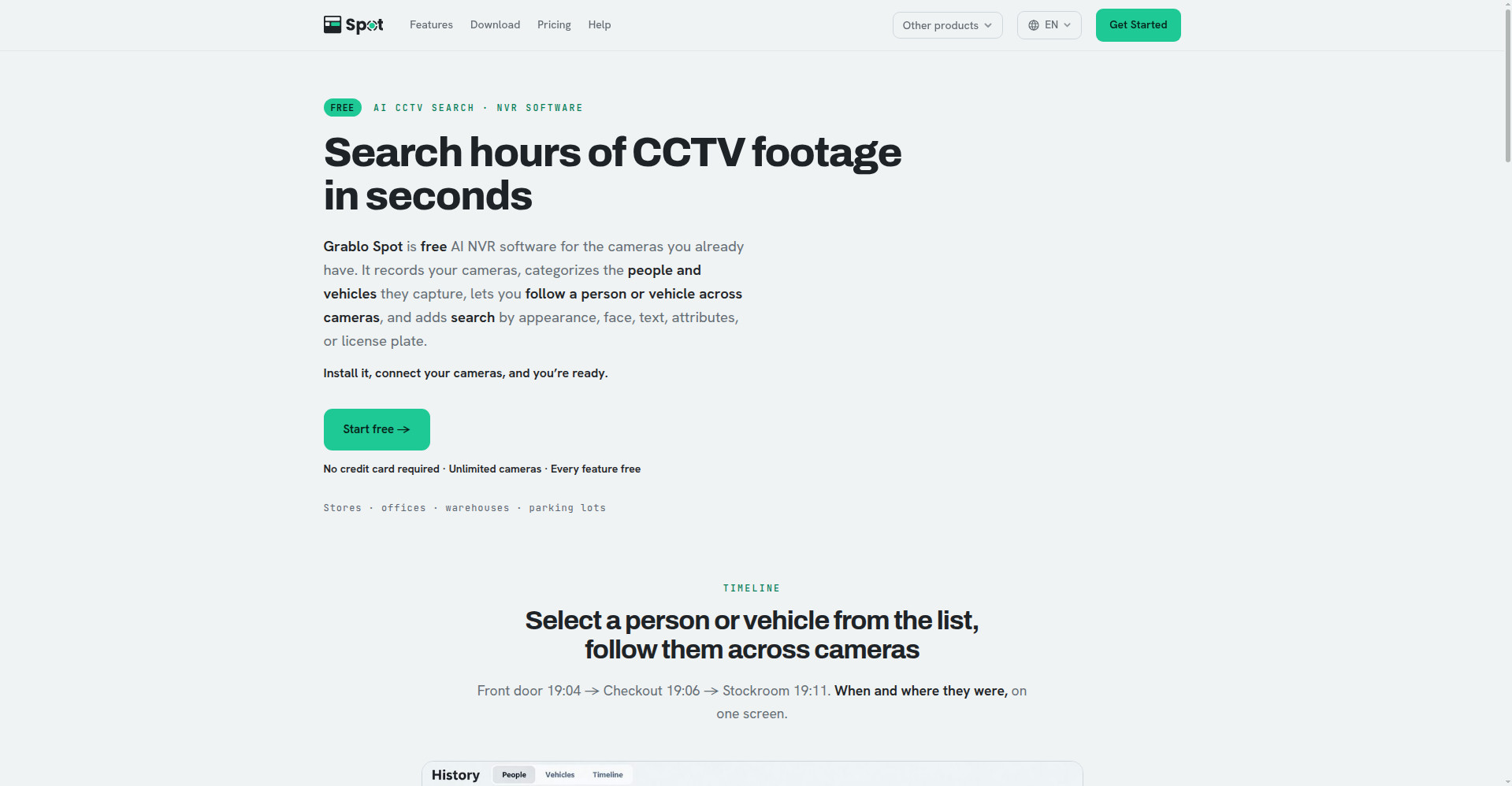
Grablo Spot homepage
1 / 2Overview
What is Grablo Spot?
Search hours of CCTV footage in seconds
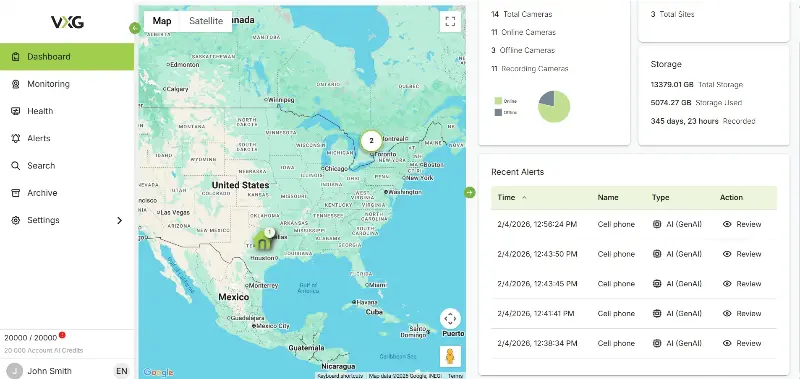
Grablo Spot is free AI NVR software for the cameras you already have. It records your cameras, categorizes the people and vehicles they capture, lets you follow a person or vehicle across cameras on one timeline, and adds search by appearance, face, text, attributes or license plate.
Install it on a Windows PC, Mac or Raspberry Pi, connect your IP cameras or NVRs, and you're ready — guided setup on one screen, automatic ONVIF discovery, no port forwarding. Get phone alerts the moment someone you're watching for appears.
Free with unlimited cameras and every feature included. Built for stores, offices, warehouses and parking lots.
Platforms and languages
Grablo Spot Availability
Platforms
Languages
Capabilities
Grablo Spot Key Features
Free AI NVR software
Records the cameras you already have — no NVR or server hardware needed, every feature free, unlimited cameras.
Follow across cameras
Select a person or vehicle and follow them across cameras on one timeline: front door 19:04 → checkout 19:06 → stockroom 19:11.
Search by appearance, face, text
Find people by overall look, face (no pre-registration needed), plain-word descriptions like 'person in a blue jacket', or attributes — and vehicles by appearance, text or partial plate.
Instant alerts
Get notified on your phone the moment a watched-for person or vehicle appears.
Easy installation
Connect IP cameras, NVRs (RTSP, ONVIF) and USB webcams on a Windows PC, Mac or Raspberry Pi; ONVIF cameras are auto-discovered.
View from anywhere
No port forwarding or static IP — watch on your phone or browser.
Best for
Who uses Grablo Spot?
Stores, offices, warehouses
Search CCTV footage and get alerts without expensive NVR hardware
Plans and access
Grablo Spot Pricing
Free
Common questions
Grablo Spot FAQs
Is Grablo Spot really free?
Yes — every feature free, unlimited cameras, no credit card required.
What cameras does it support?
IP cameras, NVRs via RTSP/ONVIF, and USB webcams. ONVIF cameras on your network are found automatically.
What hardware do I need?
A Windows PC, a Mac, or a board like a Raspberry Pi. No dedicated NVR or server needed — it records on your own hardware.
Do I need to register faces first?
No. Pause playback, select a face, and find other scenes of the same person.
Reviews
See what the community thinks and share your experience.
—
Based on 0 ratings
Rating distribution
Community reviews
No reviews
No written reviews yet.