A desktop video editor that lets AI agents generate and edit videos from plain-language descriptions, built on open web tech.
Homepage hero
1 / 3Overview
What is HyperFrames Studio?
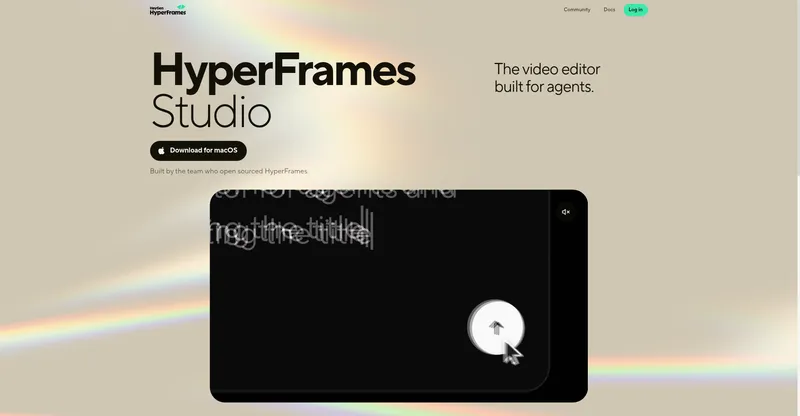
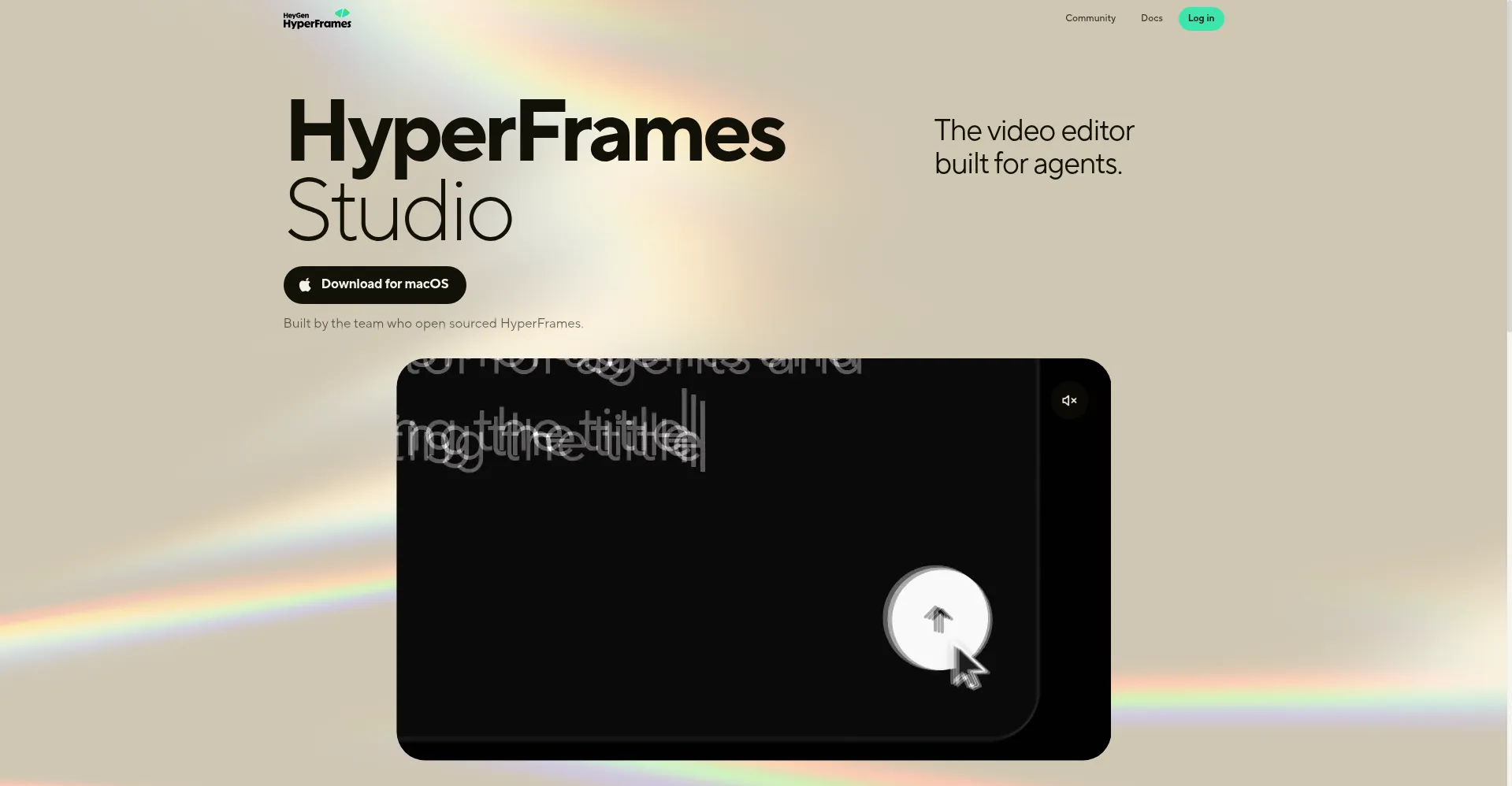
The video editor built for agents.
HyperFrames Studio is a free desktop video editor built for AI agents, from the team behind the open-source HyperFrames framework. Describe the video you want and a local agent writes the HTML, CSS, and JavaScript that generates it — no manual editing required. You can then refine the result conversationally: type, point at the frame, draw, or comment, using models like Claude, GPT, or Gemini. Every frame is resolved before rendering, so exports match the preview exactly, with local FFmpeg encoding, HDR support, and optional Docker environments. Projects are plain local folders of web files accessible via MCP, SDK, TUI, API, or Studio, so there is no lock-in. The toolkit covers color grading, clip splitting, beat-synced music, timeline editing, subtitles, translation dubbing, virtual humans, and background removal. The app is free to download for macOS and Linux (Windows coming), with a web Playground, and the framework is Apache-2.0 open source.
Platforms and languages
HyperFrames Studio Availability
Platforms
Languages
Capabilities
HyperFrames Studio Key Features
Agent-driven generation
Describe the video and a local agent writes HTML/CSS/JS to generate it — no hand-coding required.
Conversational editing
Edit videos in Studio by typing, pointing at the frame, drawing, or commenting, with support for models like Claude, GPT, and Gemini.
Reliable rendering
Every frame is resolved before render, so exports match the preview exactly, with local FFmpeg encoding and optional Docker environments.
Open, editable projects
Projects are plain local HTML/CSS/JS folders accessible via MCP, SDK, TUI, API, or Studio — no lock-in.
Full media toolkit
Color grading, clip splitting, beat-synced music, timeline editing, subtitles, translation dubbing, virtual humans, and background removal.
Best for
Who uses HyperFrames Studio?
AI agents and creators who want agent-made video
Generate and edit videos from text descriptions instead of a manual timeline
Developers
Build agent-driven video workflows with the MCP, SDK, and API
Plans and access
HyperFrames Studio Pricing
Free
Common questions
HyperFrames Studio FAQs
Is HyperFrames Studio really free?
Yes. The app is free to download and the underlying HyperFrames framework is open source under Apache-2.0. There is no published pricing page or paid plan.
Which platforms are supported?
macOS and Linux downloads are available now, a Windows build is on the way, and there is a web-based Playground in the browser.
How do agents create videos with it?
You describe the video in words; the agent writes HTML, CSS, and JavaScript that renders as video. Projects stay as plain local files you can open and edit yourself.
What if my preview looks fine but the render fails?
Common causes are a missing FFmpeg install, an unsupported source codec showing a black preview, or missing fonts and remote media. The docs include a troubleshooting guide and a hyperframes doctor diagnostic command.
Where can I get help?
Through the documentation site at hyperframes.heygen.com, including its troubleshooting guide, or by searching and filing issues on the project's GitHub repository.
Reviews
See what the community thinks and share your experience.
—
Based on 0 ratings
Rating distribution
Community reviews
No reviews
No written reviews yet.