Hypervibe
Don't let a screen decide how many agents you run. Put them on a board.
Native Mac app that runs Claude Code, Codex, and Gemini CLI side by side on one infinite board with real terminals.
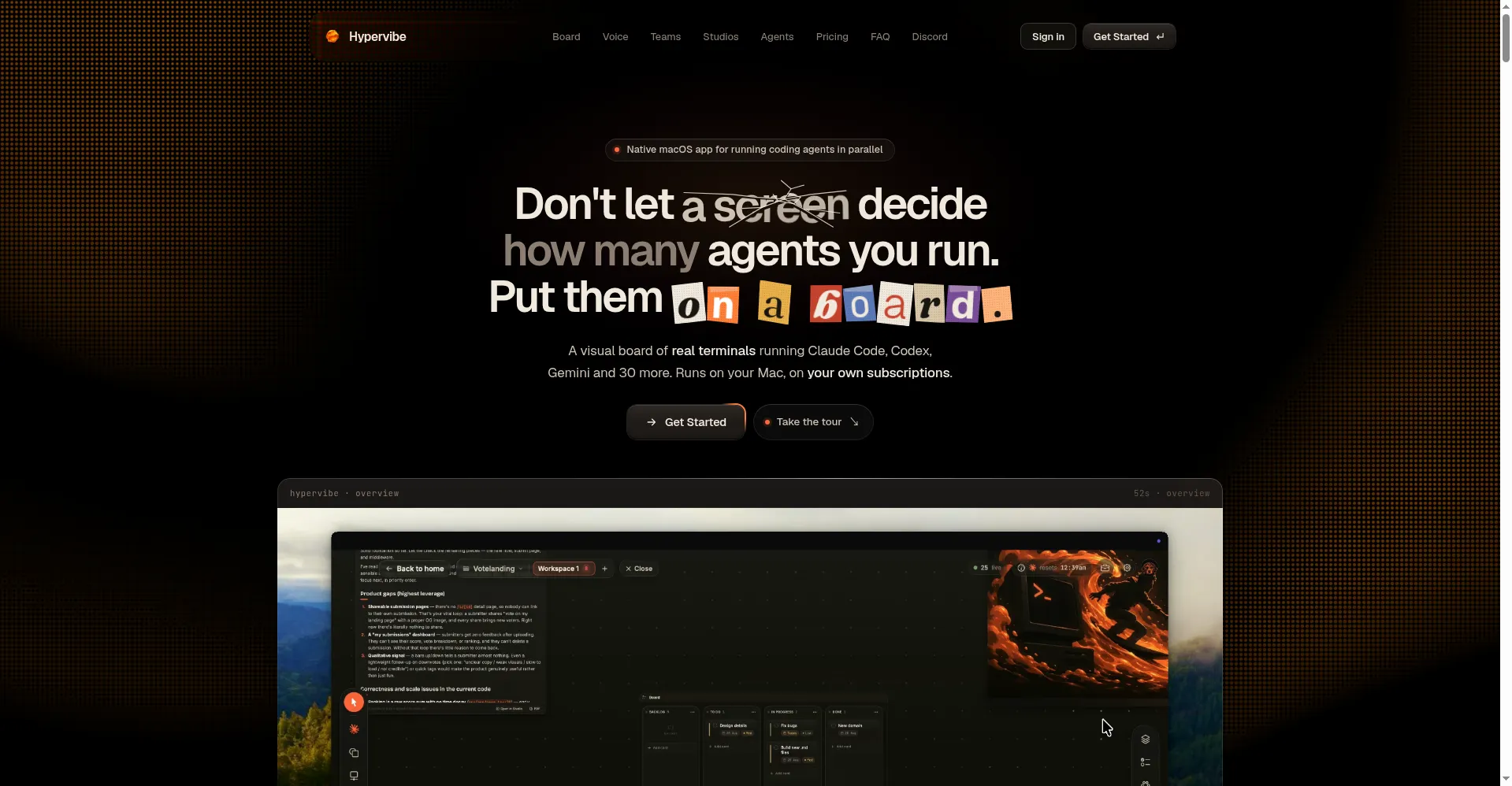
Hypervibe homepage — one board for your AI agents
1 / 3Overview
What is Hypervibe?
Don't let a screen decide how many agents you run. Put them on a board.
Hypervibe is a native macOS app that runs your AI coding agents — Claude Code, Codex, Gemini CLI, and 30+ more — side by side on one infinite board. Each console is a real PTY running the agent's own CLI (Ctrl-C, Vim, htop all work), not a simulated terminal, and agents run on subscriptions you already have — no API keys to hand over.
The board adds live localhost web previews with a real Web Inspector, kanban boards, notes, checklists, and hand-drawn ink annotations next to the terminals, plus Git in real time (branch cards and a GitHub panel for commit, push, and pull across multiple repos). A voice planner lets you command the whole board in natural language with spoken replies, consoles can be grouped into teams with mission maps and scheduled or idle-triggered automation loops, and Studios turn repos into exportable PDFs, architecture diagrams, code trees, and Markdown knowledge bases.
Pro is $19/month or $190/year for 1 person with everything included, billed by Paddle with anytime cancellation. There is no free trial, but first purchases come with a 14-day refund policy. macOS 14+ on Apple Silicon only.
Platforms and languages
Hypervibe Availability
Platforms
Languages
Capabilities
Hypervibe Key Features
Real terminals, your agents
Every console is a real PTY running the agent's own CLI — Ctrl-C, Vim, htop all work. Agents use your already-logged-in accounts, no API keys needed.
Live web previews
localhost previews embed in the board as web cards with a real Web Inspector for instant visual feedback.
Boards, notes, and ink
Plan beside the terminals with kanban, sticky notes, and checklists — plus hand-drawn ink annotations directly on the canvas.
Git on the board
Real-time branch cards and a GitHub panel for commit, push, and pull across multiple repositories.
Voice planner and teams
Command the whole board in natural language with spoken replies (push-to-talk; dictation runs on-device); group consoles into teams with mission maps and trigger-based automation loops.
Studios
Turn repositories into exportable documents: PDFs, architecture diagrams, code trees, and Markdown knowledge bases.
Best for
Who uses Hypervibe?
Developers running multiple AI coding agents
Run Claude Code, Codex, and Gemini CLI side by side with real terminals on one board
Engineering teams
Coordinate agent consoles in teams with mission maps, loops, and shared knowledge bases
Plans and access
Hypervibe Pricing
Paid
Pro $19/mo or $190/yr, 1 seat; no free trial, 14-day refund on first purchase
Common questions
Hypervibe FAQs
Which agents work with Hypervibe?
Claude Code, Codex, Gemini CLI, and 30+ more CLIs — each console is isolated, so multiple accounts and model or auth switches stay separate.
Is there a free trial or refund?
There is no free trial, but first purchases come with a 14-day refund policy. Pro includes 10,000 credits per month for voice planning and replies — when they run out, those services pause until the next renewal with no automatic overage charges.
What are the system requirements?
macOS 14 or later on Apple Silicon only, distributed as a direct DMG download (not the App Store). There are no web, iOS, Android, Windows, or Linux versions.
Is my code private?
Hypervibe does not read your code; code, microphone audio, and workspace state stay on your Mac. Dictation runs on-device; only voice planning and spoken replies use hosted services.
How do I manage or cancel my subscription?
Through the billing portal in your account dashboard — manage the subscription, get invoices, and cancel anytime. If the app still asks for Pro after paying, re-check access in-app or contact support with your order number.
Reviews
See what the community thinks and share your experience.
—
Based on 0 ratings
Rating distribution
Community reviews
No reviews
No written reviews yet.