ImageEditor
ImageEditor.net is an all-in-one AI image editor that lets you generate, edit, upscale, and transform images directly in your browser. It supports text-to-image creation, background removal, object replacement, style transfer, and high-resolution exports up to 4K.
Product screenshot
Overview
What is ImageEditor?
ImageEditor.net
ImageEditor.net is an AI-powered image creation and editing platform designed for creators, marketers, designers, and everyday users who want professional-quality visuals without learning complex editing software.
The platform combines image generation and editing into a single workflow. Users can either start from a text prompt or upload an existing image, then apply AI-powered edits such as background removal, object replacement, style transfer, image enhancement, and resolution upscaling.
Unlike traditional editors, ImageEditor.net uses advanced AI models to understand the content of an image and make precise modifications automatically. This allows users to create polished visuals in seconds instead of spending hours in tools like Photoshop. :contentReference[oaicite:1]{index=1}
Main Features
- Text-to-image generation from natural language prompts
- Image-to-image editing and enhancement
- Automatic background removal
- Object replacement and scene editing
- AI-powered upscaling up to 2K and 4K resolution
- Artistic style transfer and creative effects
- Batch image processing for multiple files
- Commercial usage license included in paid plans
Key Editing Capabilities
Text to Image
Describe the image you want in plain English and the platform generates photorealistic visuals in seconds. It supports complex prompts, detailed scenes, and multiple artistic styles. :contentReference[oaicite:2]{index=2}
Image Editing
Upload an existing image and modify it with AI. You can change backgrounds, replace objects, improve quality, or transform the overall style while preserving the original composition. :contentReference[oaicite:3]{index=3}
Background Removal
The tool can instantly remove image backgrounds with high precision, making it useful for product photography, portraits, and transparent PNG creation. :contentReference[oaicite:4]{index=4}
Image Upscaling
ImageEditor.net can increase image resolution while preserving details and sharpness. It supports high-quality output suitable for social media, presentations, and print. :contentReference[oaicite:5]{index=5}
Style Transfer
Users can apply creative styles such as cinematic, anime, painterly, or other artistic effects to existing images. :contentReference[oaicite:6]{index=6}
Why People Use It
ImageEditor.net is useful for:
- Creating social media graphics
- Designing marketing materials
- Producing product photos for e-commerce
- Making YouTube thumbnails and banners
- Generating presentation visuals
- Creating concept art and illustrations
- Quickly editing portraits and profile pictures
The platform is especially appealing because it is browser-based, fast, and beginner-friendly. No software installation is required, and first-time users can begin creating images without signing up. :contentReference[oaicite:7]{index=7}
Pricing
ImageEditor.net offers both pay-as-you-go credits and subscription plans. Paid plans include monthly image credits, commercial licensing, priority processing, and support for higher-resolution exports and batch generation. The available plans range from basic creator plans to higher-volume plans for professional and commercial use. :contentReference[oaicite:8]{index=8}
Best For
ImageEditor.net is best suited for:
- Content creators
- Designers
- Marketers
- Small businesses
- E-commerce sellers
- Anyone who wants quick AI-powered image editing without advanced design skills
Platforms and languages
ImageEditor Availability
Platforms
Languages
ImageEditor Alternatives
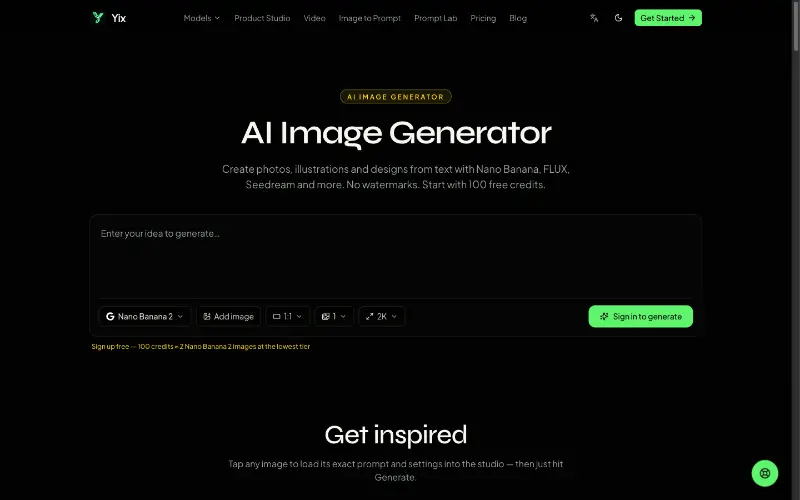 YixYix is a browser-based AI image and video studio with multiple models, reference-image workflows, free prompt tools, and credit-based pricing.
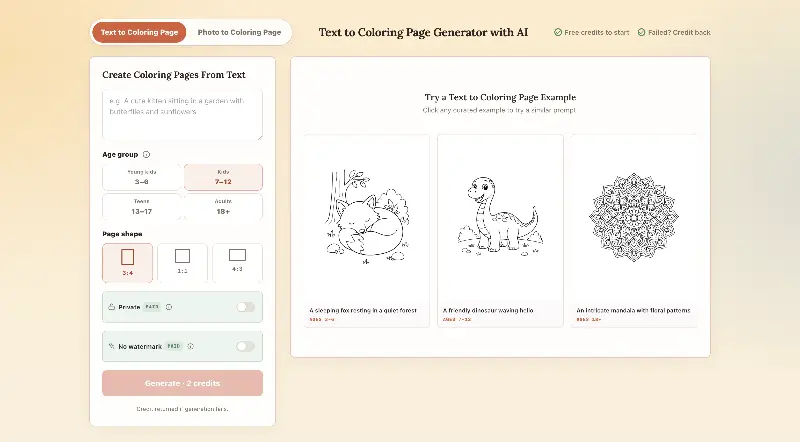 CPagesCPages turns text prompts or photos into printable coloring pages.
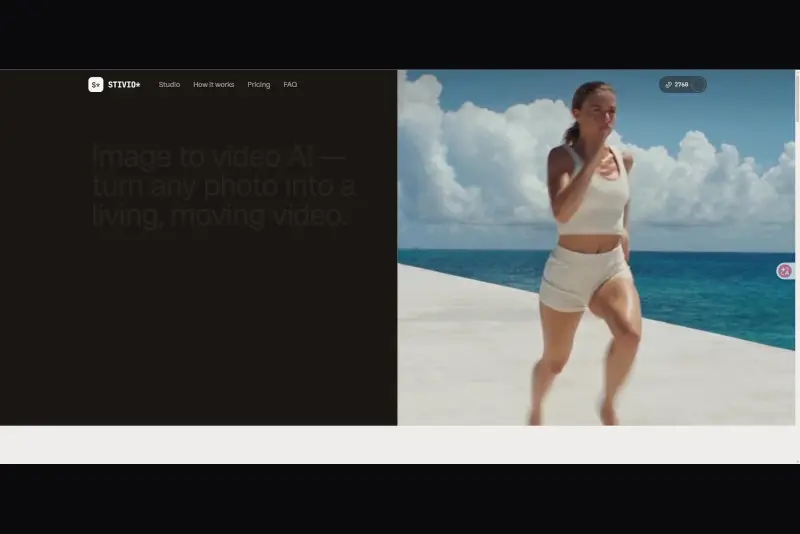 StivioStivio turns a single photo into a moving HD video. Upload an image, describe the motion in plain English, and six leading AI video models render an HD MP4 in one to five minutes.
 UGCfy AICreate AI-generated UGC-style video ads from product links, with scripts, hooks, AI actors, captions, and export-ready formats.5.0(1)
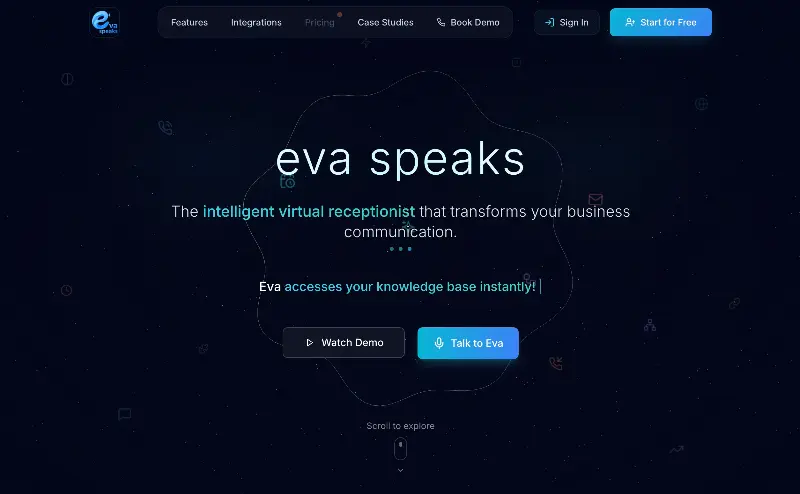 EvaSpeaksEvaSpeaks is an AI-powered virtual receptionist that answers calls 24/7, handles customer inquiries, schedules appointments, captures leads, and routes calls to the right team. It helps businesses improve response times, reduce missed opportunities, automate routine communication, and provide reliable customer support even outside regular business hours.5.0(1)
 LuffyAI employee that gets work done directly in Slack5.0(1)
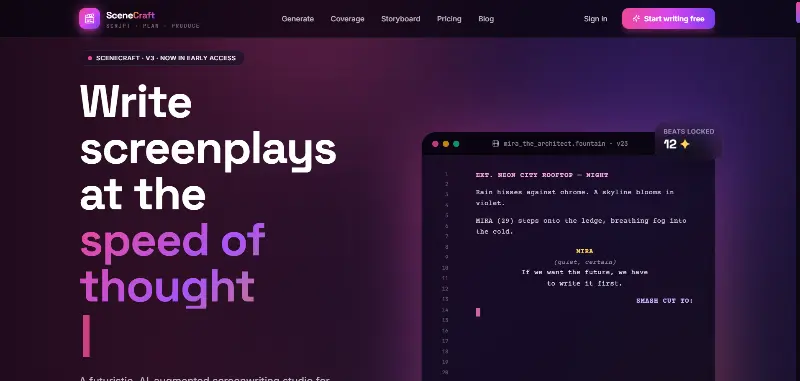 SceneCraft - AISceneCraft is an AI screenwriting studio. Generate full screenplays from an idea, get instant AI script coverage, and turn scenes into storyboards or full comic pages — all in industry-standard format, in 100+ languages. Built for screenwriters, showrunners, and indie filmmakers who want to move from idea to pre-production without switching tools.5.0(1)
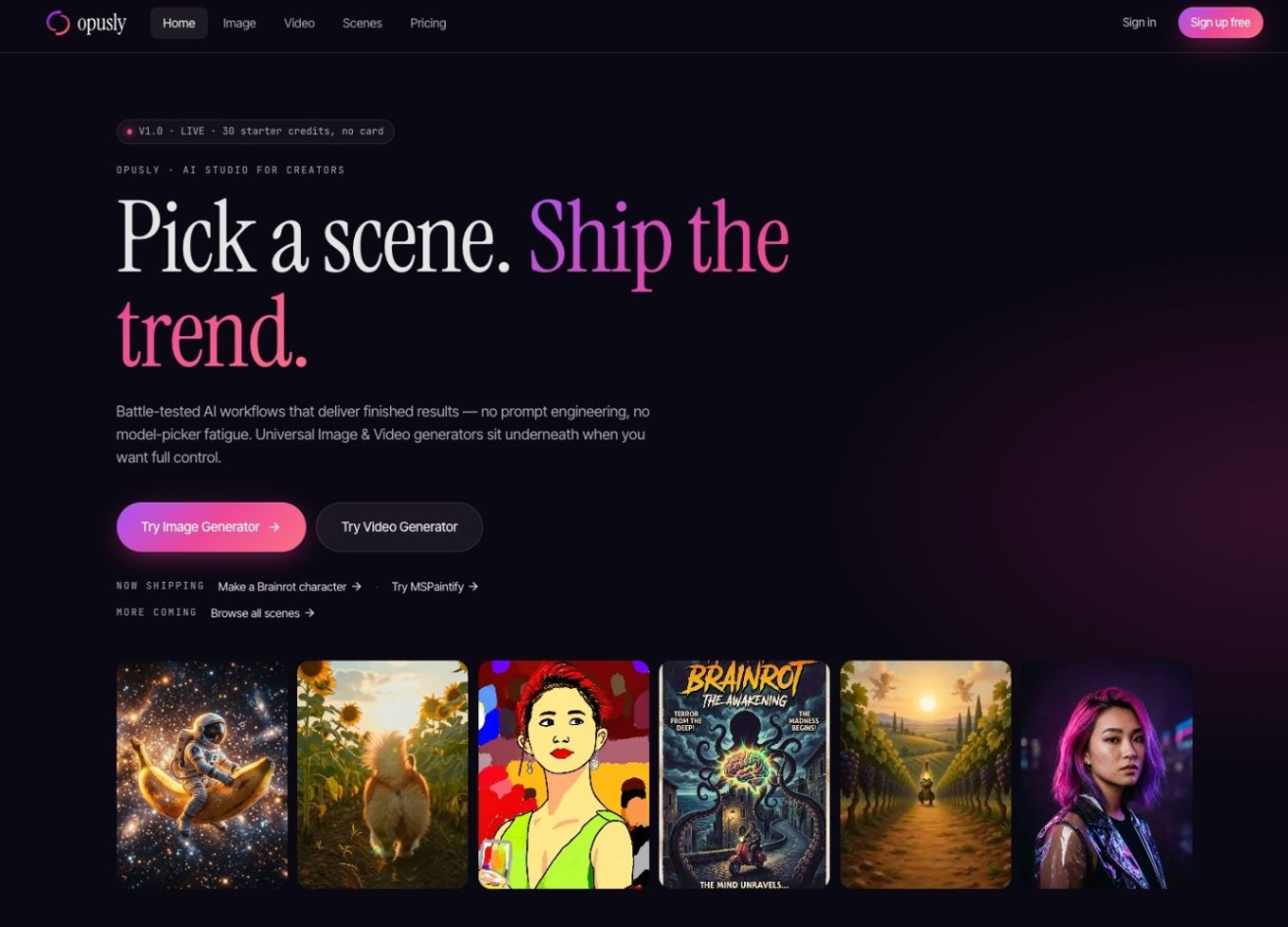 OpuslyOpusly is an AI studio for creators — generate images and videos with auto-picked best models (Nano Banana 2, GPT-Image-2, Seedance 2.0), or use one-click scene templates like Italian Brainrot and MSPaintify. Free signup includes 30 credits.
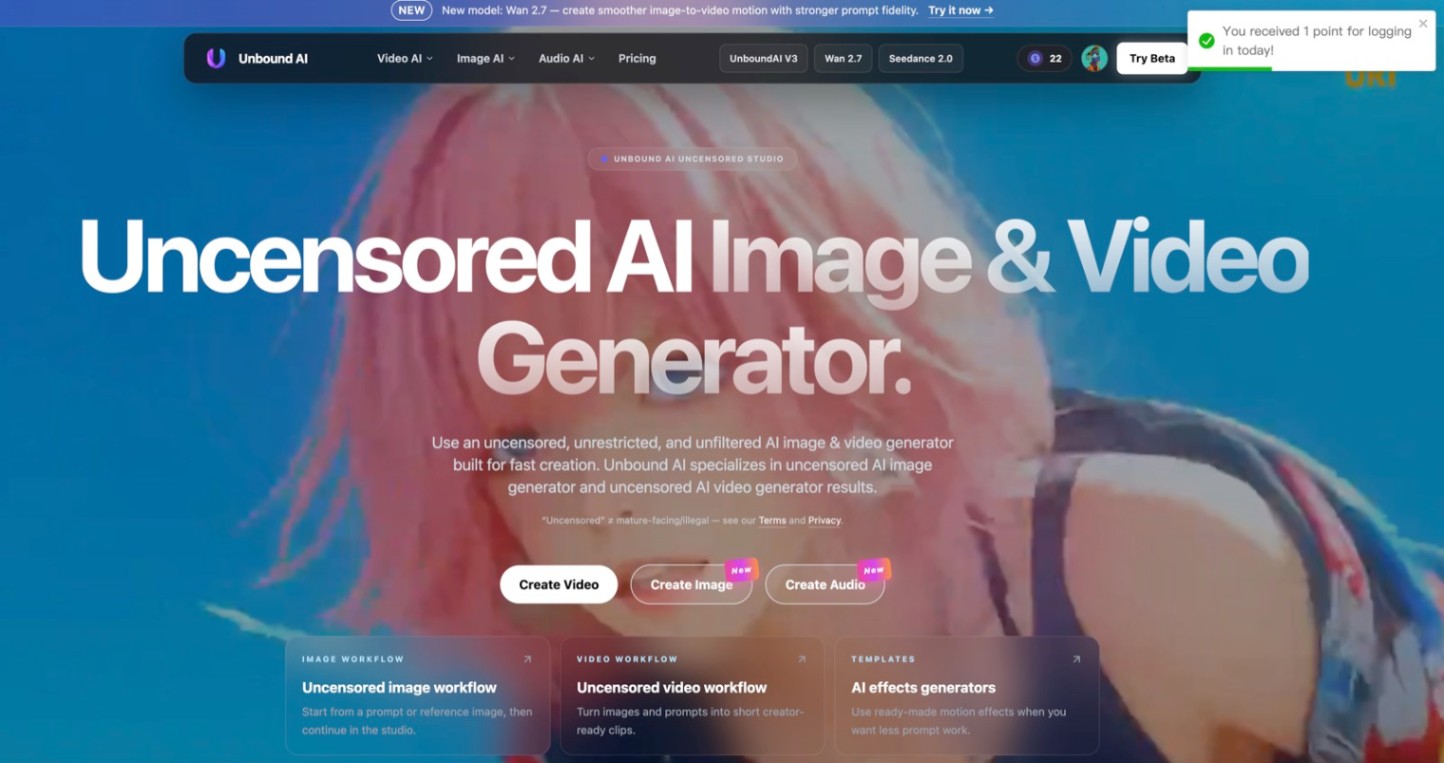 Unbound AICreate uncensored and unrestricted AI images and videos with optional music, voice, and sound effects.
 ytzoloYTZolo is an AI-powered YouTube content generator that helps creators produce engaging scripts, SEO-friendly titles, descriptions, tags, and content ideas quickly to grow their channels more efficiently.
Reviews
See what the community thinks and share your experience.
—
Based on 0 ratings
Rating distribution
Community reviews
No reviews
No written reviews yet.