Phone and browser remote for coding agents already running in tmux, turning their prompts into tappable chat answers.
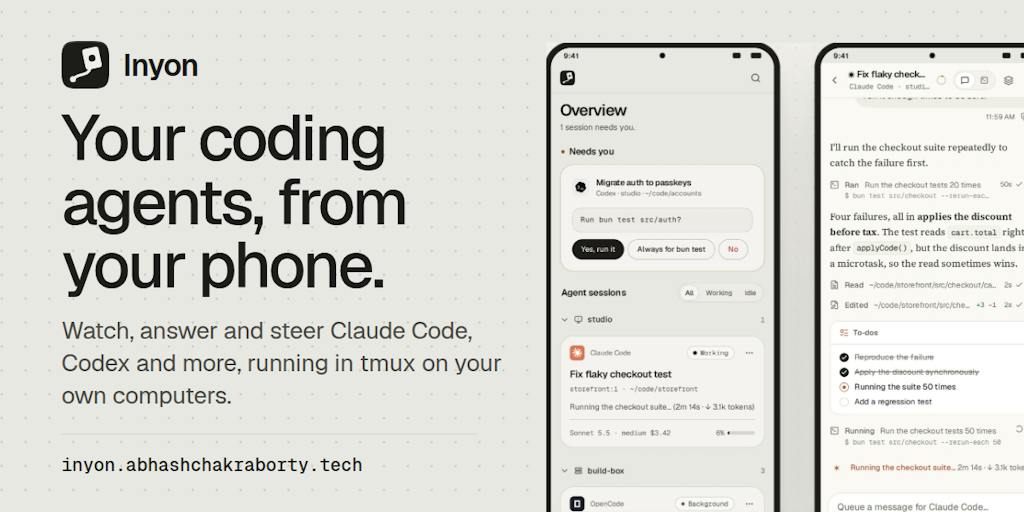
Inyon session overview
1 / 2Overview
What is Inyon?
Answer your coding agents from your phone
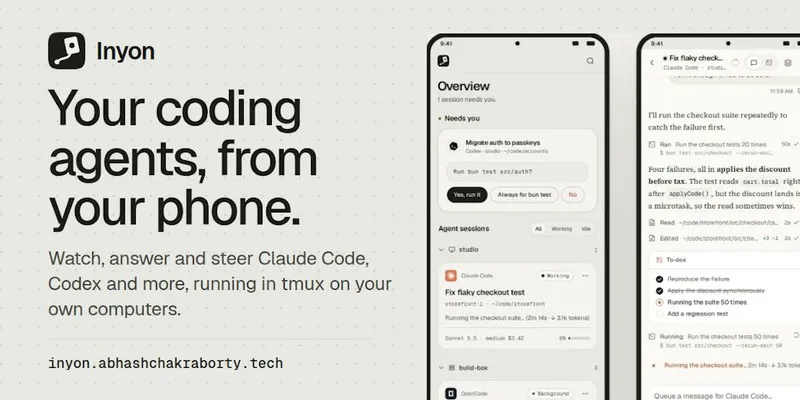
Inyon is a remote for the coding agents already running in tmux on your machines. Each session shows as a chat on your phone or in a browser, and when an agent asks something, the options arrive as buttons that are typed into the same pane, so nothing changes when you sit back down.
It supports Claude Code, Codex, Gemini CLI, OpenCode, GitHub Copilot CLI and Antigravity, on Linux, macOS and Windows hosts. There is no account and nothing to host: the Android app pairs by QR code and connects over an end-to-end encrypted tunnel or your VPN, and Inyon never signs in anywhere, so each machine keeps its own subscription or API key. It is free and open source (MIT). Note the launch description's limits: there is no iOS app yet, and three of the six agent readers are still in beta.
Platforms and languages
Inyon Availability
Platforms
Languages
Capabilities
Inyon Key Features
tmux sessions as chats
Coding agents already running in tmux appear as chats on your phone or in a browser, across your machines.
Tap to answer prompts
Permission prompts, menus and questions become buttons; your tap is typed into the same pane.
Six agent readers
Works with Claude Code, Codex, Gemini CLI, OpenCode, GitHub Copilot CLI and Antigravity.
No account, nothing to host
Pair the Android app by QR code; it reaches your computers over an end-to-end encrypted tunnel or your VPN.
Your own accounts stay put
Inyon never signs in anywhere, so each machine keeps its own subscription or API key.
Best for
Who uses Inyon?
Developers running coding agents on several machines
Answer agent permission prompts and questions from a phone instead of walking back to the machine
Plans and access
Inyon Pricing
Free
Free, open source (MIT).
Common questions
Inyon FAQs
Do I need to restart my agents inside Inyon?
No. Inyon reads agents already running in tmux and shows each session as a chat, without changing what is at the keyboard.
Which coding agents are supported?
Claude Code, Codex, Gemini CLI, OpenCode, GitHub Copilot CLI and Antigravity, with three readers still in beta at launch.
Is there an iOS app?
Not yet at launch; the launch description lists an Android app and a browser view.
How does Inyon connect to my machines?
The Android app pairs by QR code and reaches computers over an end-to-end encrypted tunnel or your VPN, with no account and nothing to host.
Reviews
See what the community thinks and share your experience.
—
Based on 0 ratings
Rating distribution
Community reviews
No reviews
No written reviews yet.