An AI writing and dictation assistant for macOS that translates, rewrites, and types text directly where your cursor is.
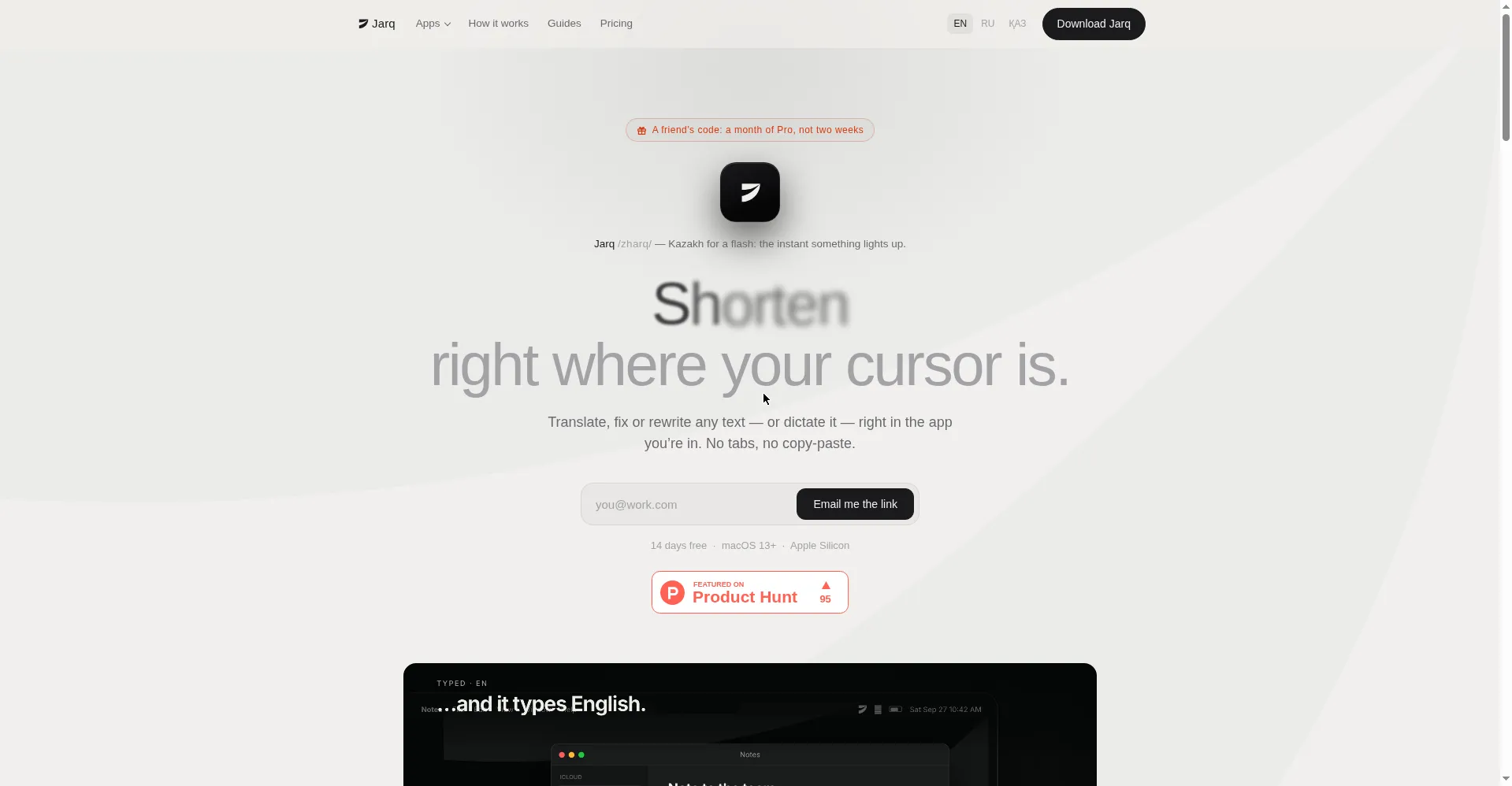
Homepage hero
1 / 3Overview
What is Jarq?
Write better in any Mac app — right at your cursor.
Jarq is an AI writing and dictation assistant for macOS that works inside any app. Select text anywhere and translate, shorten, fix, or rewrite it right where your cursor is — no switching tabs or copying and pasting. A voice dictation hotkey turns speech into polished, punctuated text typed directly into the current app, with cross-language translation built in. An optional on-device speech model keeps dictation local, free, unlimited, and offline. Recordings and selected text are processed in memory only, never stored or used for training. The free plan covers 5 dictations or translations a day with no account required, and every install starts with 14 days of Pro at no cost. Paid options are Pro at $4.99/month or $39/year and a $179 lifetime licence. Requires macOS 13 or later on Apple Silicon.
Platforms and languages
Jarq Availability
Platforms
Languages
Capabilities
Jarq Key Features
In-place text actions
Select text in any app and translate, shorten, fix, or rewrite it via a hover dot button — no tab switching or copy-paste.
Voice dictation hotkey
Hold a hotkey to dictate; polished, punctuated text (with cross-language translation) is typed straight into the current app.
Built-in and custom actions
Ships with Translate, Improve, Shorten, Tone, Ask, and Translit buttons, plus user-defined custom instruction buttons.
On-device speech model
An optional local speech model runs dictation on the Mac itself — free, unlimited, and works offline.
Privacy-first design
Recordings and selected text are processed in memory and never stored or used for training; history stays on the user's disk.
Best for
Who uses Jarq?
Bilingual professionals and heavy email/copy writers
Translate, rewrite, or dictate text without leaving the app they are working in
Plans and access
Jarq Pricing
Freemium
Free: 5 dictations/translations a day. Pro $4.99/mo or $39/yr; Lifetime $179.
Common questions
Jarq FAQs
What does Jarq actually do?
It lets you select text in any app and translate, shorten, fix, or rewrite it on the spot, or dictate polished text straight into wherever your cursor is — no copying and pasting between windows.
Which apps does it work with?
Any app: browsers, PDFs, Figma, terminals, and native windows. If text selection is blocked in an app, a hotkey can still reach the text.
How is it different from Grammarly or ChatGPT?
Those work in a browser tab or a separate window, so you copy text back and forth. Jarq edits text in place inside the app you are already using.
What does the free plan include?
5 dictations or translations a day, no account and no expiry. On-device dictation is free and unlimited on every plan. Every install also starts with 14 days of Pro, no card required.
Is my voice or text stored anywhere?
No. Recordings and selected text are processed in memory and discarded; nothing is stored or used for training. Your history stays on your own Mac.
Reviews
See what the community thinks and share your experience.
—
Based on 0 ratings
Rating distribution
Community reviews
No reviews
No written reviews yet.