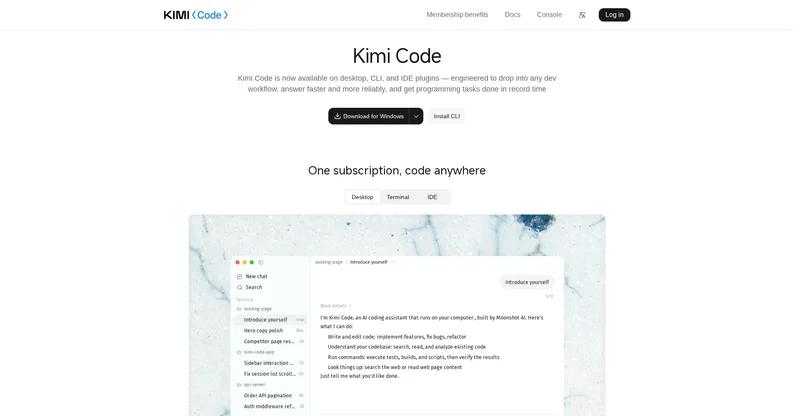
Kimi Code
One subscription, code anywhere — Moonshot's coding agent on Kimi K3.1 Pro.
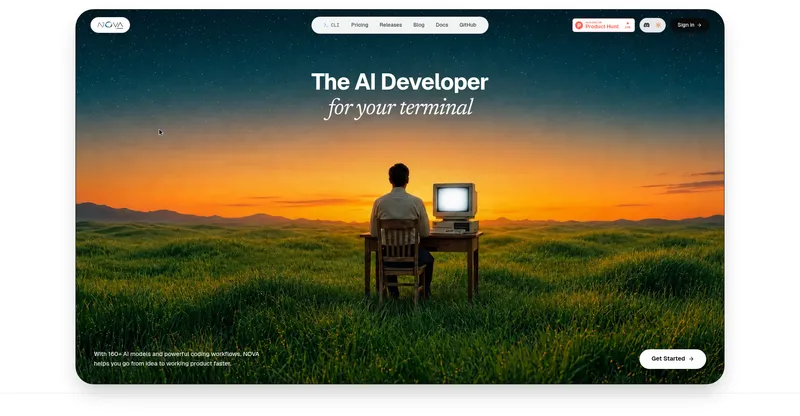
Moonshot's AI coding agent for desktop, CLI, and IDEs, powered by Kimi K3.1 Pro for long-horizon coding tasks.
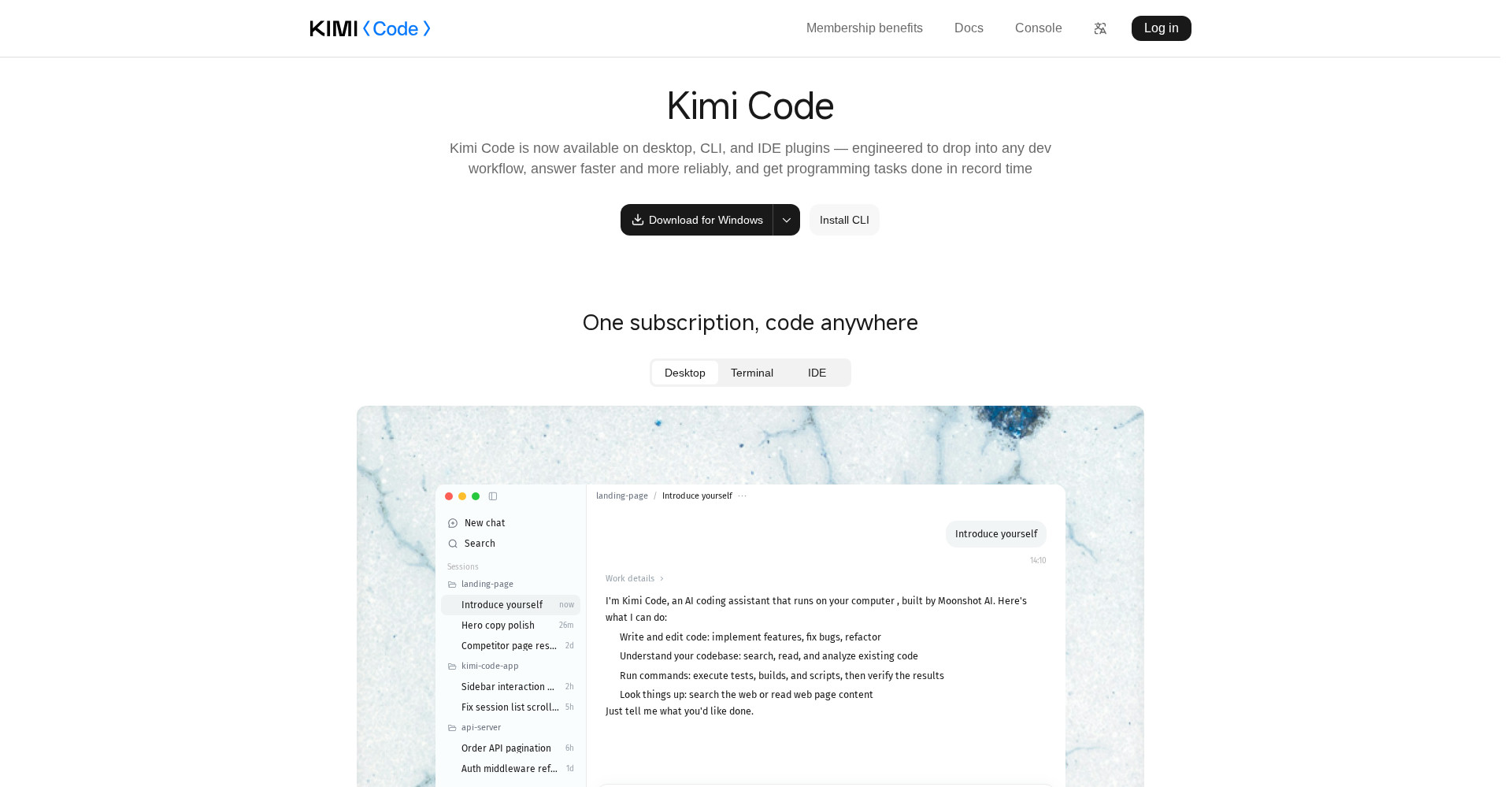
Kimi Code homepage
Overview
What is Kimi Code?
One subscription, code anywhere — Moonshot's coding agent on Kimi K3.1 Pro.
Kimi Code is Moonshot AI's AI coding agent, available as a desktop app, a command-line tool, and IDE plugins. It is powered by Kimi K3.1 Pro, Moonshot's flagship model with a 1-million-token context window, and users select the model with the /model command.
Kimi Code writes and edits code, understands existing codebases through search and analysis, and runs commands such as tests, builds, and scripts, then verifies the results. It is built for long-horizon work: multi-step tasks that span files, tools, and terminal commands rather than single-turn code snippets.
According to Kimi Code documentation, K3.1 Pro runs in thinking mode only, supports low, high, and max reasoning effort with max as the default, and accepts image and video input. Under current membership plans, k3.1-pro requires Plus and above, with the full 1M-token context reserved for Pro and above. Kimi Code is fully rolled out with K3.1 Pro as of the October 2026 launch.
Platforms and languages
Kimi Code Availability
Platforms
Languages
Capabilities
Kimi Code Key Features
Powered by Kimi K3.1 Pro
Kimi K3.1 Pro with a 1M-token context window, selected with the /model command.
Code writing and editing
Write and edit code, implement features, fix bugs, and refactor across a codebase.
Codebase understanding
Search, read, and analyze existing code to understand a project before changing it.
Command execution and verification
Execute tests, builds, and scripts, then verify the results before finishing.
Desktop, CLI, and IDE
Desktop app, terminal CLI, and IDE plugins under one membership.
Best for
Who uses Kimi Code?
Software developers
implement features, fix bugs, and refactor across real codebases with an agentic coder
Engineering teams
run long-horizon coding tasks spanning terminal commands, tests, and builds
Plans and access
Kimi Code Pricing
Freemium
Common questions
Kimi Code FAQs
How do I use Kimi K3.1 Pro in Kimi Code?
Install the desktop app, CLI, or IDE plugin, then run the /model command and select Kimi K3.1 Pro. Starting a new session is recommended rather than switching models mid-session.
Where can I run Kimi Code?
Kimi Code is available as a desktop app, a terminal CLI, and IDE plugins, all under one membership.
Does Kimi Code support thinking mode?
K3.1 Pro runs in thinking mode only in Kimi Code; requests with thinking disabled are rejected. Reasoning effort can be set to low, high, or max.
Which membership do I need for K3.1 Pro?
Under current plans, k3.1-pro requires Plus membership or above, and the full 1M-token context window is reserved for Pro members and above.
Reviews
See what the community thinks and share your experience.
—
Based on 0 ratings
Rating distribution
Community reviews
No reviews
No written reviews yet.