Pick a curated design reference and generate a fully editable, designer-quality presentation deck.
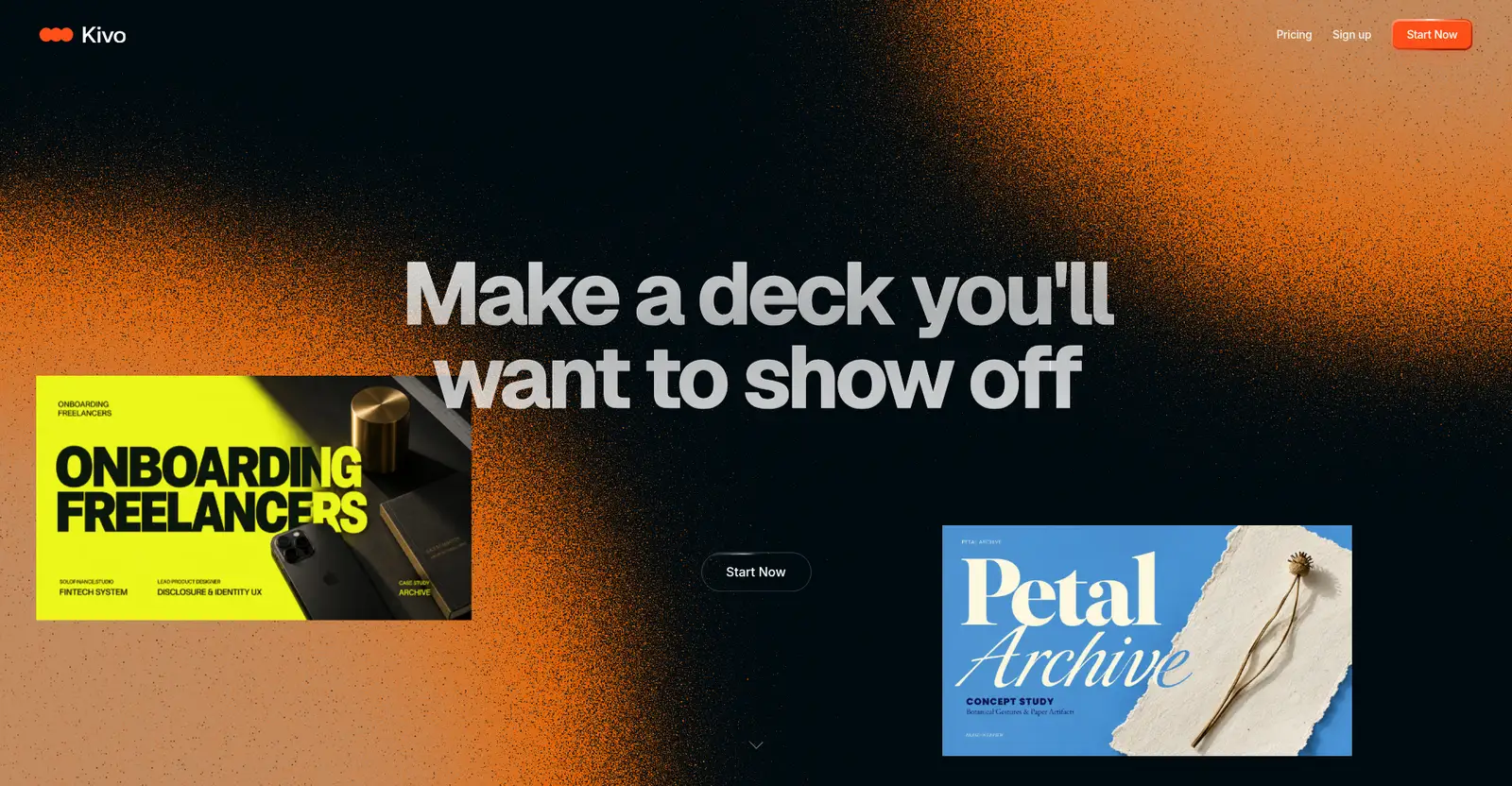
Kivo homepage
1 / 3Overview
What is Kivo?
Find inspiration. Remix it into an editable design
Kivo is an AI presentation builder from OptimizerAI, Inc. that remixes curated design references into fully editable decks.
Pick one of 12 design looks ("Find your Look") — references like Onboarding Freelancers, Petal Archive, Still Life, Film Festival, and Eco Sculpture — and Kivo carries that look through every slide, generating a complete presentation with AI-generated images. The result is "yours to edit": change the words, colors, layout, layers, and templates, then export as Image, PPTX, or PDF.
Pricing: Starter $0/month (~20 slides/month, AI image generation, exports included); Plus $19/month (~160 slides/month); Pro $49/month (~600 slides/month). Your first deck is free.
Platforms and languages
Kivo Availability
Platforms
Languages
Capabilities
Kivo Key Features
12 design references
12 curated design references (Onboarding Freelancers, Petal Archive, Still Life, Film Festival, and more) — "Find your Look" and remix it.
Full deck generation
The chosen look is carried through every slide, built from your content.
Fully editable output
Edit the words, colors, layout, layers, and templates of every slide.
AI image generation
Create visuals for your slides without leaving the editor.
Export to Image, PPTX, PDF
Download your finished presentation as an Image, PPTX, or PDF.
Best for
Who uses Kivo?
Individuals and teams creating pitch and presentation decks
Get designer-quality looks and generate fully editable decks from a chosen style
Plans and access
Kivo Pricing
Freemium
Freemium: Starter $0/month (~20 slides); Plus $19/month (~160 slides); Pro $49/month (~600 slides)
Common questions
Kivo FAQs
How does Kivo create a presentation?
Choose one of 12 curated design references, and Kivo generates the full deck in that style with AI images. Every slide is fully editable — text, colors, layout, layers, and templates.
Is there a free plan?
Yes. The Starter plan is $0/month with about 20 slides/month, AI image generation, and Image/PPTX/PDF exports included. The site says "your first deck is free" and "start free, and move up when your work asks for more."
What formats can I export my deck in?
You can export as an Image, PPTX, or PDF file.
Is Kivo a desktop app or a website?
Kivo is a web-based tool; it was observed in English only.
Reviews
See what the community thinks and share your experience.
—
Based on 0 ratings
Rating distribution
Community reviews
No reviews
No written reviews yet.