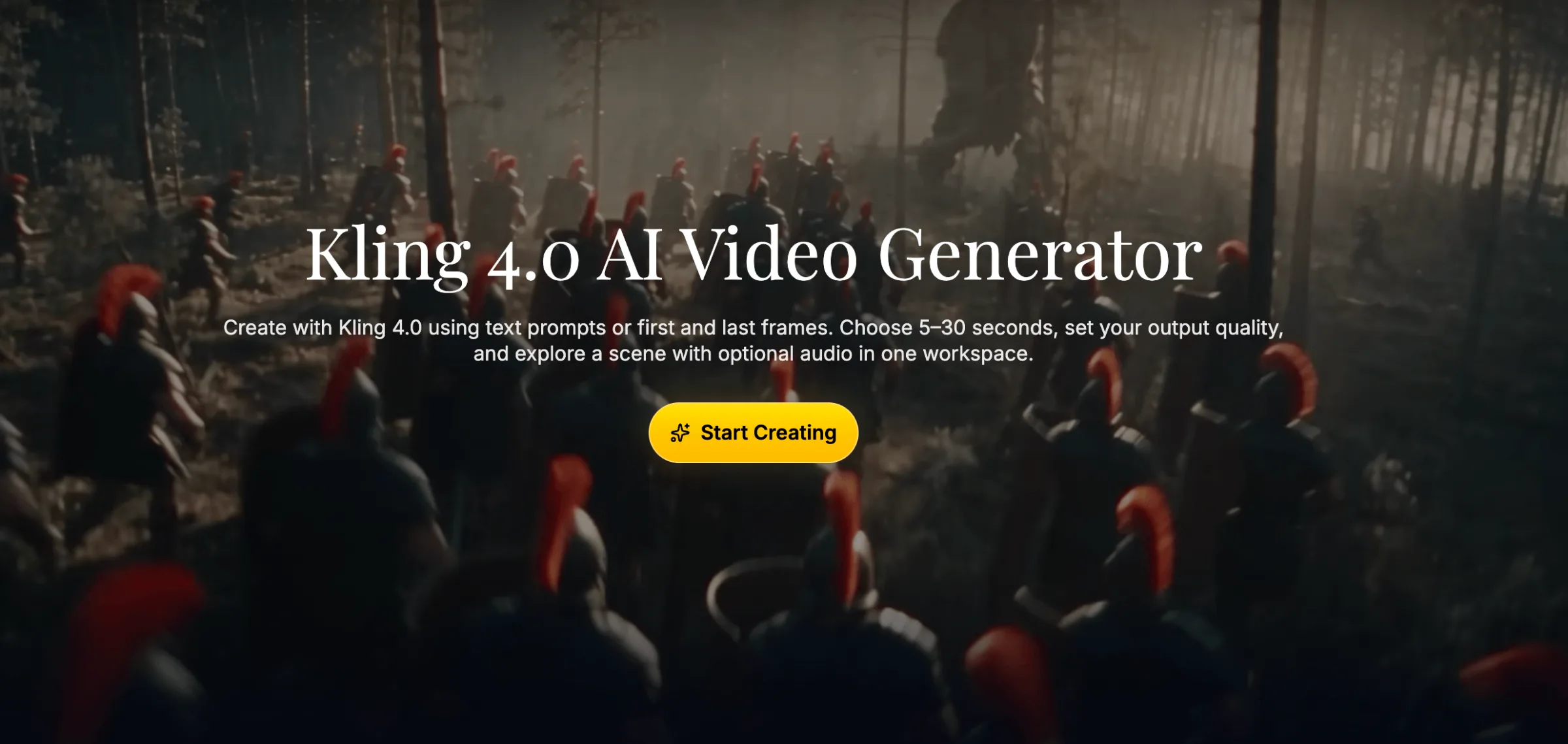
Kling 4.0
Create with Kling 4.0 using text prompts or first and last frames. Choose 5–30 seconds, set your output quality, and explore a scene with optional audio in one workspace.
Create with Kling 4.0 using text prompts or first and last frames. Choose 5–30 seconds, set your output quality
22.png
Overview
What is Kling 4.0?
Create with Kling 4.0 using text prompts or first and last frames. Choose 5–30 seconds, set your output quality, and explore a scene with optional audio in one workspace.
Create with Kling 4.0 using text prompts or first and last frames. Choose 5–30 seconds, set your output quality, and explore a scene with optional audio in one workspace.
Users can describe a subject, action, setting, camera position, and lighting to guide video generation. For image-based projects, they can upload a starting image and optionally add an ending frame to influence the final composition. The platform offers video durations from 5 to 30 seconds and resolution options including 720p, 1080p, and 4K.
The platform supports creative exploration across product reveals, social media openings, campaign concepts, and story development. Optional audio lets users explore dialogue and atmosphere alongside the visuals, while the result panel and My Creations section provide tools for previewing, revisiting, and downloading generated clips.
Designed around an iterative workflow, Kling AI allows creators to adjust prompts, compare visual directions, and develop individual scenes before committing to further production. Generation costs vary with the selected settings and are displayed in credits before processing.
Platforms and languages
Kling 4.0 Availability
Platforms
Languages
Capabilities
Kling 4.0 Key Features
Text-to-video generation
Create with Kling 4.0 using text prompts or first and last frames. Choose 5–30 seconds, set your output quality, and explore a scene with optional audio in one workspace.
Plans and access
Kling 4.0 Pricing
Paid
Kling 4.0 Alternatives
 1MVAI music videos from one image and your song.
Reviews
See what the community thinks and share your experience.
—
Based on 0 ratings
Rating distribution
Community reviews
No reviews
No written reviews yet.