All-in-one Mac app bundling AI voice dictation, a screen-aware voice assistant, call recording, docs, and expenses.
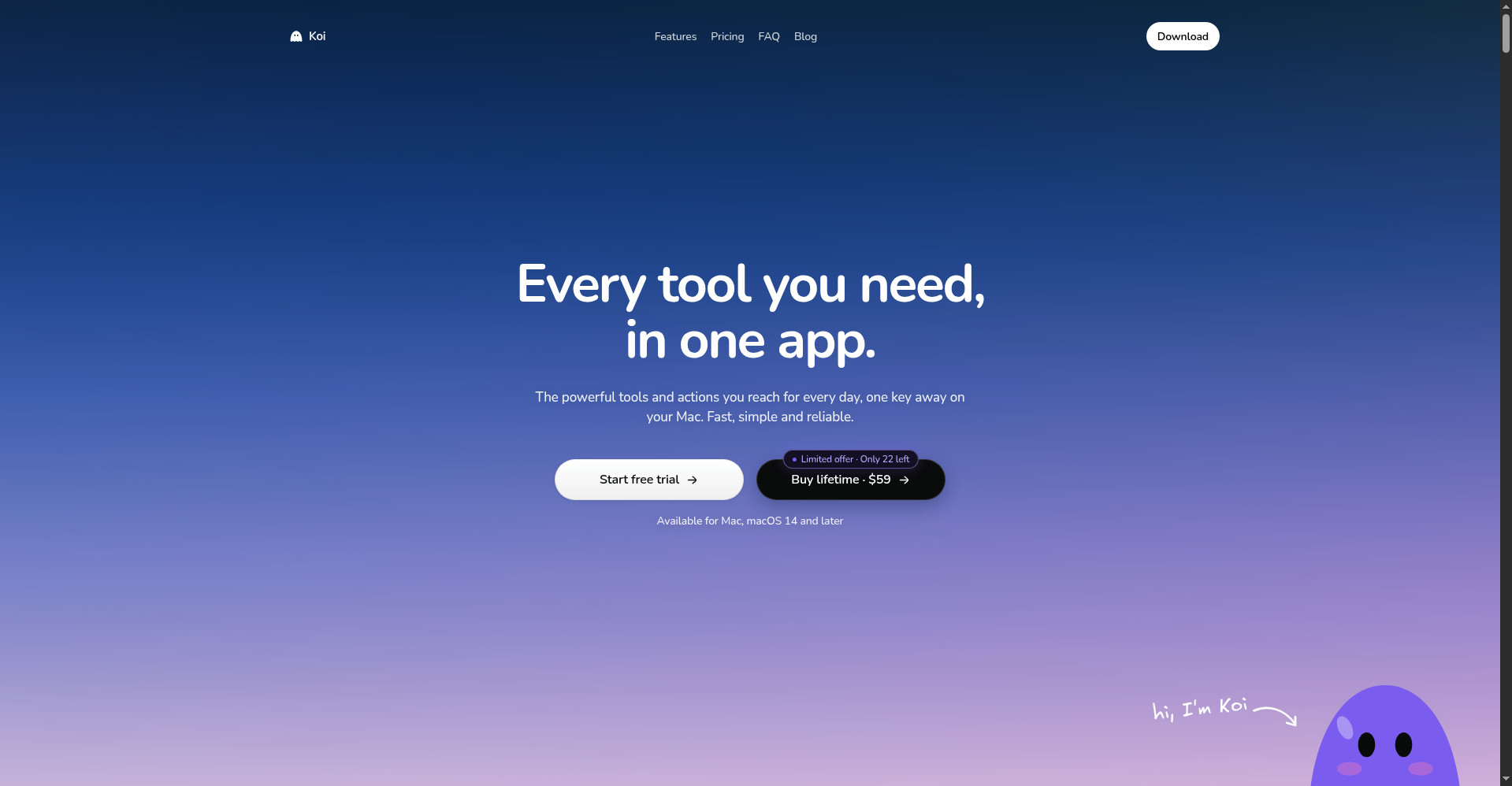
Koi homepage - Every tool you need, in one app
1 / 3Overview
What is Koi?
Every tool you need, in one Mac app
Koi is an all-in-one Mac app that bundles the everyday tools Mac users reach for into a single subscription: AI voice dictation, a voice assistant that can see your screen, call recording with AI summaries, a document editor, plus calendar aggregation, expense tracking, and a file-handling Shift wheel.
Dictation is triggered with Fn+~ and works in any app, offline, with unlimited volume and automatic recognition across 100 languages. Press Fn+Cmd to talk to Koi: it can look at what's on your screen, circle a button, fix your writing, or click for you. Calls can be recorded with Fn+^ without a bot joining, and Koi produces a title, summary, and action items from each call.
Koi is paid-only: Pro at $20/month or $192/year with a 3-day free trial (card required), or a one-time Lifetime deal at $59 while promo spots last. Additional Koi AI usage can be topped up from $5 to $500. macOS 14+ required.
Platforms and languages
Koi Availability
Platforms
Languages
Capabilities
Koi Key Features
AI voice dictation anywhere
Press Fn+~ to speak and get text in any app on your Mac. Works offline with unlimited volume and auto-detects 100 languages.
Talk to Koi voice assistant
Press Fn+Cmd to wake a voice AI that can see your screen, circle buttons, fix your writing, and perform clicks for you.
Call recording without a bot
Record any call with Fn+^ - no meeting bot needs to join - and get an automatic title, summary, and action items.
Documents editor
Dictations, call transcripts, and notes land in a real document editor so captured content is immediately usable.
Calendar, expenses & Shift wheel
Aggregated calendar and todos in a weekly view, expense tracking, and a Shift wheel for quick file operations.
Best for
Who uses Koi?
Mac users who want dictation, meeting notes, and an AI assistant in one place
Replace several separate tool subscriptions with a single Mac app
Plans and access
Koi Pricing
Paid
Pro $20/mo or $192/yr; Lifetime one-time $59 (limited promo). 3-day Pro trial requires a card. Koi AI top-ups $5-$500.
Common questions
Koi FAQs
What exactly is Koi?
Koi is an all-in-one Mac app that combines AI voice dictation, a screen-aware voice assistant, call recording, a document editor, and extras like calendar aggregation, expense tracking, and a file-handling Shift wheel in one subscription.
Is there a free plan?
No - Koi is paid-only. Pro costs $20/month or $192/year and includes a 3-day free trial (card required). There is also a limited one-time Lifetime offer at $59.
Is my data private?
Yes - Koi's voice dictation runs locally on your Mac and never goes to the internet, so what you dictate stays on your machine.
Which languages and Macs are supported?
Dictation supports 100 languages with automatic recognition. Koi requires macOS 14 or later and works on both Apple Silicon and Intel Macs.
Reviews
See what the community thinks and share your experience.
—
Based on 0 ratings
Rating distribution
Community reviews
No reviews
No written reviews yet.