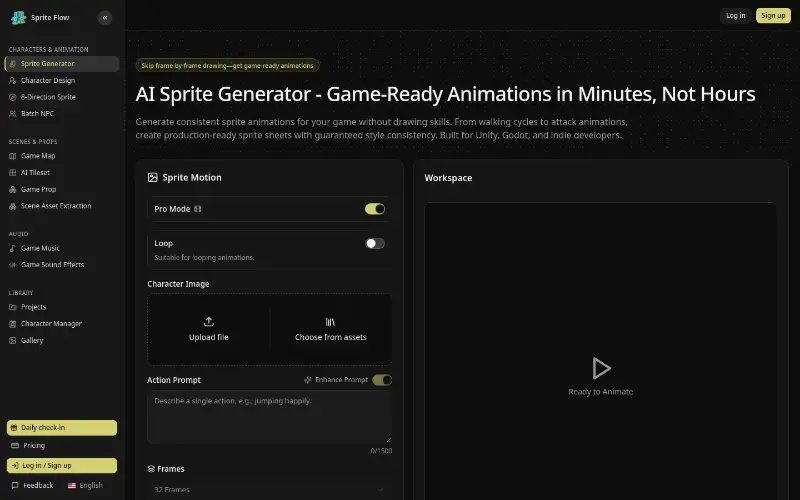
Free Live Photo converter: preview videos and GIFs online, export GIFs and stills in your browser, and create Live Photos on iPhone or animate photos with AI.
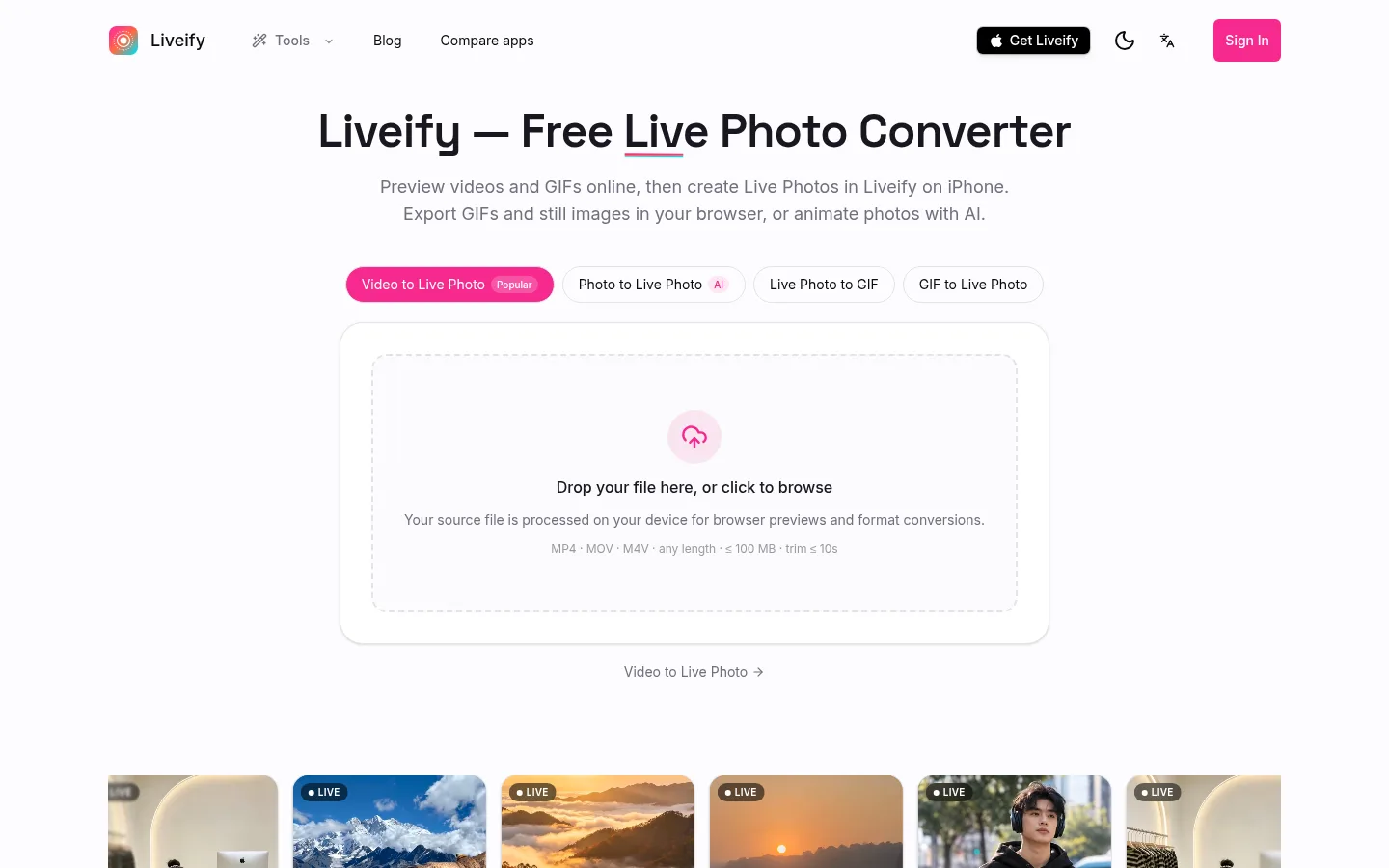
Liveify homepage: turn video into a Live Photo
1 / 2Overview
What is Liveify?
Turn videos, GIFs and photos into iPhone Live Photos
Liveify is a Live Photo toolkit for iPhone users. In the browser you can preview video and GIF clips, export GIFs and still frames for free, and animate a single photo into a Live Photo with cloud AI. The Liveify iPhone app turns videos and GIFs into real Live Photos for Photos and the Lock Screen.
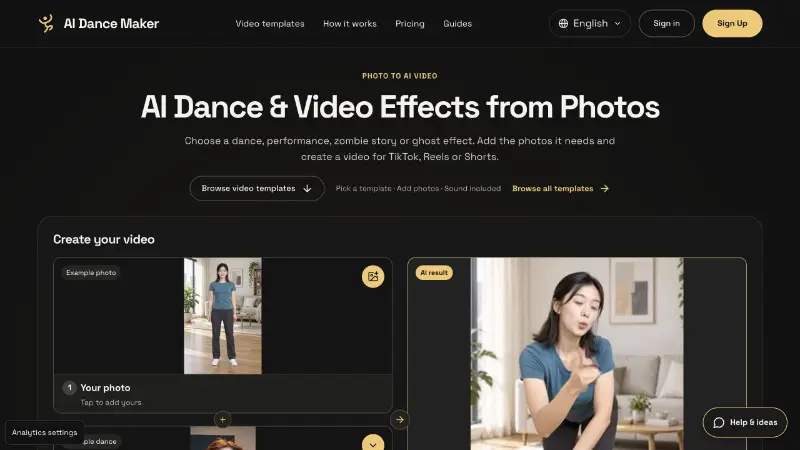
On videolivephoto.com you can drop in an MP4, MOV or M4V file (up to 100 MB), pick a clip of up to 10 seconds, and choose the cover frame in the browser. Source files are processed on your device for previews and format conversions. The site also includes free tools to convert video to GIF, pull still frames as JPG, PNG or WebP, turn a Live Photo's motion into a looping GIF, and save clips as Android motion photos. For a still image, the AI Photo to Live Photo tool adds gentle motion and packages the result as a .livp file (sign-in and credits required). Creating and saving Live Photos from videos and GIFs is done in the Liveify iPhone app.
Platforms and languages
Liveify Availability
Platforms
Languages
Capabilities
Liveify Key Features
Video to Live Photo
Preview a video clip and pick a cover frame in the browser, then create and save the Live Photo in the Liveify iPhone app.
AI photo to Live Photo
Animate a still JPG, PNG or WebP with cloud AI and download a .livp file. Sign-in and credits are required.
Free GIF and still exports
Convert video to GIF and export still frames as JPG, PNG or WebP in the browser. The site says these exports are free, with no upload and no watermark.
Live Photo to GIF
Turn a Live Photo into a looping GIF, and save clips as Android motion photos in the browser.
Best for
Who uses Liveify?
iPhone users and social creators
People who want Live Photo wallpapers, or who share videos and GIFs as Live Photos, GIFs, or still frames.
Plans and access
Liveify Pricing
Freemium
Free; paid plans from $2.99/week
Browser GIF and image exports are free. AI generation uses credits, with website plans and credit packs shown at checkout. The iPhone app is a free download. Optional US App Store subscriptions, which vary by region: Liveify Plus at $2.99/week, $5.99/month or $44.99/year; Starter at $9.99/month or $89.99/year; Pro at $24.99/month or $224.99/year.
Compare similar tools
Liveify Alternatives
Reviews
See what the community thinks and share your experience.
—
Based on 0 ratings
Rating distribution
Community reviews
No reviews
No written reviews yet.