Magic Copy
Extract foreground objects from images with ease using a Chrome extension.
Product screenshot
Overview
What is Magic Copy?
Magic Copy: A Chrome Extension for Image Object Extraction
Magic Copy is a cutting-edge Chrome extension designed to simplify the process of extracting foreground objects from images. Utilizing Meta's Segment Anything Model (SAM), this extension allows users to isolate and copy objects directly to their clipboard, enhancing productivity and creativity across various applications.
Key Features
- Advanced AI Technology: Employs Meta's Segment Anything Model for precise object extraction.
- Clipboard Integration: Directly copies extracted objects to the clipboard for easy pasting.
- Cross-Platform Availability: Available as a Chrome extension and a Figma plugin.
- Self-Hosting Option: Offers a server-example directory for users who prefer not to use third-party image processing services.
Main Use Cases
Magic Copy is ideal for designers, content creators, and anyone needing to manipulate images quickly. It streamlines the process of isolating elements for editing, compositing, or sharing.
How to Use
- Installation: Download the extension from the Chrome Web Store (once available) or install it manually by downloading the latest release, extracting the ZIP file, and loading it as an unpacked extension in Chrome.
- Using the Extension: Open an image, activate the extension, and select the object to extract. The object will be copied to your clipboard.
- Self-Hosting: For those preferring control over image processing, follow the instructions in the server-example directory to set up your own vision transformer service.
User Experience
With over 2.4k stars on GitHub, Magic Copy has garnered attention for its innovative approach to image manipulation. Users appreciate the speed and accuracy of object extraction, although some may find the manual installation process slightly cumbersome.
Potential Limitations
- Third-Party Service Dependency: By default, Magic Copy relies on a third-party service for image processing, which may be a concern for users valuing privacy and data control.
- Manual Installation: The current method of manual installation might pose challenges for less tech-savvy users.
Magic Copy represents a significant step forward in image editing efficiency, offering a blend of advanced AI technology and user-friendly features.
Platforms and languages
Magic Copy Availability
Platforms
Languages
Compare similar tools
Magic Copy Alternatives
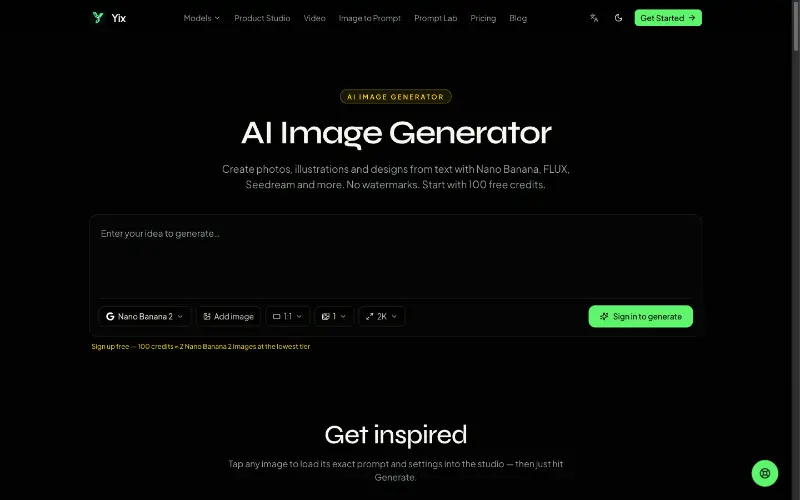 YixYix is a browser-based AI image and video studio with multiple models, reference-image workflows, free prompt tools, and credit-based pricing.AI Image Generation
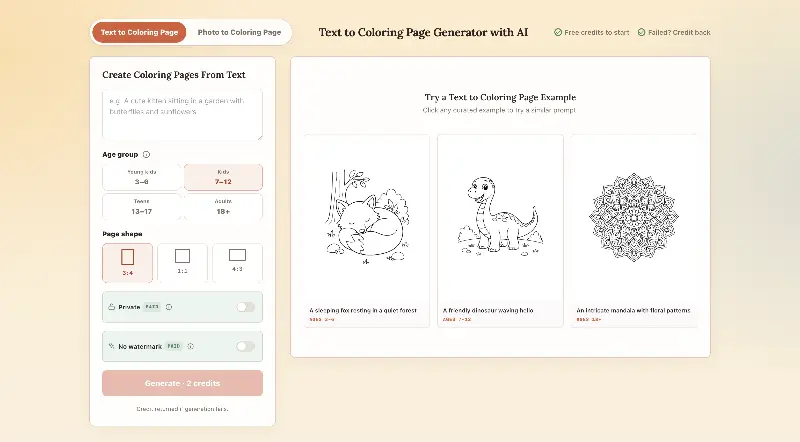 CPagesCPages turns text prompts or photos into printable coloring pages.AI Image GenerationAI Illustration ToolsAI Design Toolscoloring pagesprintable arttext to image
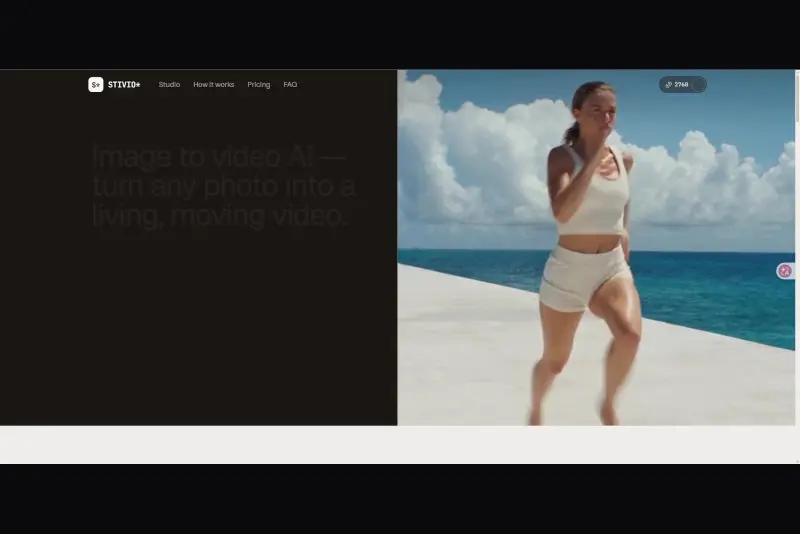 StivioStivio turns a single photo into a moving HD video. Upload an image, describe the motion in plain English, and six leading AI video models render an HD MP4 in one to five minutes.AI Video CreationAI Image GenerationAI Creation Generationimage to videoai video generatorphoto animation
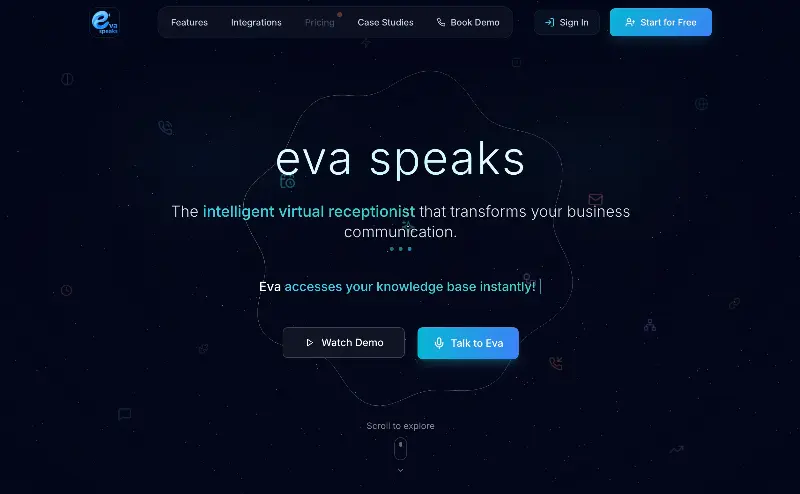 EvaSpeaksEvaSpeaks is an AI-powered virtual receptionist that answers calls 24/7, handles customer inquiries, schedules appointments, captures leads, and routes calls to the right team. It helps businesses improve response times, reduce missed opportunities, automate routine communication, and provide reliable customer support even outside regular business hours.5.0(1 reviews)AI Business SolutionsAI Voice RecognitionAI WorkflowAI receptionist
 LuffyAI employee that gets work done directly in Slack5.0(1 reviews)AI Productivity ToolsAI Personal AssistantsAI WorkflowAI assistantautomationworkflow
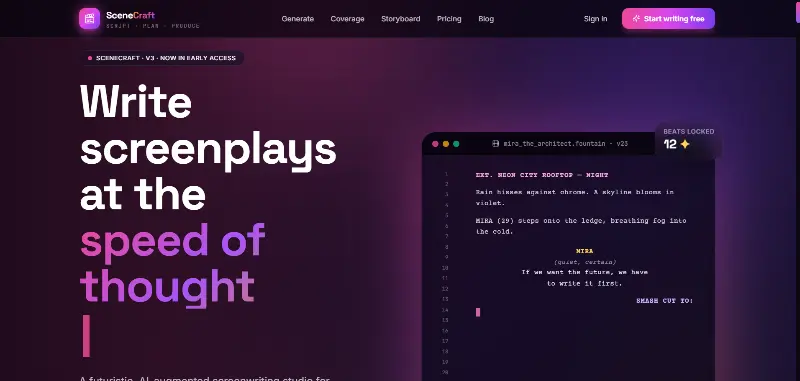 SceneCraft - AISceneCraft is an AI screenwriting studio. Generate full screenplays from an idea, get instant AI script coverage, and turn scenes into storyboards or full comic pages — all in industry-standard format, in 100+ languages. Built for screenwriters, showrunners, and indie filmmakers who want to move from idea to pre-production without switching tools.5.0(1 reviews)AI Image GenerationAI Text WritingAI StorytellingTurn any scene into a comic pagepanel by panel.
 OpuslyOpusly is an AI studio for creators — generate images and videos with auto-picked best models (Nano Banana 2, GPT-Image-2, Seedance 2.0), or use one-click scene templates like Italian Brainrot and MSPaintify. Free signup includes 30 credits.AI Image GenerationAI Video CreationAI Design Art
 Unbound AICreate uncensored and unrestricted AI images and videos with optional music, voice, and sound effects.AI Image GenerationAI Video CreationAI Audio Tools
 ImgfreeImgfree is a free AI image and video generator that allows users to create stunning visuals from text prompts, offering unlimited access to various AI models without the need for credits.AI Image GenerationAI Video CreationAI Design Art
 Modellix.aiModellix is a MaaS (Model as a Service) platform that provides unified API access to maintream AI models, covering text-to-image, text-to-video, image-to-image, image-to-video, video editing, and more. Supported models include Nano Banana, Kling, Veo, Seedance, Seedream, Minimax, Qwen, Wanx, GPT, and others.
Whether you’re a developer building AI-powered applications or a creator producing visual content, Modellix provides the tools you need through a single API.AI Video CreationAI Marketing ToolsAI Image Generation
Modellix.aiModellix is a MaaS (Model as a Service) platform that provides unified API access to maintream AI models, covering text-to-image, text-to-video, image-to-image, image-to-video, video editing, and more. Supported models include Nano Banana, Kling, Veo, Seedance, Seedream, Minimax, Qwen, Wanx, GPT, and others.
Whether you’re a developer building AI-powered applications or a creator producing visual content, Modellix provides the tools you need through a single API.AI Video CreationAI Marketing ToolsAI Image GenerationReviews
See what the community thinks and share your experience.
—
Based on 0 ratings
Rating distribution
Community reviews
No reviews
No written reviews yet.