AI image tool that separates flat PNG or JPEG images into named, positioned transparent PNG layers for editing.
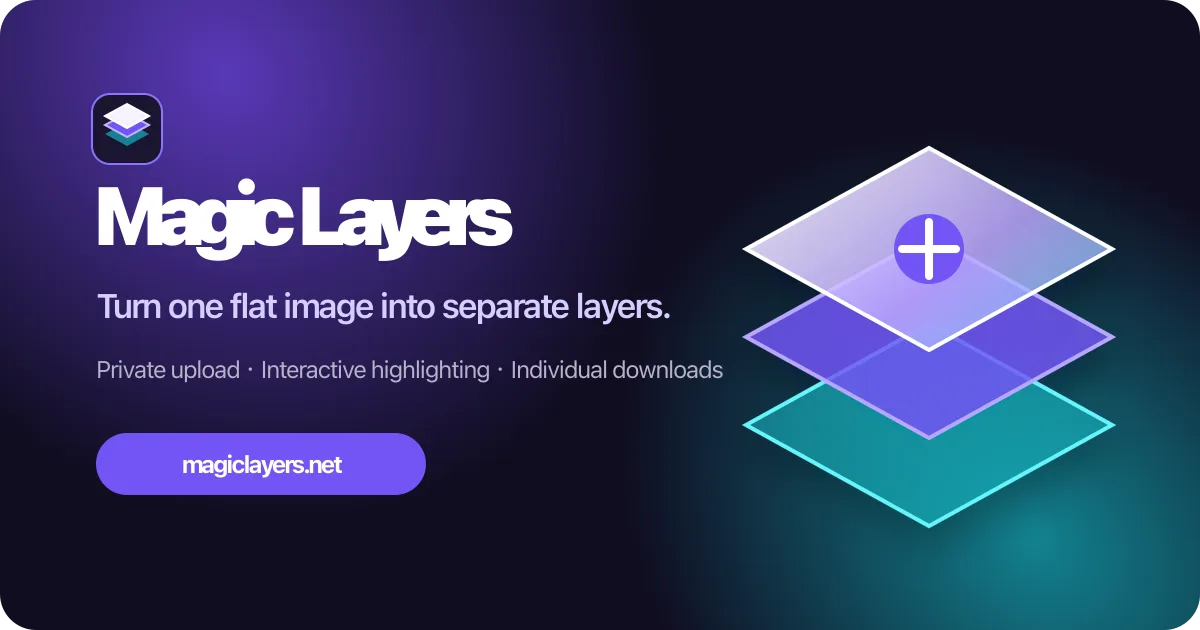
Magic Layers image-to-layers editor preview
Overview
What is Magic Layers?
Turn any image into editable layers.
Turn flat images into editable layers
Magic Layers uses AI to separate a finished PNG or JPEG image into a base image and individual transparent PNG layers. Choose a target of 2–15 images and optionally describe what to separate. Each layer includes a name, description, and position from the original image.
Download the raster outputs for use in Photoshop, Figma, Canva, presentations, or game engines. The layers are raster images, not recovered Photoshop or other project files, and results can vary by image. Each output image costs 2 Credits. Monthly plans and one-time Credit Packs are available. Successful source images and generated layers are stored privately until deleted.
Platforms and languages
Magic Layers Availability
Platforms
Languages
Capabilities
Magic Layers Key Features
AI image separation
Separates finished PNG or JPEG images into a base image and individual transparent PNG layers.
Flexible separation targets
Choose a target of 2–15 images and optionally describe what you want to separate.
Named, positioned layers
Each generated transparent PNG layer includes a name, description, and position from the original image.
Downloadable editing outputs
Download the raster layers for use in Photoshop, Figma, Canva, presentations, or game engines.
Best for
Who uses Magic Layers?
Designers and visual creators
Turn finished PNG or JPEG artwork into editable transparent layers for Photoshop, Figma, Canva, presentations, or game engines.
Plans and access
Magic Layers Pricing
Paid
Each output image costs 2 Credits. Monthly plans are $29, $79, and $149. One-time Credit Packs start at $5.
Compare similar tools
Magic Layers Alternatives

Reviews
See what the community thinks and share your experience.
—
Based on 0 ratings
Rating distribution
Community reviews
No reviews
No written reviews yet.