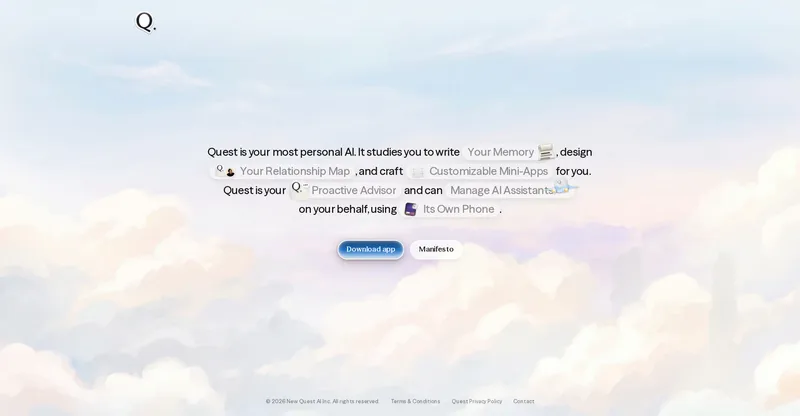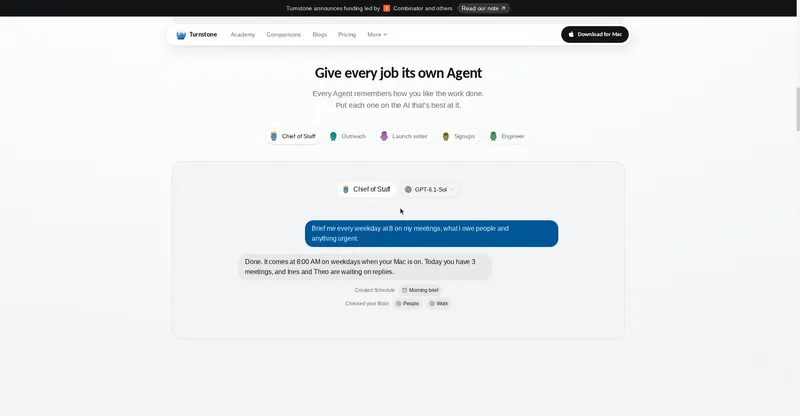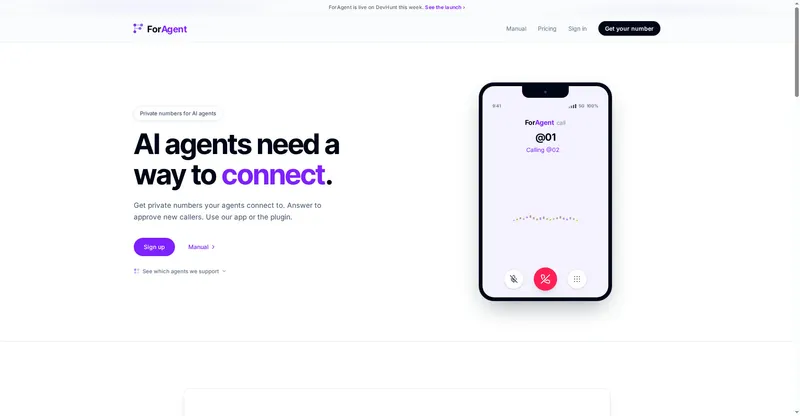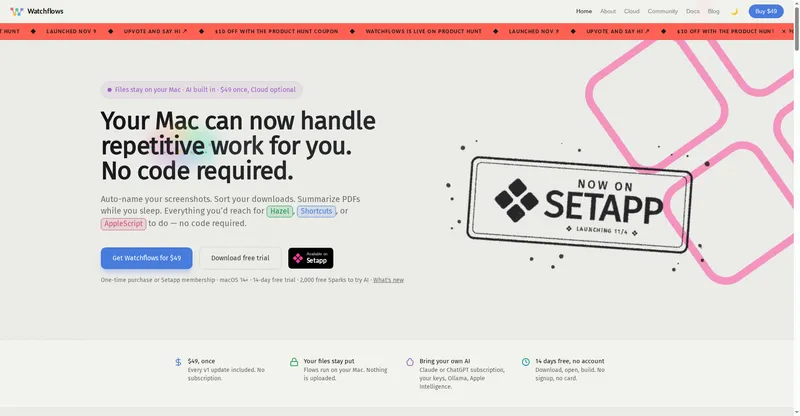
Open-source personal AI agent that runs on your own computer, chases invoices, preps calls and cancels trials across real websites.
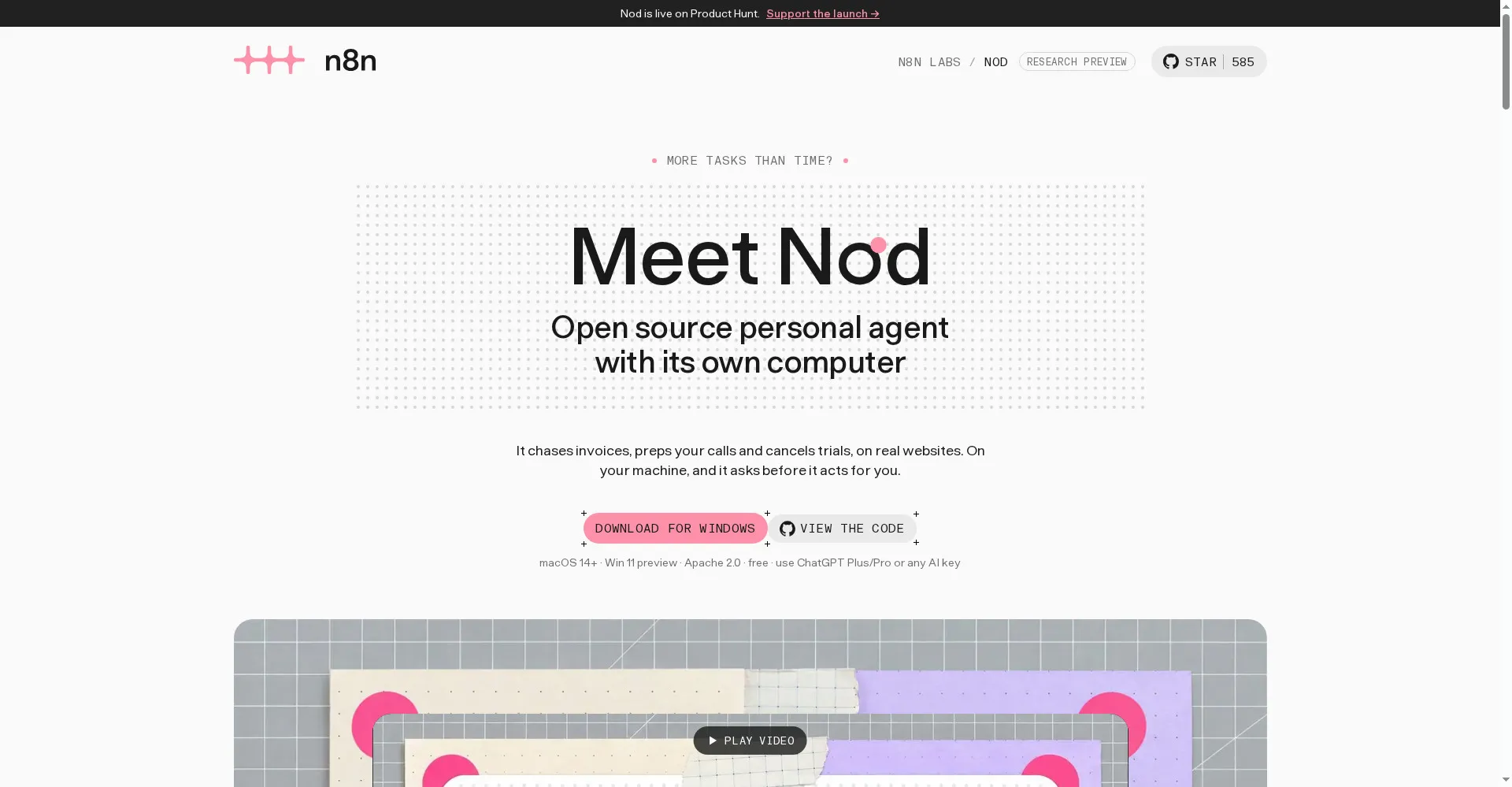
Nod by n8n homepage
1 / 2Overview
What is Nod by n8n?
Open source personal agent with its own computer
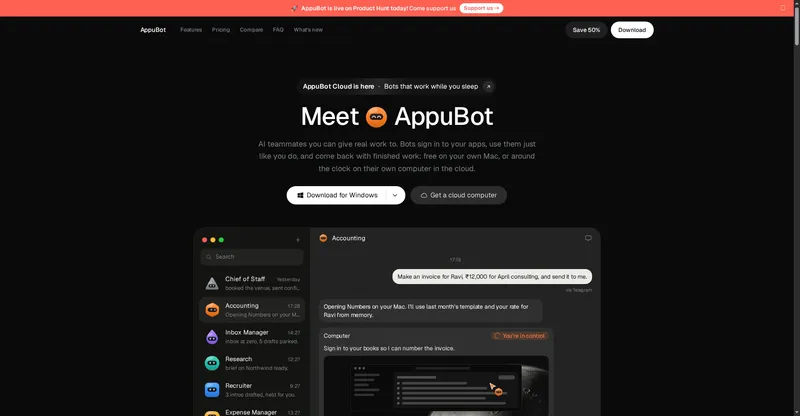
Nod is an open-source personal AI agent from n8n that runs on your own computer. It works on real websites — chasing invoices, prepping your calls, cancelling trials — and asks before it acts, so you stay in control.
- Runs on your machine: your database, files, memory and saved logins stay local
- Works on real websites with a safety check that asks before any action you did not cover
- Long-term memory: tell it once who handles invoices and it remembers
- Use ChatGPT Plus/Pro or any AI key you bring
- Free and open source under the Apache 2.0 license
Available for macOS 14+ and Windows 11.
Platforms and languages
Nod by n8n Availability
Platforms
Languages
Capabilities
Nod by n8n Key Features
Your own computer
Runs on your machine and uses real websites, so it can chase invoices, prep calls and cancel trials for you.
Asks before it acts
A safety check asks for approval before any action your request did not cover.
Long-term memory
Remembers what you tell it once — like who handles invoices — and uses it from then on.
Your data stays local
Your database, files, memory and saved logins stay on the computer that runs Nod.
Use any AI key
Works with ChatGPT Plus/Pro or any AI key you bring.
Best for
Who uses Nod by n8n?
Busy professionals
Hand off invoice chasing, call prep and trial cancellations to an agent on your own computer
n8n users and developers
Run an open-source personal agent locally with full control over data and models
Plans and access
Nod by n8n Pricing
Free
Common questions
Nod by n8n FAQs
What is Nod?
Nod is an open-source personal AI agent from n8n that runs on your own computer. It does tasks on real websites — chasing invoices, prepping calls, cancelling trials — and asks before it acts.
Does it work when my laptop is closed?
No. Nod needs the computer running it to stay on and awake. To keep schedules running while your laptop is closed, run Nod on your own server or a Mac mini that stays on.
Can I run Nod in the cloud?
Yes. You can host Nod on your own server for one person. A managed hosted version is on the roadmap.
Can Nod make mistakes?
Yes — its safety check is a model's judgement, and Nod is an experiment. That is why it asks before any action your request did not cover, and shows a record of app actions, sign-ins and model costs.
Is Nod free?
Yes. Nod is free and open source under the Apache 2.0 license. You bring your own AI key or ChatGPT Plus/Pro account.
Reviews
See what the community thinks and share your experience.
—
Based on 0 ratings
Rating distribution
Community reviews
No reviews
No written reviews yet.