Noteey is All-in-one Visual Note-taking App that transforms how you organize and connect your ideas. Offline, secure, and fast.
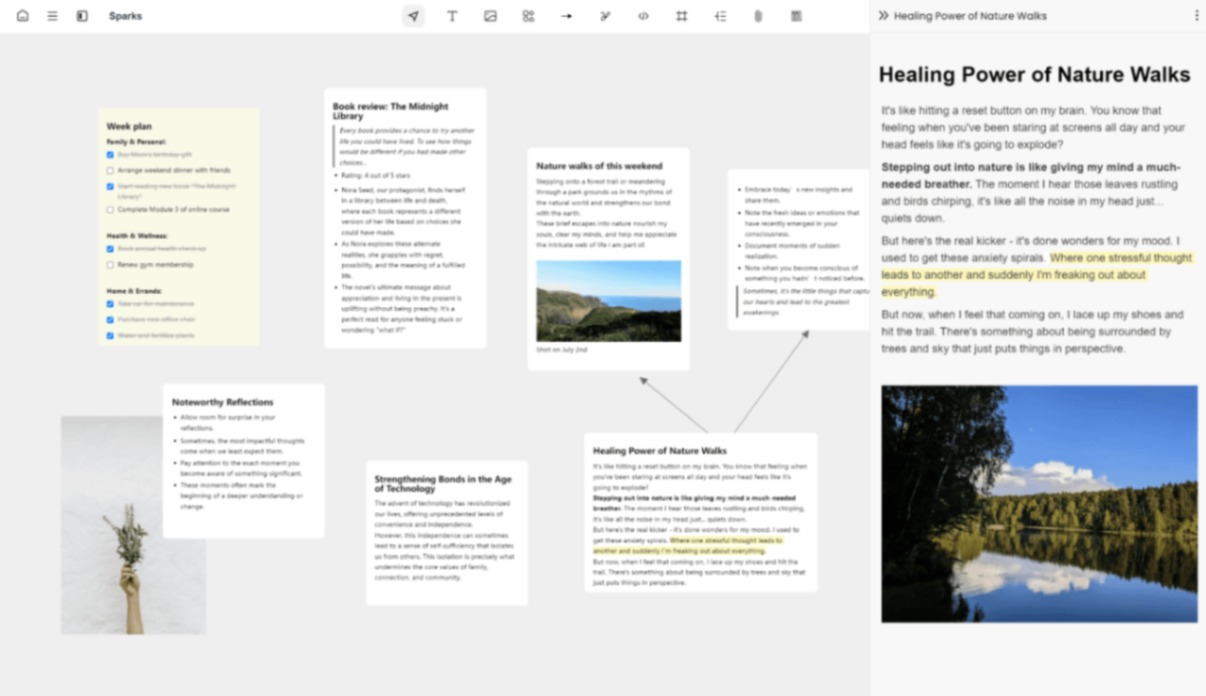
Product screenshot
Overview
What is Noteey?
Welcome to Noteey, a powerful visual note-taking app. We believe Noteey can provide you with a new, more intuitive way to organize and link information.
There are five features that make Noteey unique:
Completely offline You can use the core features of the product without logging in. All data is stored locally, and no constant internet connection is required, making the experience fast and smooth.
Say goodbye to fragmented knowledge We provide you with a fully-featured infinite canvas, which is a next-generation digital paper that can accommodate all knowledge. You can add text, shapes, lines, drawing, images, videos, PDFs, audio, mind maps, sticky notes, and frames. You can embed web pages, and of course, add cards. Each feature has been well-Crafted.
Completely offline You can use the core features of the product without logging in. All data is stored locally, and no constant internet connection is required, making the experience fast and smooth.
Say goodbye to fragmented knowledge We provide you with a fully-featured infinite canvas, which is a next-generation digital paper that can accommodate all knowledge. You can add text, shapes, lines, drawing, images, videos, PDFs, audio, mind maps, sticky notes, and frames. You can embed web pages, and of course, add cards. Each feature has been well-Crafted.
Noteey provides a "Swiss Army knife" for visual thinkers. You can use cards for linear thinking, infinite canvas for non-linear thinking, mind maps for tree-structured thinking, sticky notes for fleeting notes, and a drawing tool for hand-drawing. This is an all-in-one workspace built for visual thinkers.
A comprehensive Highlight System A good knowledge system should help you better distill and make sense of complex topics. That's why we developed a powerful and comprehensive Highlight System. You can highlight and annotate cards, PDFs, videos, and audio.
Card Highlight: You can highlight text in the card, and you can also add blocks to highlights. You can drag and drop highlights onto the canvas, and double-clicking will automatically locate the reference position in the source document.
PDF Highlight: You can highlight text, and you can also highlight area in PDF. Similarly, you can drag and drop highlights onto the canvas, and double-clicking will automatically locate the reference position in the source PDF.
Video Highlight: You can stop at a specific time and create a highlight, which will create a time-stamped note. You can drag and drop video highlights onto the canvas, and double-clicking will automatically locate the timestamp in the video.
Audio Highlight works the same way as Video Highlight.
In short, the Highlight System is a key factor that makes Noteey stand out among similar products.
Your knowledge should be reusable Your knowledge shouldn't be limited to one project but should be reusable across different projects. You can achieve this with "Library" Whether they're note cards, PDFs, videos, images, or highlights, they're all stored in the library. You can view them, add tags, and open them in the right sidebar to reference them in different projects.
Note that images are not in the library by default, but you can add them to the library.
Your knowledge shouldn't be an information silo Noteey provides multiple ways to present and share your projects:
You can use presentation mode to showcase your project. A project can contain multiple boards, and each board is an infinite canvas, like the pages in PowerPoint
You can export the project as a local copy that others can open and edit, just like PowerPoint
You can also export the project as PDF and images
You can also publish the project to the web, where others can view it by entering the URL in their browser
Platforms and languages
Noteey Availability
Platforms
Languages
Compare similar tools
Noteey Alternatives
 MP Chat - Live with Crypto.MP is a privacy-first communication and crypto platform that empowers individuals and global businesses to chat securely with end-to-end encryption, manage and spend digital assets seamlessly through an integrated wallet and card, and build next-generation decentralized applications on our developer platform—all within one ecosystem designed for the new era of cryptocurrency.5.0(1 reviews)Non AI
 Minute TimerMinuteTimers: A simple, free, and customizable online timer designed to help you stay productive, manage time effectively, and achieve your goals with precision.5.0(1 reviews)Non AIOther AI ToolsMinute Timer Timer Online Timer
 Emoji RepoFree Emojis in PNG and SVG formats. Copy and Download 1,800+ emojis for commercial use. Multiple styles from Apple, Google, Twitter & Facebook.5.0(1 reviews)Non AIOther AI ToolsEmoji Repo Emoji coppy Emoji download
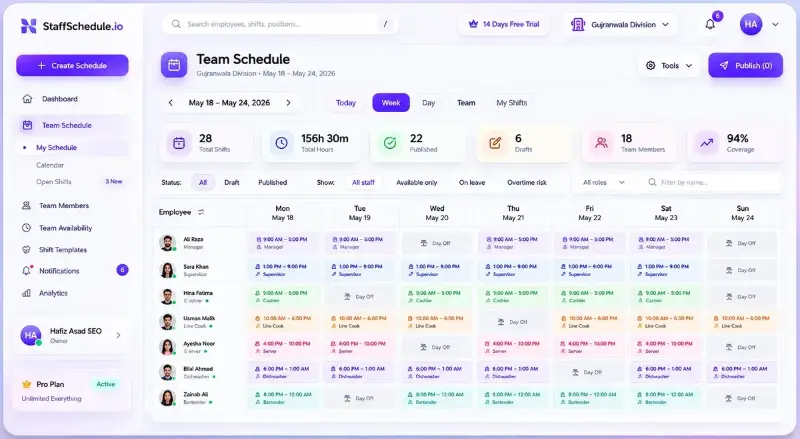 Staff SchedulingStaff Scheduling helps businesses create employee schedules, manage availability, handle leave, and keep teams organized in one simple workforce management platform.Non AIstaff schedulingemployee schedulingworkforce management
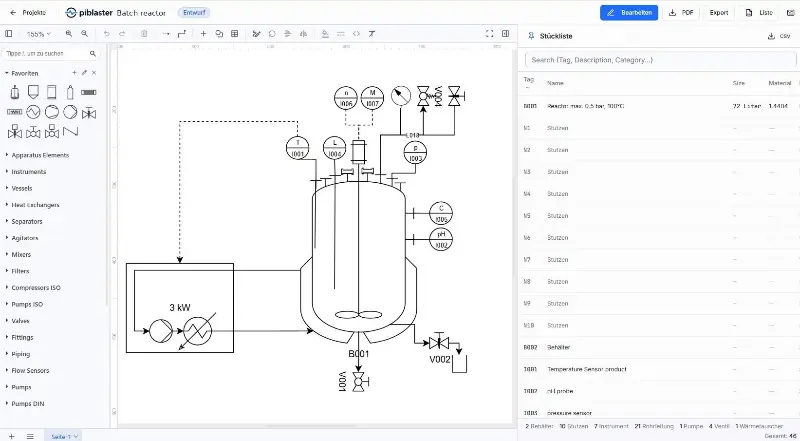 piblaster (P&ID software)Browser-based P&ID software for piping and instrumentation diagrams per ISA-5.1 and ISO 10628 — symbol library, auto bill of materials, no install.Non AIP&ID
 Funding PerpetualsThe first prop firm built for perpetual futures. Trade crypto, stocks, forex, commodities, and indices perps with funded accounts.Non AIperpetual futures
 Funding PredictsFunding Predicts is the first prediction market prop firm. Trade live on Polymarket, get funded up to $300K, and keep up to 90% of profits.Non AIprediction markets
 Video2URLTurn videos, images, PDFs, and files into private, shareable links in seconds.Non AIvideo sharingfile sharingprivate links
 Address Format LabGenerate fictional US and international addresses for format learning and software testing.AI Productivity ToolsOther AI ToolsNon AIaddress generatortest datafake address
 MetadataRemover.aiFree browser-local metadata inspection, editing, removal, and verification for files.Non AImetadata removalEXIFprivacy
Reviews
See what the community thinks and share your experience.
—
Based on 0 ratings
Rating distribution
Community reviews
No reviews
No written reviews yet.