A letter chart, colour plates and an Amsler grid drawn at a known size for your screen, plus a blink count, with results kept on your device.
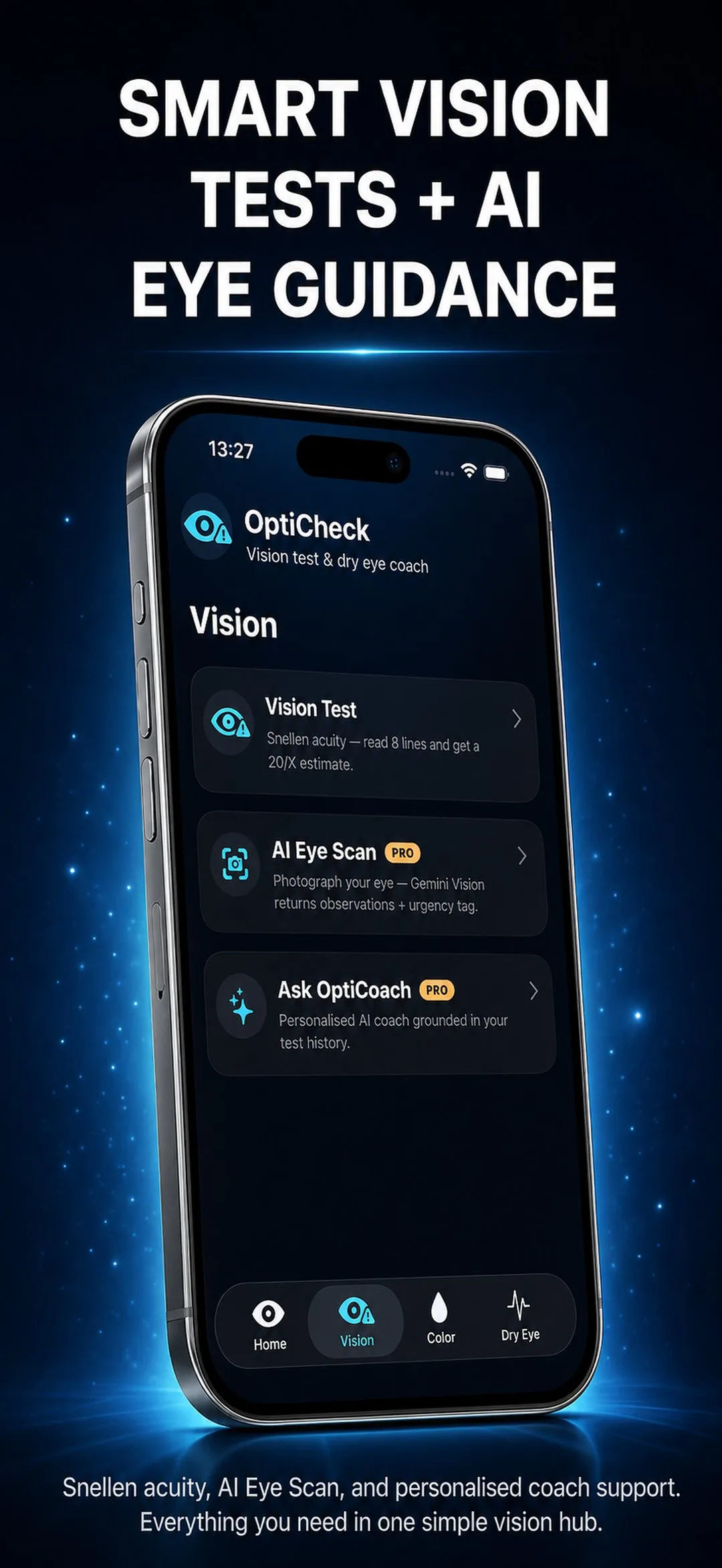
OptiCheck's vision hub: vision test, AI Eye Scan and Ask OptiCoach (both Pro)
Overview
What is OptiCheck?
At-home vision screening drawn at true size for your screen
OptiCheck draws its tests at a known size for your device. The letter chart follows the Snellen principle: each letter of the 20/20 line is drawn 5 minutes of arc high at the distance you choose, from 40 cm to 3 m, using your screen's real pixels per inch, one eye at a time, with lines from 20/200 down. A screen the app does not know can be measured once with a bank card. The Amsler grid has true 5 mm squares, read at about 30 cm, one eye at a time.
Eight colour plates of coloured dots are drawn the same way every time and at a known size, with the distance to hold them at. The blink scan counts your blinks with the front camera for up to 60 seconds; the picture stays on the device and is never saved.
Every result is kept on the device with the date, the eye, the distance and what you wore, and charts show each test over time for each eye. There is no account, no analytics and no advertising.
OptiCheck Pro adds AI Eye Scan (general educational notes about what is visible in a close-up photo of one eye, with questions you could ask your eye-care professional), OptiCoach (general answers about eyes, screens and the tests, with links to their sources) and a PDF report of all your results to share with your optician or eye doctor. The AI features are for general education only and do not diagnose, grade or suggest treatment. Before anything is sent, the app shows exactly what will be sent and to whom (OpenRouter and Z.ai) and asks for your agreement, which you can withdraw in Settings; the photo is not kept by OptiCheck.
Its limits are stated plainly. It is not a test to ISO 8596 and not a clinical measurement: you choose the distance and judge each line yourself, and room light and screen brightness are not controlled. The colour plates are the app's own, on a screen whose colours are not calibrated. Every health statement in the app links to its source.
Free tests and history. OptiCheck Pro is $19.99 a month or $99 a year.
It is a tracking and education aid, not a medical device, and does not diagnose or treat any condition.
Platforms and languages
OptiCheck Availability
Platforms
Languages
Capabilities
OptiCheck Key Features
Letter chart at true size
Letter chart drawn at true size for your screen and distance (40 cm to 3 m).
Amsler grid
Amsler grid with true 5 mm squares.
Colour plates
Eight colour plates drawn at a known size.
Blink scan
Blink scan with the front camera, up to 60 seconds.
History on your device
History and charts for each test and each eye, kept on the device. No account, no analytics, no advertising.
OptiCheck Pro
Pro: AI Eye Scan, OptiCoach and a PDF report.
Best for
Who uses OptiCheck?
People who check their eyesight at home
They want a regular, private check of their eyesight at home between visits to an eye-care professional.
Plans and access
OptiCheck Pricing
Freemium
Free; OptiCheck Pro is $19.99 a month or $99 a year
Free tests and history. OptiCheck Pro is $19.99 a month or $99 a year.
Common questions
OptiCheck FAQs
OptiCheck Alternatives
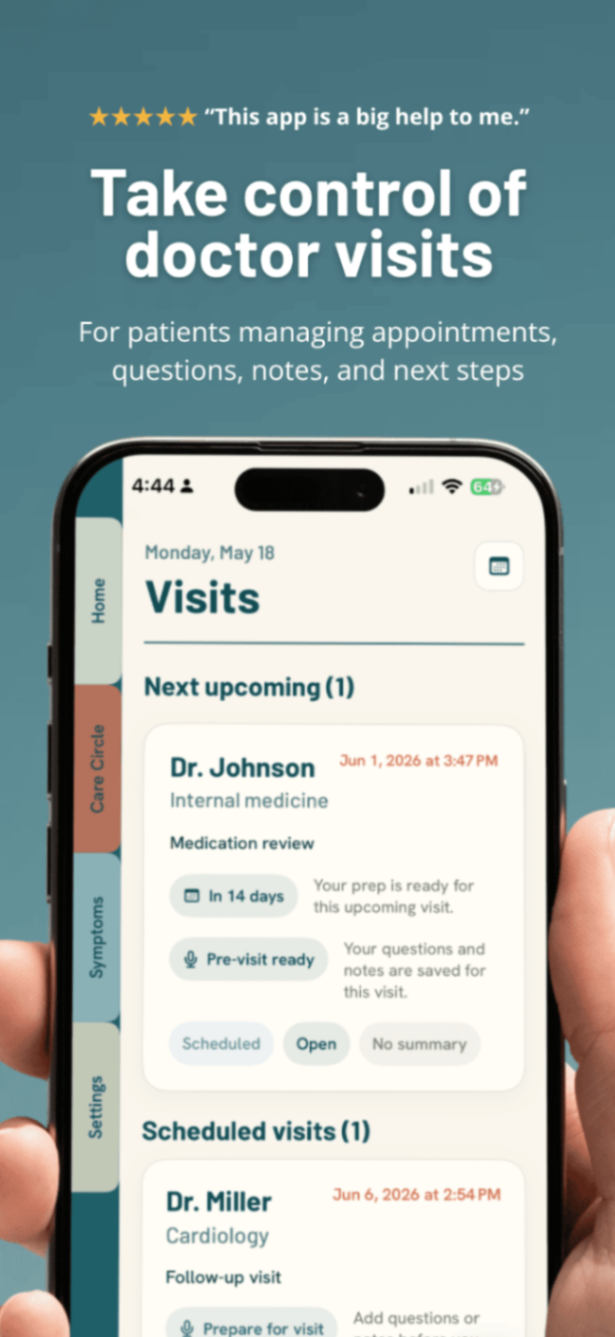 AI Doctor NotesPrivate doctor visit notes app for patients & caregivers
Reviews
See what the community thinks and share your experience.
—
Based on 0 ratings
Rating distribution
Community reviews
No reviews
No written reviews yet.