An AI workspace that connects your docs and tools so you can ask questions in plain language and get answers backed by cited sources.
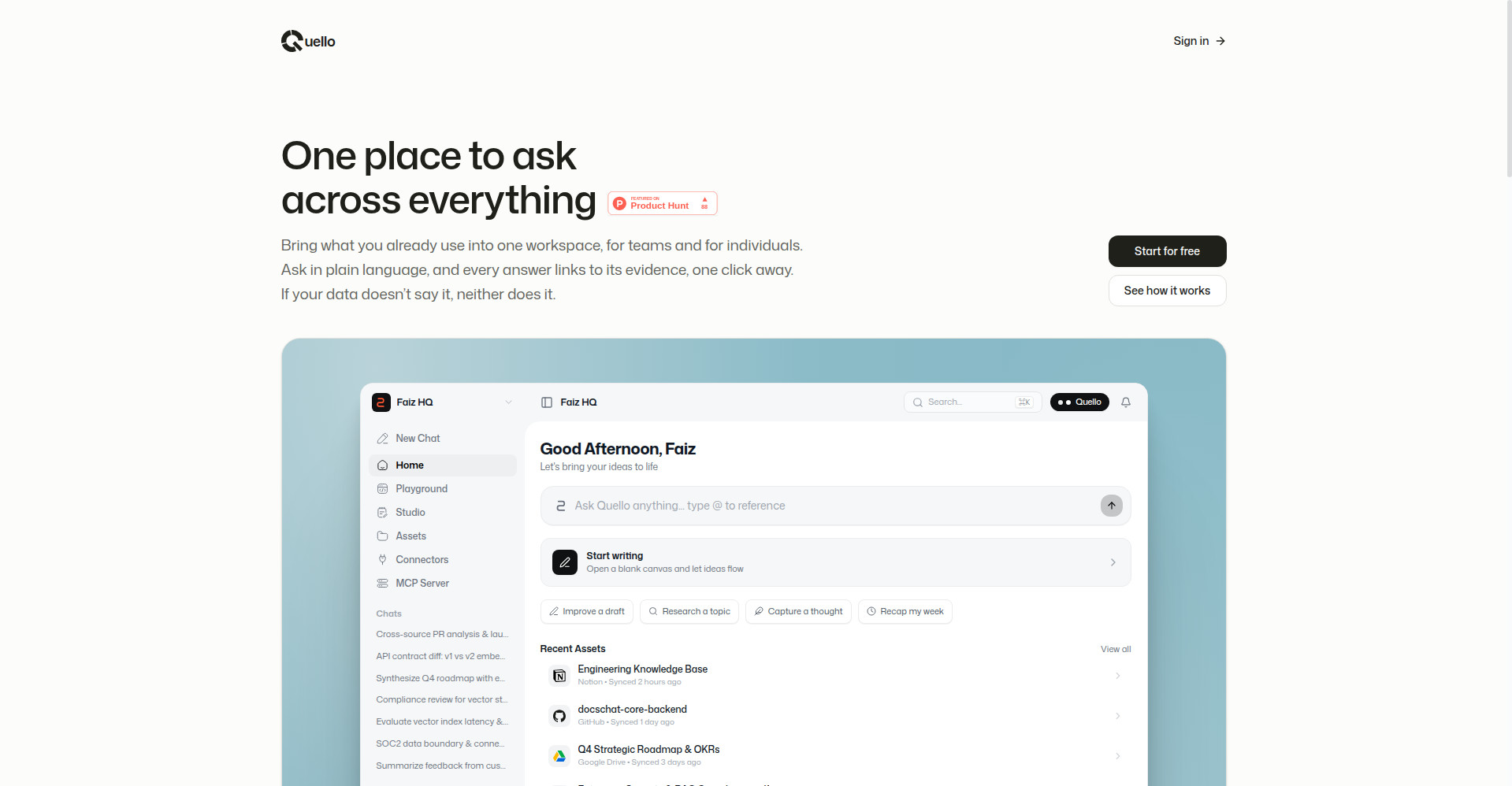
Quello homepage
1 / 2Overview
What is Quello?
One place to ask, across everything you already use.
Quello is one workspace for your tools, docs, and knowledge. Connect Google Drive, Notion, GitHub, and your files into a private workspace, then ask questions in plain language — every answer is backed by citations linking to the exact source passage, one click away.
Built on MCP, Quello carries your full work context into the AI apps you already use — ChatGPT, Claude, Perplexity, Gemini, and Grok — with the same permission controls, revocable at any time. Quello Studio adds a clean editor for drafting, summarizing, and rewriting beside your sources.
It is free to start, for teams and for individuals.
Platforms and languages
Quello Availability
Platforms
Languages
Capabilities
Quello Key Features
Connect documents and tools
Bring Google Drive, Notion, GitHub, and PDF, Markdown, or text uploads into one private workspace that stays in sync automatically.
Ask in plain language
Ask by voice or chat in natural language, and type @ to scope a question to a single file, repository, or connector.
Verify every answer in one click
Every answer links to the exact passage in its source, one click away — if your data does not say it, neither does Quello.
Use your workspace inside AI apps
Built on MCP, each workspace plugs into ChatGPT, Claude, Perplexity, Gemini, and Grok for sourced retrieval answers with the same permissions.
Quello Studio
Draft, summarize, and rewrite documents in a clean editor beside your sources, without copying between tools.
Best for
Who uses Quello?
Teams and individuals whose work is scattered across docs and tools
Ask questions across everything they use and verify every answer against its sources
Plans and access
Quello Pricing
Free
Free to start; no paid plans or pricing published.
Common questions
Quello FAQs
Which tools and formats can I connect?
Google Drive, Notion, and GitHub, plus direct uploads of PDF, Markdown, and text files. You can sync whole folders, specific databases, or single repositories.
How do I know an answer is accurate?
Answers come only from your connected sources, each with citations you can open to the exact passage and verify yourself.
Can I ask about just one file?
Yes. Type @ in the chat input to scope your question to a specific document, repository, or connector.
Can I use my workspace in other AI apps?
Yes. Each workspace has a secure URL you can add to connected AI apps, which can then search your workspace under the same permissions; you can revoke access anytime.
Is my data kept private?
Workspaces are isolated from each other, protected by Google sign-in, and documents are never used to train public models. You can disconnect any source at any time.
Reviews
See what the community thinks and share your experience.
—
Based on 0 ratings
Rating distribution
Community reviews
No reviews
No written reviews yet.