A personal context library for Mac that saves notes, links, images, PDFs, and ideas locally, then hands that context to AI through MCP and CLI.
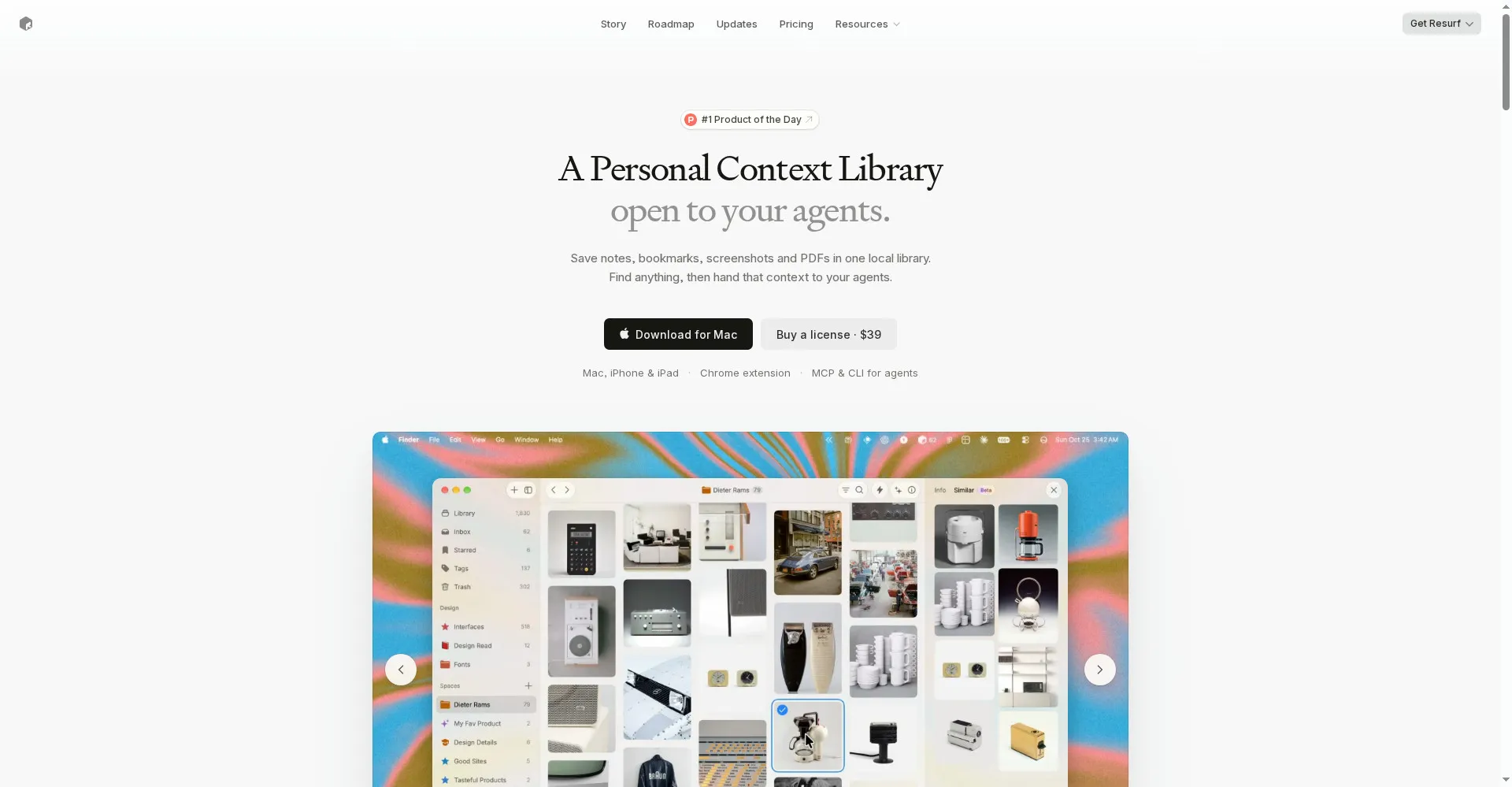
Resurf homepage
1 / 2Overview
What is Resurf?
Personal Knowledge Base & Bookmark Manager for Mac
Resurf is a personal context app for the things you like, care about, and work on. Save notes, links, images, PDFs, and ideas in one place, then find them later or hand that context to AI. Everything is stored locally on your Mac in its original format, so your notes stay plain text and your files stay openable by any app. You can filter by type, tag, collection, mood, and source, search full text, and follow backlinks between items. When you need AI help, Resurf hands the context over through MCP and CLI, and answers come back with sources. Sync runs through your own iCloud, so there is no Resurf server and no account to create. The Mac app is free to try for 7 days, and the iPhone and iPad apps are free.
Platforms and languages
Resurf Availability
Platforms
Languages
Capabilities
Resurf Key Features
One-click capture
Save notes, links, images, PDFs, and voice with a shortcut, menu bar, share extension, or browser extension.
Local-first storage
Everything is stored in its original format in a Resurf Library folder on your Mac, with notes as plain text.
Smart retrieval
Filter by type, tag, collection, mood, and source, with full-text search, citations, and backlinks.
AI handoff
Hand your context to AI through an MCP server and a Mac CLI, with answers that cite their sources.
Private sync
Syncs across Mac, iPhone, and iPad through your own iCloud, with no Resurf server and no account.
Best for
Who uses Resurf?
Mac users, researchers, and writers
Keep everything they care about in one place and hand the context to AI when needed
Plans and access
Resurf Pricing
Freemium
Free 7-day trial on Mac; Pro Standard $39 one-time, Pro Lifetime $79 one-time.
Common questions
Resurf FAQs
Where is my stuff stored?
On your Mac, in a Resurf Library folder. Notes are plain text and images, PDFs, and recordings keep their original format.
How does sync to iPhone and iPad work?
Each device keeps a full copy, and changes travel through your own iCloud. There is no Resurf server and no account.
What is the difference between free and paid?
The Mac app is free to try for 7 days with all features and no credit card. After that, one payment keeps adding content, with no subscription. The iPhone and iPad apps are free.
What happens if the trial ends and I do not buy?
Your library stays browsable, but you cannot add new items until you buy a license.
Who can see what I save?
Only you. Storage is local and sync is private iCloud, so nothing passes through Resurf servers.
Reviews
See what the community thinks and share your experience.
—
Based on 0 ratings
Rating distribution
Community reviews
No reviews
No written reviews yet.