Browser-based video studio for screen and webcam recording, AI-captioned editing, and one-link sharing with transcripts.
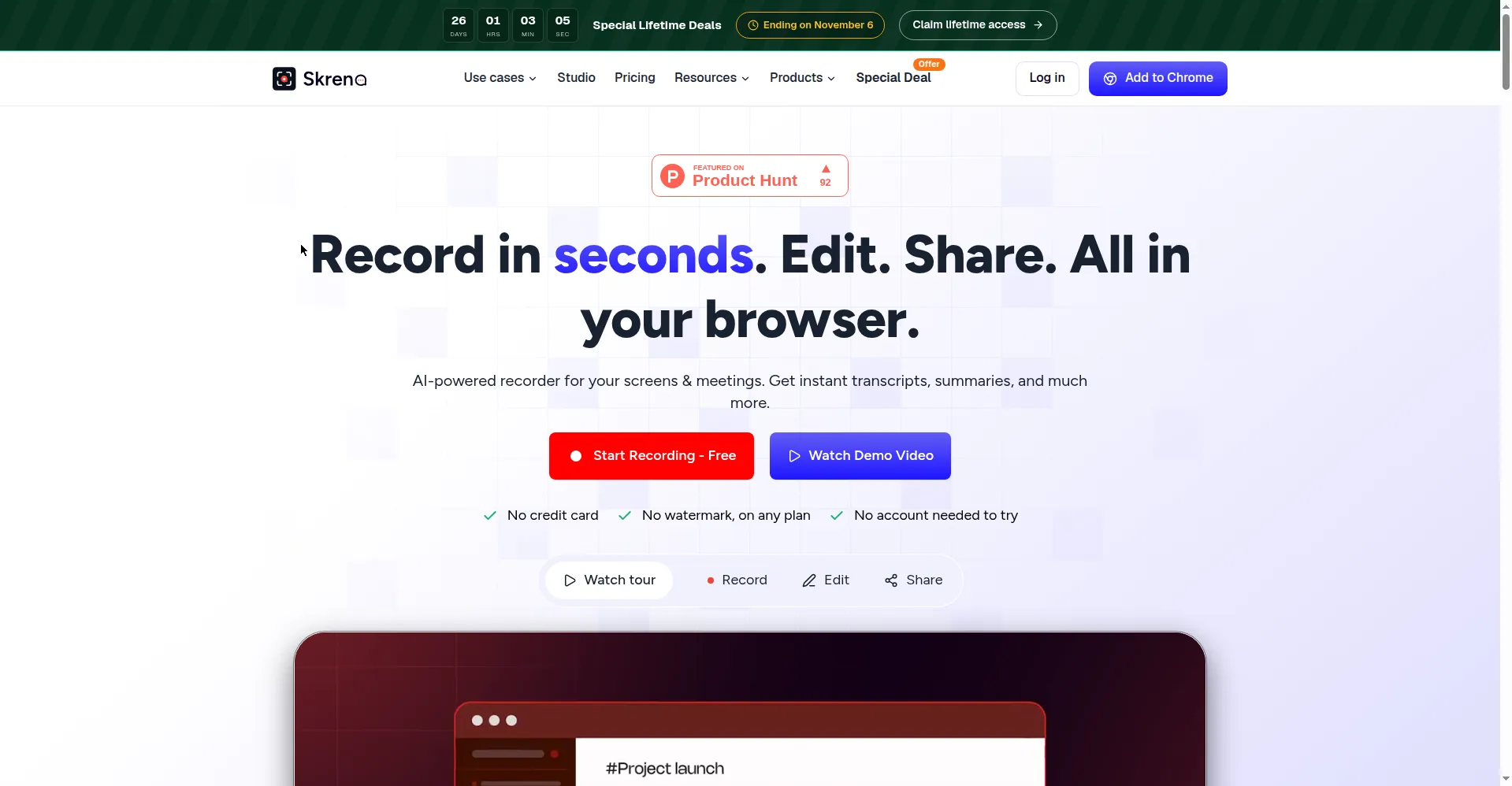
Skreno homepage — record, edit, share in your browser
1 / 3Overview
What is Skreno?
Record in seconds. Edit. Share. All in your browser.
Skreno is a video studio that lives entirely in your browser — record, edit, and share without installing anything. Screen and camera record as two separate tracks (up to 4K via the Chrome extension), and the Studio editor opens the moment you finish: pick layouts, cut silences and filler words, add dynamic captions and titles, or blur sensitive areas. Rendering runs on your own machine — no queue, no export credits.
Share with a single link that includes the transcript, an AI summary, and time-precise comments; viewers can reply, and anyone can record for you without an account. Bug reports automatically attach console and network logs with an AI defect summary for developers, and an AI meeting notetaker joins calls to summarize them. A one-line SDK embeds Skreno recording into any product.
The free plan is a real plan, not a trial — no watermark on any plan, no credit card to start. Paid plans: Pro $10/month and Max $15/month (annual billing), plus one-time lifetime deals.
Platforms and languages
Skreno Availability
Platforms
Languages
Capabilities
Skreno Key Features
In-browser dual-track recording
Screen and camera record as two separate tracks in the browser at up to 4K via the Chrome extension — nothing to install.
Studio editor
The Studio editor opens the moment recording finishes: choose layouts, trim, remove silences and filler words, add dynamic captions and titles, blur or doodle over sensitive areas.
One-link sharing
One link carries the transcript, an AI summary, and time-precite comments; viewers can reply and anyone can record for you without an account.
Dev-log bug reports
Bug reports automatically attach console and network logs and generate an AI defect summary for developers.
AI notetaker and SDK
An AI meeting notetaker joins calls to record and summarize them; a one-line SDK embeds Skreno recording into any product.
Best for
Who uses Skreno?
Product, marketing, support, and sales teams
Record demos, walkthroughs, and feedback videos and share them with transcripts and comments
Engineers and QA
File bug reports with console and network logs attached automatically
Content creators and remote teams
Edit screen and webcam recordings in the browser with AI captions and 4K export
Plans and access
Skreno Pricing
Freemium
Free plan forever; Pro $10/mo, Max $15/mo; lifetime deals from $499
Common questions
Skreno FAQs
Is the free plan really free?
Yes. Free is a real plan, not a trial — no countdown, no watermark on any plan, and no credit card needed to start.
What differs between plans?
Recording length, resolution (Free 720p, Pro 1080p, Max 4K), AI quotas for transcription/captions/summaries, and storage (Pro 200GB, Max unlimited). AI is available on all plans with larger quotas on paid tiers.
Can I cancel anytime?
Yes — Pro and Max can be cancelled anytime from the billing page. Lifetime plans never renew, so there is nothing to cancel.
Are there discounts?
Annual billing saves up to 33%, and launch lifetime deals (from $99) run until November 6.
How do I get support or manage my data?
Email [email protected] for support, data access/correction/export/deletion requests, and security disclosures; there is also an in-site chat widget. Reporting a bug is fastest by recording the issue with dev logs using Skreno itself.
Reviews
See what the community thinks and share your experience.
—
Based on 0 ratings
Rating distribution
Community reviews
No reviews
No written reviews yet.