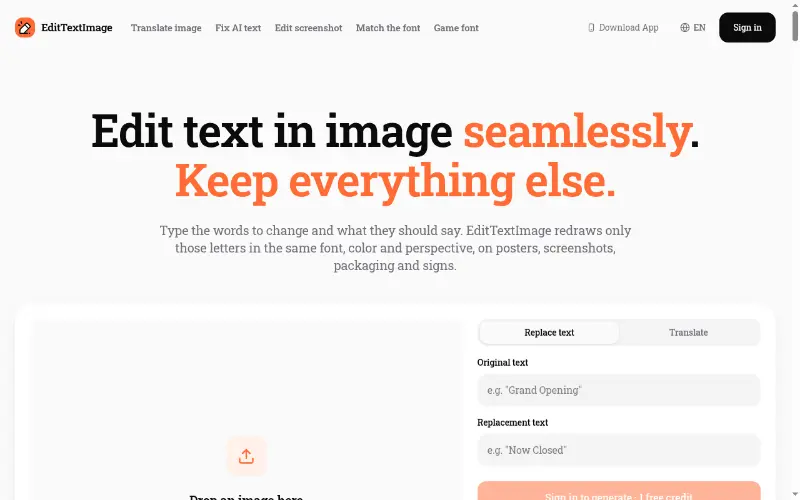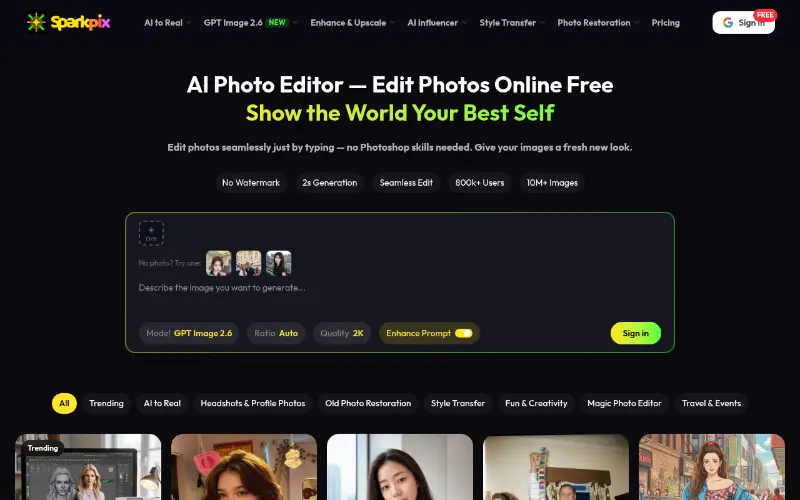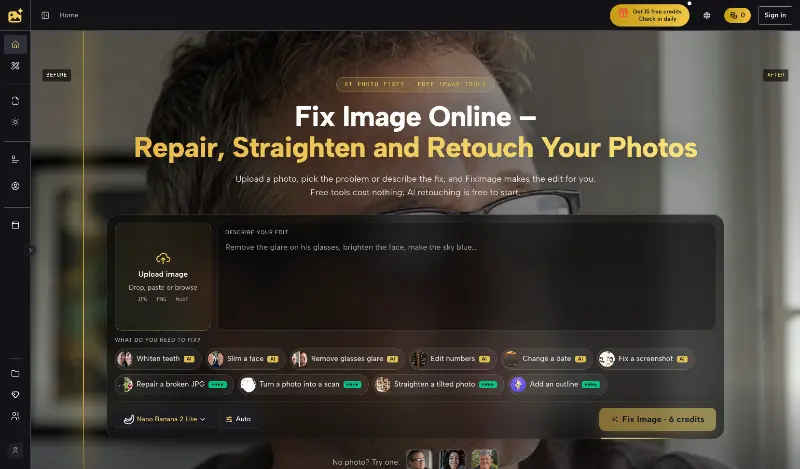
StyleSVG converts PNG, JPG and WebP images into editable SVG vectors with AI, with free previews, colour controls and exports for cutting, engraving and print.
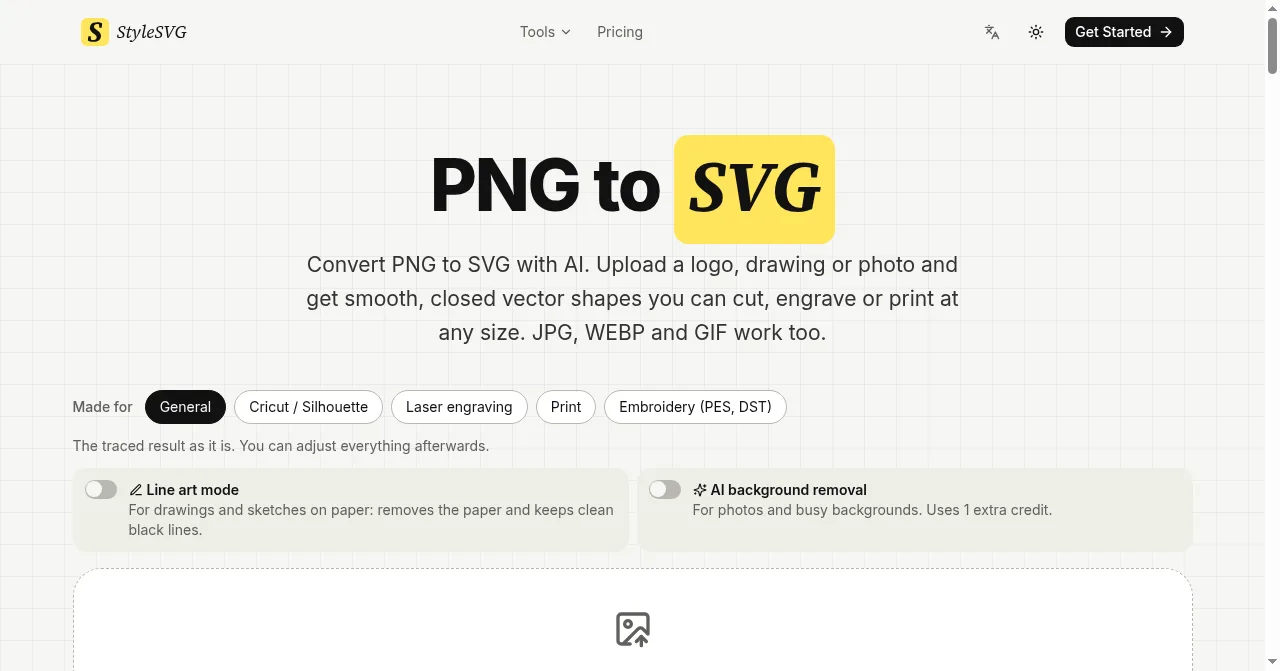
StyleSVG image-to-vector converter homepage and controls
Overview
What is StyleSVG?
Turn images into clean vectors for cutting and print.
StyleSVG is an online AI image vectorizer for makers, designers, print shops and Etsy sellers. Upload a PNG, JPG, WebP or GIF, choose a preset for Cricut, laser engraving, print or embroidery, and inspect a watermarked preview before unlocking the file. Users can adjust colours, remove backgrounds and export an unlocked conversion as SVG, PNG, PDF, EPS or DXF. Signed-in users can upload up to 20 images at once. StyleSVG also provides free browser-based tools for viewing, editing, optimizing, resizing and converting SVG files, plus tools for embroidery files, sticker outlines, QR codes, halftones and laser-cut boxes. The site is available in English and Chinese.
Free previews and browser tools; $6.99/file; subscriptions from $7.99/month.
Platforms and languages
StyleSVG Availability
Platforms
Languages
Capabilities
StyleSVG Key Features
AI image vectorization
Convert PNG, JPG and WebP images into editable SVG vectors, with a watermarked preview before unlocking clean exports.
Cutting and print export controls
Adjust colours, remove backgrounds and select presets for Cricut, laser engraving, print or embroidery. Unlocked conversions export as SVG, PNG, PDF, EPS or DXF.
Free browser-based SVG utilities
View, edit, optimize, resize and convert SVG files online without signing in. These free utilities are separate from paid AI vector exports.
Best for
Who uses StyleSVG?
Makers, designers, print shops and Etsy sellers
Prepare editable vector artwork from raster logos and illustrations for cutting, engraving, embroidery and print; preview the trace before paying for clean files.
Plans and access
StyleSVG Pricing
Freemium
Free previews and browser tools; $6.99/file; subscriptions from $7.99/month.
Guests can view one watermarked AI preview per day. Clean exports require unlocking: $6.99 per file. Starter subscription is $7.99/month or $49/year for 25 conversions per month; Pro is $14.99/month or $129/year for 100 conversions per month. Free browser-based SVG utilities work without sign-in.
StyleSVG Alternatives

Reviews
See what the community thinks and share your experience.
—
Based on 0 ratings
Rating distribution
Community reviews
No reviews
No written reviews yet.