SummarizeVideoToText
Paste a YouTube, TikTok or Instagram link to get the full transcript plus an AI summary, with follow-up Q&A, a mind map, and export to Notion or Obsidian.
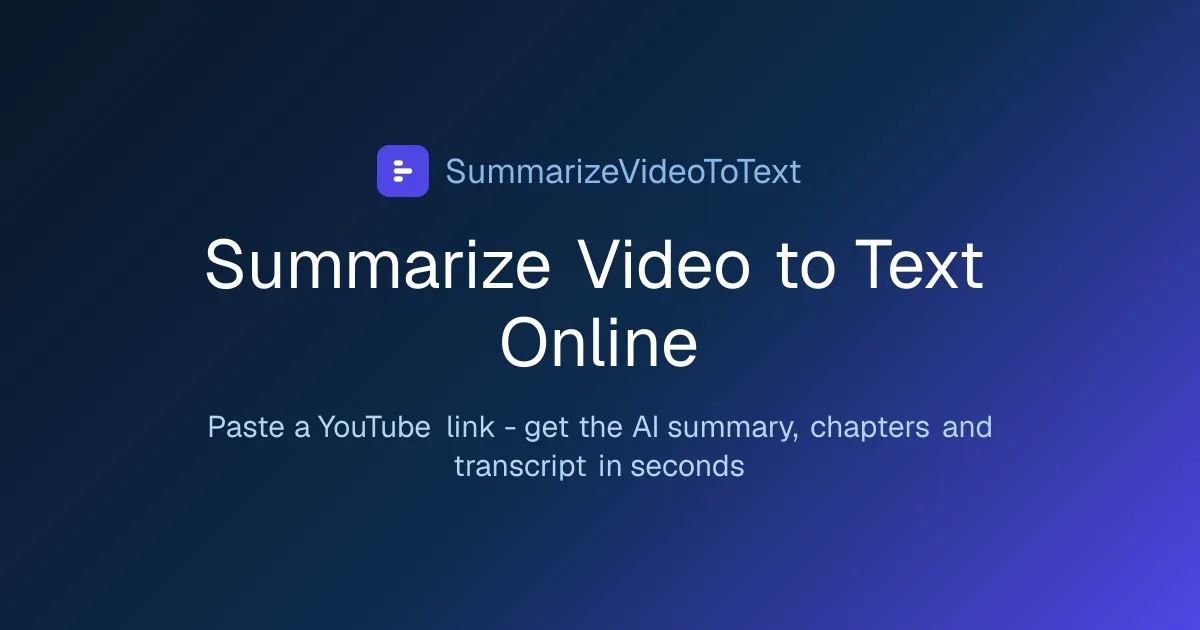
Product screenshot
Overview
What is SummarizeVideoToText?
What it does
SummarizeVideoToText turns a video link into something you can read, search, and keep. Paste a YouTube, TikTok, or Instagram URL and it returns the full transcript alongside an AI summary, so you can decide whether a long talk, lecture, or podcast is worth your time before watching it.
Core capabilities
- Full transcript. The complete text of the video, not just a summary of it.
- AI summary. Several summary templates are available, all of them on the free plan.
- Follow-up Q&A. Ask questions about the video's content after the summary is generated.
- Mind map. An auto-generated map of the video's structure.
- Flow diagram. Shown when the video walks through a process step by step.
- Export. Notion, Obsidian, or plain Markdown.
- 14 output languages, chosen independently of the interface language.
- Saved history for signed-in accounts.
Workflow
Paste a link, pick an output language and a summary template, and read the result. Everything runs in the browser; there is nothing to download or install. Re-opening a video that has already been processed is served from cache and never counts against the daily limit.
Who it is for
Students turning recorded lectures into revision notes; teachers and trainers checking the outline of a video before recommending it; writers and SEO teams pulling the verbatim out of an interview or podcast; and anyone deciding whether an hour-long conference talk is worth an hour.
Pricing
Free: 2 summaries a day without an account (videos up to 15 minutes) and 3 a day signed in (videos up to 1 hour), including saved history, TikTok and Instagram Reels, Q&A, all summary templates and all 14 output languages. Pro is $9 a month (launch price, normally $12) or $54 a year, adding unlimited summaries under fair use and videos up to 6 hours.
Platforms and languages
SummarizeVideoToText Availability
Platforms
Languages
Plans and access
SummarizeVideoToText Pricing
Freemium
Compare similar tools
SummarizeVideoToText Alternatives
 Codex Reset RadarMonitor Codex usage limits, reset status, history, and public announcements.AI Business ProductivityAI Productivity ToolsCodexusage limitsdeveloper productivity
 QverisConnect AI agents to 10,000+ real-world tools and APIsAI Business ProductivityAI Research AnalysisAI Plugins ExtensionsAI AgentsDeveloper ToolsFinancial APIs
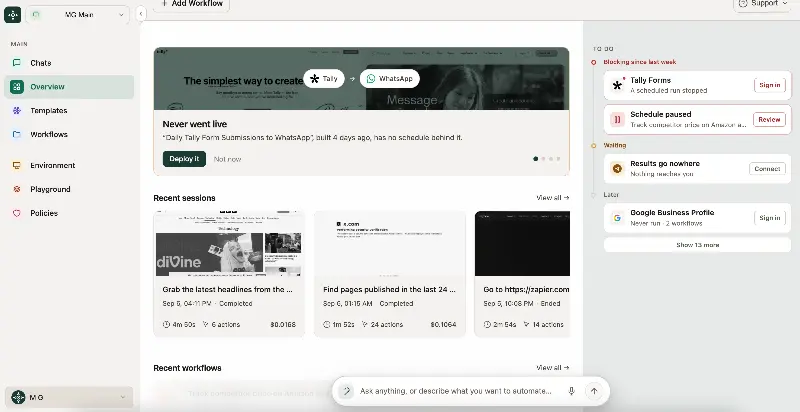 WebRunWebRun runs your company by deploying AI agents that run your marketing campaigns, answer your customer service, send your outreach and reconcile your records — in the tools you already use, in a real browser, under rules you set.AI Business ProductivityAI WorkflowAI Productivity Tools
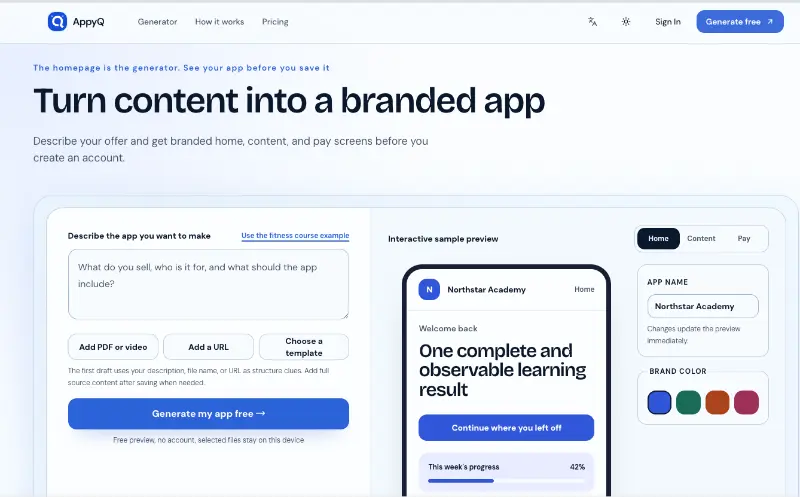 appyq.comGenerate a free branded app preview with home, content, and pay screens for eight creator business types.AI Creation GenerationAI Business Productivityapp previewmockupcreator tools
 cosskillcosskill is an AI communication simulator for rehearsing high-stakes conversations — salary negotiations, performance feedback, difficult personal talks — by speaking with realistic AI personas before they happen.AI Communication LanguageAI Business ProductivityAI Simulationcommunicationnegotiationpractice
 TopickzThe SaaS buying guide for modern teamsAI Business Productivitysaas reviews
 TwyngA leading software development company in India and the U.S., delivering cutting-edge enterprise solutions to businesses worldwide.5.0(1 reviews)AI Business ProductivityAI Video CreationAI Video Search[{"value":"#GenerativeAI #EnterpriseAI #ArtificialIntelligence #CustomAI #AIDevelopment #GenerativeAIDevelopment #LLMDevelopment #EnterpriseTechnology #AIForBusiness #AIAutomation #RAG #MachineLearning #DigitalTransformation #AIConsulting #BusinessAutomation"}]
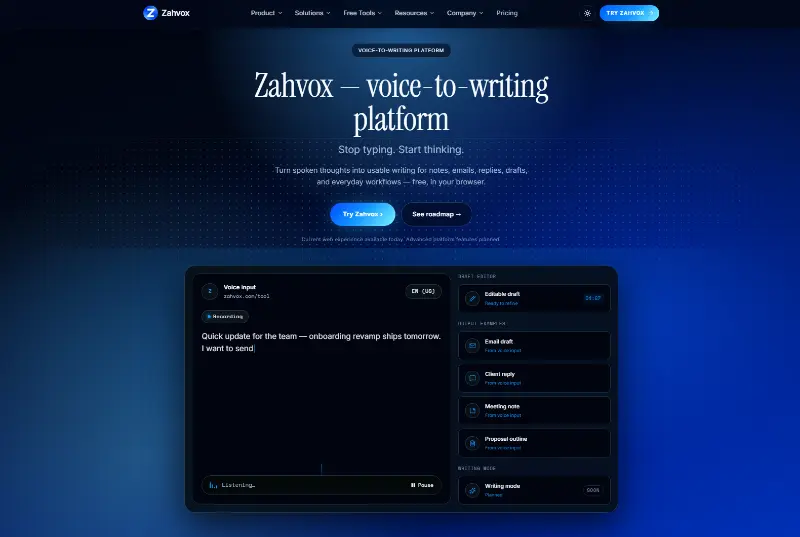 ZahvoxZahvox is a voice-to-writing platform for people who think faster than they type. The free web tool lets users speak in the browser, view a live transcript, edit the text, copy it, download it, and use the writing for notes, emails, replies, drafts, meeting summaries, and daily workflows. Zahvox is early: the web tool is live, while the browser extension, AI cleanup, saved history, writing modes, and advanced workflow features are planned or in development.AI Writing AssistantAI Productivity ToolsAI Business ProductivityAI WritingVoice to TextSpeech to Text
 Start This TaskAI gives one concrete action for a stuck task first, then builds a full editable plan with adjustable step sizes and Focus Mode.AI Productivity ToolsAI Business ProductivityAI task breakdownproductivitytask management
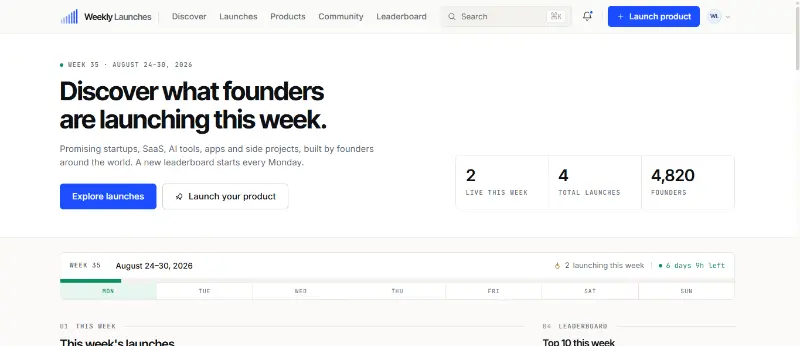 Weekly LaunchesWeekly Launches is a product discovery platform for finding and showcasing new startups, AI tools, SaaS products, apps, and innovative digital products.AI Business ProductivityAI Marketing ToolsAI Product Discoveryweeklylauncheslaunch
Reviews
See what the community thinks and share your experience.
—
Based on 0 ratings
Rating distribution
Community reviews
No reviews
No written reviews yet.