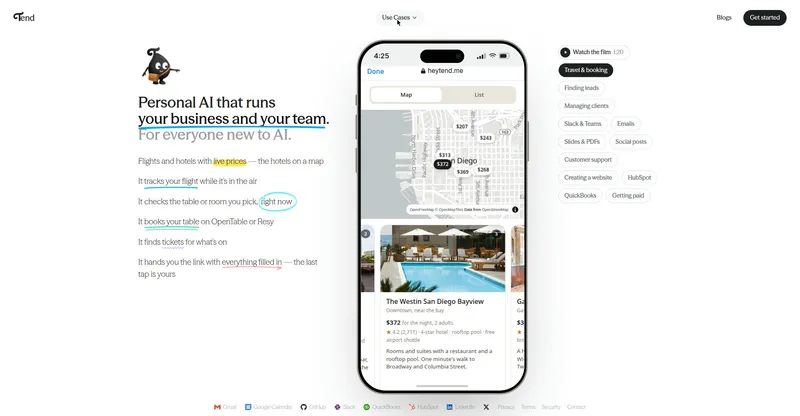
A personal AI assistant you operate by text message: connect your accounts and hand it your admin work.
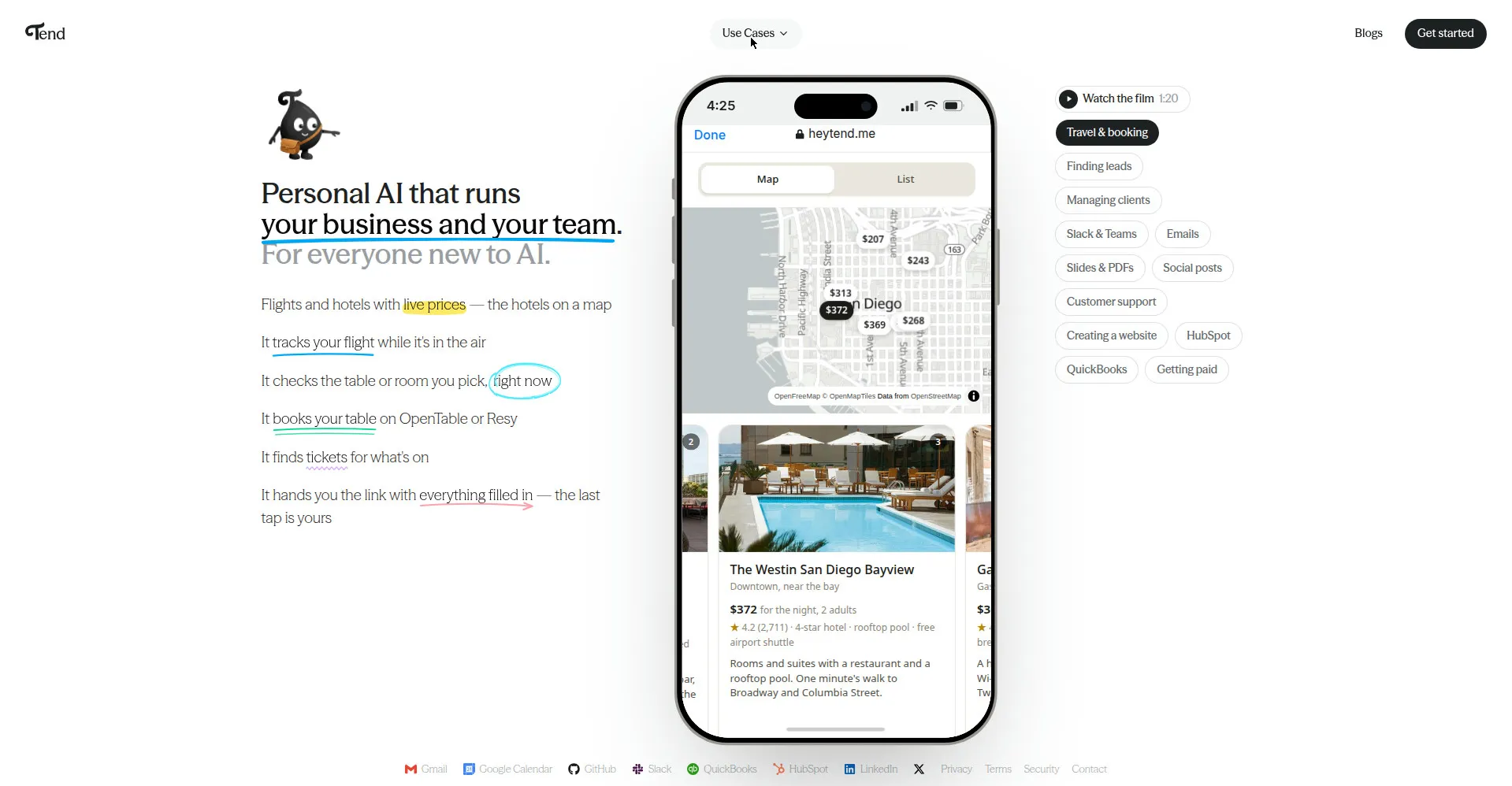
Tend homepage — personal AI by text message
1 / 3Overview
What is Tend?
Personal AI for businesses and entrepreneurs.
Tend is a personal AI assistant for business owners and entrepreneurs that you run entirely by text message. There is no app to download: you chat with Tend over SMS or iMessage, and there is also a web workspace for working from your browser.
It connects to the accounts you already use — Gmail, calendar, Shopify, QuickBooks, HubSpot, Slack, LinkedIn, GitHub and more — and carries out real tasks for you: replying to emails, booking appointments, planning travel, following up with clients, creating invoices and slides, and posting social content. It keeps a personal memory of your preferences ("Brain") that you can view and correct at any time, and it works proactively: nudging you about clients who went quiet, chasing overdue invoices, watching prices, and tracking your flights.
Nothing is sent, bought, or changed without your say-so — Tend asks for confirmation first (its "Yes rule"). During early access, Tend is free to use.
Platforms and languages
Tend Availability
Platforms
Languages
Capabilities
Tend Key Features
AI assistant by text message
No app to download — run your business by texting Tend over SMS or iMessage, with a web workspace for working from your browser.
Connects to your real accounts
Links your Gmail, calendar, Shopify, QuickBooks, HubSpot, Slack, LinkedIn, GitHub and more, then acts inside them on your behalf.
"Yes rule" confirmation
Every send, purchase, or change is paused for your approval before Tend executes it.
Correctable personal memory (Brain)
A personal memory of your preferences that you can view, edit, and correct at any time.
Proactive business reminders
Nudges clients who went quiet, chases overdue invoices, watches prices, and tracks flights while they're in the air.
Admin work offloaded
Handles emails, scheduling, travel booking, client follow-ups, invoicing, slides, and social posts from one conversation.
Made for everyone new to AI
Built for business owners and entrepreneurs, including people trying AI for the first time.
Best for
Who uses Tend?
Business owners and entrepreneurs, including everyone new to AI
Text a personal AI to handle emails, scheduling, travel booking, client follow-ups, invoices, and other admin work
Small-business owners juggling clients, books, and CRM
Let an AI track clients, nudge quiet leads, chase overdue invoices, and draft invoices and agendas by text
Plans and access
Tend Pricing
Free
Free during early access
Common questions
Tend FAQs
Do I need to download an app to use Tend?
No. You talk to Tend by texting it over SMS or iMessage, and you can also use the web workspace from your browser.
Can Tend work with my email, calendar, and business apps?
Yes. You can connect your own Gmail, calendar, and business accounts such as Shopify, QuickBooks, HubSpot, Slack, LinkedIn, and GitHub, and Tend can take action inside them.
Does Tend remember my preferences?
Yes. Tend keeps a personal memory of your preferences (called Brain) that you can look at and correct at any time.
What happens before Tend sends, buys, or changes something for me?
It always asks first. Any send, purchase, or change requires your confirmation before Tend does it.
Is it safe to connect my accounts to Tend?
Access runs on encrypted tokens rather than stored passwords, sign-in uses a code sent to your phone, and you can disconnect any account whenever you like.
Reviews
See what the community thinks and share your experience.
—
Based on 0 ratings
Rating distribution
Community reviews
No reviews
No written reviews yet.