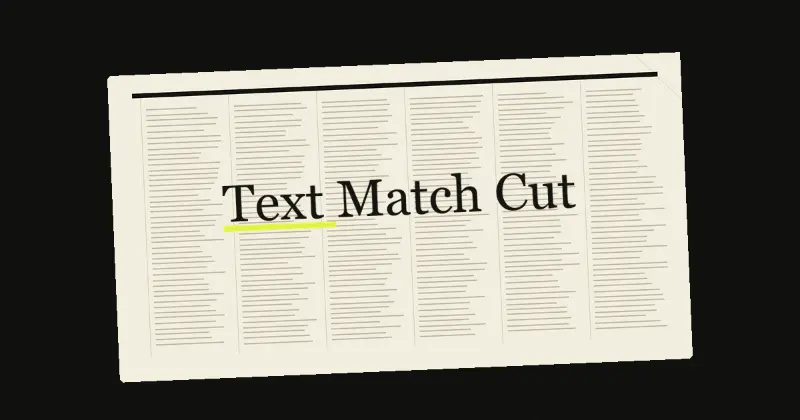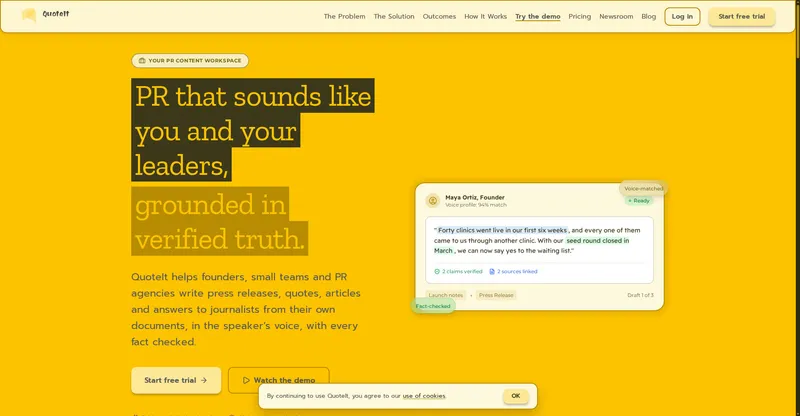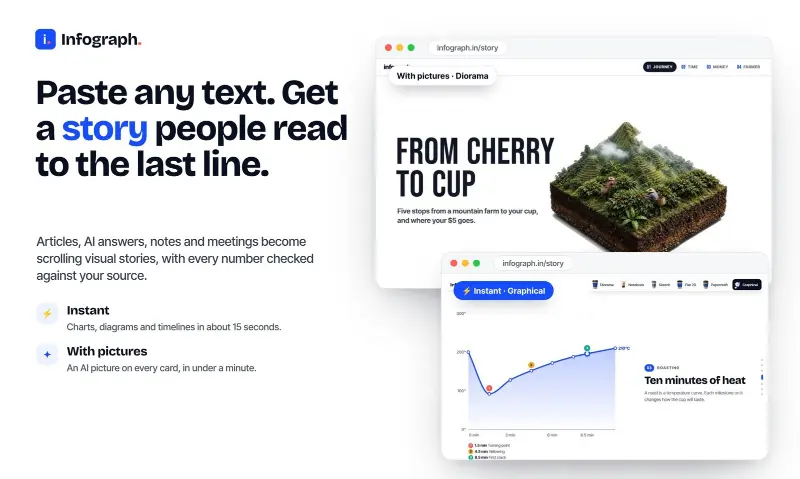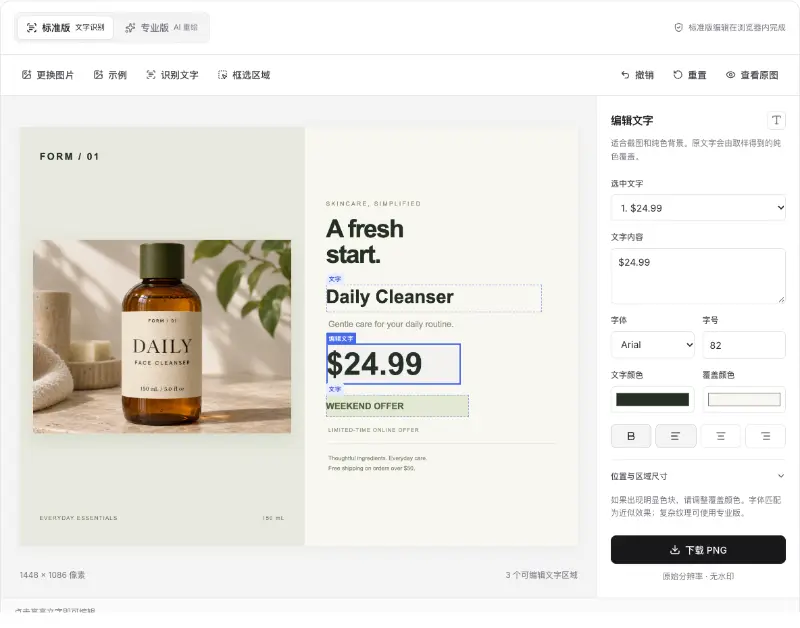
Design a template once in the browser, then let AI agents fill it and export images, carousels, or video.
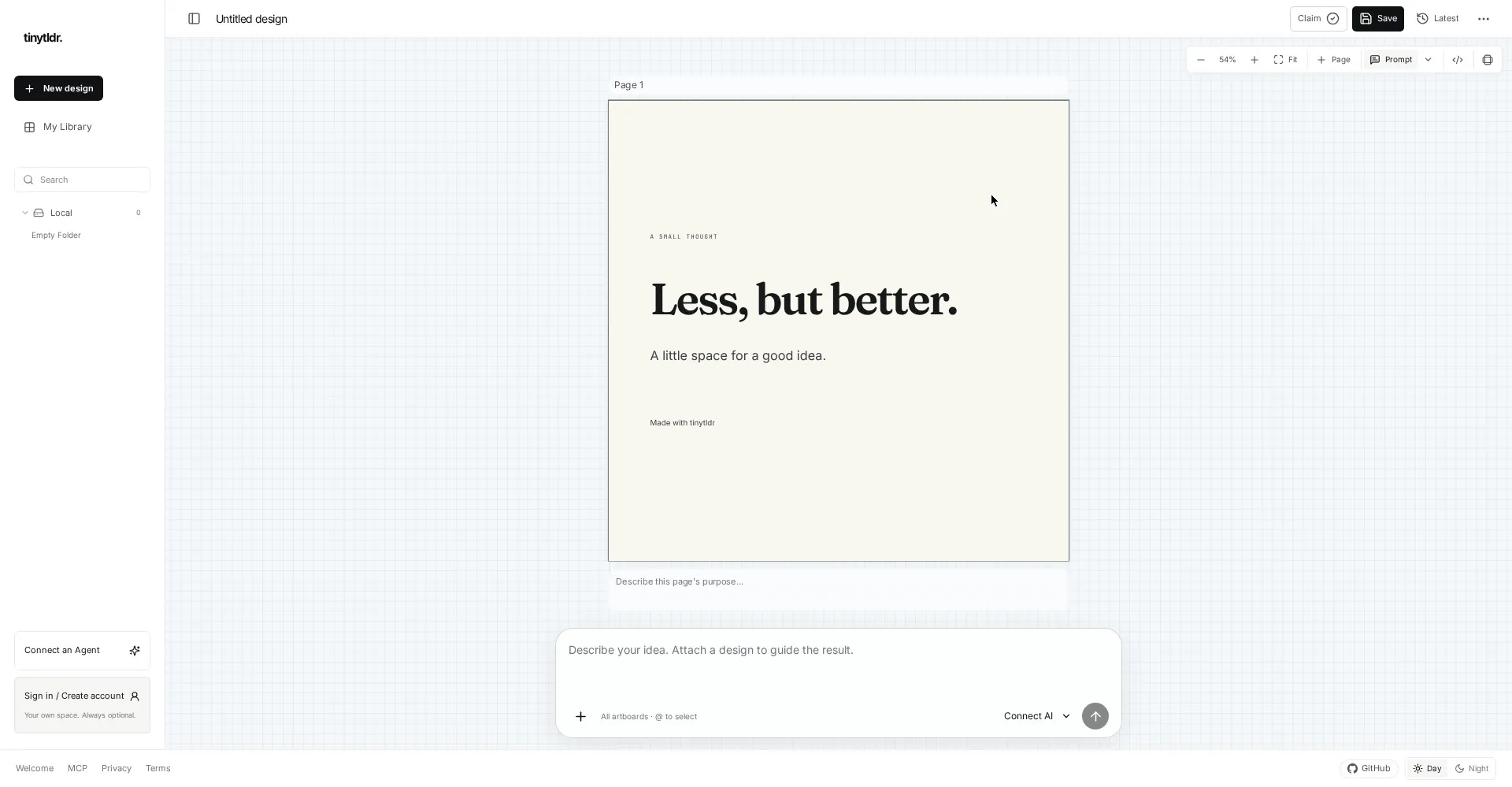
tinytldr editor
1 / 2Overview
What is tinytldr?
Templates for your agents
tinytldr is a tiny template platform for AI agents. Design a template once in the browser with a visual editor for HTML, Liquid, CSS, and JSON, and let agents fill it with your data. Rendering is deterministic, so the same input always produces the same PNG, PDF, or 30fps MP4, which means repeatable slides, social carousels, and video frames. The MCP server plugs into Claude Code, Codex, and Claude Desktop. An optional floating AI composer can generate templates for you if you bring your own API keys. Cloud designs live in a personal library, and a Slack flow lets your team review and approve generated assets. Free and open source under the MIT license, with no account needed to start.
Platforms and languages
tinytldr Availability
Platforms
Languages
Capabilities
tinytldr Key Features
Visual template editor
Design templates in the browser with HTML, Liquid, CSS, and JSON, with no install.
MCP server
Plugs into Claude Code, Codex, and Claude Desktop, and runs locally on your machine.
Deterministic rendering
Same input, same output, every time, as PNG, PDF, or 30fps MP4.
Optional AI composer
A floating composer can generate templates for you, with your own API keys.
Cloud library and Slack review
Save designs in a personal library, and review and approve generated assets in Slack.
Best for
Who uses tinytldr?
Content creators, designers, and ops teams producing visuals with AI agents
Design a template once and let agents fill it with data, every time, the same way
Plans and access
tinytldr Pricing
Free
Common questions
tinytldr FAQs
Do I need an account?
No. You can start designing right away, and a free account unlocks saved designs.
Does the local MCP server need an API key?
No. It works on your machine without an API key.
Do I need an AI model to use it?
No. Rendering is deterministic and needs no model. The AI composer is optional.
Where do my drafts live?
Guest drafts are stored locally in your browser. Signing in gives you a personal cloud library.
Reviews
See what the community thinks and share your experience.
—
Based on 0 ratings
Rating distribution
Community reviews
No reviews
No written reviews yet.