AI meeting transcriber that records your day, summarizes it, and turns conversations into a searchable second brain.
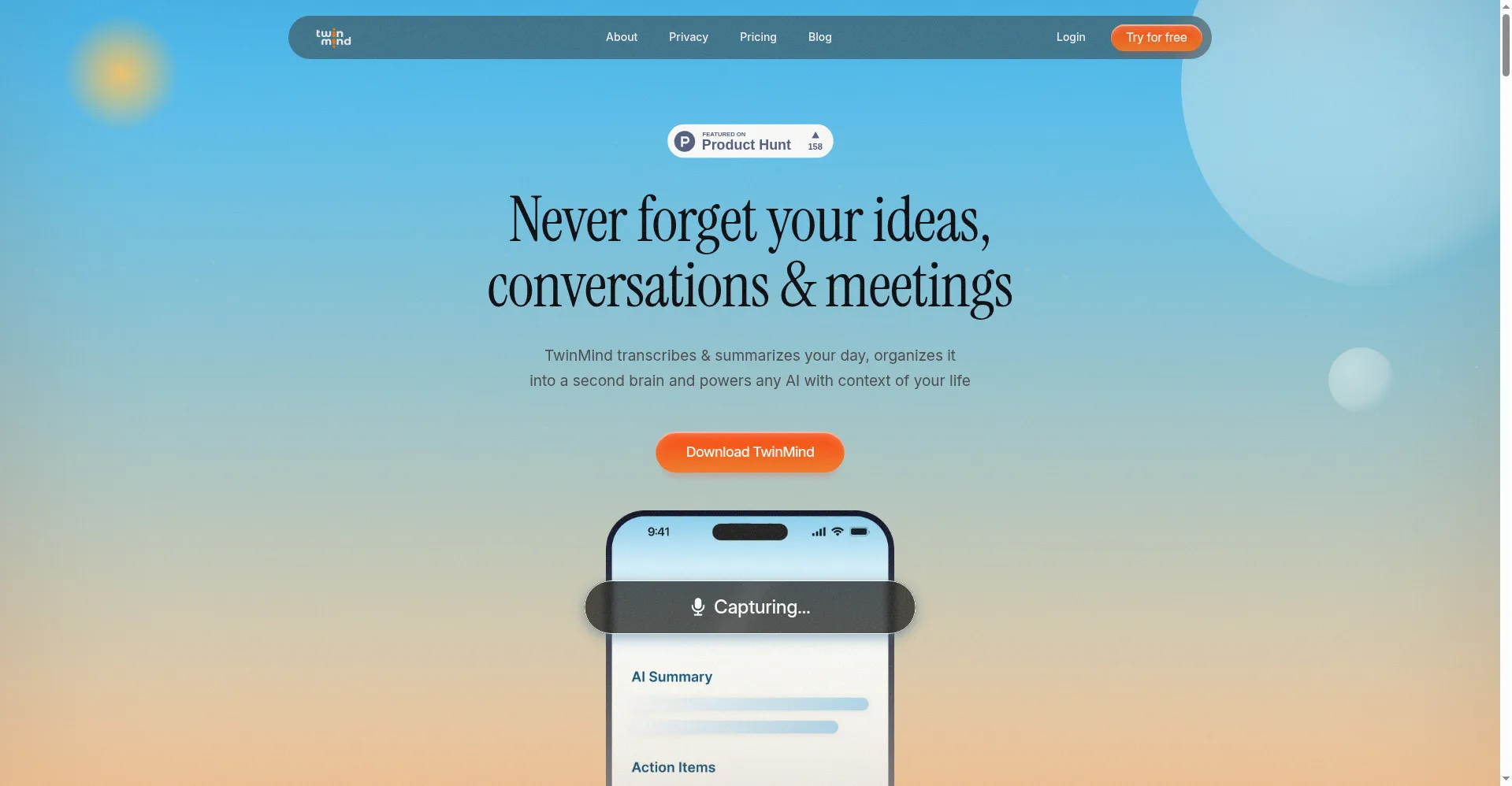
Homepage: Never forget your ideas, conversations & meetings
1 / 3Overview
What is TwinMind for Desktop?
Transcribe meetings and dictate anywhere on Mac & Windows
TwinMind for Desktop is an AI-powered meeting and conversation recorder for Mac and Windows. It transcribes meetings, lectures, and in-person conversations, then turns them into searchable summaries, action items, and daily digests.
A floating desktop microphone lets you dictate in any app with a hotkey, pasting polished text directly into your document. Everything you capture is organized into an AI second brain by person, place, and project, so you can ask questions over your own life context in ChatGPT, Claude, or Gemini.
It supports 140+ languages with automatic detection and real-time translation. Privacy comes first: offline on-device mode is available, audio is deleted after transcription by default, and your data is never sold or used to train models. The Free plan is free forever with no credit card required; paid plans add higher limits and advanced AI features.
Platforms and languages
TwinMind for Desktop Availability
Platforms
Languages
Capabilities
TwinMind for Desktop Key Features
Automatic meeting & conversation transcription
Records meetings, lectures, and in-person conversations, then generates summaries, action items, and daily digests so nothing slips through the cracks.
Desktop floating microphone for dictation
Hold a hotkey to dictate in any app; cleaned-up text is pasted directly where you need it.
AI second brain
Notes are auto-organized by person, place, and project, and any AI can be asked questions against your personal life context.
140+ languages with real-time translation
Auto-detects languages and translates on the fly, making multilingual meetings and conversations effortless.
Privacy-first design
Offers offline on-device mode and optional audio saving; recordings are deleted after transcription by default. Data is never sold or used to train models.
Best for
Who uses TwinMind for Desktop?
Professionals with back-to-back meetings, students, and interviewers
No time to take notes, easily forget ideas, scattered info hard to search
Plans and access
TwinMind for Desktop Pricing
Freemium
Free plan; Pro $14.99/mo ($11.99/mo yearly); Max $49.99/mo ($29.99/mo yearly).
Common questions
TwinMind for Desktop FAQs
Is TwinMind always listening?
No. Recording starts and stops only when you press the button. Nothing is captured without your explicit action.
Does TwinMind send a bot into my meetings?
No bots join your calls. TwinMind records locally on your own device, so participants see nothing added to the meeting.
Which languages does it support?
Over 140 languages with automatic detection and real-time translation, covering most meeting scenarios.
Can TwinMind connect to my other apps?
Yes. It connects directly to your calendar and email, and MCP integration lets ChatGPT or Claude read your TwinMind notes.
How does TwinMind handle my data?
Audio is deleted after transcription by default, and you can choose offline on-device mode. The company is SOC 2 Type II and Google CASA Tier 2 certified, never sells data, and never trains models on it.
Is there a free plan?
Yes. The Free plan is free forever with no credit card required. Paid Pro and Max plans unlock higher limits and advanced AI models.
Reviews
See what the community thinks and share your experience.
—
Based on 0 ratings
Rating distribution
Community reviews
No reviews
No written reviews yet.