Video to Video AI
Transform short clips with prompts for controlled style, scene, character, lighting, camera, and motion variations.
Transform short clips with prompts for style, scene, character, lighting, camera, and motion variations.
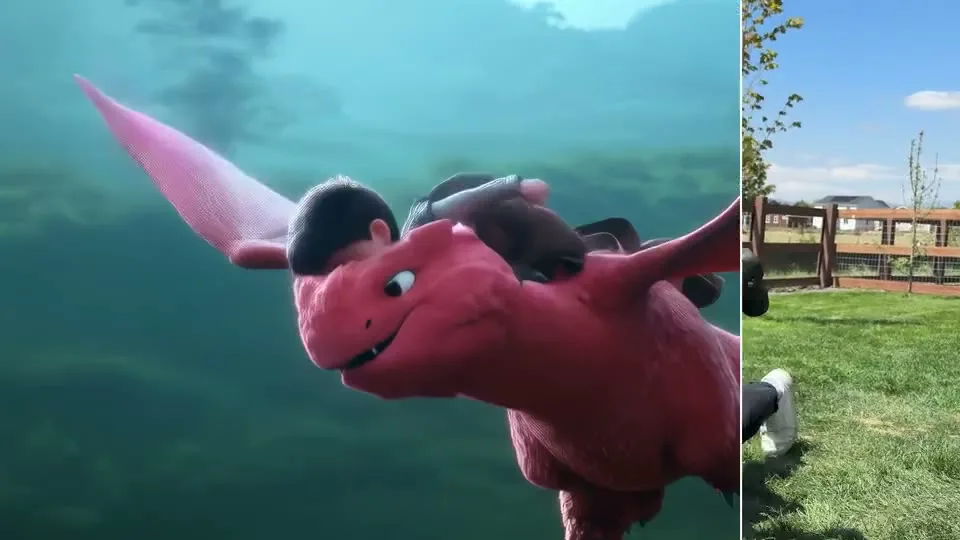
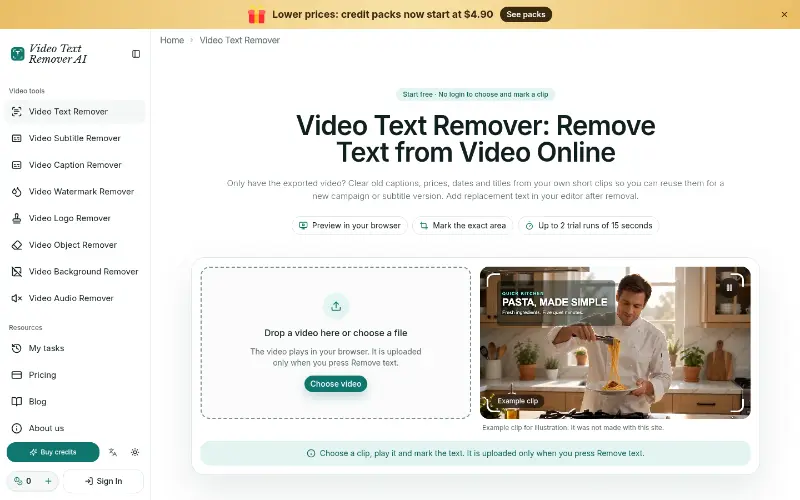
Video to Video AI style transformation workspace
Overview
What is Video to Video AI?
Transform short clips with prompts for controlled style, scene, character, lighting, camera, and motion variations.
A practical video transformation workflow
Video to Video AI is a browser-based workspace for turning a short source clip into a controlled visual variation. Instead of rebuilding a sequence frame by frame, creators upload footage, describe the intended change, choose an output quality, and review a newly generated result.
The workflow supports several focused modes. Style transfer changes the visual treatment while preserving the underlying action. Background and character options help explore alternate scenes or subjects. Relighting and camera-angle controls make it possible to test a different mood or viewpoint, while motion controls help guide how movement is interpreted. A separate continuation mode can generate a follow-up clip rather than modifying the original segment.
Useful for iterative creative review
The tool is relevant to video creators, editors, social media teams, marketers, and visual storytellers who need to compare prompt directions before committing to a larger production. Keeping each output as a separate private variation makes review easier: teams can label the prompt, note what changed, compare continuity, and choose the strongest direction.
A good process starts with one clear objective, such as changing only the environment or testing one lighting direction. Keep prompts concrete, preserve a stable source clip, and compare outputs one variable at a time. This makes the result easier to evaluate for motion consistency, subject identity, framing, and visual artifacts.
Visit Video to Video to explore the available transformation modes and prepare a prompt-guided variation. Outputs can be generated for 720p or 1080p workflows, depending on the selected settings.
Platforms and languages
Video to Video AI Availability
Platforms
Languages
Capabilities
Video to Video AI Key Features
Prompt-guided video transformation
Upload a short source clip and use a prompt to restyle scenes, swap characters or backgrounds, relight footage, adjust camera angles, or control motion while keeping the workflow private.
Plans and access
Video to Video AI Pricing
Free
Compare similar tools
Video to Video AI Alternatives

Reviews
See what the community thinks and share your experience.
—
Based on 0 ratings
Rating distribution
Community reviews
No reviews
No written reviews yet.