VMagic AI
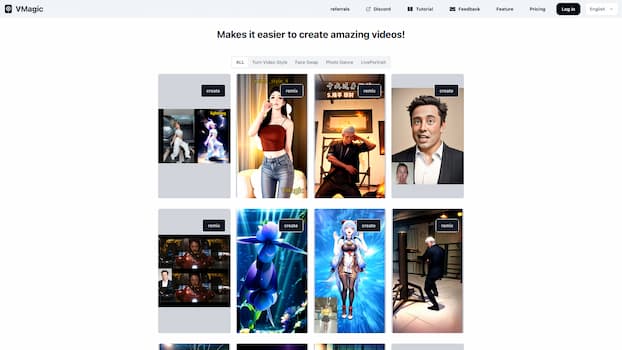
AI video platform featuring video-to-animation conversion, image dance, AI video face swap, face motion, and video enhancer
Product screenshot
Overview
What is VMagic AI?
VMagic AI: Convert Videos to Animations & AI Face Swap
VMagic AI Introduction
VMagic AI is an advanced video platform that leverages cutting-edge artificial intelligence to offer a range of innovative video editing tools. Whether you're looking to convert your videos into animated styles, swap faces in photos or videos, or even make a single photo come to life with motion, VMagic AI provides the capabilities to transform your content into something truly unique and engaging.
VMagic AI Key Features
- Video-to-Animation Conversion: Transform your videos into various animated styles, offering around 20 different options ranging from caricature to abstract art.
- AI Face Swap: Easily swap faces in any photo or video using the platform's free online tool, creating lifelike results with just a few clicks.
- Photo Dance: Bring a single photo to life with motion, whether it's dancing, martial arts, or boxing, all with the power of AI.
- LivePortrait: Convert still photos into live videos, allowing you to control facial expressions and create dynamic content.
- Video Enhancer: Enhance the quality of your videos with advanced AI-driven tools that improve clarity and detail.
VMagic AI Main Use Cases
VMagic AI is ideal for content creators, social media influencers, and anyone looking to add a creative twist to their videos. It can be used for personal projects, marketing campaigns, or even educational purposes, offering a versatile set of tools that cater to a wide range of needs.
VMagic AI User Experience
Users have praised VMagic AI for its intuitive interface and powerful features. The ability to quickly and easily transform videos and photos with minimal effort has made it a popular choice among those looking to enhance their content without the need for extensive technical knowledge.
VMagic AI How to Work It
- Select Your Tool: Choose from the available features such as Video-to-Animation, Face Swap, Photo Dance, or LivePortrait.
- Upload Your Content: Upload the video or photo you wish to edit.
- Apply AI Tools: Use the AI tools to apply the desired effects, such as converting a video to an animated style or swapping faces in a photo.
- Preview and Export: Preview your edited content and export it in the desired format.
VMagic AI Pricing
VMagic AI offers both free and paid subscription options. The free version allows users to access basic features, while a paid subscription provides additional benefits and advanced tools.
VMagic AI FAQs
- Can I use VMagic for free? Yes, VMagic AI offers a free version with basic features.
- What benefits do I get from a paid subscription? A paid subscription unlocks advanced features and additional benefits.
- What is relax queue? The relax queue is a feature that allows you to queue up tasks for processing at a later time.
- When Does My Subscription Renew? Your subscription renews on the same date each month or year, depending on your plan.
- Who is the target audience of VMagic? VMagic AI is designed for content creators, social media influencers, marketers, and anyone interested in creating unique and engaging video content.
VMagic AI Contact Information
For support and further inquiries, please contact VMagic AI through their support channels available on their website.
Platforms and languages
VMagic AI Availability
Platforms
Languages
Compare similar tools
VMagic AI Alternatives
 YixYix is a browser-based AI image and video studio with multiple models, reference-image workflows, free prompt tools, and credit-based pricing.AI Image Generation
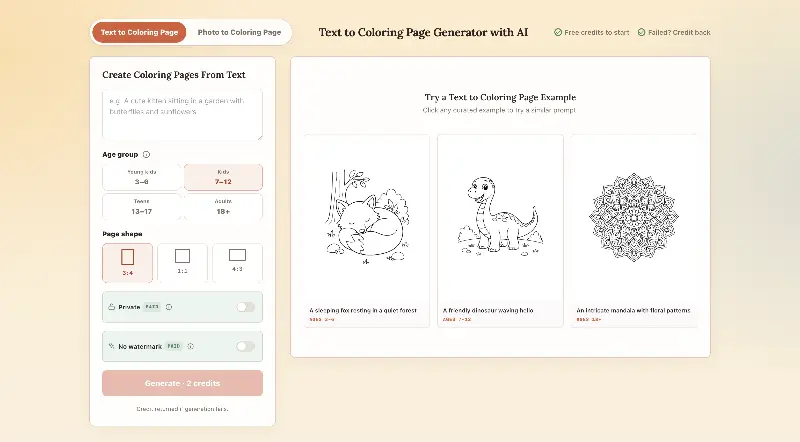 CPagesCPages turns text prompts or photos into printable coloring pages.AI Image GenerationAI Illustration ToolsAI Design Toolscoloring pagesprintable arttext to image
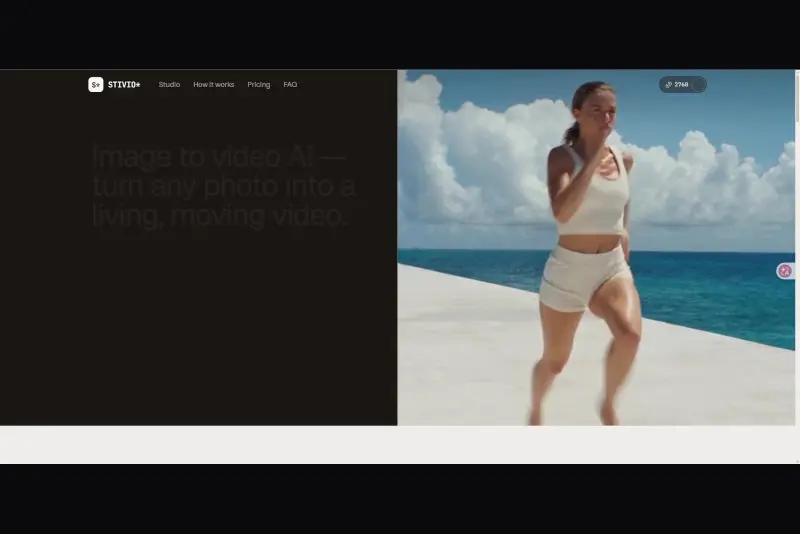 StivioStivio turns a single photo into a moving HD video. Upload an image, describe the motion in plain English, and six leading AI video models render an HD MP4 in one to five minutes.AI Video CreationAI Image GenerationAI Creation Generationimage to videoai video generatorphoto animation
 UGCfy AICreate AI-generated UGC-style video ads from product links, with scripts, hooks, AI actors, captions, and export-ready formats.5.0(1 reviews)AI Video CreationAI Marketing ToolsAI Content Generationugc adsai video adsecommerce marketing
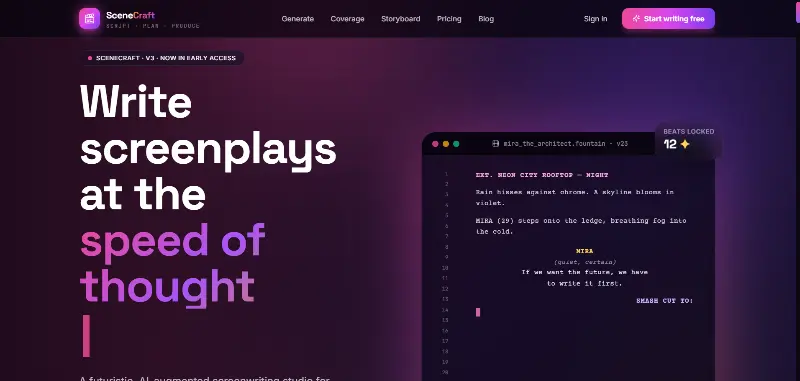 SceneCraft - AISceneCraft is an AI screenwriting studio. Generate full screenplays from an idea, get instant AI script coverage, and turn scenes into storyboards or full comic pages — all in industry-standard format, in 100+ languages. Built for screenwriters, showrunners, and indie filmmakers who want to move from idea to pre-production without switching tools.5.0(1 reviews)AI Image GenerationAI Text WritingAI StorytellingTurn any scene into a comic pagepanel by panel.
 OpuslyOpusly is an AI studio for creators — generate images and videos with auto-picked best models (Nano Banana 2, GPT-Image-2, Seedance 2.0), or use one-click scene templates like Italian Brainrot and MSPaintify. Free signup includes 30 credits.AI Image GenerationAI Video CreationAI Design Art
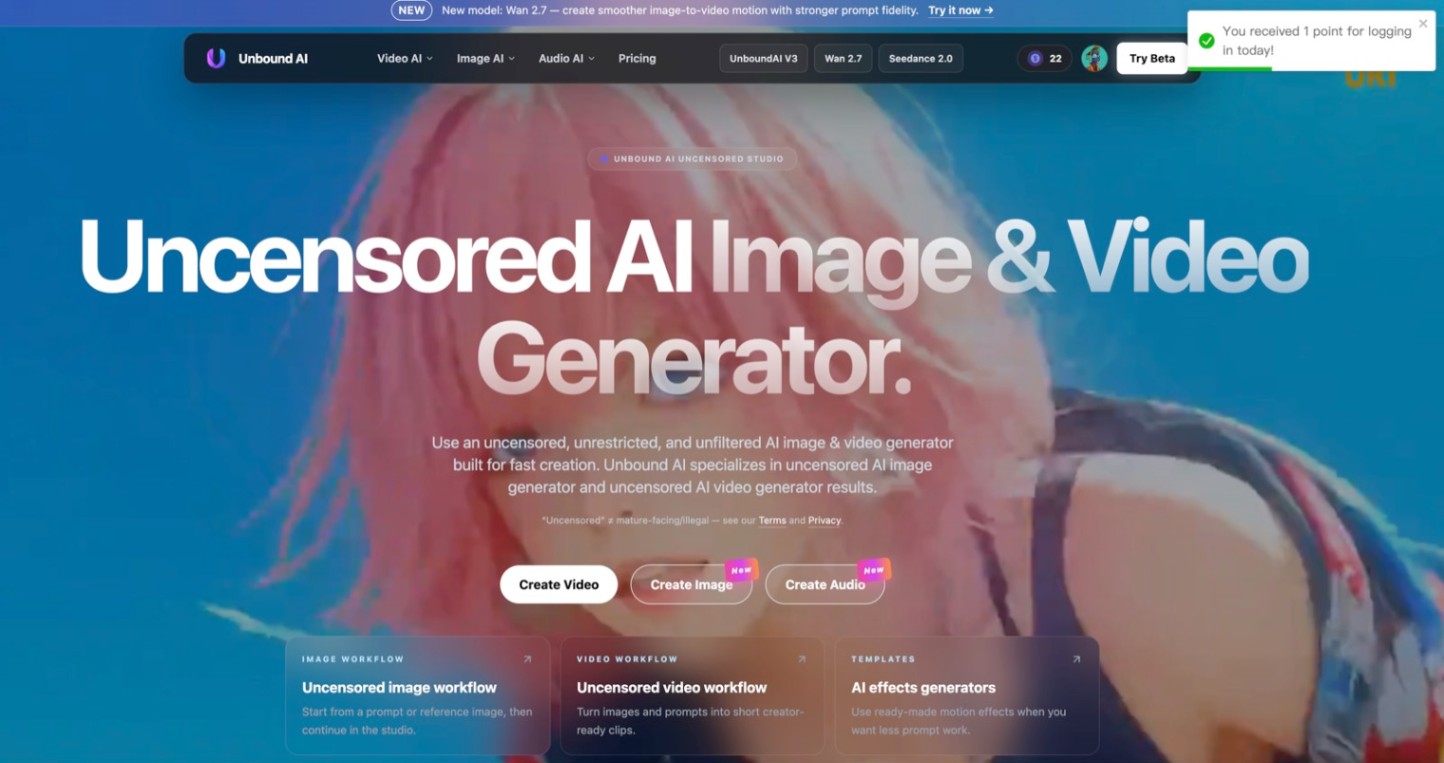 Unbound AICreate uncensored and unrestricted AI images and videos with optional music, voice, and sound effects.AI Image GenerationAI Video CreationAI Audio Tools
 ImgfreeImgfree is a free AI image and video generator that allows users to create stunning visuals from text prompts, offering unlimited access to various AI models without the need for credits.AI Image GenerationAI Video CreationAI Design Art
 Modellix.aiModellix is a MaaS (Model as a Service) platform that provides unified API access to maintream AI models, covering text-to-image, text-to-video, image-to-image, image-to-video, video editing, and more. Supported models include Nano Banana, Kling, Veo, Seedance, Seedream, Minimax, Qwen, Wanx, GPT, and others.
Whether you’re a developer building AI-powered applications or a creator producing visual content, Modellix provides the tools you need through a single API.AI Video CreationAI Marketing ToolsAI Image Generation
Modellix.aiModellix is a MaaS (Model as a Service) platform that provides unified API access to maintream AI models, covering text-to-image, text-to-video, image-to-image, image-to-video, video editing, and more. Supported models include Nano Banana, Kling, Veo, Seedance, Seedream, Minimax, Qwen, Wanx, GPT, and others.
Whether you’re a developer building AI-powered applications or a creator producing visual content, Modellix provides the tools you need through a single API.AI Video CreationAI Marketing ToolsAI Image Generation YouMindYouMind is an innovative creation agent that harnesses the power of generative AI to transform diverse materials into inspired creations.5.0(1 reviews)AI Image GenerationAI Text WritingAI Workflow
Reviews
See what the community thinks and share your experience.
—
Based on 0 ratings
Rating distribution
Community reviews
No reviews
No written reviews yet.