An AI dictation app for Mac that turns natural speech into polished writing, 4x faster than typing, in any app.
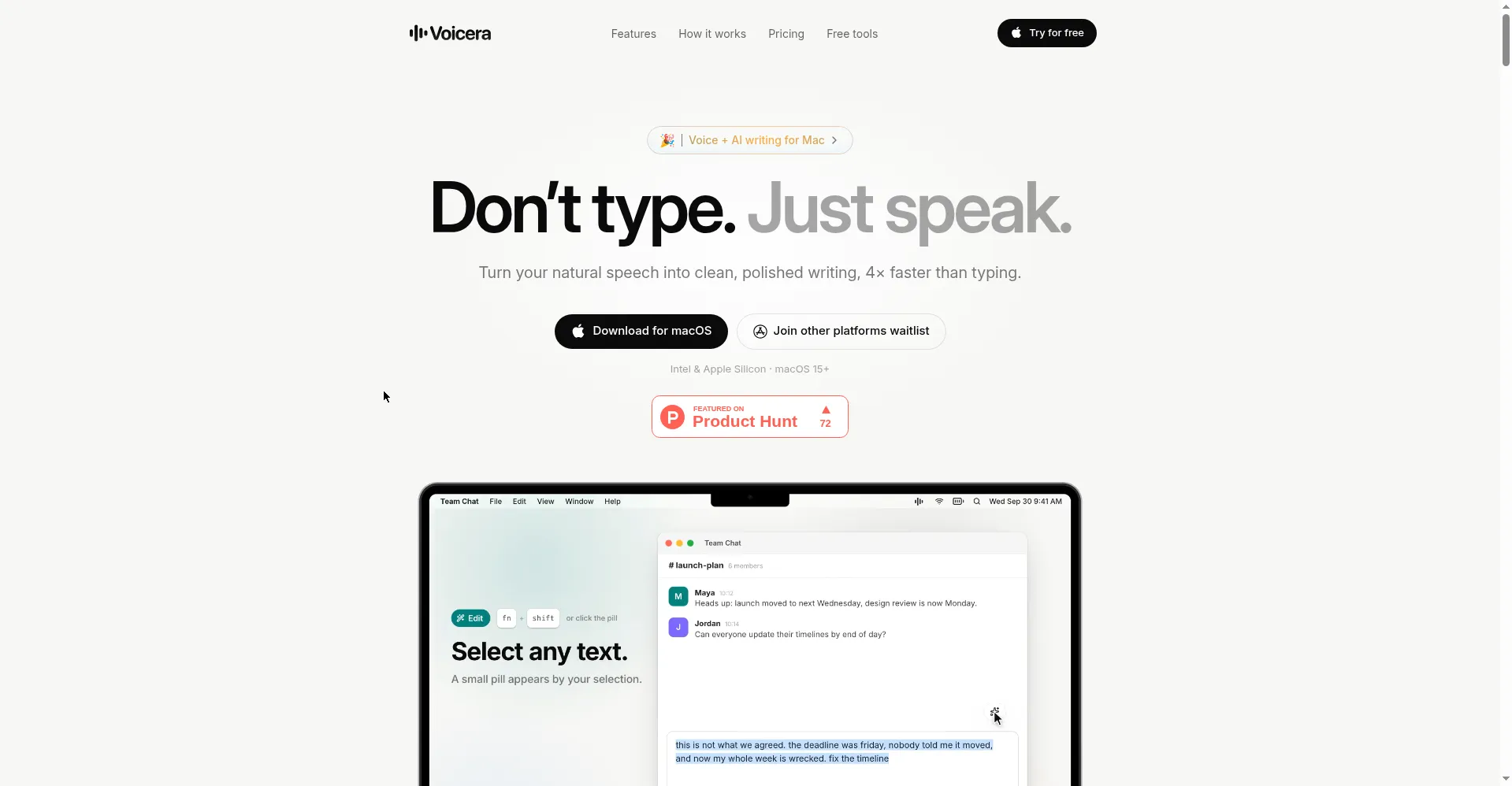
Voicera homepage
1 / 2Overview
What is Voicera?
Don't type. Just speak.
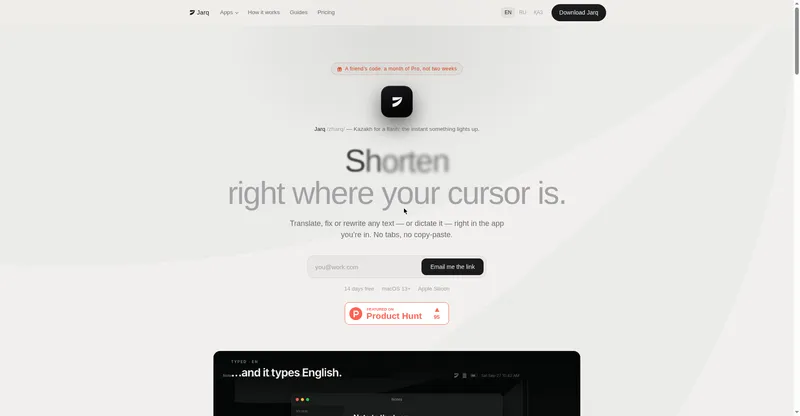
Voicera is an AI-powered dictation app for Mac that turns your natural speech into clean, polished writing — about 4× faster than typing. Hold the Fn key and speak anywhere: Voicera transcribes in about a second with 30% fewer hallucinations than Whisper, writing directly at your cursor in any Mac app, no plugins or copy-paste needed. An Edit mode (fn+shift) fixes grammar, rewrites, shortens or lengthens, changes tone, or translates selected text; an Ask mode (fn+space) answers questions about what you selected; and Quick Actions handle grammar fixes, summaries, bullet points, reply drafts, and custom actions. It works across Messages, Slack, Notes, Safari, Chrome, Notion, Linear, Figma, Xcode, VS Code, Mail, Gmail, Google Docs, Discord, GitHub, WhatsApp, Telegram, Trello, Jira, Dropbox, and WordPress. Privacy is built in: no audio recordings are stored, history is controllable, and password fields are skipped automatically. The Free plan is $0 forever (500 words/week); Hobby is $4/month and Pro is $6/month with unlimited words. Requires macOS 15+ (Intel and Apple Silicon); Windows and iPhone versions are on the waitlist.
Platforms and languages
Voicera Availability
Platforms
Languages
Capabilities
Voicera Key Features
Fn-key dictation
Hold Fn and speak in any app to transcribe in about a second, with 30% fewer hallucinations than Whisper.
Edit mode
Select text and press fn+shift to fix grammar, rewrite, shorten or lengthen, change tone, or translate.
Ask mode
Press fn+space to ask questions about selected content using your voice.
Quick Actions
One-click grammar fix, rewrite, shorten, lengthen, tone change, translate, summarize, bullet points, and reply drafts, plus custom actions.
Works in every Mac app
Writes straight at the cursor in Messages, Slack, Notion, Chrome, VS Code, and dozens more Mac apps — no plugins, no copy-paste.
Privacy-first
No audio recordings stored, controllable history, and password fields are automatically skipped.
Best for
Who uses Voicera?
Mac users who write all day
turning speech into polished text in any app
Plans and access
Voicera Pricing
Freemium
Free $0 forever (500 words/week); Hobby $4/mo; Pro $6/mo unlimited.
Common questions
Voicera FAQs
Is Voicera really free?
Yes. The Free plan costs $0 forever and includes 500 words per week with all features. Paid plans only raise the word limit: Hobby is $4/month and Pro is $6/month with unlimited words.
Which apps does Voicera work with?
Any Mac app with a text cursor — Messages, Slack, Notes, Safari, Chrome, Notion, Linear, Figma, Xcode, VS Code, Mail, Gmail, Google Docs, Word, Discord, GitHub, WhatsApp, Telegram, Trello, Jira, Dropbox, and WordPress. No plugins or copy-paste needed.
Which languages are supported?
19 languages are supported, including English, Spanish, German, French, Italian, and Portuguese. You can switch between up to 4 languages mid-sentence.
Is it macOS only?
Voicera currently runs on macOS 15 and later (Intel and Apple Silicon). Windows and iPhone versions are on the waitlist.
Does Voicera store my recordings?
No. Voicera does not store your audio recordings, your history is controllable, and it automatically skips password fields.
Reviews
See what the community thinks and share your experience.
—
Based on 0 ratings
Rating distribution
Community reviews
No reviews
No written reviews yet.