
WatermarkRemoverVideo
Remove watermarks, logos and burned-in text from MP4 videos without cropping the frame
AI tool that removes watermarks, logos and text from MP4 videos without cropping
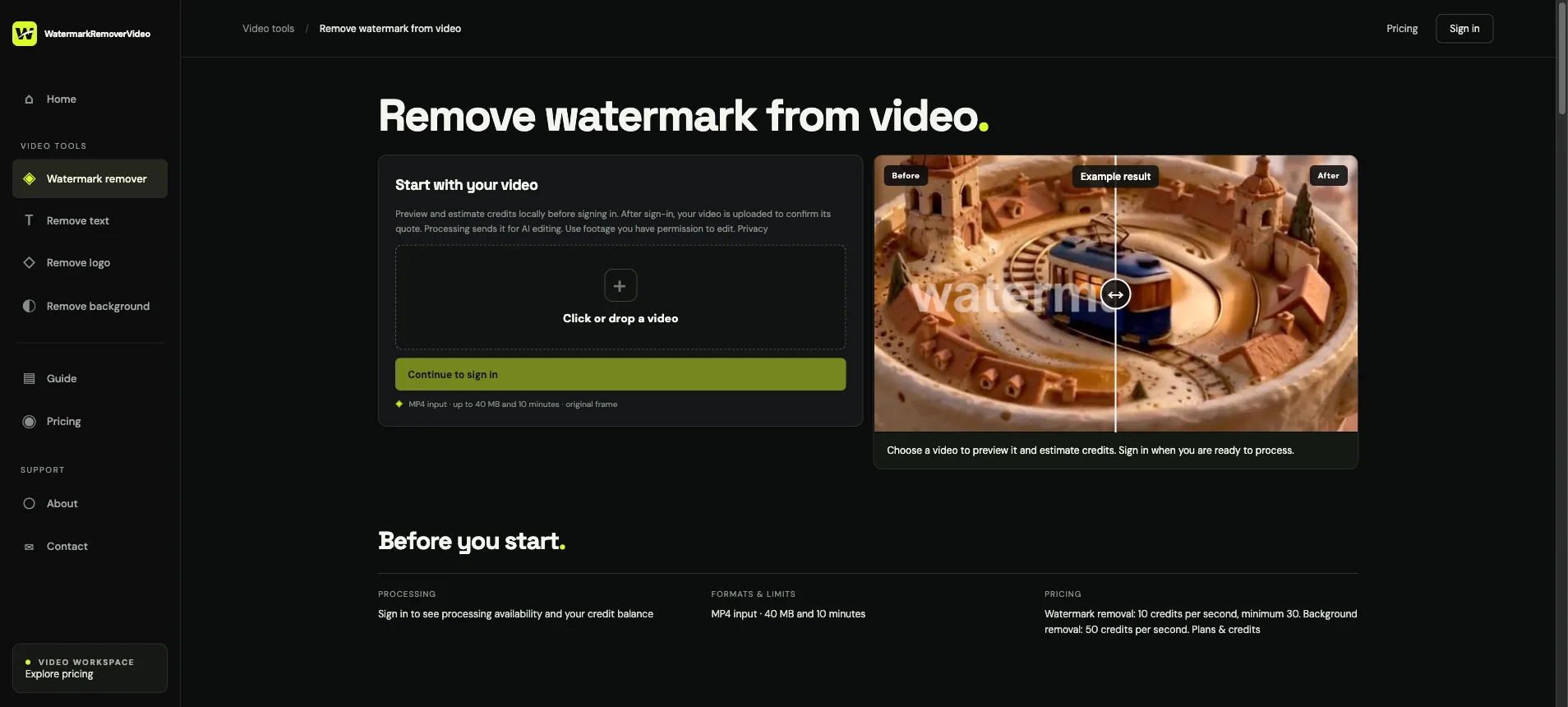
Watermark removal workspace with MP4 upload and area selection
1 / 2Overview
What is WatermarkRemoverVideo?
Remove watermarks, logos and burned-in text from MP4 videos without cropping the frame
What WatermarkRemoverVideo does
WatermarkRemoverVideo is a browser tool for removing watermarks, logos, translucent text, burned-in subtitles and date stamps from MP4 footage you own or have permission to edit. You mark the unwanted area and the AI reconstructs what was behind it, so the original composition survives instead of being cropped out.
How it works
- Upload an MP4 up to 40 MB and 10 minutes.
- Mark the watermark, logo or text you want gone.
- The model rebuilds the background and returns the cleaned video.
A separate background remover exports transparent WebM for overlays and thumbnails.
Pricing and limits
Credits are metered by the second of video: watermark removal is 10 credits per second with a 30-credit minimum, and background removal is 50 credits per second. Paid credit packs start at $19.99 and new accounts get 30 trial credits. There is no subscription. The homepage publishes five real model results, including their flaws, so the limits are visible before you pay.
Who it is for
Video editors, creators and small teams cleaning up footage they already have the rights to use.
Platforms and languages
WatermarkRemoverVideo Availability
Platforms
Languages
Capabilities
WatermarkRemoverVideo Key Features
Remove watermarks, logos and text from MP4
Mark the watermark, logo, burned-in subtitle or date stamp on an MP4 you own or have permission to edit, and the AI reconstructs the background behind it so the frame is not cropped. Uploads support files up to 40 MB and 10 minutes, and a separate background remover exports transparent WebM.
Plans and access
WatermarkRemoverVideo Pricing
Paid
From $19.99 per credit pack
Credits are metered by the second of video. Watermark removal costs 10 credits per second with a 30-credit minimum; background removal costs 50 credits per second. Paid credit packs start at $19.99, and new accounts receive 30 trial credits. There is no recurring subscription.
WatermarkRemoverVideo Alternatives
 ngram.comngram is an AI-powered video creation platform that transforms documents and screen recordings into professional product demo videos. It automates editing, zooms, transitions, music, and branding so teams can create polished video content without any video editing expertise.
Reviews
See what the community thinks and share your experience.
—
Based on 0 ratings
Rating distribution
Community reviews
No reviews
No written reviews yet.