Open-source platform turning Linux servers into one Docker cluster, managed from a web dashboard or via AI assistants.
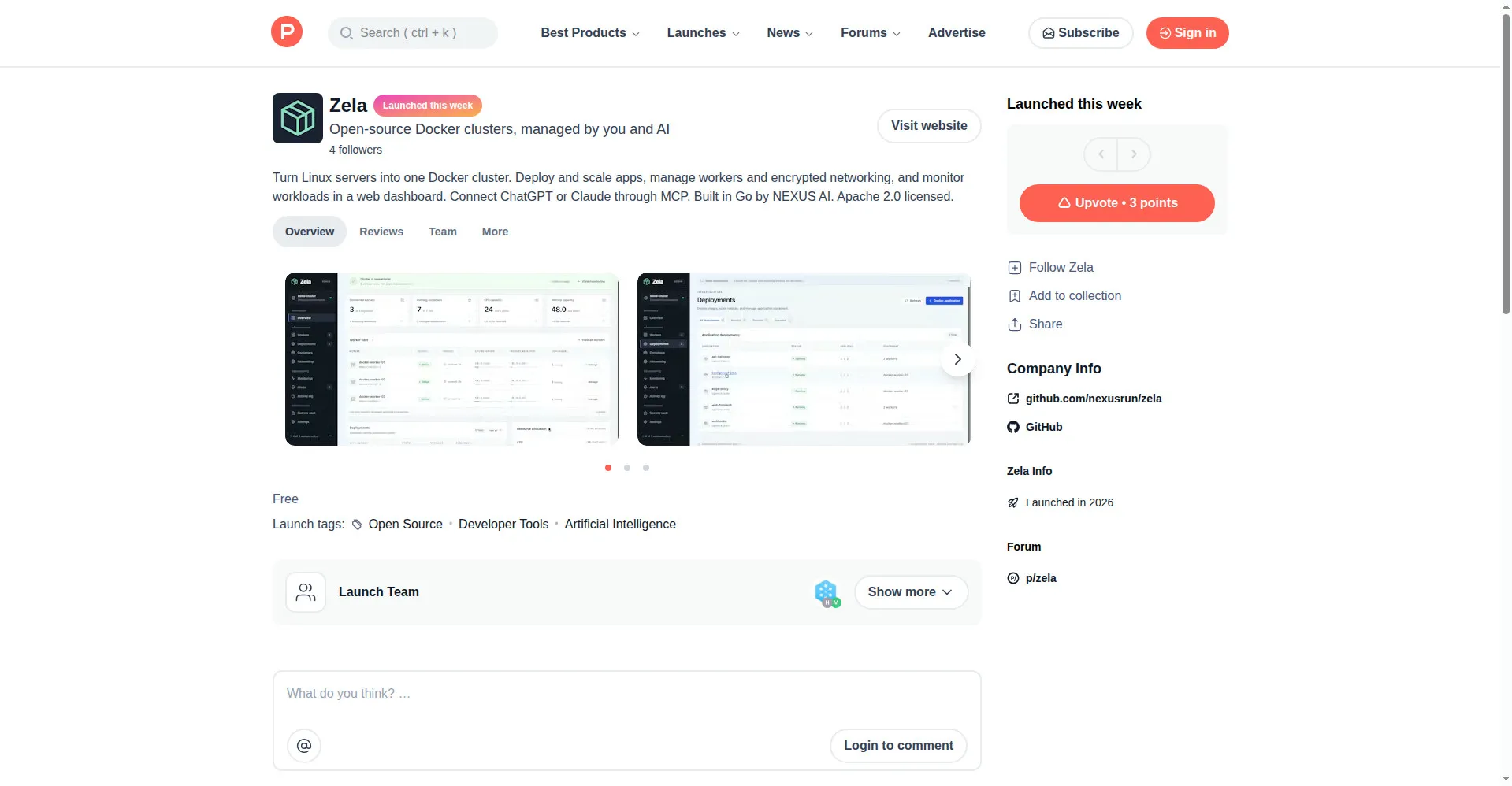
Zela Product Hunt launch page with dashboard gallery
1 / 3Overview
What is Zela?
Open-source Docker clusters, managed by you and AI
Zela is an open-source platform, developed by NEXUS AI, that turns your Linux servers into one Docker cluster, managed from a browser dashboard or an AI assistant.
Key capabilities:
- Deploy and scale apps across multiple Linux servers as a single Docker cluster: adjust replica counts, update images, and move workloads between servers.
- Manage workers: connect new servers, pause scheduling on a server, or drain one for maintenance.
- Configure encrypted worker networking, inspect Docker networks, and manage application routing.
- Monitor resource usage, review history and issues, check container logs, and audit activity logs.
- Manage the cluster with an AI assistant: connect ChatGPT or Claude through MCP. A demo mode with simulated workers lets you explore the dashboard without touching real servers.
Zela also supports shared storage (NFS), high availability with a standby manager, plus a CLI and REST API. It is built in Go and licensed under Apache 2.0, free to use commercially, modify, and distribute. The project is hosted at github.com/nexusrun/zela.
Platforms and languages
Zela Availability
Platforms
Languages
Capabilities
Zela Key Features
Cluster deployment & scaling
Turn multiple Linux servers into a single Docker cluster: deploy apps, adjust replica counts, update images, and move workloads between servers.
Worker management
Connect servers to the cluster, pause new task scheduling, and drain a server for maintenance.
Encrypted networking
Configure an encrypted worker network, inspect Docker networks, and manage application routing.
Monitoring, logs & alerts
See resource usage, history, and issues that need attention, plus container logs and an activity audit log.
AI assistant management via MCP
Connect ChatGPT or Claude through MCP and let an AI assistant help manage your cluster; a demo mode with simulated workers is included.
Best for
Who uses Zela?
Developers, indie hackers, and small teams running multiple Linux servers with containerized apps
Deploy, scale, and monitor Docker workloads from one browser dashboard instead of SSH-ing into each machine
Ops-minded developers who use AI assistants daily
Connect ChatGPT or Claude through MCP and delegate routine cluster management tasks to the assistant
Plans and access
Zela Pricing
Free
Free and open source under Apache License 2.0
Common questions
Zela FAQs
Is Zela really free to use?
Yes, it is completely free. Zela is licensed under Apache License 2.0, so you can use it commercially, modify it, and distribute it at no cost. There are no paid tiers.
Do I need command-line skills to use Zela?
Day-to-day management happens in the web dashboard, and the guides are written for beginners. However, the initial server setup still requires someone who can install software and configure server access.
What is the difference between Demo mode and Live mode?
Demo mode runs with simulated workers so you can explore the dashboard without changing any real servers, and it cannot create real encrypted networks. Live mode manages your actual servers. Data in the two modes is separate.
Will migrating an app copy its data?
Moving or recovering an app rebuilds its containers but does not copy database files, volumes, or other local application data, so back up your application data separately. Also keep safe the admin token and Zela's stored configuration and encryption keys.
Does Zela offer CLI or API access?
Yes. Zela provides a CLI and a REST API, plus encrypted networking, shared NFS storage, and high availability with a standby manager.
Reviews
See what the community thinks and share your experience.
—
Based on 0 ratings
Rating distribution
Community reviews
No reviews
No written reviews yet.